

Why Does My Echo Sound Muffled or Distorted Suddenly
- Equalizer settings changed
- Speaker dust buildup
- Placed in corner amplifying bass
Problem Description
Your Echo speaker suddenly sounds muffled, distorted, or like it is playing through water. Voice responses and music quality have both degraded without any settings change. This usually points to a software audio processing issue, a changed equalizer setting, wireless interference affecting the audio stream, or a physical speaker defect — most commonly a dusty grille.
Why This Happens in Real Homes
An Echo that suddenly sounds muffled or distorted usually has an equalizer change, dust in the speaker, or a streaming/Bluetooth issue — rather than a blown driver, unless it distorts on everything at all volumes.
Start by checking the EQ (ask Alexa to reset bass/treble or adjust it in the app), gently cleaning dust from the speaker grille, and testing a different source (local vs streamed, WiFi vs Bluetooth). A reboot helps; if it's distorted on every source even at low volume, the speaker hardware may be failing.
Symptoms
- Muffled voice from Alexa
- Music sounds distorted
- Echo sounds underwater
- Bass too heavy or missing
- One speaker sounds different
- Happened suddenly
Recognize these? Here's what usually causes it.
Common Causes
- Equalizer settings changed
- Speaker dust buildup
- Placed in corner amplifying bass
- Software glitch
- Speaker hardware failing
- Bluetooth connected lowering quality
Most fixes happen in the first 3 steps.
If speaker crackles at any volume it may have water damage or blown driver. Contact Amazon support.
Tools & Requirements
These tools will help you complete this fix.

Cleaning brush
OXO Grips Electronics Cleaning Brush

Compressed air
WOLFBOX MegaFlow 50 Compressed Air Duster-110000RPM ...
As an Amazon Associate we earn from qualifying purchases.
Step-by-Step Solution
Check speaker grille and placement obstruction
Inspect for dust, fabric, or physical obstruction around the speaker and move device off resonance-prone surfaces. Obstruction often causes muffled output.
Verify source stream and volume normalization
Test multiple audio sources and disable problematic EQ boosts. Distortion may come from source clipping rather than hardware failure.
Restart Echo and network connection
Power-cycle the Echo and confirm stable network throughput for streamed audio. Temporary buffering artifacts can mimic speaker distortion.
Reset EQ and audio improvement settings
Return bass/mid/treble to neutral and retest with voice and music content. Extreme EQ settings can overdrive small speakers.
Run hardware diagnostic and replace if needed
If distortion persists across sources at moderate volume, perform factory reset and evaluate hardware warranty replacement.
Quick Solutions
Still having issues? This is usually the deeper cause below.
If this comes back after following these steps, check whether a recent app or firmware update reset a default setting — the fix works, but the setting gets reverted silently.
Say 'Alexa set bass to 0' and 'Alexa set treble to 0' for neutral sound then adjust to preference.
This issue almost always looks more complex than it is — the majority of cases trace back to a single setting, a stale credential, or a default that shipped wrong.
- Equalizer settings changed
- Speaker dust buildup
- Placed in corner amplifying bass
- Software glitch
- Speaker hardware failing
Before you go — try one of these (they fix most cases).
Most popular upgrades chosen by Amazon Echo owners.

Amazon eero Pro 6E mesh wifi router (1-pack) with Amazon ...

Amazon Echo Dot Kids (newest model) - Dragon including Am...
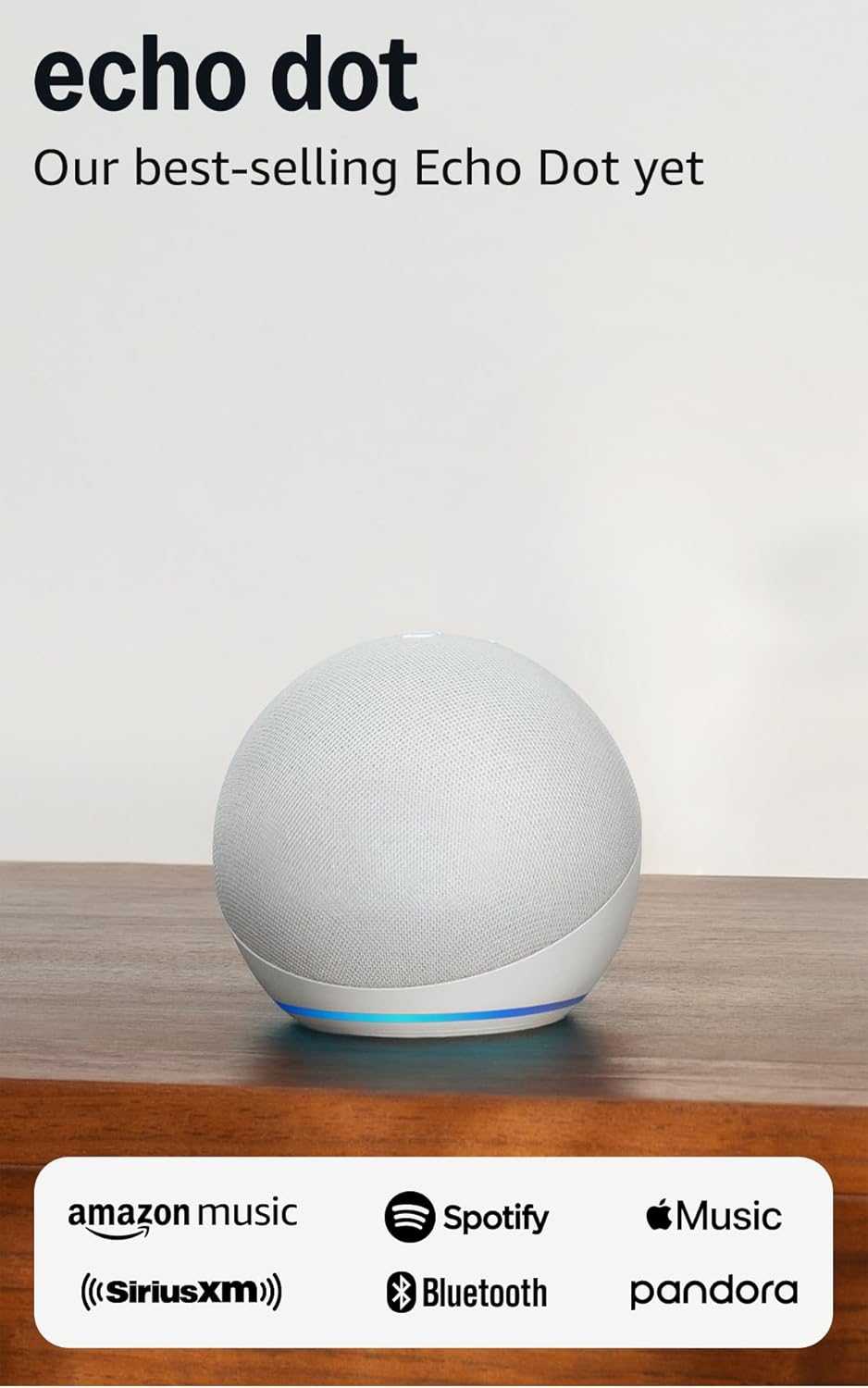
Amazon Echo Dot (newest model) - Vibrant sounding speaker...
As an Amazon Associate we earn from qualifying purchases.
Official Manufacturer Manual
Amazon provides official product documentation through their online manual rather than downloadable PDF. Access setup guides, troubleshooting steps, and product specifications for your Amazon Echo.
Source: amazon.com
Need More Help? Amazon Support
Note: The contact information below connects you directly to Amazon's official customer support team, not Trunetto. They can help with warranty claims, device replacements, and advanced technical issues.
How Does Amazon Compare?
Before replacing your Amazon device, see how it stacks up against alternatives in our full comparison guides.
Accessories owners commonly pair with Amazon Echo.

Amazon Echo Show 5 (newest model), Smart display, Designe...

Amazon Echo Show 5 (newest model), Smart display, Designe...

Amazon Echo Show 10 (newest model)
As an Amazon Associate we earn from qualifying purchases.



