

Why Does My Echo Speaker Sound Distorted?
- EQ/bass pushed too high
- Streaming/WiFi dropouts
- Bluetooth interference
Problem Description
Your Echo speaker is producing distorted, crackling, or buzzing sound. Identify what type of distortion you hear: crackling at high volume suggests the speaker is overdriven, buzzing at all volumes may be electrical interference, and static could be a WiFi or Bluetooth issue. This guide covers isolating the cause and fixing each type of distortion.
Why This Happens in Real Homes
Distortion on an Echo has a few usual causes worth testing in order: too much bass EQ, streaming/WiFi dropouts, or simply pushing the volume past what the small driver can cleanly produce. The test is to compare Alexa's local voice, streamed music, and Bluetooth — where it distorts tells you the source.
Start by lowering the bass, keeping volume below the point it breaks up, and disconnecting Bluetooth to isolate. Clean dust from the grille and check nothing near it is rattling. A reboot clears glitches; distortion on every source at any volume is the sign of a failing speaker.
Symptoms
- Distorted/crackling/buzzing sound
- Distortion at high volume
- Buzz on bass
- Noise on all sources
- Muffled audio
- Distortion after update
- Rattle at certain frequencies
- Sound worse over time
Recognize these? Here's what usually causes it.
Common Causes
- EQ/bass pushed too high
- Streaming/WiFi dropouts
- Bluetooth interference
- Dust in the speaker
- Playing above clean volume limits
- Loose object rattling nearby
- Software glitch
- Failing driver (if constant)
Most fixes happen in the first 3 steps.
Smart speakers are always listening for the wake word when unmuted. Review and delete your voice history regularly in the app privacy settings. Never place the speaker in bathrooms or near water sources as moisture can permanently damage internal components.
Step-by-Step Solution
Identify what type of distortion you hear
Play Alexa voice responses, then play music from Amazon Music or Spotify, then try Bluetooth audio from your phone. If only music distorts but Alexa voice is clear, the issue is audio decoding or streaming quality. If everything distorts including Alexa voice prompts, the speaker driver itself may be damaged. If distortion only happens at high volume, the speaker is being overdriven — the Echo 4th Gen and Echo Dot have small 1.6-inch and 3-inch drivers that break up at max volume, especially on bass-heavy content.
Reset the equalizer settings
Open the Alexa app, tap Devices, select your Echo, and tap Audio Controls. Set Bass, Midrange, and Treble all back to 0 (center position). Boosted bass on the Echo Dot and Echo Pop causes audible distortion because the small drivers cannot reproduce low frequencies at high volume without rattling. Also try lowering the volume to 60-70% — if distortion disappears at moderate volume, the speaker is fine but being pushed past its limits. You can also say Alexa, reset equalizer to reset to defaults.
Check the physical placement
If the Echo is on a hollow shelf, a thin desk, or near a wall corner, resonance amplifies bass frequencies and creates a buzzing or rattling sound. Place the Echo on a solid, stable surface and move it at least 6 inches from walls. Check the speaker grille for dust or debris — compressed air can clear anything lodged in the mesh. For the Echo Studio, check that it is not placed inside a cabinet or enclosed space — the built-in microphone calibration adapts to the room, but an enclosed space creates standing waves that sound like distortion.
Restart the Echo and check for firmware updates
Unplug the Echo power adapter from the wall, wait 30 seconds, and plug it back in. The Echo takes about a minute to boot. After it reconnects, play audio and test. If distortion was caused by a software decoding glitch, the restart clears it. For firmware updates, say Alexa, check for software updates or go to the Alexa app > Devices > your Echo > About > Software Version. If an update is available, the Echo downloads and installs it overnight. Some firmware versions have known audio processing bugs that are fixed in later releases.
Test with different audio sources to rule out streaming issues
If distortion only happens with one music service (Amazon Music, Spotify, Apple Music), the issue may be streaming quality. In the Alexa app, go to Settings > Music & Podcasts > Audio Quality and set streaming quality to High or Best Available. Low-quality streams compress audio in ways that sound distorted on small speakers. Also try playing from a different service — if Spotify distorts but Amazon Music sounds fine, the Spotify Connect integration may need to be relinked. If Bluetooth audio from your phone also distorts, the speaker hardware is likely failing.
Quick Solutions
Still having issues? This is usually the deeper cause below.
If this comes back after following these steps, check whether a recent app or firmware update reset a default setting — the fix works, but the setting gets reverted silently.
Place your speaker in a central location at ear height for best voice pickup. Avoid corners and bookshelves which muffle the microphones. If you have multiple speakers, set up multi-room audio groups so music plays in sync across rooms.
This issue almost always looks more complex than it is — the majority of cases trace back to a single setting, a stale credential, or a default that shipped wrong.
- EQ/bass pushed too high
- Streaming/WiFi dropouts
- Bluetooth interference
- Dust in the speaker
- Playing above clean volume limits
Before you go — try one of these (they fix most cases).
Most popular upgrades chosen by Amazon Echo owners.

Amazon eero Pro 6E mesh wifi router (1-pack) with Amazon ...

Amazon Echo Dot Kids (newest model) - Dragon including Am...
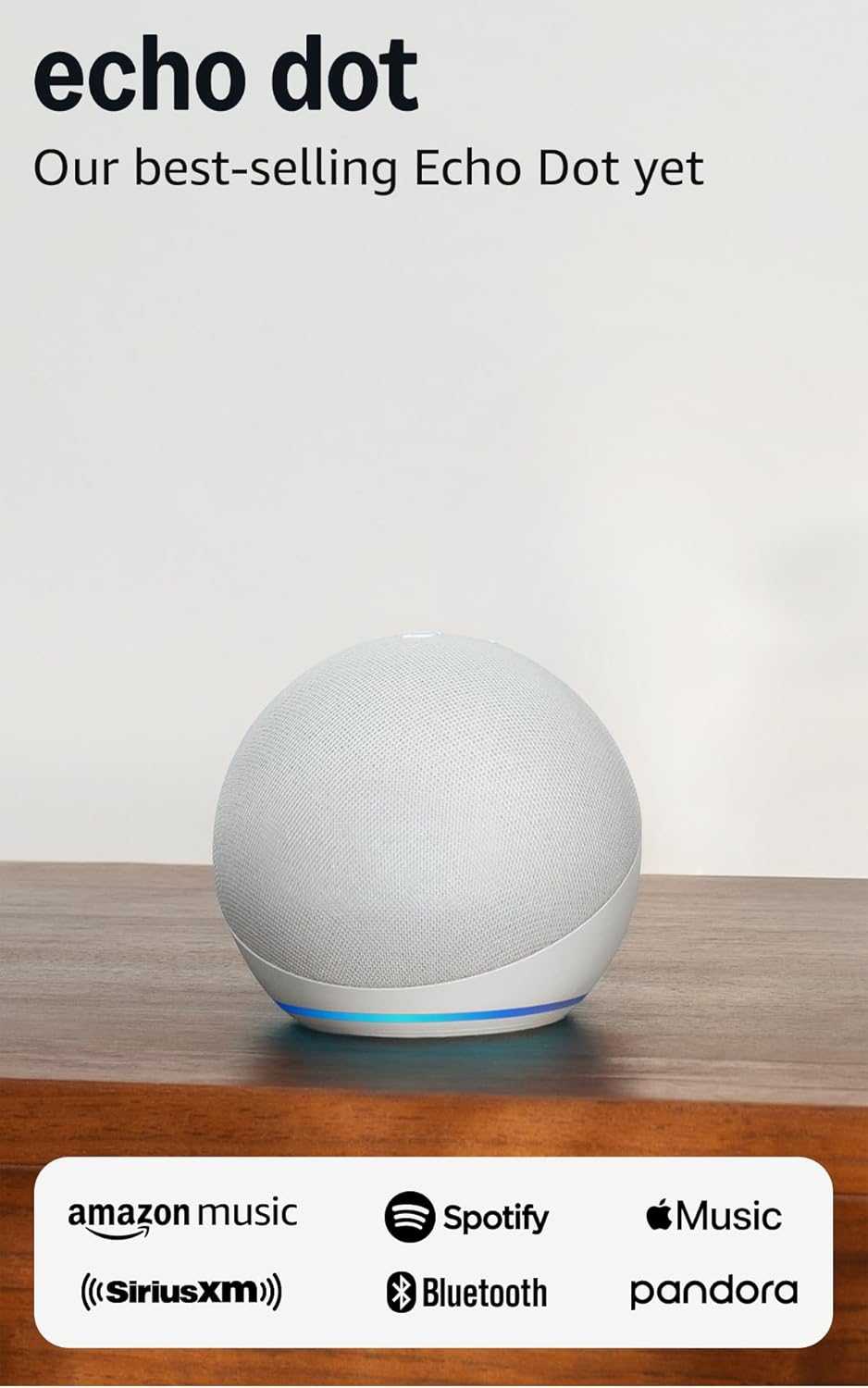
Amazon Echo Dot (newest model) - Vibrant sounding speaker...
As an Amazon Associate we earn from qualifying purchases.
Official Manufacturer Manual
Amazon provides official product documentation through their online manual rather than downloadable PDF. Access setup guides, troubleshooting steps, and product specifications for your Amazon Echo.
Source: amazon.com
Need More Help? Amazon Support
Note: The contact information below connects you directly to Amazon's official customer support team, not Trunetto. They can help with warranty claims, device replacements, and advanced technical issues.
How Does Amazon Compare?
Before replacing your Amazon device, see how it stacks up against alternatives in our full comparison guides.
Accessories owners commonly pair with Amazon Echo.

Amazon Smart Plug, Works with Alexa, Simple Setup, Endles...

Sengled Alexa Light Bulb, S1 Auto Pairing with Alexa Devi...

Sengled Smart Light Bulbs, Color Changing Alexa/Bluetooth...
As an Amazon Associate we earn from qualifying purchases.



