

Is the Echo Studio Sound Quality Worth It?
- Placement not optimized
- Adaptive room tuning not run/limited
- EQ not to taste
Problem Description
You want to know if the Echo Studio sound quality justifies its price. The Echo Studio uses 5 built-in speakers: 3 mid-range drivers, 1 tweeter, and 1 downward-firing 5.25-inch woofer. It supports Dolby Atmos and Sony 360 Reality Audio for spatial sound. This guide covers what the Studio sounds like, how it compares to other Echo speakers, and what content benefits most.
Why This Happens in Real Homes
The Echo Studio packs five drivers, including a downward-firing woofer, and uses adaptive tuning to sense the room — so a lot of whether the sound "justifies the price" comes down to placement and letting it auto-tune, plus the quality of what you play. Cramped in a corner on a low-bitrate stream, any speaker underperforms.
Start by placing it a bit out from walls so its room tuning can work, adjust the EQ to taste, and feed it HD/high-quality audio. For a genuinely room-filling stereo image, a second Studio as a pair is a big step up; judged fairly for its size, it's strong on bass and detail.
Symptoms
- Wondering if sound justifies the price
- Bass too much/little
- Wants better imaging
- Room affects sound
- Comparing to other speakers
- Adaptive tuning question
- Stereo pair worth it
- EQ tweaks
Recognize these? Here's what usually causes it.
Common Causes
- Placement not optimized
- Adaptive room tuning not run/limited
- EQ not to taste
- Single speaker vs stereo pair
- Room acoustics
- Content quality (low-bitrate)
- Expectations vs speaker class
- Firmware out of date
Most fixes happen in the first 3 steps.
Smart speakers are always listening for the wake word when unmuted. Review and delete your voice history regularly in the app privacy settings. Never place the speaker in bathrooms or near water sources as moisture can permanently damage internal components.
Step-by-Step Solution
How the Echo Studio produces its sound
The Echo Studio uses five drivers: a 5.25-inch downward-firing woofer for bass, three 2-inch midrange drivers firing left, right, and forward for vocal and instrument clarity, and a 1-inch upward-firing tweeter that bounces high frequencies off the ceiling for height effects. This arrangement creates a wider soundstage than any other single Echo speaker. It supports Dolby Atmos, Sony 360 Reality Audio, and up to 24-bit/48kHz Hi-Res audio from Amazon Music Unlimited.
Position it for the best sound
Place the Echo Studio on a hard surface at ear level when seated. Keep it 6-12 inches from the back wall — too close makes bass boomy, too far reduces the spatial effect. Avoid corners, which exaggerate bass and muddy the midrange. The Studio runs an automatic room calibration after being placed — it plays test tones and adjusts its output based on the acoustics. If you move it, it recalibrates automatically within a few hours, or you can trigger it manually in the Alexa app under Audio Settings.
Use the right music source for best quality
Amazon Music Unlimited delivers the highest quality to the Echo Studio — Ultra HD tracks at 24-bit/48kHz and Dolby Atmos spatial mixes. Amazon Music Prime streams at lower quality. Spotify streams at up to 320kbps (lossy). Apple Music streams losslessly and supports Spatial Audio (Atmos) through the Alexa skill. If you are paying for premium streaming, link that service in the Alexa app under Music & Podcasts to get the full quality your subscription provides.
Adjust the equalizer for your room
Open the Alexa app, select the Echo Studio, and go to Audio Settings > Equalizer. The three-band EQ (Bass, Midrange, Treble) adjusts from -6 to +6. For rooms with hard floors and bare walls, reduce bass by 2-3 to prevent boominess. For rooms with carpet and soft furniture that absorb sound, boost treble by 1-2. Leave midrange at 0 unless vocals sound recessed (boost +1) or harsh (reduce -1). You can also say "Alexa, set bass to plus three" for quick adjustments.
Compare it honestly against dedicated speakers
The Echo Studio sounds impressive for a $200 smart speaker and outperforms every other Echo model significantly. It competes with standalone speakers in the $150-300 range like the Sonos One or Bose Home Speaker 300. Where it falls short is against dedicated hi-fi speakers or a proper stereo pair — a single Echo Studio cannot match the stereo separation of two bookshelf speakers. For the best experience, pair two Studios as a stereo pair with an Echo Sub — this creates a 2.1 system that competes with setups costing twice as much.
Quick Solutions
Still having issues? This is usually the deeper cause below.
If this comes back after following these steps, check whether a recent app or firmware update reset a default setting — the fix works, but the setting gets reverted silently.
Place your speaker in a central location at ear height for best voice pickup. Avoid corners and bookshelves which muffle the microphones. If you have multiple speakers, set up multi-room audio groups so music plays in sync across rooms.
This issue almost always looks more complex than it is — the majority of cases trace back to a single setting, a stale credential, or a default that shipped wrong.
- Placement not optimized
- Adaptive room tuning not run/limited
- EQ not to taste
- Single speaker vs stereo pair
- Room acoustics
Before you go — try one of these (they fix most cases).
Most popular upgrades chosen by Amazon Echo Studio owners.

Amazon eero Pro 6E mesh wifi router (1-pack) with Amazon ...

Amazon Echo Dot Kids (newest model) - Dragon including Am...
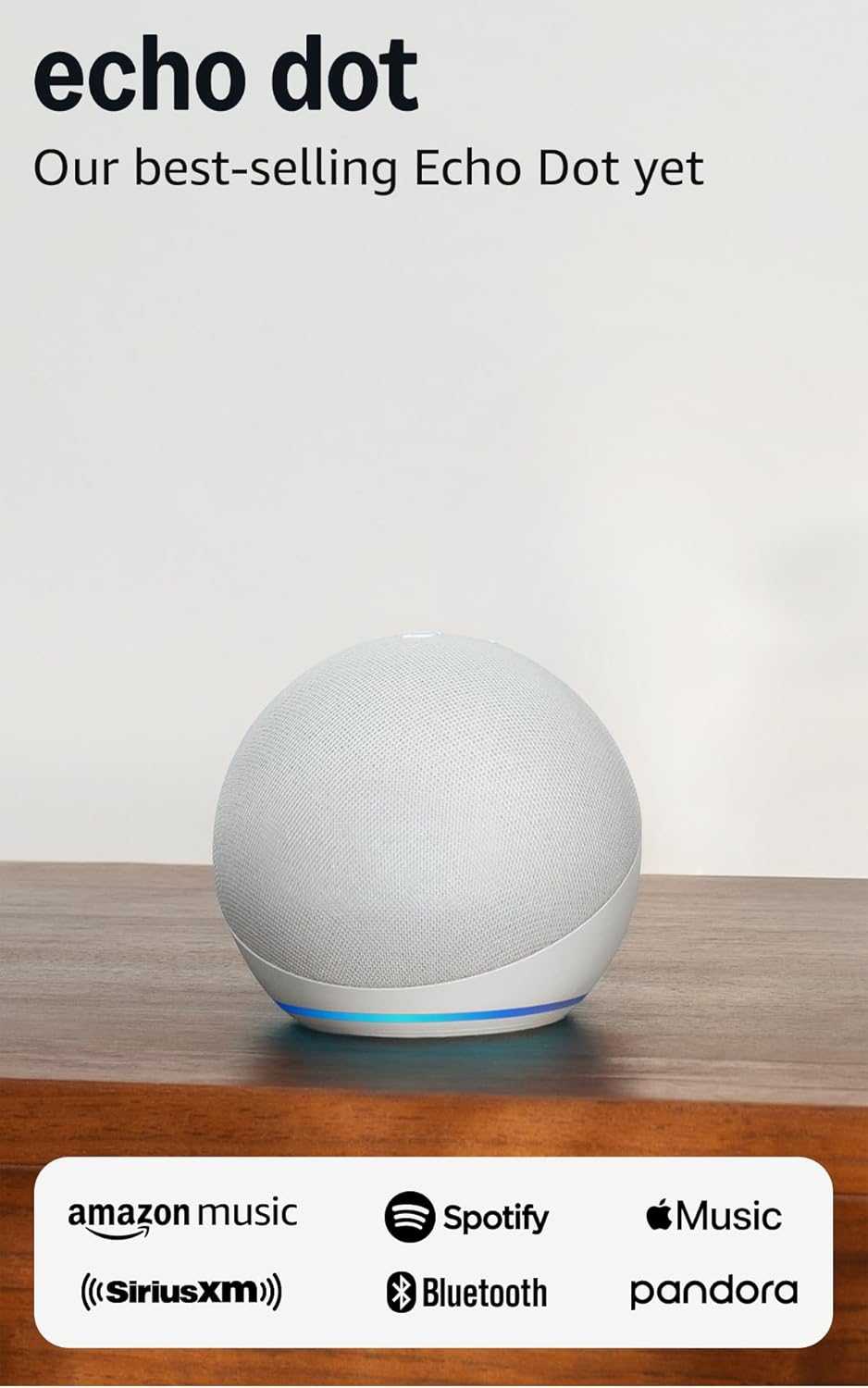
Amazon Echo Dot (newest model) - Vibrant sounding speaker...
As an Amazon Associate we earn from qualifying purchases.
Official Manufacturer Manual
Amazon provides official product documentation through their online manual rather than downloadable PDF. Access setup guides, troubleshooting steps, and product specifications for your Amazon Echo Studio.
Source: amazon.com
Need More Help? Amazon Support
Note: The contact information below connects you directly to Amazon's official customer support team, not Trunetto. They can help with warranty claims, device replacements, and advanced technical issues.
How Does Amazon Compare?
Before replacing your Amazon device, see how it stacks up against alternatives in our full comparison guides.
Accessories owners commonly pair with Amazon Echo Studio.

Amazon Basics 65 Piece Home Repair Tool Kit Set With Carr...

Amazon Basics Smart Plug, Matter Compatible, Compatible w...

Amazon Basics Dual Smart Plug with Motion Sensor and Nigh...
As an Amazon Associate we earn from qualifying purchases.



