

How to Install a Leviton Decora Smart Dimmer Without a Neutral Wire
- Confirm Compatibility
- Kill Power and Test
- Wire the Dimmer
- Restore Power and Pair
- Fine-Tune Minimum Load
Most users complete this in under 45 minutes
Overview
You want to install a Leviton Decora Smart dimmer in a box that has no neutral wire, common in older homes. Leviton's standard direct-WiFi Decora Smart dimmers require a neutral, so for no-neutral boxes you need the No-Neutral line — the Decora Smart No-Neutral Dimmer (DN6HD), which wires with only Line, Load, and Ground. Unlike the direct-WiFi models, the No-Neutral dimmer does not join WiFi on its own: it requires Leviton's MLWSB Decora Smart Wi-Fi Bridge on your network to enable app, voice, and scheduling control. This guide covers no-neutral wiring, bulb/load limits, and onboarding through the bridge.
Why This Happens in Real Homes
Installing a smart dimmer without a neutral means picking the right Leviton product, because the standard Decora Smart Wi-Fi dimmers won't work in a no-neutral box — they need the neutral to power their radio. Leviton's answer is the No-Neutral line: the DN6HD dimmer wires with just Line, Load, and Ground (the ground is still required for safe no-neutral operation), so it fits the two-wire boxes common in older homes.
The catch that surprises people is that the No-Neutral dimmer doesn't connect to WiFi by itself — it pairs to Leviton's MLWSB Decora Smart Wi-Fi Bridge, a small plug-in that bridges the DN devices to your network and the My Leviton app (and to Alexa, Google, and Apple Home). Mind the load limits too: it's rated for dimmable LED/CFL up to 300W or incandescent/MLV up to 600W, and very small loads can dip below its minimum. For a light controlled from two spots, you add a battery-powered DAWDC or DAWSC Anywhere companion — no new wiring, no traveler required.
What's Included
- No neutral wire in the switch box
- Standard smart dimmer won't work without neutral
- Not sure which model to use
- Need app control without a neutral
- Wiring only has line, load, ground
- Bridge setup questions
- Bulb compatibility questions
- Multi-location control without new wiring
Got your materials ready? Here's what to check first.
Before You Start
- Box lacks a neutral (older wiring)
- Using a neutral-required model by mistake
- No-neutral DN dimmer missing its MLWSB bridge
- Ground not connected (still required)
- Load below the dimmer's minimum for no-neutral operation
- Incompatible or non-dimmable bulbs
- Exceeding the LED/CFL 300W (or 600W incandescent/MLV) rating
- Wire-free 3-way companion not paired
Don't skip this step — it breaks everything if you do
Do not bypass ground to force a questionable install. A missing ground can create shock risk and damage connected LED drivers permanently.
Tools & Requirements
These tools will help you complete this fix.
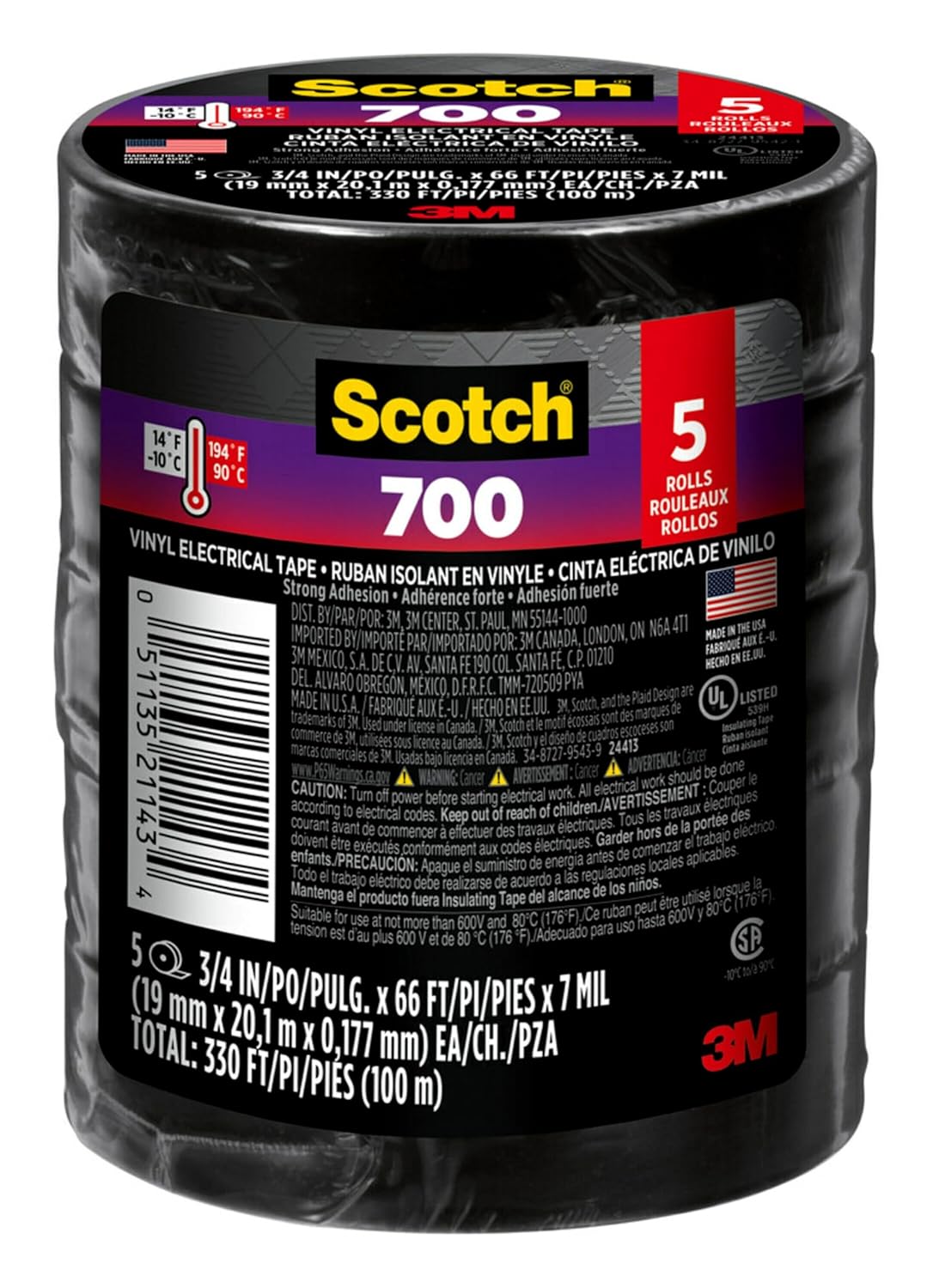
Electrical tape
Scotch Vinyl 700 Electrical Tape, 5 Rolls, Black, 3/...

Multimeter
Klein Tools 80196 Digital Multimeter Kit with Case, ...

Non-contact voltage tester
Neoteck Non-Contact AC Voltage Tester Pen, AC 12-100...

Phillips screwdriver
Klein Tools 85076 Screwdriver Set, Made in USA, Slot...

Wire strippers
1188-Piece Ferrule Crimping & Stripping Tool Kit, AW...
As an Amazon Associate we earn from qualifying purchases.
Installation Steps
Confirm Compatibility
Check the specific Leviton Decora dimmer model you have and confirm it supports no-neutral installation. Not every Decora smart dimmer does. Review the compatibility list for LED bulbs. Incompatible drivers cause flicker or buzz no wiring change can solve.
Kill Power and Test
Turn the breaker off and verify with a non-contact voltage tester. Remove the existing switch and identify line and load by testing with a multimeter while briefly powered if you are experienced, otherwise match the existing wiring pattern as a starting point.
Needed for this step
Klein Tools 80196 Digital Multimeter Kit with C...
This helps complete the fix you are currently reading.
$46.15Wire the Dimmer
Land line, load, and ground on the appropriate Leviton terminals per the included no-neutral diagram. Do not connect any wire to the neutral terminal if no neutral is present. Tighten terminals firmly and tuck conductors neatly before securing the dimmer.
Needed for this step
1188-Piece Ferrule Crimping & Stripping Tool Ki...
This helps complete the fix you are currently reading.
$25.99Restore Power and Pair
Turn the breaker on. The dimmer boots and shows an LED indicator. Open the Leviton app, tap Add Device, and complete onboarding on 2.4GHz WiFi. Verify the app reports the device online before attempting dim or schedule commands for the first time.
Fine-Tune Minimum Load
Run the bulbs through the full dimming range. If flicker or drop-off occurs at the low end, adjust minimum brightness in the Leviton app. For very small LED loads, add a compatible bulb to reach minimum load rather than forcing the dimmer below design range.
Installation Tips
Still stuck? This is usually the deeper cause below.
Many no-neutral flicker issues come from incompatible LED drivers, not the dimmer. Testing with a known compatible bulb quickly isolates the cause.
Before you go — these Leviton guides fix most remaining issues.
Most popular upgrades chosen by Leviton Decora Smart Dimmer owners.

As an Amazon Associate we earn from qualifying purchases.
Official Manufacturer Manual
Leviton provides official product documentation through their online manual rather than downloadable PDF. Access setup guides, troubleshooting steps, and product specifications for your Leviton Decora Smart Dimmer.
Source: leviton.com
Need More Help? Leviton Support
Note: The contact information below connects you directly to Leviton's official customer support team, not Trunetto. They can help with warranty claims, device replacements, and advanced technical issues.
Accessories owners commonly pair with Leviton Decora Smart Dimmer.
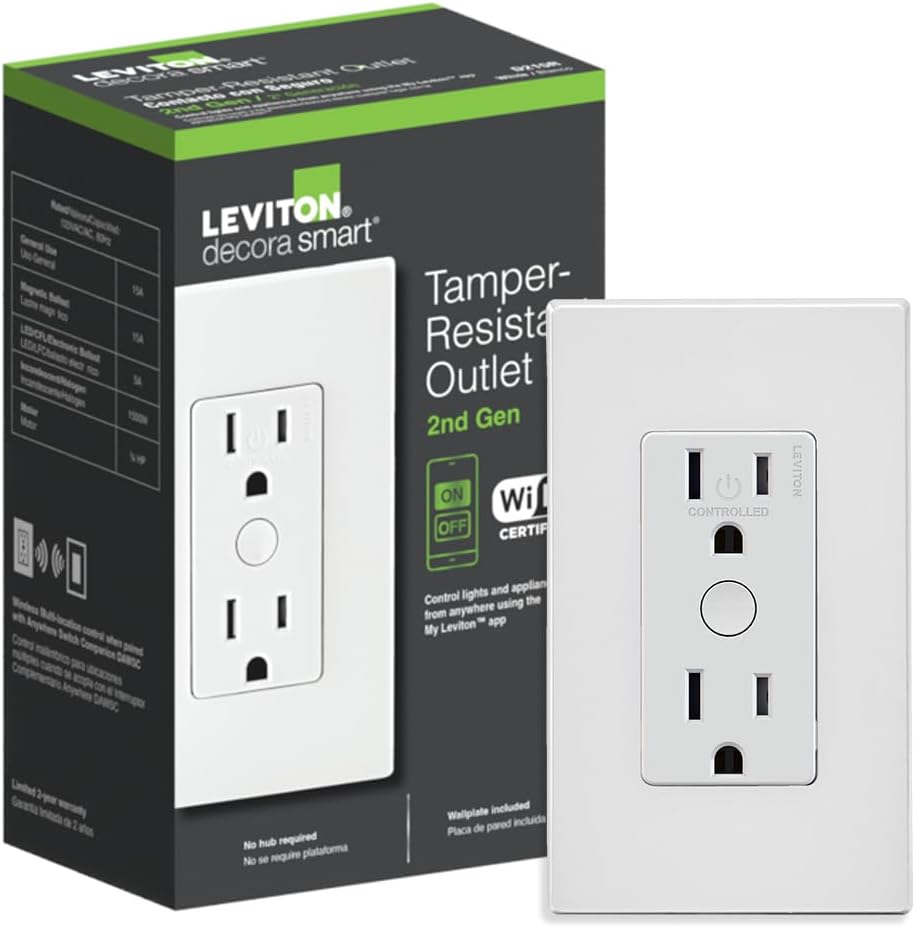
Leviton Decora Smart Outlet, Tamper-Resistant 15A, Wi-Fi ...

Leviton Decora Smart Plug, Wi-Fi 2nd Gen, Works with Matt...

Leviton Decora Smart Fan Speed Controller, Wi-Fi 2nd Gen,...
As an Amazon Associate we earn from qualifying purchases.
Guide Improvements
- Updated July 9, 2026
Clarified the no-neutral install with the correct product and its bridge requirement. The guide previously said only that "some" Decora Smart dimmers support no-neutral installs, without naming the product or the required bridge. Corrected to specify Leviton's No-Neutral line (DN6HD) — which wires Line/Load/Ground with no neutral — and, critically, that it requires the MLWSB Decora Smart Wi-Fi Bridge to work (it does not join WiFi on its own, unlike the neutral-required direct-WiFi models).
What changed:- Named the correct product: the No-Neutral DN6HD dimmer for boxes without a neutral
- Added the critical requirement that the No-Neutral dimmer needs Leviton''s MLWSB Wi-Fi Bridge (it does not connect to WiFi directly)
- Specified the no-neutral wiring: Line, Load, and Ground (ground still required)
- Added the verified load ratings (dimmable LED/CFL up to 300W, incandescent/MLV up to 600W)
- Documented wire-free 3-way via battery DAWDC/DAWSC Anywhere companions (no traveler needed)
Source: Editorial Accuracy Review


