

Leviton 3-Way Smart Switch Not Working — Wiring and Setup Guide
- Confirm You Have One Smart Switch and One Accessory Switch
- Identify Traveler, Line, Load, and Neutral Wires
- Install Smart Switch at the Line Box
- Install Accessory Switch at the Second Location
- Test Both Switch Locations and App Control
Most users complete this in under 60 minutes
Overview
Your Leviton 3-way smart switch installation is not working — the switch controls work from one location but not the other, both switches show the light in the wrong state, or the wiring setup causes a breaker trip. 3-way smart switch wiring requires one smart switch paired with one Leviton Accessory (remote) switch — using two smart switches or using standard 3-way switches as companions will not work.
Why This Happens in Real Homes
A Leviton 3-way smart switch that only works from one location, shows the wrong state, or trips the breaker is almost always a companion mistake. Leviton multi-way uses exactly one addressable smart switch plus one matching Leviton companion (a coordinating remote / anywhere companion) — not two smart switches, and not a standard mechanical 3-way as the second device. Using the wrong second device is the single most common reason the setup won't work.
The smart switch must go at the location that has the line (hot) feed, with the companion at the other box. Wired companions communicate with the smart switch over the existing traveler wire, so that traveler has to land on the right terminal per Leviton's diagram; a swapped traveler or a reversed line/load is what causes the wrong-state behavior, and a traveler shorted to ground is what trips the breaker. Confirm one-smart-plus-one-companion, put the smart switch on the line, connect the neutral, and follow the wiring diagram exactly.
What's Included
- 3-way works from one spot, not the other
- Both switches show the wrong state
- Breaker trips after install
- Companion doesn't control the light
- Only the smart switch works
- Light won't turn off from one location
- Miswired 3-way
- Setup won't function
Got your materials ready? Here's what to check first.
Before You Start
- Two smart switches used instead of one smart + one companion
- A standard 3-way switch used as the companion
- Smart switch not installed at the line (hot) location
- Traveler wire not connected to the companion correctly
- Line and load reversed
- Neutral not connected
- Companion not the matching Leviton model
- Ground/traveler miswire tripping the breaker
Don't skip this step — it breaks everything if you do
{"Always turn off the breaker and verify with a voltage tester before touching any wires","Using a non-Leviton companion switch will not work and may damage the smart switch"}
Tools & Requirements
These tools will help you complete this fix.

Screwdriver
STREBITO 155 in 1 Electric Screwdriver Set, Small El...

Voltage tester
Klein Tools 80196 Digital Multimeter Kit with Case, ...
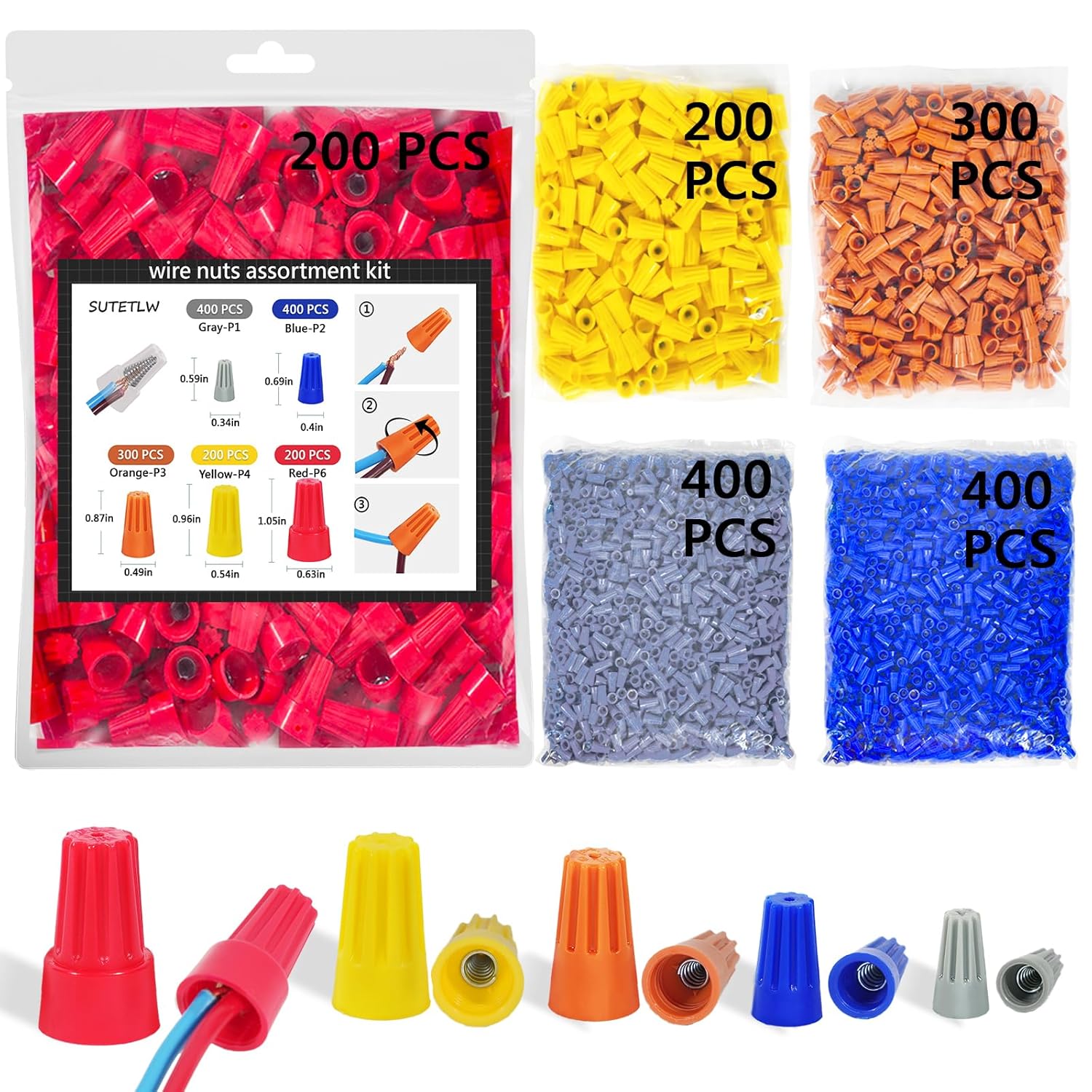
Wire nuts
Wire Nuts Assortment Kit 1500 PCS Insulating Insert ...

Wire strippers
1188-Piece Ferrule Crimping & Stripping Tool Kit, AW...
As an Amazon Associate we earn from qualifying purchases.
Installation Steps
Confirm You Have One Smart Switch and One Accessory Switch
A Leviton 3-way smart switch setup requires exactly two components: one Leviton Decora Smart Wi-Fi Switch (the primary, with the WiFi radio) and one Leviton Decora Smart Matching Accessory (DD0SR or similar, without a WiFi radio). Using two Wi-Fi smart switches or a smart switch paired with a standard 3-way dimmer will not work and may cause a breaker trip. Confirm the model numbers of both switches before proceeding.
Identify Traveler, Line, Load, and Neutral Wires
Turn off the circuit breaker and use a non-contact voltage tester to confirm power is off. Remove both existing switches and photograph the wiring at each location before disconnecting anything. In a standard 3-way circuit, one switch box has the incoming Line (hot) and Neutral from the panel, the other box has the Load going to the fixture, and both boxes are connected by two Traveler wires in a 3-conductor cable. Identify which box has Line and which has Load before connecting the smart switch.
Needed for this step
Klein Tools 80196 Digital Multimeter Kit with C...
This helps complete the fix you are currently reading.
$46.15Install Smart Switch at the Line Box
Install the Leviton smart switch at the location that has the incoming Line (hot) wire from the panel — not at the Load box. Connect Line to the Line terminal, Neutral to Neutral, Load to Load (if in same box), and the two Traveler wires to the Traveler terminals. The smart switch requires all four connections: Line, Neutral, Load, and at least one Traveler. Refer to the wiring diagram in the smart switch instructions for your specific wire color configuration.
Needed for this step
Wire Nuts Assortment Kit 1500 PCS Insulating In...
This helps complete the fix you are currently reading.
$29.99Install Accessory Switch at the Second Location
At the second switch box, install the Leviton Accessory switch. The Accessory connects only to the two Traveler wires and Neutral — it does not connect directly to Line or Load. The Accessory communicates with the Smart switch through the Traveler wire pair to coordinate state. If you connect Line to the Accessory, it will appear to work but the smart switch will behave erratically and may not respond to the Accessory correctly.
Needed for this step
1188-Piece Ferrule Crimping & Stripping Tool Ki...
This helps complete the fix you are currently reading.
$25.99Test Both Switch Locations and App Control
Restore power and test from both locations. Toggling either switch should control the light and update the state shown on both switches immediately. Open the My Leviton app and confirm the switch shows the correct on or off state. If one switch controls the light correctly but the other does not change state, re-check the Traveler wire connections at both boxes. The Traveler wires must be connected to the Traveler terminals at both ends for the two switches to communicate.
Installation Tips
Still stuck? This is usually the deeper cause below.
{"The smart switch must go in the box with the hot line wire — the companion goes in the other box","Take photos of existing wiring before disconnecting anything","Label wires with tape as you disconnect them"}
Before you go — these Leviton guides fix most remaining issues.
Most popular upgrades chosen by Leviton Decora Smart 3-Way Switch owners.

As an Amazon Associate we earn from qualifying purchases.
Official Manufacturer Manual
Leviton provides official product documentation through their online manual rather than downloadable PDF. Access setup guides, troubleshooting steps, and product specifications for your Leviton Decora Smart 3-Way Switch.
Source: leviton.com
Need More Help? Leviton Support
Note: The contact information below connects you directly to Leviton's official customer support team, not Trunetto. They can help with warranty claims, device replacements, and advanced technical issues.
Accessories owners commonly pair with Leviton Decora Smart 3-Way Switch.
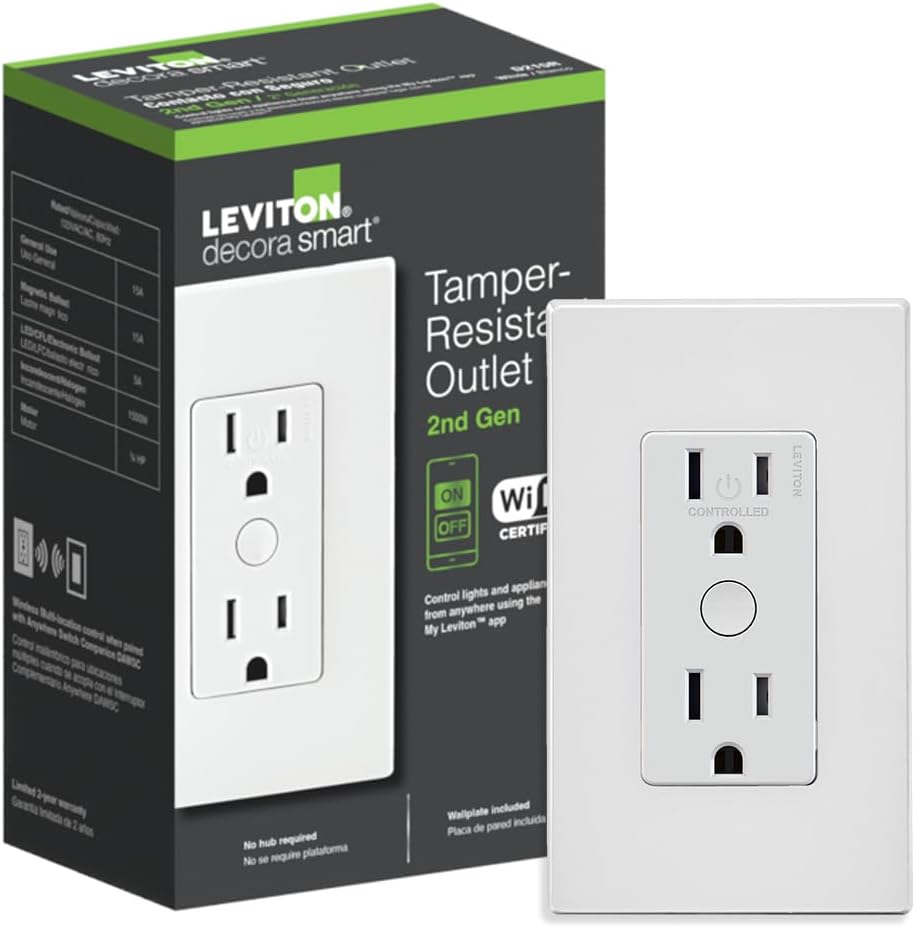
Leviton Decora Smart Outlet, Tamper-Resistant 15A, Wi-Fi ...

Leviton Decora Smart Plug, Wi-Fi 2nd Gen, Works with Matt...

Leviton Decora Smart Fan Speed Controller, Wi-Fi 2nd Gen,...
As an Amazon Associate we earn from qualifying purchases.


