

Leviton Decora Smart Switch Buzzing or Flickering with LED Bulbs
- LED bulbs draw far less current than the dimmer expects
- LED driver back-voltage causing buzz and flicker
- Low-end trim set too low (flicker zone)
Problem Description
Your Leviton Decora smart dimmer buzzes audibly through the switch body or the LED bulbs, and the lights flicker at low brightness levels or flash briefly when the switch is turned off. This is a load compatibility issue between the dimmer's internal circuitry and modern LED bulb electronics, not a faulty switch. LED bulbs draw far less current than the incandescent loads dimmers were designed for, and many LED drivers generate a small back-voltage that triggers buzzing and flicker at low dim levels.
Why This Happens in Real Homes
Buzzing and flicker from a Leviton Decora Smart dimmer with LED bulbs is a load-compatibility issue, not a faulty switch. LED bulbs draw a small fraction of the current the dimmer's circuitry was designed for, and many LED drivers push a little back-voltage onto the line — which the dimmer reacts to with an audible buzz and with flicker at low brightness. The same tiny leakage can make bulbs flash briefly even when the switch is off.
The reliable fixes work the load, not the switch. Use quality dimmable LEDs from Leviton's compatibility list, keep one brand on the dimmer, and raise the low-end trim so the bulbs sit above the flicker zone. If the total load is very small, it may fall below the dimmer's minimum — adding a bulb or a Leviton load-compensation accessory gives the dimmer enough to work against and quiets both the buzz and the off-state flash. Update firmware to clear any known behavior. Match the bulbs to the dimmer and the noise and flicker go away.
Symptoms
- Switch buzzes through the body or bulbs
- Flicker at low brightness
- Bulbs flash briefly when switched off
- Buzzing with LED bulbs
- Hum plus flicker
- Noise and flicker together
- Worse at low dim levels
- Ghost flash after off
Recognize these? Here's what usually causes it.
Common Causes
- LED bulbs draw far less current than the dimmer expects
- LED driver back-voltage causing buzz and flicker
- Low-end trim set too low (flicker zone)
- Load below the dimmer's minimum
- Incompatible/cheap LED bulbs
- Mixed bulb types on one dimmer
- No neutral / leakage path causing off-state flash
- Firmware out of date
Most fixes happen in the first 3 steps.
{"Always turn off the breaker before working on switch wiring","Do not exceed the dimmer's LED wattage rating"}
Tools & Requirements
These tools will help you complete this fix.

Compatible LED bulbs
WiZ Connected Retrofit Recessed Downlight, 1150 Lume...

Screwdriver
STREBITO 155 in 1 Electric Screwdriver Set, Small El...

Voltage tester
Klein Tools 80196 Digital Multimeter Kit with Case, ...
As an Amazon Associate we earn from qualifying purchases.
Step-by-Step Solution
Replace Bulbs with LED+CFL Compatible Models
Check the Lutron LED compatibility tool at lutron.com and select bulbs confirmed compatible with your specific Decora dimmer model. Many generic or off-brand LED bulbs have driver circuits that interact poorly with Leviton dimmers, producing audible buzz and flicker at low dim levels. Replace any non-listed bulbs with models from the compatibility list — Philips, GE, and Cree bulbs listed for Leviton dimmers are the safest choices.
Needed for this step
WiZ Connected Retrofit Recessed Downlight, 1150...
This helps complete the fix you are currently reading.
$22.09Confirm All Bulbs Are Dimmable Rated
Check the packaging or product listing for every bulb on the circuit. Non-dimmable LED bulbs will buzz, flicker, and can be permanently damaged by a dimmer. Even one non-dimmable bulb on a mixed circuit causes the entire load to behave erratically. Replace any non-dimmable bulb with a dimmable equivalent of the same base type and wattage.
Adjust the Dimmer Low-End Trim Setting
Leviton Decora dimmers have a low-end trim adjustment to calibrate the minimum brightness before the lights flicker off. Hold the paddle in the off position for 5 seconds until the LED pulses. The dimmer enters calibration mode. Press the top of the paddle to raise the low-end trim until the flickering at low dim levels stops. Press the bottom to lower it. Tap the paddle once to save the setting.
Check Neutral Wire Connection
Most modern Leviton smart dimmers require a neutral wire. If the dimmer is installed without a neutral wire where one is required, it draws a small bleed current through the bulbs to power itself, causing LED flicker especially when dimmed low or switched off. Confirm your switch wiring matches the neutral or no-neutral requirement printed on the dimmer model. Check the Leviton spec sheet for your specific model.
Verify Minimum Load Requirements
Some Leviton dimmers require a minimum wattage load to operate without flicker. If you are dimming only one or two LED bulbs drawing 6W total, the load may be below the dimmer's minimum. Add a bulb to the circuit to raise the total wattage, or replace the dimmer with the Leviton DW6HD which is specifically designed for low-load LED installations with a 0-watt minimum.
Quick Solutions
Still having issues? This is usually the deeper cause below.
If flickering only happens on dimming, the issue is almost always the dimmer's minimum-load setting, not the bulb — it's drawing less current than the dimmer expects.
{"Always use LED-rated dimmers for LED bulbs — standard incandescent dimmers cause problems","The Leviton DW6HD is 600W for incandescent but only 300W for LED","If buzzing persists at all dim levels, the dimmer may be defective"}
LED flicker with smart dimmers is the #1 unfixed complaint — most people swap the bulb when the dimmer's low-end trim is the actual problem.
- LED bulbs draw far less current than the dimmer
- LED driver back-voltage causing buzz and flicker
- Low-end trim set too low (flicker zone)
- Load below the dimmer's minimum
- Incompatible/cheap LED bulbs
Before you go — try one of these (they fix most cases).
Most popular upgrades chosen by Leviton Decora Smart Dimmer / Switch owners.

As an Amazon Associate we earn from qualifying purchases.
Official Manufacturer Manual
Leviton provides official product documentation through their online manual rather than downloadable PDF. Access setup guides, troubleshooting steps, and product specifications for your Leviton Decora Smart Dimmer / Switch.
Source: leviton.com
Need More Help? Leviton Support
Note: The contact information below connects you directly to Leviton's official customer support team, not Trunetto. They can help with warranty claims, device replacements, and advanced technical issues.
Accessories owners commonly pair with Leviton Decora Smart Dimmer / Switch.
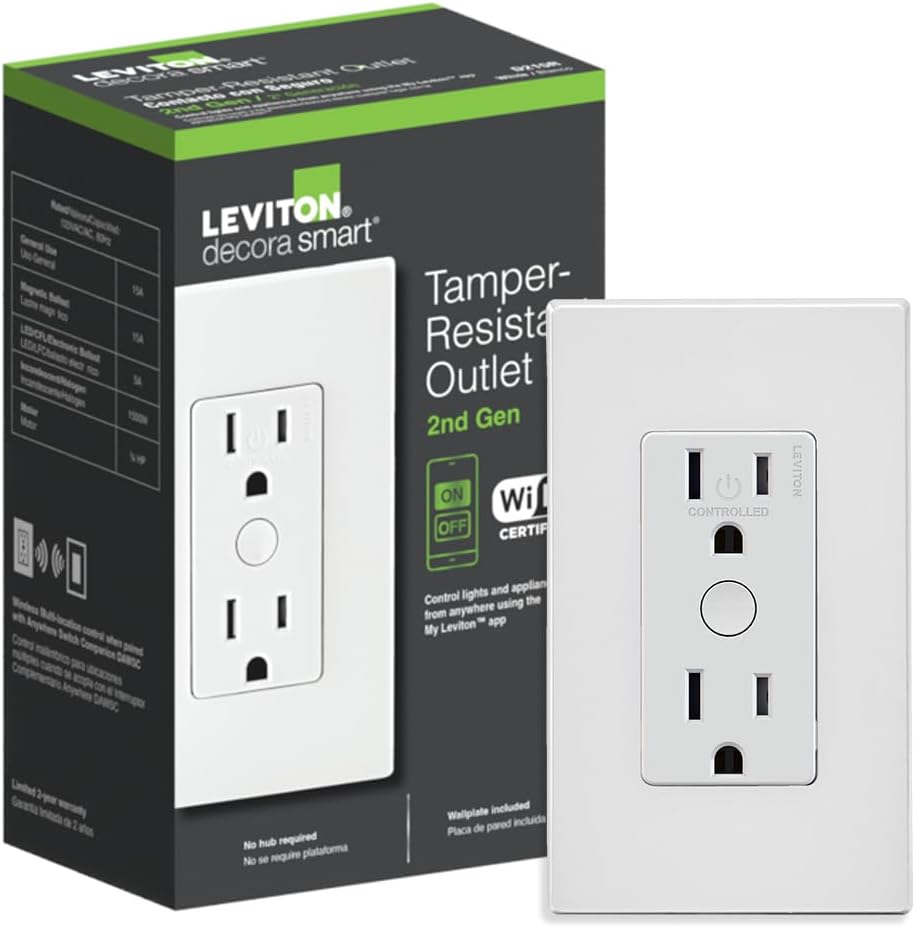
Leviton Decora Smart Outlet, Tamper-Resistant 15A, Wi-Fi ...

Leviton Decora Smart Plug, Wi-Fi 2nd Gen, Works with Matt...

Leviton Decora Smart Fan Speed Controller, Wi-Fi 2nd Gen,...
As an Amazon Associate we earn from qualifying purchases.


