

Why Is My Leviton Decora Smart Switch Randomly Rebooting and Clicking
- Unstable or loose neutral connection
- Incompatible LED load causing relay protection cycling
- Circuit overloaded or shared with a large load
Problem Description
Your Leviton Decora smart switch clicks and appears to reboot on its own, causing lights to flicker or reset state unexpectedly. App control may disconnect briefly during each event. Common causes include unstable neutral connection, overloaded circuit behavior, firmware instability, or incompatible LED load causing repeated relay protection cycling.
Why This Happens in Real Homes
A Leviton Decora Smart switch that clicks and reboots itself is describing its relay cycling — the audible click is the relay opening and closing, and it usually means the switch is losing stable power or protecting itself against a load it doesn't like. The most common electrical cause is a loose or unstable neutral: since the switch draws its operating power through the neutral, a marginal connection makes it brown out, reset, and click back on.
Kill the power and re-check the neutral and the line/load terminations first — a properly tightened neutral fixes many of these. If the wiring is solid, look at the load: an incompatible LED, or a load so small it falls below the switch's minimum, can trigger repeated relay protection cycling, so try a known-compatible dimmable bulb. A circuit shared with a large motor load can sag the voltage enough to reset the switch, and a firmware update resolves known instability. In a packed gang box, heat can contribute, so de-rating helps.
Symptoms
- Switch clicks and reboots on its own
- Lights flicker or reset unexpectedly
- App control drops briefly during each event
- Relay clicking repeatedly
- State resets by itself
- Random restarts
- Clicking under load
- Cycles when the light is on
Recognize these? Here's what usually causes it.
Common Causes
- Unstable or loose neutral connection
- Incompatible LED load causing relay protection cycling
- Circuit overloaded or shared with a large load
- Firmware instability
- Undersized/very low LED load below the switch's minimum
- Loose line/load terminations
- Voltage sag on the circuit
- Heat buildup in a crowded gang box
Most fixes happen in the first 3 steps.
Do not keep operating a switch that repeatedly clicks and reboots under heavy load. Ongoing stress can worsen terminal heating and reduce device lifespan.
Tools & Requirements
These tools will help you complete this fix.
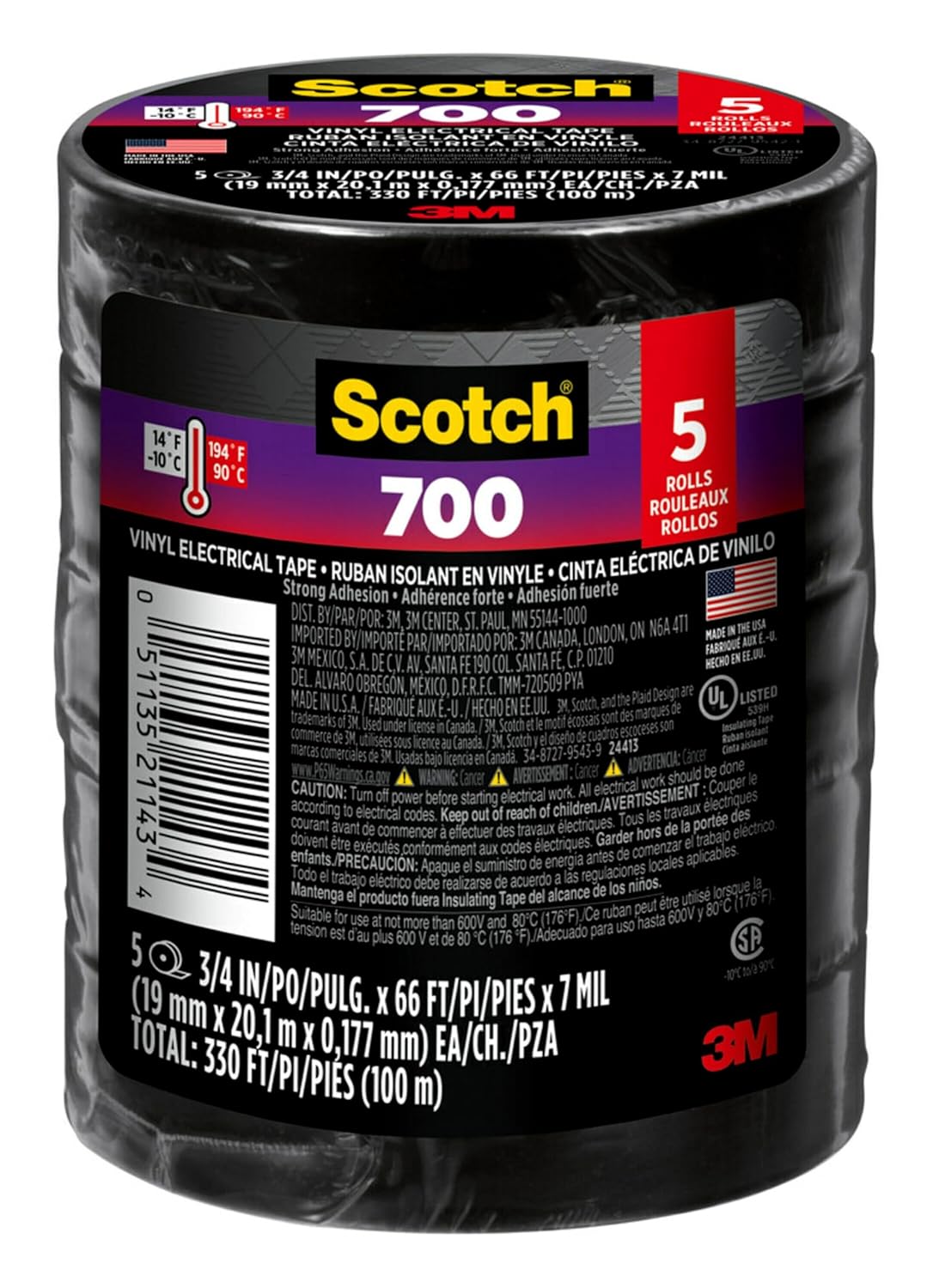
Electrical tape
Scotch Vinyl 700 Electrical Tape, 5 Rolls, Black, 3/...

Non-contact voltage tester
Neoteck Non-Contact AC Voltage Tester Pen, AC 12-100...

Wire strippers
1188-Piece Ferrule Crimping & Stripping Tool Kit, AW...

insulated screwdriver
Klein Tools 85814 14-Piece Screwdriver Set, 4 Precis...
As an Amazon Associate we earn from qualifying purchases.
Step-by-Step Solution
Check Wiring Terminations
Turn power off and inspect line, load, neutral, and ground terminations on the switch. Loose neutral is a common cause of random reboots and clicking relay behavior. Re-terminate conductors with clean copper contact and proper torque, then restore power and observe whether reboot cycling stops.
Isolate Electrical Load
Temporarily reduce connected load by removing extra fixtures or testing with a known compatible bulb. If random clicking disappears under lighter load, the original setup may exceed stable switching conditions or involve incompatible LED drivers. This test quickly separates wiring problems from load compatibility issues.
Needed for this step
Scotch Vinyl 700 Electrical Tape, 5 Rolls, Blac...
This helps complete the fix you are currently reading.
$14.93Validate LED Compatibility
Check Leviton compatibility guidance for your bulb model and dimmer/switch type. Some LED drivers generate inrush or low-end instability that triggers relay chatter and watchdog resets. Replace questionable bulbs with tested compatible models and retest over several on-off cycles and dim levels.
Review Firmware and App Logs
Update switch firmware through the Leviton app and monitor event logs for repeated disconnect patterns. Firmware-level stability fixes often address spontaneous restarts. After updating, reboot the switch from app controls and test both manual and remote operation under normal household electrical load conditions.
Monitor Temperature and Voltage Clues
If clicking persists, note whether events correlate with HVAC, microwave, or other large appliances starting on nearby circuits. Voltage dips can trigger smart switch resets. Persistent reset behavior after wiring and load corrections may indicate hardware fault requiring replacement under warranty.
Needed for this step
Neoteck Non-Contact AC Voltage Tester Pen, AC 1...
This helps complete the fix you are currently reading.
$9.59Quick Solutions
Still having issues? This is usually the deeper cause below.
If this comes back after following these steps, check whether a recent app or firmware update reset a default setting — the fix works, but the setting gets reverted silently.
When troubleshooting relay chatter, isolate one variable at a time: wiring, then load, then firmware. This avoids replacing good parts before finding the real trigger.
This issue almost always looks more complex than it is — the majority of cases trace back to a single setting, a stale credential, or a default that shipped wrong.
- Unstable or loose neutral connection
- Incompatible LED load causing relay protection cycling
- Circuit overloaded or shared with a large load
- Firmware instability
- Undersized/very low LED load below the switch's minimum
Before you go — try one of these (they fix most cases).
Most popular upgrades chosen by Leviton Decora Smart Switch owners.

Leviton Decora Digital/Decora Smart Switch Color Change K...

Leviton Decora Digital/Decora Smart Switch Color Change K...

Leviton Decora Smart Switch Z-Wave 800 Series, ZW15S-1RW
As an Amazon Associate we earn from qualifying purchases.
Official Manufacturer Manual
Leviton provides official product documentation through their online manual rather than downloadable PDF. Access setup guides, troubleshooting steps, and product specifications for your Leviton Decora Smart Switch.
Source: leviton.com
Need More Help? Leviton Support
Note: The contact information below connects you directly to Leviton's official customer support team, not Trunetto. They can help with warranty claims, device replacements, and advanced technical issues.
Accessories owners commonly pair with Leviton Decora Smart Switch.
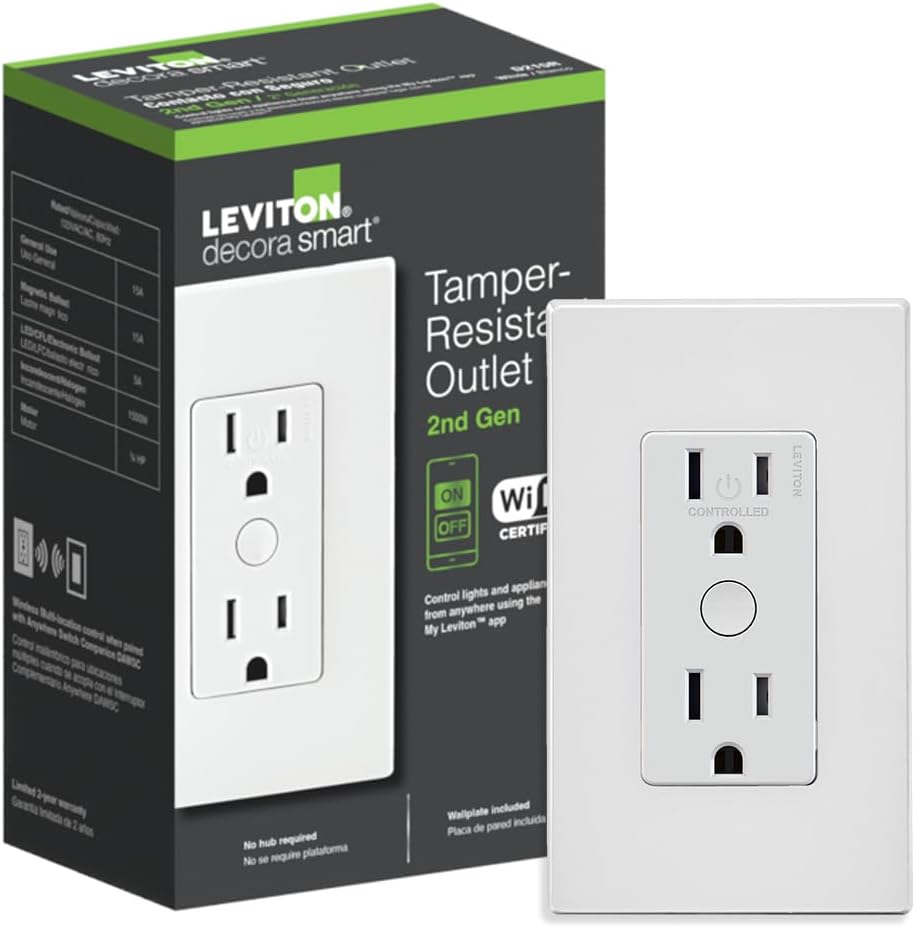
Leviton Decora Smart Outlet, Tamper-Resistant 15A, Wi-Fi ...

Leviton Decora Smart Plug, Wi-Fi 2nd Gen, Works with Matt...

Leviton Decora Smart Fan Speed Controller, Wi-Fi 2nd Gen,...
As an Amazon Associate we earn from qualifying purchases.


