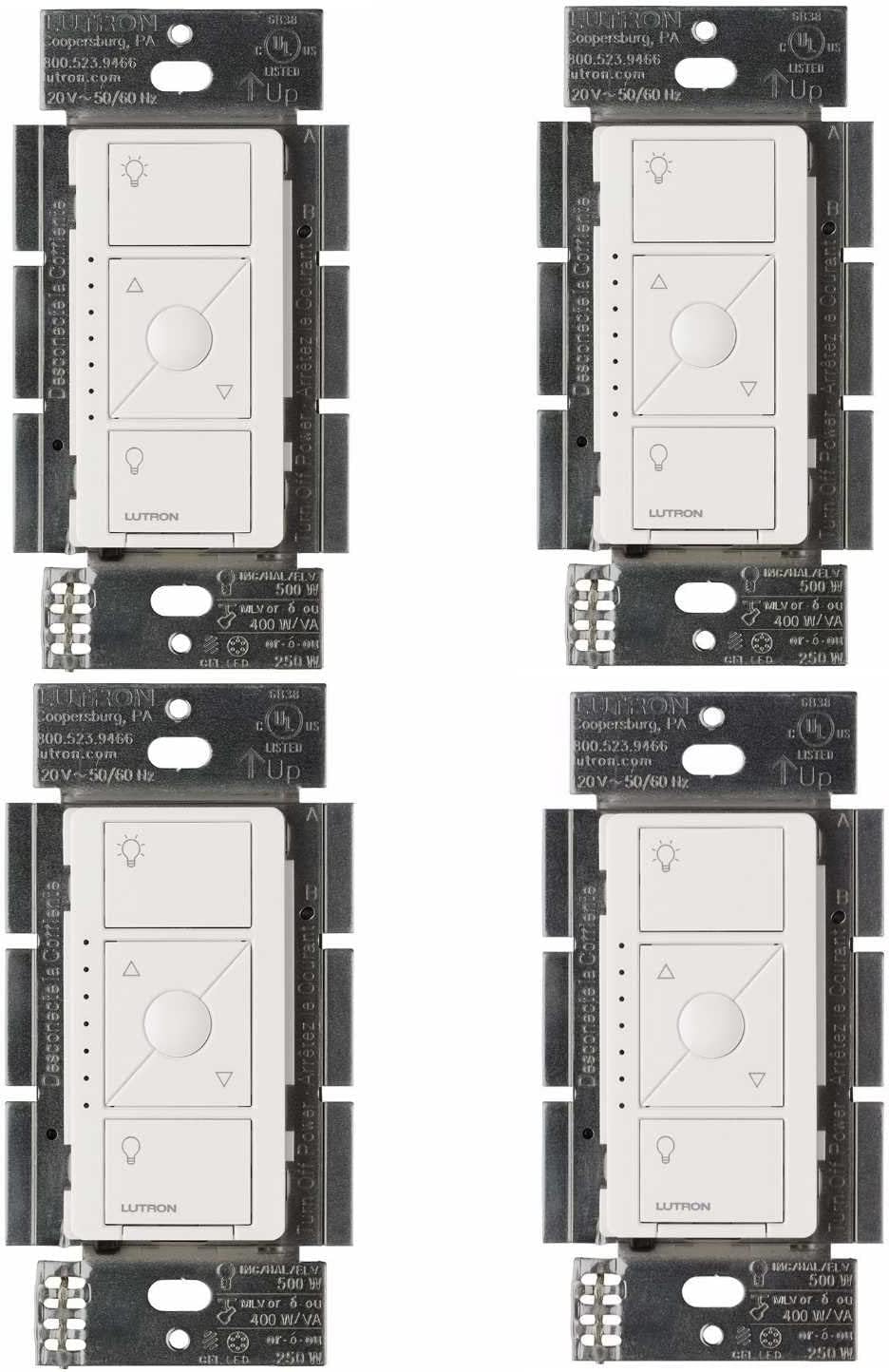
Why Do My LED Bulbs Flicker When Using a Lutron Caseta Smart Dimmer?
- Non-compatible LED bulbs
- Low-end trim not set (no-neutral dimmer)
- Below the dimmer's minimum load (no-neutral)
Problem Description
Your LED bulbs flicker, buzz, or flash when dimmed with a Lutron Caseta smart dimmer. LED flickering with Caseta dimmers is caused by incompatible LED driver electronics in specific bulb brands, the dimmer minimum load setting not being calibrated for the LED load, or too many LED bulbs below the minimum current threshold.
Why This Happens in Real Homes
LED flicker on a Lutron Caseta dimmer is usually a bulb-compatibility or minimum-load issue. The common Caseta dimmer (PD-6WCL) is a no-neutral design that needs a small minimum load, and it flickers or buzzes with incompatible LEDs or when too few/low-wattage bulbs are on the circuit — a known quirk of no-neutral dimming.
Use LEDs on Lutron's Caseta compatibility list, keep the circuit to one bulb type, and set the low-end trim in the Lutron app so the dimmer never drops the bulbs below their flicker point. If the total LED load is very low (a single small bulb), the no-neutral dimmer can misbehave — adding a bulb or installing Lutron's LUT-MLC load-correction module fixes it. Compatible bulbs plus a set low-end trim clear the flicker.
Symptoms
- LEDs flicker/buzz on the Caseta dimmer
- Flicker at low brightness
- Bulbs flash when dimmed
- Buzzing LEDs
- Flicker at all levels
- Won't dim smoothly
- Some LEDs flicker
- Cuts out low
Recognize these? Here's what usually causes it.
Common Causes
- Non-compatible LED bulbs
- Low-end trim not set (no-neutral dimmer)
- Below the dimmer's minimum load (no-neutral)
- Mixed bulb types on the circuit
- LED driver flickering near its floor
- Cheap LED bulbs
- Firmware/config
- Too few bulbs for the no-neutral dimmer
Most fixes happen in the first 3 steps.
Do not mix LED and incandescent bulbs on the same Caseta dimmer circuit. Different electrical characteristics cause the dimmer to produce unstable phase control signals leading to severe flickering.
Tools & Requirements
These tools will help you complete this fix.

As an Amazon Associate we earn from qualifying purchases.
Step-by-Step Solution
Verify LED bulb compatibility with dimmer model
Use bulbs listed on Lutron compatibility charts for your specific Caseta dimmer. Incompatible drivers often flicker at low and mid dim levels.
Set low-end trim to stable output threshold
Adjust dimmer minimum level upward until flicker stops across all bulbs in circuit. Proper trim prevents unstable LED driver operation.
Check wiring quality and neutral/load behavior
Inspect line/load wiring and make sure total load is within dimmer specifications. Wiring or load mismatch can produce random flicker patterns.
Test with known-good bulb set
Swap to certified compatible bulbs and compare behavior under same scenes. Controlled replacement isolates fixture or bulb-specific faults.
Update bridge firmware and retest transitions
Apply Lutron updates and run fade transitions at different levels. Persistent flicker after compatibility and trim checks may require dimmer replacement.
Quick Solutions
Still having issues? This is usually the deeper cause below.
If flickering only happens on dimming, the issue is almost always the dimmer's minimum-load setting, not the bulb — it's drawing less current than the dimmer expects.
After resolving flickering use the Lutron app to set a favourite dim level for each room. The favourite level feature saves a single-tap shortcut so you do not need to manually adjust each time. **Product Intelligence:** - Requires Caseta Smart Bridge - Clear Connect RF (not WiFi) - HomeKit/Alexa/Google compatible
LED flicker with smart dimmers is the #1 unfixed complaint — most people swap the bulb when the dimmer's low-end trim is the actual problem.
- Non-compatible LED bulbs
- Low-end trim not set (no-neutral dimmer)
- Below the dimmer's minimum load (no-neutral)
- Mixed bulb types on the circuit
- LED driver flickering near its floor
Before you go — try one of these (they fix most cases).
Official Manufacturer Manual
Meross provides official product documentation through their online manual rather than downloadable PDF. Access setup guides, troubleshooting steps, and product specifications for your Lutron Caseta Smart Dimmer.
Source: meross.com
Need More Help? Meross Support
Note: The contact information below connects you directly to Meross's official customer support team, not Trunetto. They can help with warranty claims, device replacements, and advanced technical issues.
Accessories owners commonly pair with Lutron Caseta Smart Dimmer.

meross Smart Garage Door Opener Remote, Compatible with A...

meross Smart Garage Door Opener Remote with External Ante...

meross Smart WiFi Garage Door Opener Remote, App Control,...
As an Amazon Associate we earn from qualifying purchases.