

Why Is My Meross Smart Plug Schedule Not Running
- Time zone incorrect
- Schedule disabled
- WiFi drops at night
Problem Description
If the schedule does not run, the plug may be offline or the time zone may be wrong. This guide fixes scheduling and time settings.
Why This Happens in Real Homes
If the schedule does not run, the plug may be offline or the time zone may be wrong. This guide fixes scheduling and time settings. In day-to-day use, this usually looks like Plug ignores schedule; Manual control works; Schedule runs late.
Most cases trace back to Time zone incorrect; Schedule disabled; WiFi drops at night. The fix works best when you go step by step instead of changing multiple settings at once.
A practical order for this issue is: Check Time Zone -> Enable Schedule -> Improve WiFi -> Update Firmware. After each step, test the exact behavior that was failing so you can confirm what actually solved it.
Symptoms
- Plug ignores schedule
- Manual control works
- Schedule runs late
- Device shows online
- Time zone changed
- Power outage recently
Recognize these? Here's what usually causes it.
Common Causes
- Time zone incorrect
- Schedule disabled
- WiFi drops at night
- Cloud service delay
- Firmware outdated
- Smart plug rebooted
Most fixes happen in the first 3 steps.
Avoid using the plug for high-draw devices beyond its rating.
Tools & Requirements
Step-by-Step Solution
Verify Time Zone in Meross App
Open the Meross app and go to your smart plug > Settings > Time Zone. Confirm the time zone matches your actual location. If the time zone is wrong, schedules trigger at the wrong local time. For example, if set to UTC instead of Eastern, a 7 AM schedule would run at 2 AM or noon depending on the offset direction.
Check That the Schedule is Active
In the Meross app, tap the plug > Schedule. Each schedule entry should have a toggle — make sure it is on. Also verify the days of the week selected for each schedule. If only weekdays are checked, the schedule will not run on Saturday or Sunday. Tap the schedule entry to review and edit the time, action, and repeat days.
Confirm Plug WiFi Connection
Meross smart plugs run schedules locally once synced, but the schedule must first download from the Meross cloud to the plug over WiFi. If the plug is offline when you create or edit a schedule, the plug never receives the schedule. Check the plug status in the app — it should show Online with a green indicator. If offline, check WiFi signal at the outlet location.
Update Plug Firmware
In the Meross app, go to the plug settings and check for firmware updates. Install if available. Some firmware versions have bugs where schedules fail to execute after a power outage because the plug's internal clock loses sync. Updated firmware re-syncs the clock automatically after WiFi reconnection.
Delete and Recreate the Schedule
If the schedule still does not trigger, delete it and create a new one. Set a test schedule 5 minutes from now and wait to see if the plug turns on or off at the scheduled time. If the test schedule works, recreate your regular schedule. If it does not work, factory reset the plug (hold the button on the side of the plug for 10 seconds until the LED blinks rapidly) and re-add it to the app.
Quick Solutions
Still having issues? This is usually the deeper cause below.
Schedules that skip randomly are usually a daylight-saving holdover — delete and recreate the schedule to clear the corrupted entry.
Keep smart plugs on a stable 2.4GHz WiFi network.
Thermostat issues that keep returning are often caused by stale backup-battery memory holding old settings across power cycles without the user realising.
- Time zone incorrect
- Schedule disabled
- WiFi drops at night
- Cloud service delay
- Firmware outdated
Before you go — try one of these (they fix most cases).
Most popular upgrades chosen by Meross Smart Plug owners.

meross Smart Plug Mini Support Apple HomeKit, Siri, Alexa...

Meross Smart Plug Mini Support Apple HomeKit, Siri, Alexa...
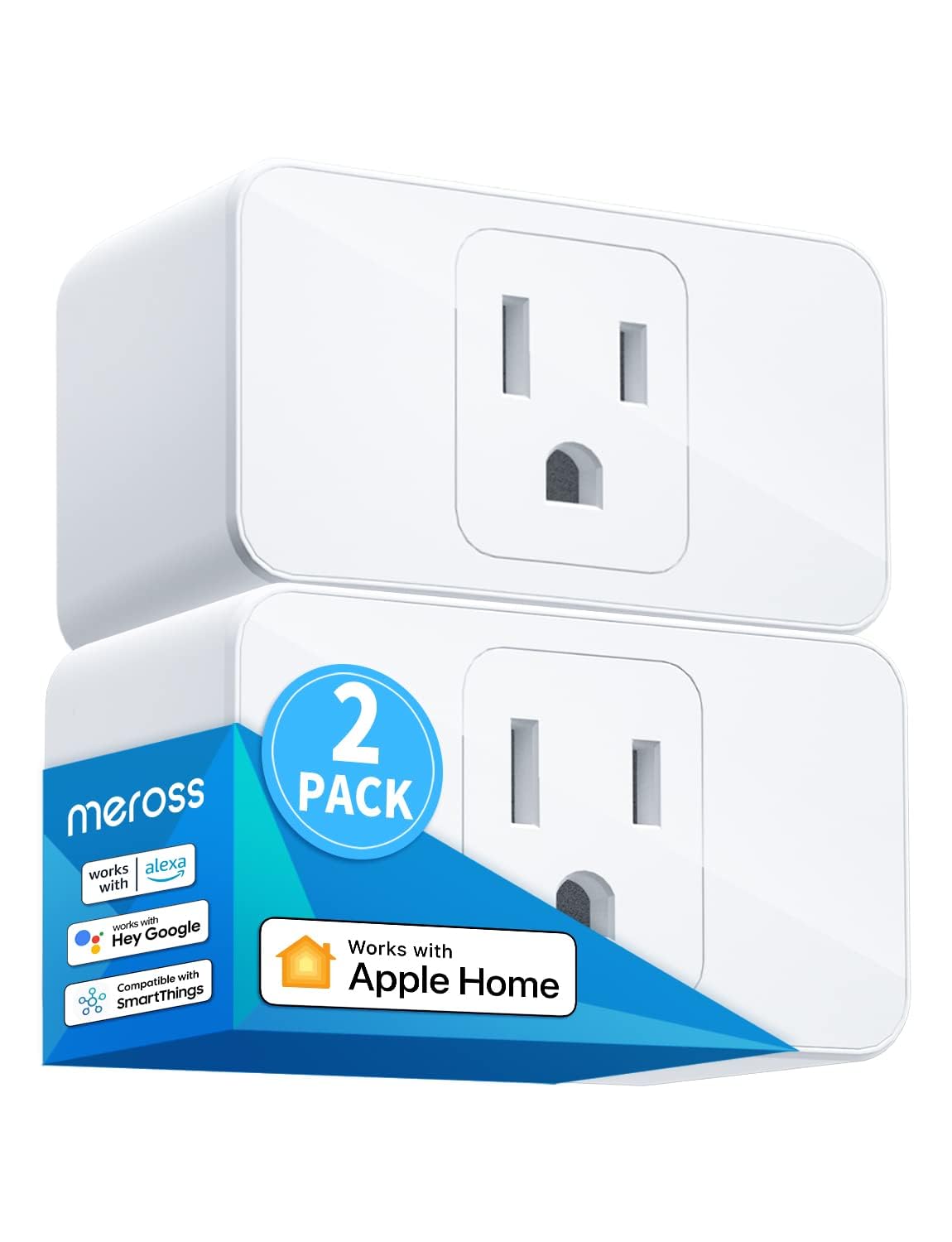
meross Smart Plug Mini, 15A & Reliable Wi-Fi, Support App...
As an Amazon Associate we earn from qualifying purchases.
Official Manufacturer Manual
Meross provides official product documentation through their online manual rather than downloadable PDF. Access setup guides, troubleshooting steps, and product specifications for your Meross Smart Plug.
Source: meross.com
Need More Help? Meross Support
Note: The contact information below connects you directly to Meross's official customer support team, not Trunetto. They can help with warranty claims, device replacements, and advanced technical issues.
Accessories owners commonly pair with Meross Smart Plug.

meross Smart Garage Door Opener Remote with External Ante...

meross Smart Garage Door Opener Remote, Compatible with A...

meross Smart WiFi Garage Door Opener Remote, App Control,...
As an Amazon Associate we earn from qualifying purchases.


