
How Do I Set Up the Eve Thermo Radiator Valve?
- Wrong valve adapter for the radiator thread
- Old valve not fully removed / not seated
- Bluetooth out of range of the home hub
Problem Description
You are installing the Eve Thermo smart radiator valve on your radiator. The Eve Thermo replaces your manual radiator valve. Check that the valve adapter included fits your radiator — most European radiators use M30x1.5 threading. Adapters for Danfoss RA and RAV are included. This guide covers checking compatibility, removing the old valve, and pairing with HomeKit.
Why This Happens in Real Homes
The Eve Thermo is a smart thermostatic radiator valve that replaces your manual radiator valve, giving you app and schedule control over each radiator - it's designed for European hydronic radiators and works with Apple HomeKit over Bluetooth or Thread. The install hinges on the adapter fitting your valve: most European radiators use M30x1.5 threading, and adapters for Danfoss RA and RAV valves are included, so check compatibility before removing anything. Fully remove the old manual valve head and seat the Thermo squarely; a valve that isn't seated properly won't regulate the radiator correctly.
On the smart side, it follows Eve's HomeKit model: no WiFi, pairs over Bluetooth (and Thread with a border router), and schedules and remote control run through an Apple home hub. A Thermo that shows No Response is a connectivity gap - out of Bluetooth range of a hub or a Thread mesh that doesn't reach the room - so confirm the hub is online and, for Thread, that the border router is up. It runs on AA batteries, so replace them if low, since weak batteries cause drops and sluggish valve movement. If the temperature it reads seems off (radiators create local heat that can skew a valve-mounted sensor), apply a temperature offset in the Eve app to calibrate it, and keep the firmware current for accurate scheduling.
Symptoms
- Installing the Thermo on a radiator
- Adapter doesn't fit the radiator valve
- Thermo won't pair with HomeKit
- Radiator not heating/regulating correctly
- Thermo shows No Response
- Temperature reading seems off
- Works locally but not remotely
- Schedule not controlling the heat
Recognize these? Here's what usually causes it.
Common Causes
- Wrong valve adapter for the radiator thread
- Old valve not fully removed / not seated
- Bluetooth out of range of the home hub
- Thread mesh gap / border router offline
- No Apple home hub for schedules/remote
- Batteries dead or low (2x AA)
- Temperature offset needed for accurate reading
- Firmware out of date
Most fixes happen in the first 3 steps.
Always turn off your HVAC system at the breaker before removing the thermostat or touching wires. Incorrect wiring can damage both the thermostat and your HVAC equipment resulting in expensive repairs. If unsure about wiring consult an HVAC technician.
Tools & Requirements
These tools will help you complete this fix.

Power adapter
JcBlaon Outlet Extender Surge Protector - 6 Outlet S...
As an Amazon Associate we earn from qualifying purchases.
Step-by-Step Solution
Check valve adapter compatibility
The Eve Thermo replaces the manual radiator valve on European-style hot water radiators. It includes adapters for common valve connections: M30 x 1.5mm (most common), Danfoss RA, Danfoss RAV, and Danfoss RAVL. Check your existing radiator valve connector type before installation. If your valve has a different thread size, you may need a third-party adapter ring. The Eve Thermo does not work with US-style forced-air HVAC systems — it is specifically for hot water radiator valves.
Needed for this step
JcBlaon Outlet Extender Surge Protector - 6 Out...
This helps complete the fix you are currently reading.
$9.99Install the Eve Thermo on the radiator
Turn the existing manual valve to the maximum position. Unscrew the old valve head (turn counterclockwise — most are hand-tightened). Attach the correct adapter ring for your valve type. Screw the Eve Thermo onto the valve (clockwise until firm, do not overtighten). The unit is powered by 2 AA batteries. Install the batteries and the Eve Thermo runs an initial calibration — the motor drives the valve pin through its full range to learn the open and closed positions.
Pair with the Eve app and set schedules
Open the Eve app > Add Accessory > scan the HomeKit code on the Eve Thermo. Assign it to the room where the radiator is located. Set heating schedules: tap Schedules > add time blocks for each day. For example: 20°C from 6AM-8AM and 5PM-10PM (when you are home), 16°C during work hours, and 14°C overnight. The Eve Thermo stores schedules on-device — they run even without a home hub.
Calibrate the target temperature
If the room temperature does not match the set target: the Eve Thermo measures temperature at the valve, which is near the radiator and reads warmer than the room center. In the Eve app, use the Temperature Offset setting to compensate — typically -1°C to -3°C. Place a separate thermometer in the room center, compare to the Eve reading, and adjust the offset. For better accuracy, pair with an Eve Room or Eve Weather sensor for room-level temperature readings.
Fix motor or valve issues
If the Eve Thermo displays an error or the valve does not move: the valve pin may be stuck. Remove the Eve Thermo from the radiator. Check the valve pin — press it with your finger. It should spring back freely. If stuck, tap it gently with a small hammer or apply penetrating oil and work it back and forth. A stuck pin prevents the Eve Thermo motor from controlling flow. Reinstall the Eve Thermo and run calibration again. If the motor itself is noisy or grinding, replace the batteries — weak batteries cause erratic motor behavior.
Quick Solutions
Still having issues? This is usually the deeper cause below.
If this comes back after following these steps, check whether a recent app or firmware update reset a default setting — the fix works, but the setting gets reverted silently.
Use the thermostat energy reports to find patterns in your heating and cooling usage. Setting back the temperature just 3 degrees when you leave for work can save 5 to 10 percent on your annual energy bill without any comfort sacrifice.
This issue almost always looks more complex than it is — the majority of cases trace back to a single setting, a stale credential, or a default that shipped wrong.
- Wrong valve adapter for the radiator thread
- Old valve not fully removed / not seated
- Bluetooth out of range of the home hub
- Thread mesh gap / border router offline
- No Apple home hub for schedules/remote
Before you go — try one of these (they fix most cases).
Official Manufacturer Manual
Eve provides official product documentation through their online manual rather than downloadable PDF. Access setup guides, troubleshooting steps, and product specifications for your Eve Thermo.
Source: evehome.com
Need More Help? Eve Support
Note: The contact information below connects you directly to Eve's official customer support team, not Trunetto. They can help with warranty claims, device replacements, and advanced technical issues.
Accessories owners commonly pair with Eve Thermo.
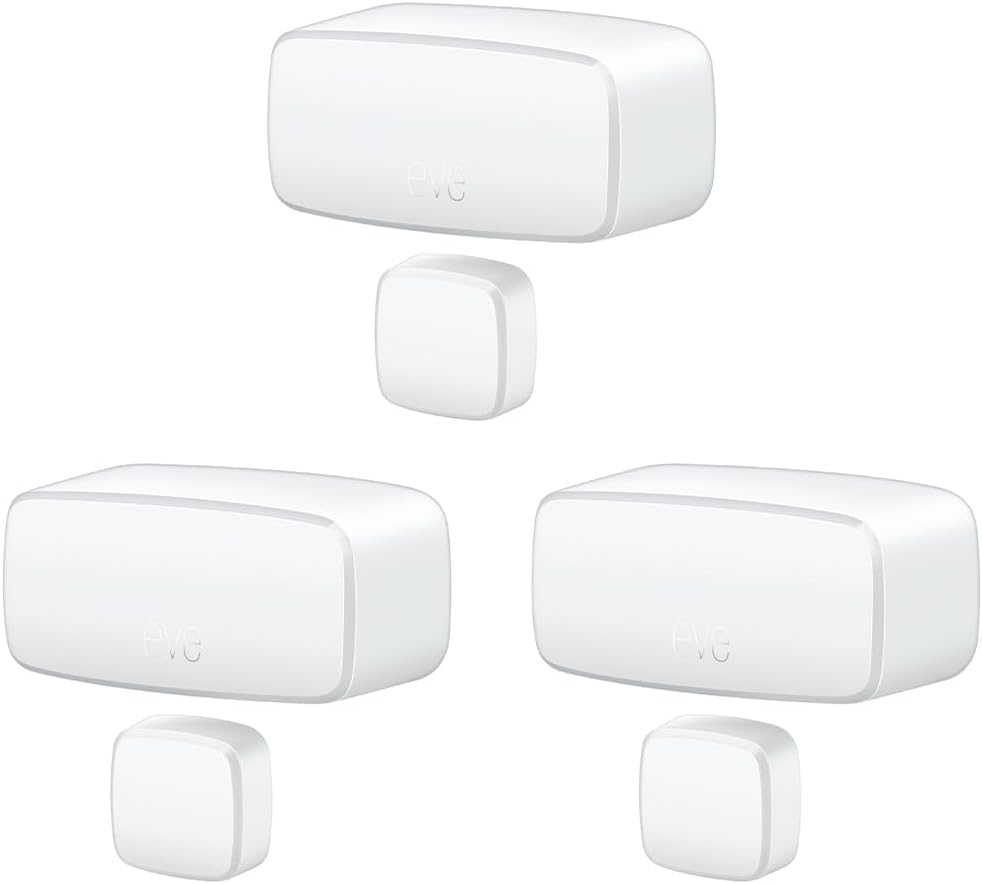
Eve Door & Window (Matter) 3 Pack – Smart Contact Sensor ...

Eve Water Guard - Smart Home Water Leak Detector, 6.5 ft ...

Eve Door & Window (Matter) – Smart Contact Sensor for Doo...
As an Amazon Associate we earn from qualifying purchases.


