

What Does Govee Heater E1 Error Mean and How Do I Fix It?
- Temperature sensor reading out of range
- Restricted airflow
- Dust buildup near intake
Problem Description
Govee Heater E1 usually indicates a protection-state trigger tied to sensor or safety conditions. The heater may stop output until the condition is cleared.
Why This Happens in Real Homes
This usually appears after airflow or heat-protection triggers in real rooms, especially during long heating sessions. Start with cooling and placement fixes before assuming hardware failure.
Symptoms
- E1 appears on display
- Heater stops heating suddenly
- Device powers on but no warm output
- Error returns after restart
- App shows protection warning
- Issue appears during longer runs
Recognize these? Here's what usually causes it.
Common Causes
- Temperature sensor reading out of range
- Restricted airflow
- Dust buildup near intake
- Placement too close to wall or fabric
- Internal overheat protection event
- Power instability
Most fixes happen in the first 3 steps.
Never block heater vents or run the unit close to curtains, bedding, or paper.
Tools & Requirements
These tools will help you complete this fix.

As an Amazon Associate we earn from qualifying purchases.
Step-by-Step Solution
Let heater fully cool first
Turn the unit off and unplug it for a full cool-down period before retrying. Many E1 cases clear once internal heat protection resets.
Check placement and airflow
Make sure the heater has open space around intake and outlet areas. Tight corners, curtains, or nearby fabric can cause repeated safety trips.
Clean visible dust buildup
Dust around vents can trap heat and trigger protection behavior. Gently clean external vents and retest after reconnecting power.
Use a stable power source
Plug directly into a reliable outlet and avoid overloaded extension strips. Inconsistent power can worsen fault behavior.
Retest at moderate setting
Run the heater at a moderate level and monitor for 15-20 minutes. If E1 returns repeatedly in safe conditions, escalate to support.
Quick Solutions
Still having issues? This is usually the deeper cause below.
If this comes back after following these steps, check whether a recent app or firmware update reset a default setting — the fix works, but the setting gets reverted silently.
Most E1 resets are solved by airflow and placement corrections, not replacement hardware.
This issue almost always looks more complex than it is — the majority of cases trace back to a single setting, a stale credential, or a default that shipped wrong.
- Temperature sensor reading out of range
- Restricted airflow
- Dust buildup near intake
- Placement too close to wall or fabric
- Internal overheat protection event
Before you go — try one of these (they fix most cases).
Most popular upgrades chosen by GoveeLife Smart Heater Error E1 owners.

As an Amazon Associate we earn from qualifying purchases.
Official Manufacturer Manual
Govee provides official product documentation through their online manual rather than downloadable PDF. Access setup guides, troubleshooting steps, and product specifications for your GoveeLife Smart Heater Error E1.
Source: govee.com
Need More Help? Govee Support
Note: The contact information below connects you directly to Govee's official customer support team, not Trunetto. They can help with warranty claims, device replacements, and advanced technical issues.
How Does Govee Compare?
Before replacing your Govee device, see how it stacks up against alternatives in our full comparison guides.
Accessories owners commonly pair with GoveeLife Smart Heater Error E1.
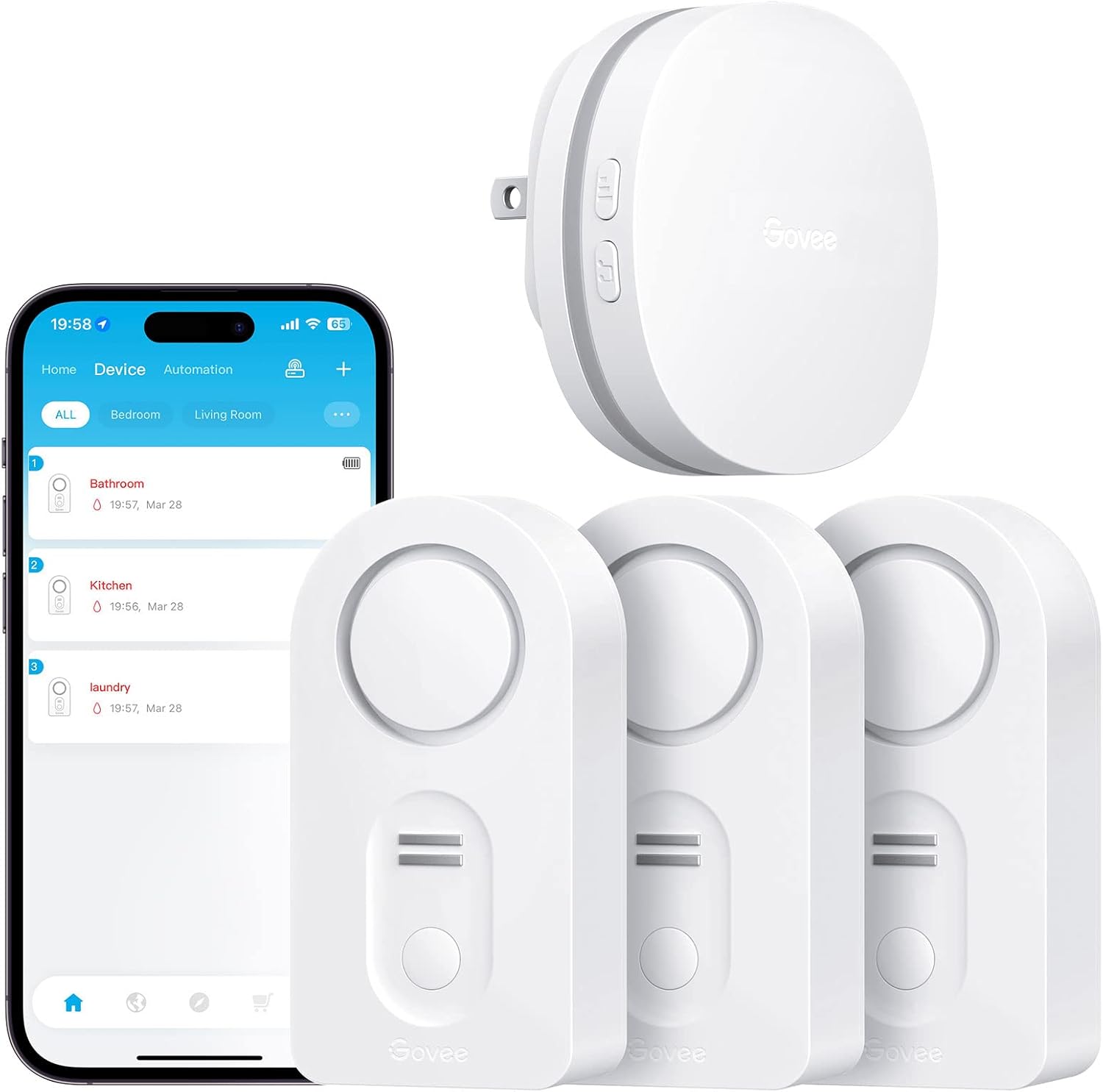
Govee WiFi Water Leak Detector 3 Packs, Leak Alert with R...

Govee WiFi Water Sensor 2 Pack, Smart Water Leak Detector...

Govee WiFi Temperature Sensor H5179, Smart Hygrometer The...
As an Amazon Associate we earn from qualifying purchases.


