

What Does Govee Heater E2 Error Mean and How Do I Fix It?
- Thermal protection trigger
- Poor ventilation around heater
- Internal temperature rise from dust load
Problem Description
Govee Heater E2 commonly points to a safety interruption where the unit stops heating to prevent unsafe thermal conditions.
Why This Happens in Real Homes
E2 usually shows up after thermal protection events in tight or dusty placements. In most homes, clearance and airflow corrections fix it fast.
Symptoms
- E2 code appears during operation
- Heater shuts off unexpectedly
- Unit powers on but heat does not start
- Error repeats in same room
- App shows fault state
- Fan behavior changes before shutdown
Recognize these? Here's what usually causes it.
Common Causes
- Thermal protection trigger
- Poor ventilation around heater
- Internal temperature rise from dust load
- High-power mode in tight space
- Power fluctuation
- Safety circuit trip
Most fixes happen in the first 3 steps.
Do not bypass safety behavior or continue running a heater that repeatedly trips thermal protection.
Tools & Requirements
These tools will help you complete this fix.

As an Amazon Associate we earn from qualifying purchases.
Step-by-Step Solution
Shut down and cool safely
Turn off and unplug the heater, then wait for complete cooling. Restarting too quickly can keep the unit in repeat fault mode.
Open up clearance around heater
Make sure adequate space around all sides and avoid enclosed corners. Poor airflow is one of the fastest ways to trigger repeat safety shutdowns.
Clean vent surfaces
Remove visible dust from intake and outlet areas. Even minor blockage can push internal heat above safe limits under sustained use.
Retest at lower output
Run at a lower setting in a well-ventilated space to verify stable operation before returning to high heat mode.
Escalate if repeated in safe setup
If E2 keeps returning after proper airflow and cleaning, document conditions and contact support for deeper hardware checks.
Quick Solutions
Still having issues? This is usually the deeper cause below.
If this comes back after following these steps, check whether a recent app or firmware update reset a default setting — the fix works, but the setting gets reverted silently.
Running heaters in open airflow with regular dust cleanup prevents most repeat E2 faults.
This issue almost always looks more complex than it is — the majority of cases trace back to a single setting, a stale credential, or a default that shipped wrong.
- Thermal protection trigger
- Poor ventilation around heater
- Internal temperature rise from dust load
- High-power mode in tight space
- Power fluctuation
Before you go — try one of these (they fix most cases).
Most popular upgrades chosen by GoveeLife Smart Heater Error E2 owners.

As an Amazon Associate we earn from qualifying purchases.
Official Manufacturer Manual
Govee provides official product documentation through their online manual rather than downloadable PDF. Access setup guides, troubleshooting steps, and product specifications for your GoveeLife Smart Heater Error E2.
Source: govee.com
Need More Help? Govee Support
Note: The contact information below connects you directly to Govee's official customer support team, not Trunetto. They can help with warranty claims, device replacements, and advanced technical issues.
How Does Govee Compare?
Before replacing your Govee device, see how it stacks up against alternatives in our full comparison guides.
Accessories owners commonly pair with GoveeLife Smart Heater Error E2.
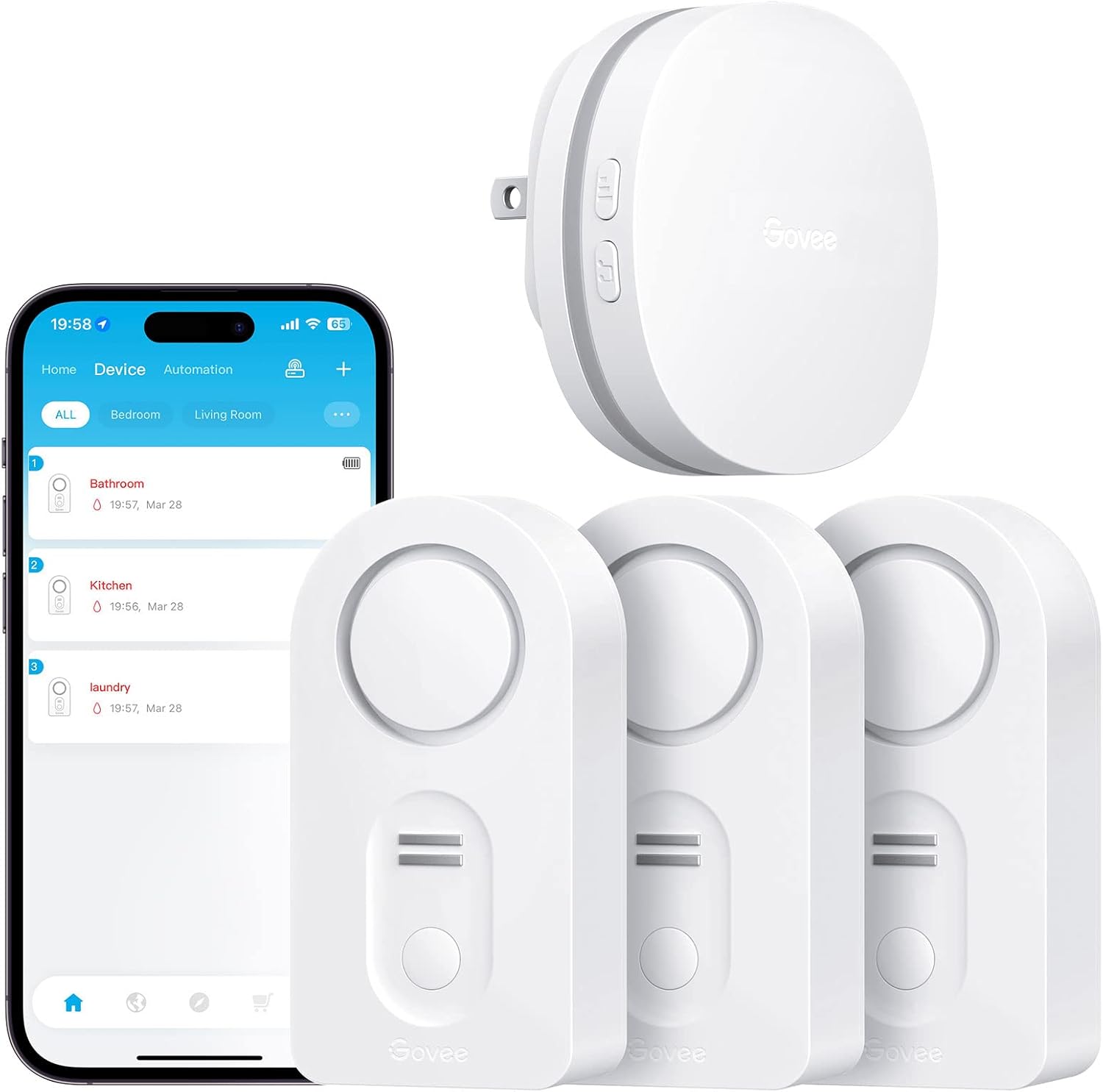
Govee WiFi Water Leak Detector 3 Packs, Leak Alert with R...

Govee WiFi Water Sensor 2 Pack, Smart Water Leak Detector...

Govee WiFi Temperature Sensor H5179, Smart Hygrometer The...
As an Amazon Associate we earn from qualifying purchases.


