

What Does Govee Heater E3 Error Mean and How Do I Fix It?
- Sensor input instability
- Protection-state lock from prior overheat
- Airflow obstruction
Problem Description
Govee Heater E3 indicates a fault condition where normal heating is paused until the unit sees safe and stable operating inputs again.
Why This Happens in Real Homes
E3 often appears after interrupted recovery or repeated restart attempts. A full cool-down and stable restart sequence resolves many cases quickly.
Symptoms
- E3 code appears on startup or during run
- No heat output despite power
- Device enters fault loop
- App cannot clear fault state
- Error returns after quick restart
- Unit stops before reaching target temperature
Recognize these? Here's what usually causes it.
Common Causes
- Sensor input instability
- Protection-state lock from prior overheat
- Airflow obstruction
- Electrical fluctuation
- Internal safety check failure
- Repeated restart without full cooldown
Most fixes happen in the first 3 steps.
Do not run a heater unattended while troubleshooting recurring fault codes.
Step-by-Step Solution
Perform full cool-down reset
Unplug the heater and allow enough time for complete thermal reset. Rapid restart attempts can keep E3 fault state active.
Verify clear airflow and placement
Move the heater to an open, stable area and keep vents unobstructed. Restricted airflow can trigger recurring sensor protections.
Use direct stable power
Test from a known-good wall outlet and avoid overloaded adapters or strips that may introduce voltage instability.
Reboot once and monitor behavior
Restart the heater one time after corrections and watch for stable operation through a full heat cycle.
Document and escalate if persistent
If E3 repeats under safe conditions, capture pattern details and contact support for deeper diagnostics.
Quick Solutions
Still having issues? This is usually the deeper cause below.
If this comes back after following these steps, check whether a recent app or firmware update reset a default setting — the fix works, but the setting gets reverted silently.
Most recurring E3 issues improve when users stop rapid restart loops and allow full thermal reset.
This issue almost always looks more complex than it is — the majority of cases trace back to a single setting, a stale credential, or a default that shipped wrong.
- Sensor input instability
- Protection-state lock from prior overheat
- Airflow obstruction
- Electrical fluctuation
- Internal safety check failure
Before you go — try one of these (they fix most cases).
Most popular upgrades chosen by GoveeLife Smart Heater Error E3 owners.

As an Amazon Associate we earn from qualifying purchases.
Official Manufacturer Manual
Govee provides official product documentation through their online manual rather than downloadable PDF. Access setup guides, troubleshooting steps, and product specifications for your GoveeLife Smart Heater Error E3.
Source: govee.com
Need More Help? Govee Support
Note: The contact information below connects you directly to Govee's official customer support team, not Trunetto. They can help with warranty claims, device replacements, and advanced technical issues.
How Does Govee Compare?
Before replacing your Govee device, see how it stacks up against alternatives in our full comparison guides.
Accessories owners commonly pair with GoveeLife Smart Heater Error E3.
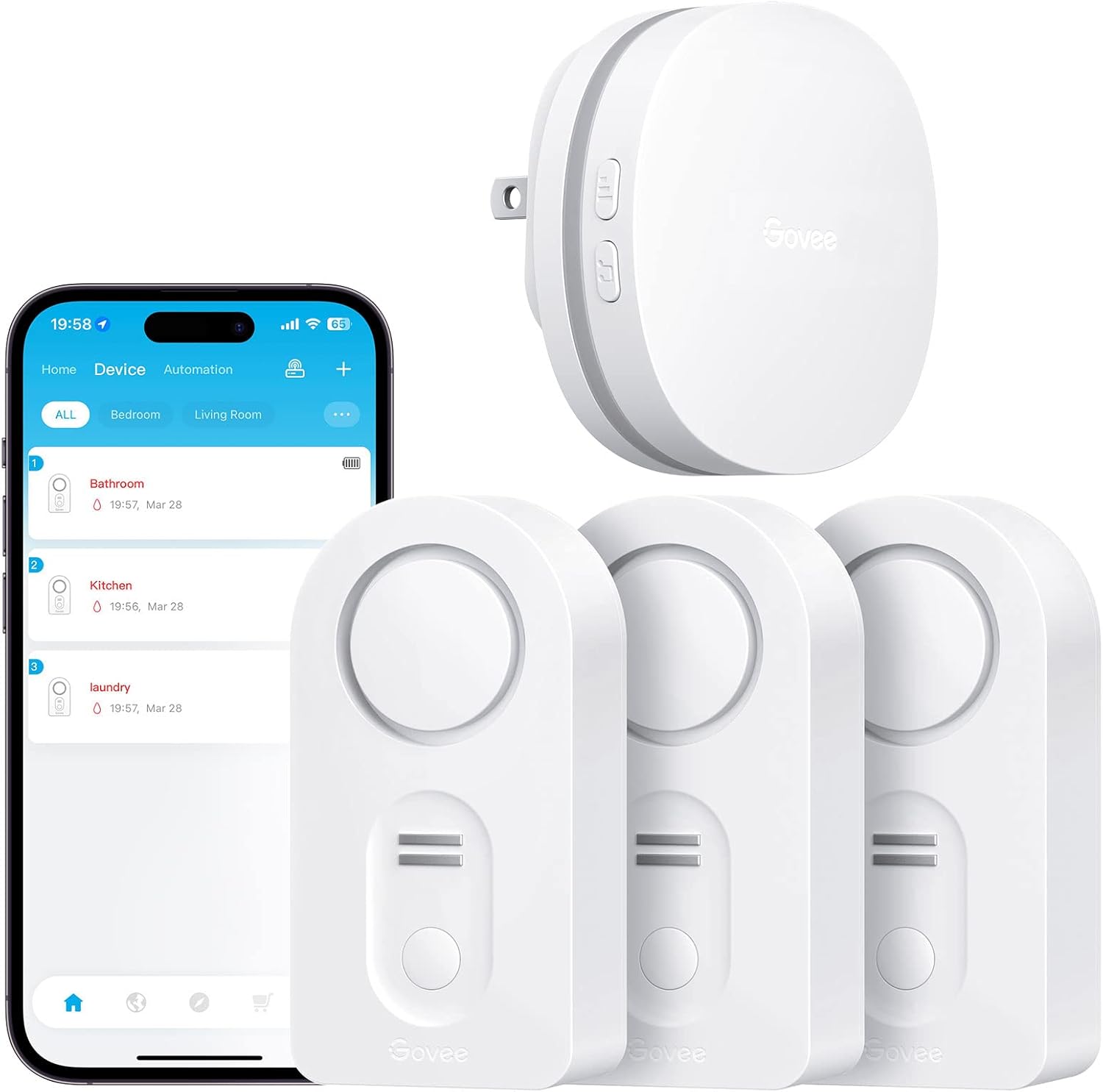
Govee WiFi Water Leak Detector 3 Packs, Leak Alert with R...

Govee WiFi Water Sensor 2 Pack, Smart Water Leak Detector...

Govee WiFi Temperature Sensor H5179, Smart Hygrometer The...
As an Amazon Associate we earn from qualifying purchases.


