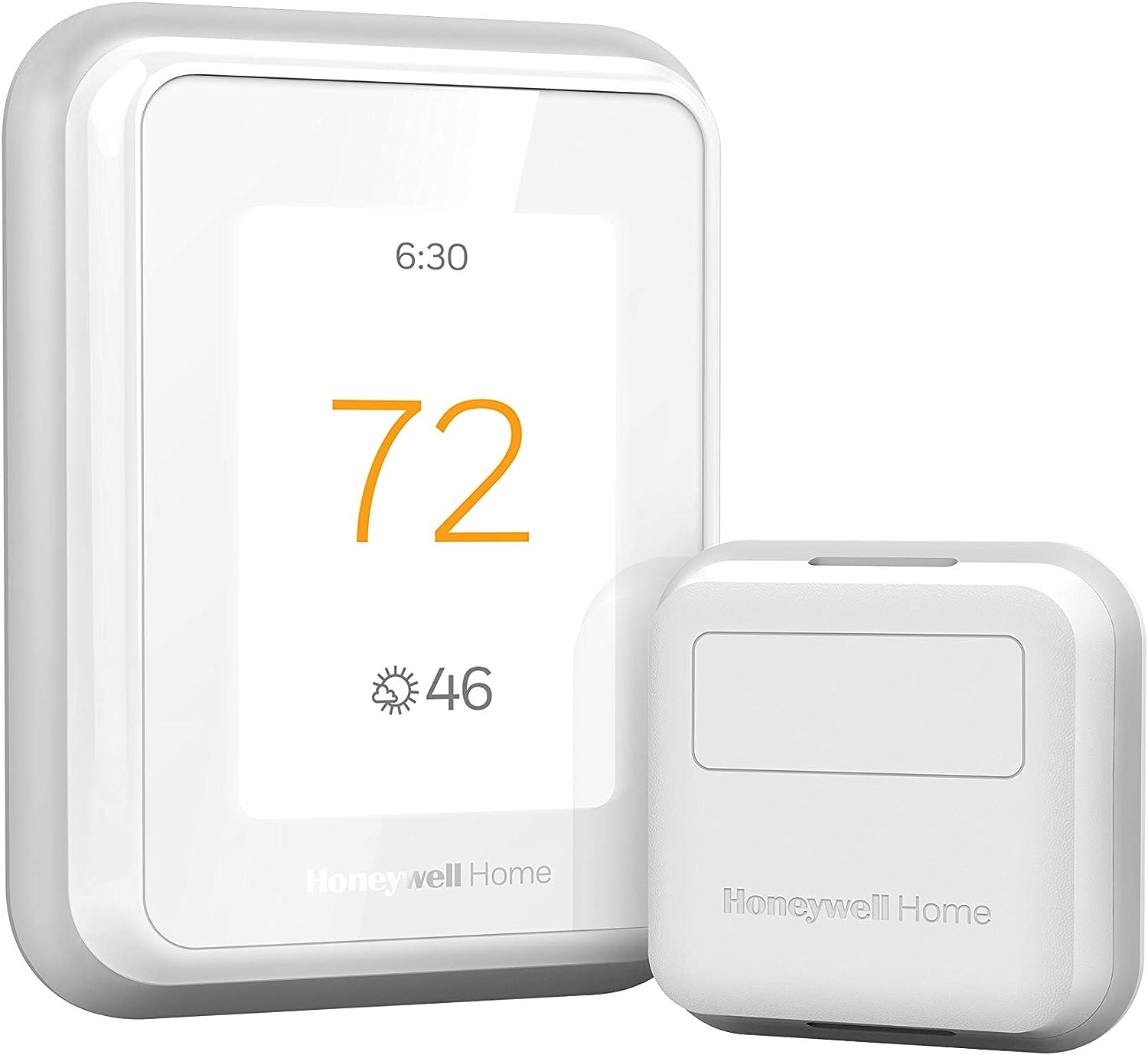
Why Is My Honeywell Thermostat Blowing Cold Air When Set to Heat
- Furnace not igniting (ignition/flame sensor/gas/fuel)
- Fan set to ON instead of AUTO (circulates cold air between cycles)
- Heat pump in a defrost cycle
Problem Description
Your Honeywell thermostat is set to heat but your vents blow cold air. The thermostat screen shows heating mode and you can hear the fan running but the air coming out is cold or room temperature. The furnace is not actually heating even though the thermostat is calling for heat. This is usually an HVAC issue triggered by the thermostat rather than a thermostat problem itself.
Why This Happens in Real Homes
A Honeywell thermostat set to heat but blowing cold air is usually the HVAC system's problem, triggered by the thermostat's call for heat rather than a thermostat fault. The thermostat is asking for heat and the fan runs, but the furnace isn't producing it — commonly because a gas furnace fails to ignite (a dirty flame sensor is a classic cause, shutting the burner down seconds after it lights), the system is out of fuel, or a clogged filter tripped the high-limit switch.
One simple non-HVAC cause is worth checking first: if the fan is set to ON instead of AUTO, it runs continuously and blows room-temperature or cold air between heating cycles, which feels like "cold air in heat mode." Set the fan to AUTO. For heat pumps, cold air can be a normal defrost cycle (wait a few minutes) or a miswired/misconfigured O/B reversing valve, so the thermostat's heat-pump settings must match the system. If the fan is on AUTO and the furnace still won't make heat, it's an ignition or fuel issue for an HVAC tech.
Symptoms
- Set to heat but blowing cold air
- Fan runs but air is cold
- Furnace not actually heating
- Heat mode shows but no warm air
- Cold air from vents in winter
- Heat pump blowing cool in heat mode
- Warms briefly then blows cold
- No heat despite calling for heat
Recognize these? Here's what usually causes it.
Common Causes
- Furnace not igniting (ignition/flame sensor/gas/fuel)
- Fan set to ON instead of AUTO (circulates cold air between cycles)
- Heat pump in a defrost cycle
- Heat pump O/B reversing-valve setting wrong
- Dirty flame sensor shutting down the burner
- Tripped high-limit from a clogged filter
- Out of fuel (propane/oil systems)
- Wrong system type configured on the thermostat
Most fixes happen in the first 3 steps.
If you smell gas near the furnace turn off the gas supply immediately and call your gas company. A gas smell indicates a gas leak which is a safety emergency. Do not attempt any repairs.
Tools & Requirements
These tools will help you complete this fix.

Fine steel wool for flame sensor
PAMI Steel Wool Scrubber 0000 Fine for Cleaning Glas...

Screwdriver for furnace access panel
STREBITO 155 in 1 Electric Screwdriver Set, Small El...
As an Amazon Associate we earn from qualifying purchases.
Step-by-Step Solution
Check Fan Setting
On the thermostat check if fan is set to ON or AUTO. When set to ON the fan runs continuously even when the furnace is not heating. You feel cold air because the fan circulates unheated air between heating cycles. Switch to AUTO so the fan only runs when the furnace is actively heating.
Needed for this step
STREBITO 155 in 1 Electric Screwdriver Set, Sma...
This helps complete the fix you are currently reading.
$45.99Check O/B Wire Setting for Heat Pumps
If you have a heat pump the O/B wire controls the reversing valve. If set incorrectly the heat pump runs in cooling mode when you call for heat. In thermostat settings check if O/B is set to O energize on cool which is most common or B energize on heat. Wrong setting reverses heating and cooling. Swap it and test.
Check Furnace at Unit
Go to your furnace and check the status LED through the small window. A flashing LED indicates an error code. Count the flashes and check your furnace manual for the code. Common codes indicate failed ignitor 4 flashes on many models or dirty flame sensor 3 flashes. These prevent the burner from staying lit.
Needed for this step
PAMI Steel Wool Scrubber 0000 Fine for Cleaning...
This helps complete the fix you are currently reading.
$7.97Clean Flame Sensor
A dirty flame sensor is the most common cause of furnace igniting then shutting off after seconds. Turn off power to the furnace. Remove the flame sensor rod usually a single screw. Gently rub it with fine steel wool until shiny. Reinstall and restore power. This simple cleaning fixes the majority of no-heat issues.
Test Emergency Heat
If you have a heat pump switch the thermostat to Emergency Heat mode. This bypasses the heat pump and uses electric resistance heating strips. If emergency heat works but regular heat does not the issue is with the heat pump outdoor unit not the thermostat. Check the outdoor unit for ice buildup or a failed compressor.
Quick Solutions
Still having issues? This is usually the deeper cause below.
Schedules that skip randomly are usually a daylight-saving holdover — delete and recreate the schedule to clear the corrupted entry.
If your furnace is over 15 years old and the flame sensor needs cleaning more than twice a year the sensor is degrading and should be replaced. A new flame sensor costs about 10 dollars.
Thermostat issues that keep returning are often caused by stale backup-battery memory holding old settings across power cycles without the user realising.
- Furnace not igniting (ignition/flame sensor/gas/fuel)
- Fan set to ON instead of AUTO (circulates cold
- Heat pump in a defrost cycle
- Heat pump O/B reversing-valve setting wrong
- Dirty flame sensor shutting down the burner
Before you go — try one of these (they fix most cases).
Most popular upgrades chosen by Honeywell Smart Thermostat owners.

Honeywell Home RCHT9510WF T9 Smart Thermostat + Wall Plate

Honeywell Home X7B Smart Thermostat with Humidity Monitor...

Honeywell Home X7S Smart Thermostat with Advanced Occupan...
As an Amazon Associate we earn from qualifying purchases.
Official Manufacturer Manual
Honeywell Home provides official product documentation through their online manual rather than downloadable PDF. Access setup guides, troubleshooting steps, and product specifications for your Honeywell Smart Thermostat.
Source: honeywellhome.com
Need More Help? Honeywell Home Support
Note: The contact information below connects you directly to Honeywell Home's official customer support team, not Trunetto. They can help with warranty claims, device replacements, and advanced technical issues.
How Does Honeywell Home Compare?
Before replacing your Honeywell Home device, see how it stacks up against alternatives in our full comparison guides.
Accessories owners commonly pair with Honeywell Smart Thermostat.

As an Amazon Associate we earn from qualifying purchases.