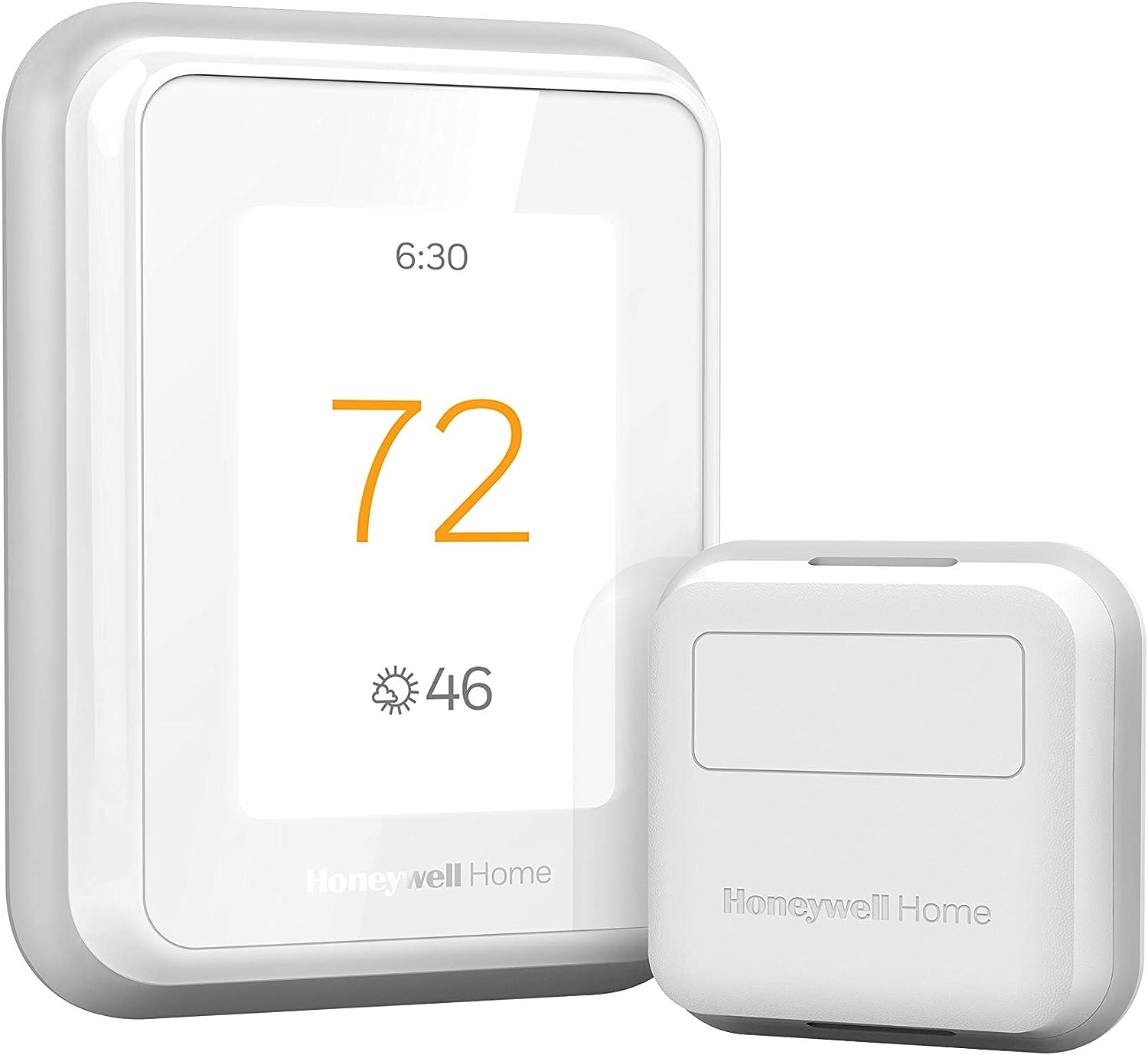
Why Is My Honeywell Thermostat Displaying the Wrong Temperature?
- Poor placement (direct sun, drafts, near a vent)
- Heat from a nearby lamp or electronics
- Thermostat on an exterior/uninsulated wall
Problem Description
Your Honeywell Home thermostat is displaying a temperature that does not match the actual room temperature. The reading may be several degrees too high or too low causing your HVAC system to overcool overheat or fail to maintain comfortable temperatures. This affects energy efficiency and comfort and is usually caused by thermostat placement sensor issues or calibration settings.
Why This Happens in Real Homes
A Honeywell thermostat reading a temperature that doesn't match the room is most often a placement problem, not a broken sensor. Thermostats are meant to sit on an interior wall away from direct sun, supply vents, drafts, doorways, and heat-throwing devices — put one in afternoon sun or above a lamp and it reads warm, so the AC overruns; put it near a drafty door and it reads cold, so heating overruns.
First check what's around and behind it: relocate away from sun, vents, and heat sources, and off an exterior wall if you can. If the location is fine but the reading is still consistently off, use the thermostat's temperature calibration/offset setting — compare it to a trusted thermometer placed alongside for a while, then apply the offset so the display matches reality. On a T9 with room sensors, a skewed reading can come from sensor averaging or prioritization rather than the thermostat itself, so adjust which rooms count.
Symptoms
- Displayed temp doesn't match the room
- Reads several degrees off
- System over/undershoots comfort
- Thermostat feels wrong vs a separate thermometer
- HVAC runs too much or too little
- Reading high near a sunny wall
- Reading low near a draft
- Temperature seems inaccurate
Recognize these? Here's what usually causes it.
Common Causes
- Poor placement (direct sun, drafts, near a vent)
- Heat from a nearby lamp or electronics
- Thermostat on an exterior/uninsulated wall
- Calibration/temperature offset needed
- Internal sensor drift
- Room sensor averaging skewing the reading
- Dust inside affecting the sensor
- Recent install still stabilizing
Most fixes happen in the first 3 steps.
Accessing installer settings on the T6 Pro requires the installer code. The default is usually 1234 but if it was changed during professional installation you may need to contact your HVAC company.
Tools & Requirements
These tools will help you complete this fix.

As an Amazon Associate we earn from qualifying purchases.
Step-by-Step Solution
Take side-by-side reading with a trusted reference
Place a calibrated thermometer near the thermostat and compare after stabilization, because quick comparisons in moving air frequently misrepresent true sensor deviation.
Check thermostat placement against heat and draft sources
Inspect for sun exposure, supply vents, exterior walls, or electronics nearby, since localized thermal bias is a common reason displayed temperature appears incorrect.
Verify system fan behavior and circulation effects
Evaluate whether fan-only cycles are skewing the thermostat pocket temperature, because airflow direction and cycle timing can influence short-term displayed values.
Apply calibration offset only after environmental fixes
Use available calibration settings conservatively once placement issues are ruled out, because offset tuning should refine an already stable installation, not mask location problems.
Monitor over day/night periods before final adjustment
Track readings through different occupancy and HVAC cycles so final calibration reflects realistic operation instead of one transient measurement window.
Quick Solutions
Still having issues? This is usually the deeper cause below.
Schedules that skip randomly are usually a daylight-saving holdover — delete and recreate the schedule to clear the corrupted entry.
If you have a two-story home install Smart Room Sensors on each floor. Heat rises naturally so upstairs is typically 2 to 4 degrees warmer than downstairs making a single thermostat reading unreliable.
Thermostat issues that keep returning are often caused by stale backup-battery memory holding old settings across power cycles without the user realising.
- Poor placement (direct sun, drafts, near a vent)
- Heat from a nearby lamp or electronics
- Thermostat on an exterior/uninsulated wall
- Calibration/temperature offset needed
- Internal sensor drift
Before you go — try one of these (they fix most cases).
Most popular upgrades chosen by Honeywell Home Thermostat owners.

Honeywell Home RCHT9510WF T9 Smart Thermostat + Wall Plate

Honeywell Home X7S Smart Thermostat with Advanced Occupan...

Honeywell Home X7B Smart Thermostat with Humidity Monitor...
As an Amazon Associate we earn from qualifying purchases.
Official Manufacturer Manual
Honeywell Home provides official product documentation through their online manual rather than downloadable PDF. Access setup guides, troubleshooting steps, and product specifications for your Honeywell Home Thermostat.
Source: honeywellhome.com
Need More Help? Honeywell Home Support
Note: The contact information below connects you directly to Honeywell Home's official customer support team, not Trunetto. They can help with warranty claims, device replacements, and advanced technical issues.
How Does Honeywell Home Compare?
Before replacing your Honeywell Home device, see how it stacks up against alternatives in our full comparison guides.
Accessories owners commonly pair with Honeywell Home Thermostat.

As an Amazon Associate we earn from qualifying purchases.