

How Do I Set Up the Meross Smart Thermostat Valve?
- Wrong valve adapter for the radiator
- Needs the Meross hub (for non-WiFi models)
- Valve not calibrated/homed
Problem Description
You are installing a Meross smart thermostat radiator valve (TRV). The valve replaces your existing manual radiator valve and connects to the Meross hub for WiFi control. Most European radiators use M30x1.5 threading — check compatibility before purchasing. This guide covers adapter selection, installation, and app setup.
Why This Happens in Real Homes
The Meross smart thermostat radiator valve (TRV) replaces your radiator's manual valve head to control heating per-room on a schedule — installation is screwing it onto the radiator valve body (with the right adapter) and letting it calibrate its range of motion. Many models connect through the Meross hub rather than WiFi directly, so a hub may be required.
Fit the correct adapter for your radiator's valve type, install fresh batteries, and let the valve auto-calibrate (home) so it learns the fully-open and fully-closed positions. Set up the Meross hub if your model needs one, and keep the valve within its range. Configure the schedule and timezone in the app. If the valve won't move, the radiator's own pin may be seized — freeing it lets the TRV operate.
Symptoms
- Installing the thermostat radiator valve
- Won't fit the radiator
- Valve calibration questions
- Won't connect / needs a hub
- Temperature control issues
- Schedule not working
- Valve not moving
- Setup unclear
Recognize these? Here's what usually causes it.
Common Causes
- Wrong valve adapter for the radiator
- Needs the Meross hub (for non-WiFi models)
- Valve not calibrated/homed
- Low batteries
- Radiator valve stuck/seized
- Schedule/timezone misconfigured
- Weak connection to the hub
- Firmware issue
Most fixes happen in the first 3 steps.
Always turn off your HVAC system at the breaker before removing the thermostat or touching wires. Incorrect wiring can damage both the thermostat and your HVAC equipment resulting in expensive repairs. If unsure about wiring consult an HVAC technician.
Tools & Requirements
These tools will help you complete this fix.

As an Amazon Associate we earn from qualifying purchases.
Step-by-Step Solution
Check radiator valve compatibility
The Meross Smart Thermostat Valve (MTS200) replaces the manual radiator valve on European-style hot water radiators. It comes with adapters for common valve connections: M30 x 1.5mm (standard), plus adapters for Danfoss RA, RAV, and RAVL. Check your existing valve connector type before purchasing. The Meross valve does not work with US-style forced-air HVAC systems — it controls hot water radiator flow only.
Install the valve on the radiator
Turn the existing manual valve to maximum (fully open). Unscrew the old valve head counterclockwise (most are hand-tightened). Select the correct adapter for your valve type and attach it. Screw the Meross valve onto the radiator (clockwise, hand-tight). Install 2 AA batteries. The valve runs an automatic calibration when first powered on — the motor drives through the full range to learn the valve's open and closed positions. Do not interrupt the calibration.
Connect to the Meross app
Open the Meross app > + > Add Device > Thermostat Valve. The valve pairs via Bluetooth during initial setup, then communicates via your Meross hub (if required by the model) or directly via WiFi/Bluetooth. Set the target temperature, room name, and schedule. The valve measures temperature at the radiator, which reads warmer than room center — use the temperature offset setting to compensate (typically -1°C to -3°C).
Create heating schedules
In the Meross app, create weekly schedules for each valve. Set comfort temperatures for when you are home (20-22°C), eco temperatures for when you are away (16-18°C), and night temperatures for sleeping (17-19°C). The valve adjusts automatically throughout the day. You can override the schedule temporarily by manually changing the target temperature — the next scheduled time slot returns to the programmed temperature.
Set up multi-room heating control
If you have multiple Meross valves on different radiators, control them independently by room. Each valve gets its own schedule based on the room's usage pattern. The living room can be warm in the evening while bedrooms stay cool until bedtime. Group valves in the same room if the room has multiple radiators — they share the same temperature target and schedule to avoid one radiator heating while the other is off.
Quick Solutions
Still having issues? This is usually the deeper cause below.
Schedules that skip randomly are usually a daylight-saving holdover — delete and recreate the schedule to clear the corrupted entry.
Use the thermostat energy reports to find patterns in your heating and cooling usage. Setting back the temperature just 3 degrees when you leave for work can save 5 to 10 percent on your annual energy bill without any comfort sacrifice.
Thermostat issues that keep returning are often caused by stale backup-battery memory holding old settings across power cycles without the user realising.
- Wrong valve adapter for the radiator
- Needs the Meross hub (for non-WiFi models)
- Valve not calibrated/homed
- Low batteries
- Radiator valve stuck/seized
Before you go — try one of these (they fix most cases).
Most popular upgrades chosen by Meross Thermostat Valve owners.
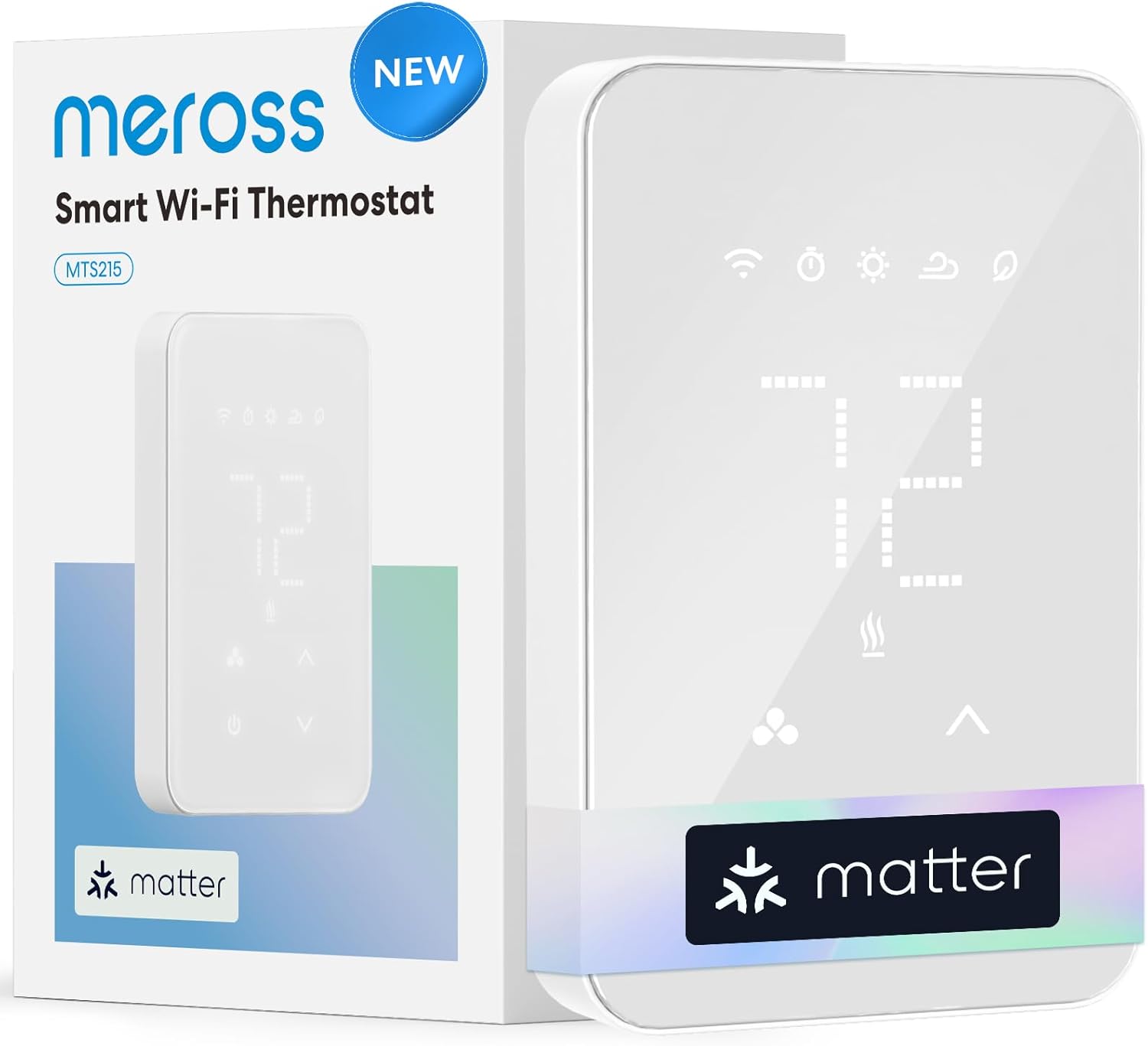
meross Matter Smart Thermostat for Electric Baseboard Hea...

meross Smart Thermostat for Electric Baseboard and in-Wal...
As an Amazon Associate we earn from qualifying purchases.
Official Manufacturer Manual
Meross provides official product documentation through their online manual rather than downloadable PDF. Access setup guides, troubleshooting steps, and product specifications for your Meross Thermostat Valve.
Source: meross.com
Need More Help? Meross Support
Note: The contact information below connects you directly to Meross's official customer support team, not Trunetto. They can help with warranty claims, device replacements, and advanced technical issues.
Accessories owners commonly pair with Meross Thermostat Valve.

meross Smart WiFi Garage Door Opener Remote, App Control,...

meross Smart Garage Door Opener Remote with External Ante...

meross Smart Garage Door Opener Remote, Compatible with A...
As an Amazon Associate we earn from qualifying purchases.


