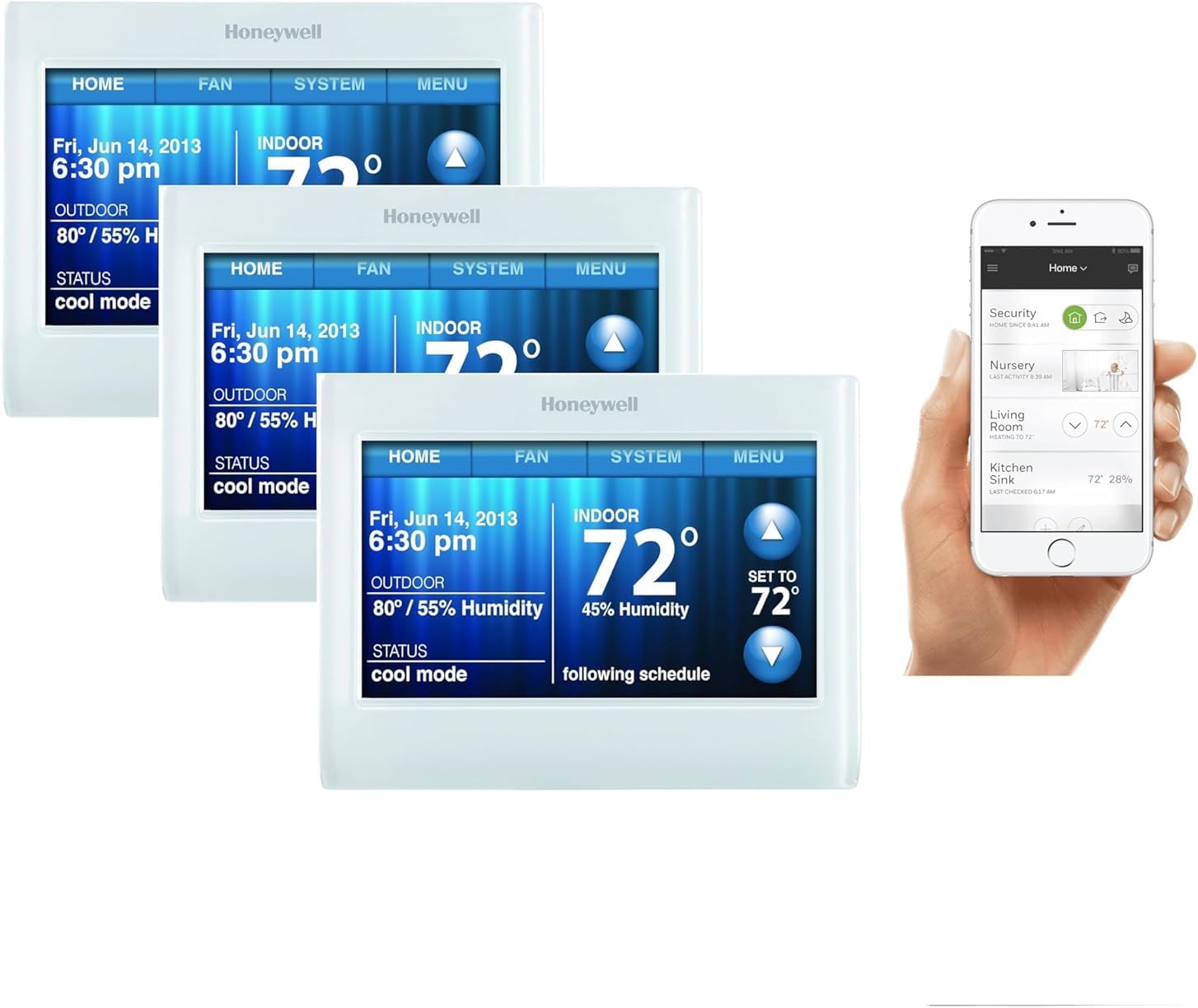
How to Install Wyze Thermostat
- HVAC Compatibility Verification
- Power Off Safety
- Remove Current Thermostat
- Install Wyze Base Plate
- Connect HVAC Wires
- Wyze App Setup
Most users complete this in under 60 minutes
Overview
Wyze Wyze Thermostat setup takes under 15 minutes for most users — if you're stuck, the steps below target the specific points where installs stall.
This guide covers the complete installation of the Wyze Thermostat, including existing thermostat wiring removal, Wyze base wiring, display attachment, and Wyze app configuration for schedule setup and C-wire adapter installation when required. The Wyze Thermostat connects via WiFi without a hub and integrates with Alexa and Google Home for voice control.
Why This Happens in Real Homes
The Wyze Thermostat installs like most smart thermostats, and the make-or-break step happens before you touch a wire: run Wyze's compatibility check and photograph your existing wiring. Wyze includes labeling stickers for a reason — matching each wire back to the right terminal is where DIY installs go wrong.
Many systems work without a C-wire, but some (especially those that can't keep the thermostat powered) will need one, so confirm that up front. Kill the HVAC power at the breaker before wiring, mount the base level, and pair on 2.4GHz WiFi. If it powers on but won't run heat or cool, it's almost always a wire in the wrong terminal.
What's Included
- Unsure if your HVAC is compatible
- Which wires go where
- No C-wire and unsure if it matters
- Base plate mounting questions
- Thermostat will not power on after wiring
- Setup will not connect to WiFi
- Heating/cooling not responding
- App configuration unclear
Got your materials ready? Here's what to check first.
Before You Start
- HVAC type not checked with the compatibility tool
- Wires unlabeled before removing the old thermostat
- Missing C-wire on a system that needs one
- Loose or misplaced wire at a terminal
- Power left on during wiring
- Phone on 5GHz during WiFi setup
- Base plate not level or loose
- Wrong system type set in the app
Don't skip this step — it breaks everything if you do
C-wire recommended but not always required. Verify compatibility before installation. Turn off power at breaker before starting.
Tools & Requirements
These tools will help you complete this fix.

Drill optional
DEWALT 20V MAX Cordless Drill and Impact Driver, Pow...

Level
9 Inch Torpedo Level Magnetic, Shock-Proof Small Lev...

Screwdriver
STREBITO 155 in 1 Electric Screwdriver Set, Small El...
As an Amazon Associate we earn from qualifying purchases.
Installation Steps
HVAC Compatibility Verification
Check Wyze Thermostat compatibility with existing HVAC system using Wyze compatibility tool. Works with most common heating and cooling systems.
Power Off Safety
Turn off HVAC power at circuit breaker before installation. Use voltage tester to confirm power off and photograph existing thermostat wiring.
Remove Current Thermostat
Carefully disconnect and remove existing thermostat. Label wires with included stickers matching terminal positions for reference.
Install Wyze Base Plate
Mount Wyze Thermostat base plate to wall ensuring level installation. Use included screws and anchors for secure wall attachment.
Needed for this step
9 Inch Torpedo Level Magnetic, Shock-Proof Smal...
This helps complete the fix you are currently reading.
$6.99Connect HVAC Wires
Connect labeled wires to corresponding Wyze Thermostat terminals. Most installations work without C-wire but verify with compatibility guide.
Wyze App Setup
Power on and connect thermostat to Wi-Fi through Wyze app. Configure heating/cooling settings, create schedules, and test all HVAC functions.
Installation Tips
Still stuck? This is usually the deeper cause below.
Wyze Thermostat provides affordable smart control with app scheduling and energy monitoring. Works with most HVAC systems.
Before you go — these Wyze guides fix most remaining issues.
Official Manufacturer Manual
Wyze provides official product documentation through their online manual rather than downloadable PDF. Access setup guides, troubleshooting steps, and product specifications for your Wyze Thermostat.
Source: wyze.com
Need More Help? Wyze Support
Note: The contact information below connects you directly to Wyze's official customer support team, not Trunetto. They can help with warranty claims, device replacements, and advanced technical issues.
How Does Wyze Compare?
Before replacing your Wyze device, see how it stacks up against alternatives in our full comparison guides.