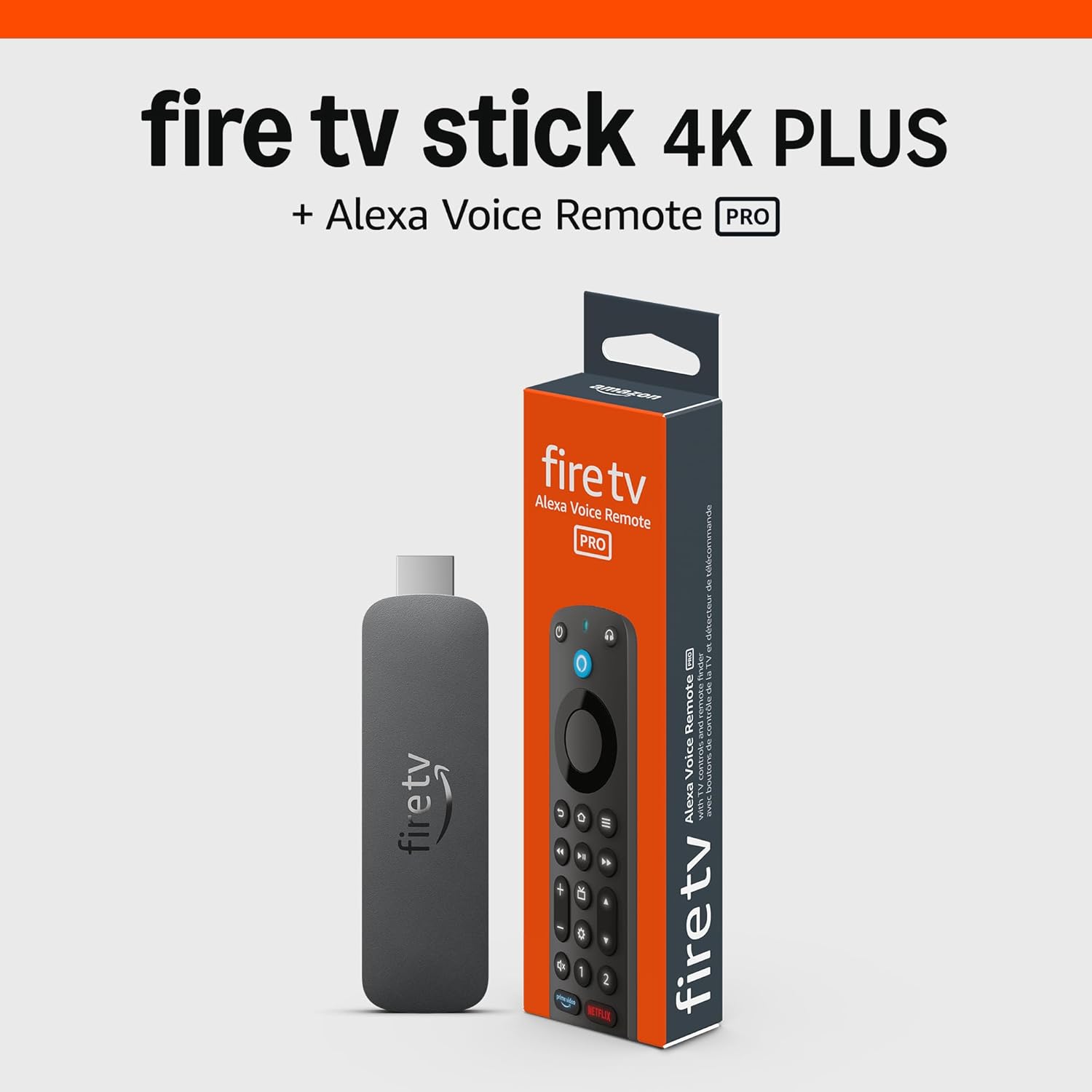
Why My Fire TV Cube Will Not Power On
- Power adapter loose
- Outlet not supplying power
- Cable damaged
Problem Description
If the Fire TV Cube will not power on, the adapter or outlet may be the issue. This guide checks power delivery and restores startup.
Why This Happens in Real Homes
If the Fire TV Cube will not power on, the adapter or outlet may be the issue. This guide checks power delivery and restores startup. In day-to-day use, this usually looks like No power light; Device unresponsive; Remote does not wake device.
Most cases trace back to Power adapter loose; Outlet not supplying power; Cable damaged. The fix works best when you go step by step instead of changing multiple settings at once.
A practical order for this issue is: Check Outlet -> Reseat Adapter -> Use Included Adapter -> Power Cycle. After each step, test the exact behavior that was failing so you can confirm what actually solved it.
Symptoms
- No power light
- Device unresponsive
- Remote does not wake device
- Power outlet changed
- Recent power outage
- Other devices working
Recognize these? Here's what usually causes it.
Common Causes
- Power adapter loose
- Outlet not supplying power
- Cable damaged
- Power surge
- Device overheated
- Firmware crash
Most fixes happen in the first 3 steps.
Use the included power adapter for reliable power.
Tools & Requirements
These tools will help you complete this fix.

Power adapter
JcBlaon Outlet Extender Surge Protector - 6 Outlet S...
As an Amazon Associate we earn from qualifying purchases.
Step-by-Step Solution
Check the Power Supply
The Fire TV Cube plugs into a wall outlet using the included power adapter. Verify the adapter is firmly plugged into both the Cube and the outlet. Try a different wall outlet. The Fire TV Cube does not use a micro-USB cable like the Fire TV Stick — it has a proprietary barrel-style power connector on the back. If using a power strip or surge protector, plug directly into the wall to rule out a faulty strip.
Needed for this step
JcBlaon Outlet Extender Surge Protector - 6 Out...
This helps complete the fix you are currently reading.
$9.99Check the HDMI Connection
Verify the HDMI cable is firmly connected to both the Fire TV Cube (HDMI OUT port on the back) and your TV. Try a different HDMI port on your TV. The Fire TV Cube outputs via HDMI only — if your TV input is set to the wrong HDMI port, you will see nothing on screen even though the Cube is powered on. Press the Input/Source button on your TV remote to cycle through inputs.
Look for the LED Indicator
The Fire TV Cube has a light bar on the front. When powered on, it briefly shows a blue light. If there is no LED at all when plugged in, the power adapter may be dead or the Cube's internal power supply may have failed. Try a different Amazon fire TV power adapter if available (the Cube uses a 15W adapter — the Stick adapter is not powerful enough).
Perform a Hard Reset
If the Cube powered on previously but now appears dead, press and hold the power button on the top of the Cube for 20 seconds. Release and wait 30 seconds. Then press the power button once to turn it on. This forces a hard reboot that clears any firmware hang that may have caused the Cube to appear unresponsive.
Factory Reset Without Screen
If the Cube powers on (LED lights) but shows nothing on TV, you can factory reset without the screen. Press and hold both the Right directional button and the Back button on the remote simultaneously for 10 seconds. Select Reset on the screen if visible, or wait for the Cube to reset automatically. After reset, go through the initial setup wizard.
Quick Solutions
Still having issues? This is usually the deeper cause below.
If drain continues after replacing batteries, check the event history — a stuck-open sensor or rapid polling loop burns through batteries in days.
Keep the cube in a ventilated area to avoid heat shutdowns.
Battery-related failures are almost always flagged too late — the device degrades silently for days before the app catches up to what's actually happening.
- Power adapter loose
- Outlet not supplying power
- Cable damaged
- Power surge
- Device overheated
Before you go — try one of these (they fix most cases).
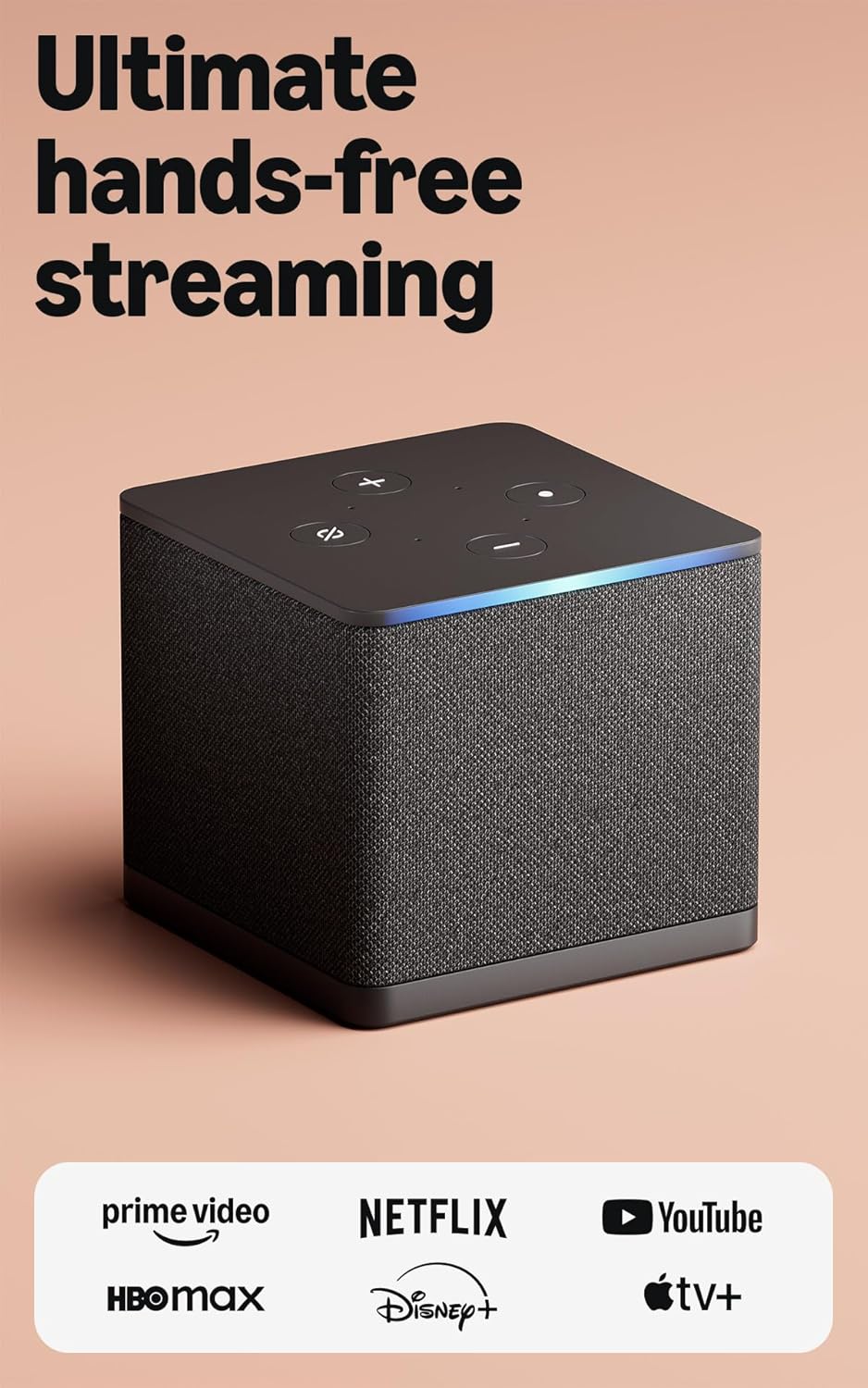
Most popular upgrades chosen by Amazon Fire TV Cube owners.
As an Amazon Associate we earn from qualifying purchases.
Official Manufacturer Manual
Amazon provides official product documentation through their online manual rather than downloadable PDF. Access setup guides, troubleshooting steps, and product specifications for your Amazon Fire TV Cube.
Source: amazon.com
Need More Help? Amazon Support
Note: The contact information below connects you directly to Amazon's official customer support team, not Trunetto. They can help with warranty claims, device replacements, and advanced technical issues.
How Does Amazon Compare?
Before replacing your Amazon device, see how it stacks up against alternatives in our full comparison guides.
Accessories owners commonly pair with Amazon Fire TV Cube.

Amazon Basics microSDXC Memory Card with Full Size Adapte...

Amazon Basics microSDXC Memory Card with Full Size Adapte...

Amazon eero 6 mesh wifi system - Supports internet plans ...
As an Amazon Associate we earn from qualifying purchases.