How to Pair a Fire TV Stick 4K Max Remote After a Reset
- Remote not in pairing mode
- Batteries low or reversed
- Too far from stick
Problem Description
After a reset, the Fire TV remote may not pair automatically. This guide re-pairs the remote, replaces batteries, and checks HDMI power to restore control.
Why This Happens in Real Homes
After a reset, the Fire TV remote may not pair automatically. This guide re-pairs the remote, replaces batteries, and checks HDMI power to restore control. In day-to-day use, this usually looks like Remote not responding after reset; Fire TV setup screen stuck; New batteries installed.
Most cases trace back to Remote not in pairing mode; Batteries low or reversed; Too far from stick. The fix works best when you go step by step instead of changing multiple settings at once.
A practical order for this issue is: Verify Power -> Put Remote in Pairing Mode -> Reset the Remote -> Complete Pairing. After each step, test the exact behavior that was failing so you can confirm what actually solved it.
Symptoms
- Remote not responding after reset
- Fire TV setup screen stuck
- New batteries installed
- HDMI power connected
- TV shows Fire TV logo
- No pairing prompt
Recognize these? Here's what usually causes it.
Common Causes
- Remote not in pairing mode
- Batteries low or reversed
- Too far from stick
- Stick not powered by adapter
- HDMI-CEC disabled
- Remote needs reset
Most fixes happen in the first 3 steps.
Do not cover the Fire TV Stick with a TV shroud or behind metal. It weakens pairing signals.
Tools & Requirements
Step-by-Step Solution
Verify Power
Use the included power adapter for the Fire TV Stick. USB power from the TV can cause pairing failures.
Put Remote in Pairing Mode
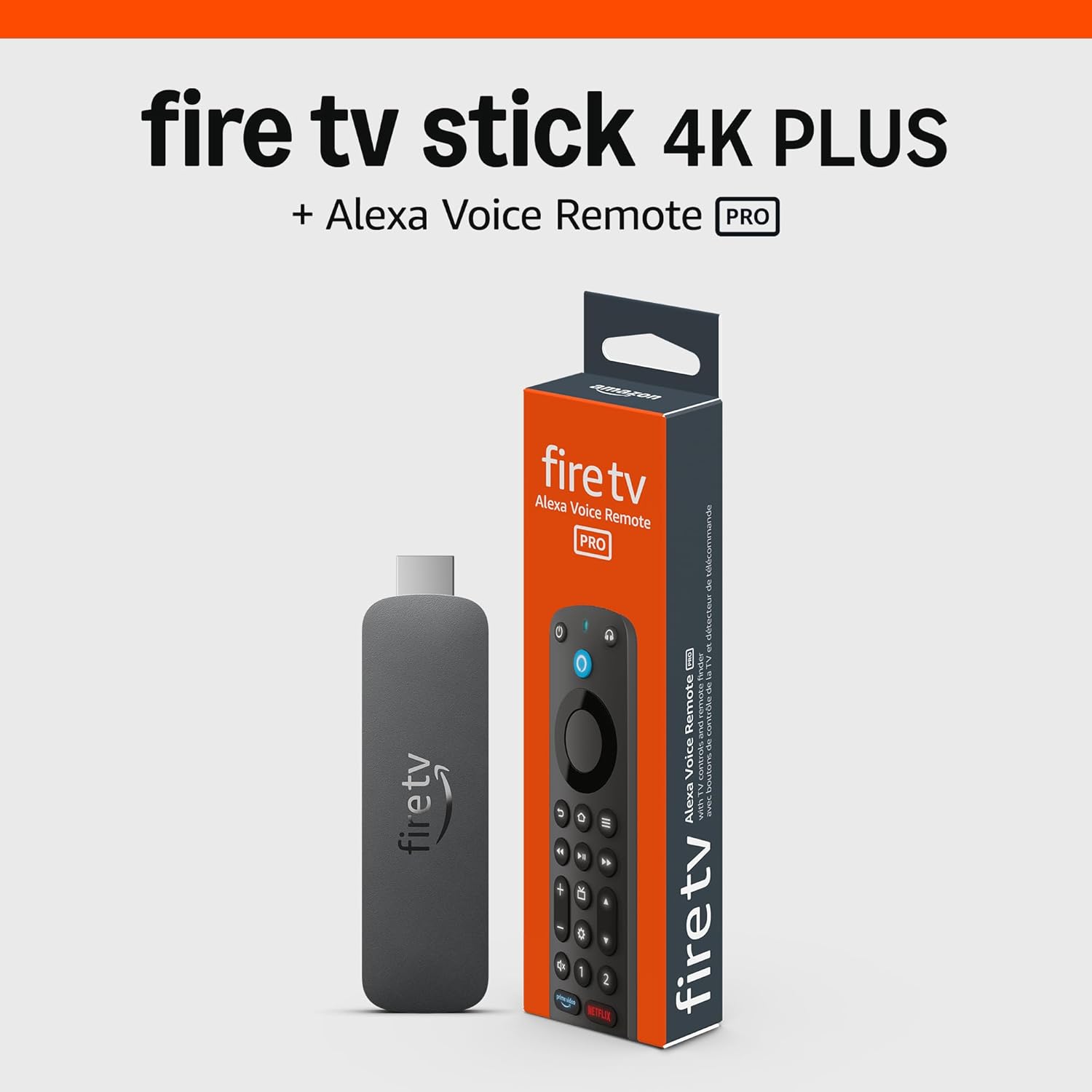
Hold the Home button for 10 seconds until the LED blinks. This triggers pairing mode.
Reset the Remote
If pairing fails, hold Left, Menu, and Back for 12 seconds, then remove batteries for 30 seconds and reinsert.
Complete Pairing
Wait for the on-screen pairing confirmation. If it does not appear, repeat the Home button hold and stay within 10 feet.
Test Controls
Verify navigation, volume, and power controls. Re-run device control setup if the TV does not respond.
Quick Solutions
Still having issues? This is usually the deeper cause below.
If pairing fails after multiple attempts, the device may still be registered to a previous account — factory-reset it before trying to add it to a new one.
Keep the remote within arm length during pairing to avoid signal dropouts.
Pairing failures almost always come down to distance during the initial handshake — manufacturers seriously understate how close you actually need to be.
- Remote not in pairing mode
- Batteries low or reversed
- Too far from stick
- Stick not powered by adapter
- HDMI-CEC disabled
Before you go — try one of these (they fix most cases).
Most popular upgrades chosen by Amazon Fire TV Stick 4K Max owners.

As an Amazon Associate we earn from qualifying purchases.
Official Manufacturer Manual
Amazon provides official product documentation through their online manual rather than downloadable PDF. Access setup guides, troubleshooting steps, and product specifications for your Amazon Fire TV Stick 4K Max.
Source: amazon.com
Need More Help? Amazon Support
Note: The contact information below connects you directly to Amazon's official customer support team, not Trunetto. They can help with warranty claims, device replacements, and advanced technical issues.
How Does Amazon Compare?
Before replacing your Amazon device, see how it stacks up against alternatives in our full comparison guides.
Accessories owners commonly pair with Amazon Fire TV Stick 4K Max.

Amazon Basics microSDXC Memory Card with Full Size Adapte...

Amazon Basics microSDXC Memory Card with Full Size Adapte...

Amazon eero 6 mesh wifi system - Supports internet plans ...
As an Amazon Associate we earn from qualifying purchases.