

What Does Roku Error 011 Mean and How Do I Fix Cannot Connect to Roku?
- Roku servers busy or temporarily down
- Router/firewall blocking Roku servers
- DNS issue
Problem Description
Roku Error 011 appears when the Roku cannot complete the first software handshake with Roku services during setup. You usually see this after entering Wi-Fi details and before activation finishes. Most cases are network path or DNS reachability issues, not hardware failure.
Why This Happens in Real Homes
Roku Error 011 means the device reached the internet but couldn't connect to Roku's own servers — needed for activation, channel loading, and updates. It's usually a temporary Roku-side load or something on your network (firewall, DNS, parental controls) blocking Roku's servers, rather than a general internet failure.
Retry after a few minutes in case the servers are busy, and restart your router and Roku. Setting a reliable DNS and checking that a firewall or parental-control filter isn't blocking Roku's domains often clears it. Confirm the Roku's date and time are correct, since a wrong clock breaks secure connections, and check for a Roku service outage before assuming a device fault.
Symptoms
- Error 011: cannot connect to Roku
- Can't reach Roku servers
- Setup/activation fails
- Apps/channels won't load
- 011 after connecting to WiFi
- Roku account services unreachable
- Update/activation blocked
- Server connection fails
Recognize these? Here's what usually causes it.
Common Causes
- Roku servers busy or temporarily down
- Router/firewall blocking Roku servers
- DNS issue
- Weak/unstable internet
- ISP throttling/blocking
- Time/date wrong on the Roku
- Router firmware issue
- Temporary Roku outage
Most fixes happen in the first 3 steps.
Do not repeatedly factory reset during a routing issue or you will keep restarting setup without fixing the actual network path problem.
Tools & Requirements
Step-by-Step Solution
Confirm this is setup phase Error 011
Make sure the failure happens during initial setup or just after Wi-Fi join, not inside a streaming app. Error 011 is an activation path issue. That distinction prevents wasting time on app-specific fixes when the root problem is the system-level setup handshake.
Reboot modem, router, then Roku
Power cycle modem first, then router, wait for full internet recovery, and finally reboot Roku. This rebuilds DNS and route state cleanly. If Roku boots while the gateway is still initializing, it may cache a bad path and repeatedly throw Error 011.
Test setup on a mobile hotspot
Temporarily connect Roku to a phone hotspot and retry activation. If setup succeeds on hotspot, your home network path is the issue. This is the fastest way to separate Roku service reachability problems from local router or ISP routing behavior.
Stabilize Wi-Fi and retry setup
Place Roku close to the router, reduce interference, and confirm the correct SSID and password are used. Setup handshakes are sensitive to packet loss. Even a connection that seems good enough for basic browsing can fail the activation exchange.
Complete activation then rejoin home network
If hotspot activation works, finish setup first, update software, then switch back to your home Wi-Fi. If Error 011 returns only on home internet, review DNS filtering, parental controls, or router security policies that may block Roku service domains.
Quick Solutions
Still having issues? This is usually the deeper cause below.
This usually happens right after a router reboot or ISP change — the device rejoins the network but drops its cloud session silently.
Use hotspot activation as a clean diagnostic step before factory resets because it quickly proves whether your home network is the blocker.
This issue almost always looks more complex than it is — the majority of cases trace back to a single setting, a stale credential, or a default that shipped wrong.
- Roku servers busy or temporarily down
- Router/firewall blocking Roku servers
- DNS issue
- Weak/unstable internet
- ISP throttling/blocking
Before you go — try one of these (they fix most cases).
Most popular upgrades chosen by Roku Streaming Player Setup owners.
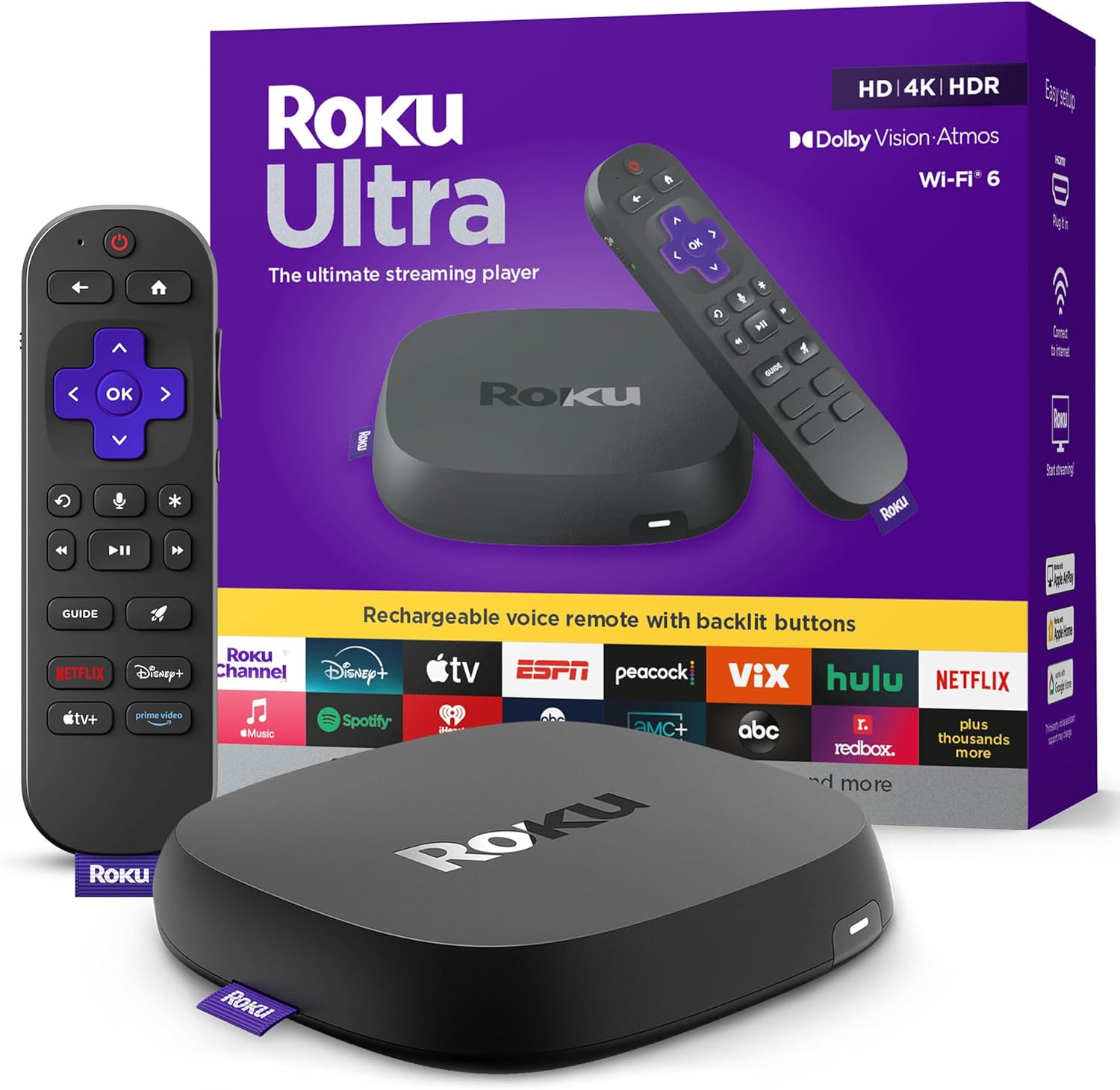
Roku Ultra - Ultimate Streaming Player - 4K Streaming Dev...

Roku Streaming Stick 4K - HDR & D. Vision Roku Streaming ...
As an Amazon Associate we earn from qualifying purchases.
Official Manufacturer Manual
Roku provides official product documentation through their online manual rather than downloadable PDF. Access setup guides, troubleshooting steps, and product specifications for your Roku Streaming Player Setup.
Source: support.roku.com
Need More Help? Roku Support
Note: The contact information below connects you directly to Roku's official customer support team, not Trunetto. They can help with warranty claims, device replacements, and advanced technical issues.
Accessories owners commonly pair with Roku Streaming Player Setup.

SANDISK 64GB Extreme microSDXC UHS-I Memory Card with Ada...

SANDISK 32GB (Pack of 2) Ultra microSDHC UHS-I Memory Car...

SANDISK 128GB Ultra microSDXC UHS-I Memory Card with Adap...
As an Amazon Associate we earn from qualifying purchases.


