

Why Is My Dyson Pure Cool TP07 Showing Offline in the App
- 2.4GHz disabled or unavailable
- WiFi password changed
- Device needs a reset
Problem Description
If the TP07 shows offline, it may have lost WiFi or needs a reset. This guide restores connectivity and app control.
Why This Happens in Real Homes
If the TP07 shows offline, it may have lost WiFi or needs a reset. This guide restores connectivity and app control. In day-to-day use, this usually looks like Device shows offline; Fan works on unit; App cannot control.
Most cases trace back to 2.4GHz disabled; WiFi password changed; Device needs reset. The fix works best when you go step by step instead of changing multiple settings at once.
A practical order for this issue is: Confirm 2.4GHz -> Reconnect in App -> Power Cycle -> Update App. After each step, test the exact behavior that was failing so you can confirm what actually solved it.
Symptoms
- Device shows offline in the app
- Fan works on the unit
- App can't control it
- WiFi icon flashing
- Router recently changed
- Other devices online
- Offline after a router reboot
- Reconnects then drops
Recognize these? Here's what usually causes it.
Common Causes
- 2.4GHz disabled or unavailable
- WiFi password changed
- Device needs a reset
- Router band steering
- App outdated
- Firmware pending
- IP changed after a reboot
- Weak 2.4GHz signal
Most fixes happen in the first 3 steps.
Avoid pairing while the router is rebooting or updating.
Tools & Requirements
Step-by-Step Solution
Verify 2.4GHz WiFi Network
The Dyson Pure Cool TP07 connects to 2.4GHz WiFi only. If your router recently updated firmware or you switched to a new router, the 2.4GHz band may have been renamed or disabled. Log into your router settings and confirm a 2.4GHz SSID is active. If your router uses a combined 2.4/5GHz network name, the TP07 may have connected to 5GHz and then lost connection.
Reconnect the Purifier in the MyDyson App
Open the MyDyson app and check if the TP07 shows as offline. Tap the purifier and select Remove. Then tap the plus icon to add it again. Put the purifier into WiFi setup mode by pressing and holding the power button on the body of the unit for 20 seconds until the display shows a WiFi icon. Follow the app wizard to enter your 2.4GHz WiFi credentials.
Power Cycle the TP07
Unplug the TP07 from the wall outlet for 30 seconds, then plug it back in. Wait for the display to show the current air quality reading (about 15-20 seconds). The purifier will automatically attempt to reconnect to your WiFi network using saved credentials. Check the MyDyson app after 60 seconds to see if it shows as online.
Update the MyDyson App
Open the App Store or Google Play and check for MyDyson app updates. Install the latest version. Some app versions have compatibility issues with newer TP07 firmware that cause the purifier to appear offline in the app even when WiFi is connected. After updating, force close and reopen the app, then check the purifier status.
Assign a Static IP to the Purifier
If the TP07 connects but goes offline periodically (especially after router reboots), the router may be assigning it a different IP address each time. Log into your router admin panel, find the TP07 in the connected devices list (shows as Dyson or the purifier model), and assign it a reserved DHCP address. This prevents IP conflicts that cause intermittent disconnections.
Quick Solutions
Still having issues? This is usually the deeper cause below.
This usually happens right after a router reboot or ISP change — the device rejoins the network but drops its cloud session silently.
Keep the purifier close to the router during setup for a stable connection.
Most WiFi drop-offs happen right after a router reboot or ISP swap — the device reconnects to the network but silently loses its cloud registration.
- 2.4GHz disabled or unavailable
- WiFi password changed
- Device needs a reset
- Router band steering
- App outdated
Before you go — try one of these (they fix most cases).
Most popular upgrades chosen by Dyson Pure Cool owners.
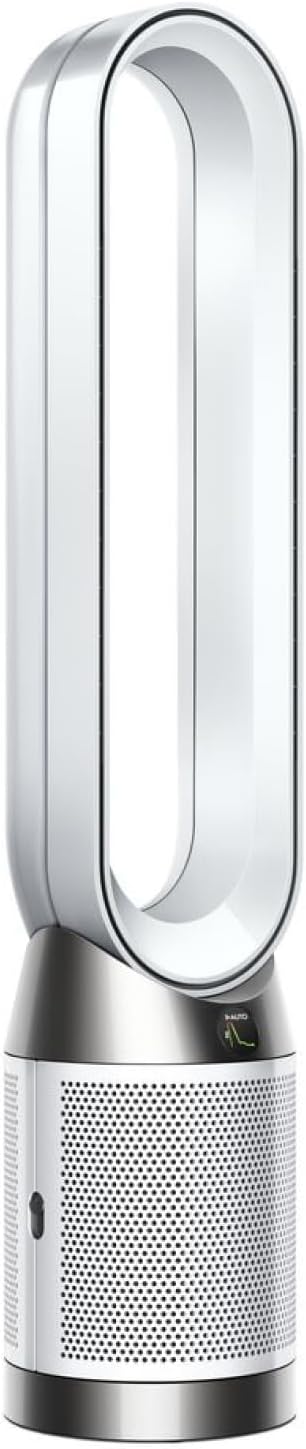
As an Amazon Associate we earn from qualifying purchases.
Official Manufacturer Manual
Dyson provides official product documentation through their online manual rather than downloadable PDF. Access setup guides, troubleshooting steps, and product specifications for your Dyson Pure Cool.
Source: dyson.com
Need More Help? Dyson Support
Note: The contact information below connects you directly to Dyson's official customer support team, not Trunetto. They can help with warranty claims, device replacements, and advanced technical issues.
Accessories owners commonly pair with Dyson Pure Cool.

Ring Rechargeable Quick Release Battery Pack

Ring Chime Pro

SwitchBot Hub Mini Smart Remote - IR Universal Remote, Wi...
As an Amazon Associate we earn from qualifying purchases.


