

Why My Dyson Purifier Filter Life Will Not Reset
- Filter not fully seated
- Reset button not held long enough
- App sync delayed
Problem Description
Filter life may not reset if the filter is not seated or the app is out of sync. This guide resets the filter indicator and syncs the app.
Why This Happens in Real Homes
Filter life may not reset if the filter is not seated or the app is out of sync. This guide resets the filter indicator and syncs the app. In day-to-day use, this usually looks like Filter life stays at 0%; Filter replaced; App still shows replace.
Most cases trace back to Filter not seated; Reset button not held long enough; App sync delayed. The fix works best when you go step by step instead of changing multiple settings at once.
A practical order for this issue is: Reseat Filter -> Reset Indicator -> Sync App -> Update Firmware. After each step, test the exact behavior that was failing so you can confirm what actually solved it.
Symptoms
- Filter life stays at 0% after replacement
- Filter replaced but app still says Replace
- Reset button seems not to work
- Device online but filter alert persists
- Recent firmware update then reset failed
- Machine drops to a lower fan speed from the alert
- Reset doesn't confirm
- Alert reappears after clearing
Recognize these? Here's what usually causes it.
Common Causes
- Filter not fully seated
- Reset button not held long enough
- App sync delayed
- Firmware outdated
- Filter cover misaligned
- Device needs a reboot
- Non-genuine filter (RFID mismatch)
- Reset done on machine but not synced to app
Most fixes happen in the first 3 steps.
Avoid running the purifier without the filter installed.
Tools & Requirements
Step-by-Step Solution
Reset Filter Life via the Remote
After replacing the filter, press and hold the Night Mode button on the Dyson remote for 5 seconds until the display shows the filter life counter resetting to 100%. On some models, hold the power button on the body of the unit instead. The display will show a filter icon animation confirming the reset. Check the Dyson Link or MyDyson app to verify the reset registered there as well.
Check Both Filter Counters
Some Dyson purifier models (HP04, HP07, TP07) have separate HEPA and carbon filter counters. If your model has two filters, you need to reset each counter separately. In the MyDyson app, go to your purifier > Settings > Filter Life and check if both filters show 100%. If one still shows low, tap it and reset it individually.
Verify the New Filter Is Seated Properly
Remove the outer shroud and take the filter out. Check that all packaging material (plastic wrap, protective caps, tape) has been removed from the new filter. Reinstall the filter and press firmly until it clicks into place. An improperly seated filter may not trigger the automatic detection that some models use to confirm a filter change.
Power Cycle the Purifier
Unplug the purifier from the wall for 60 seconds, then plug it back in and power it on. This forces the unit to re-check the filter status. Open the Dyson app and pull down to refresh. If the filter life still shows 0% after a power cycle and manual reset, try the reset procedure again — sometimes it takes two attempts.
Reset Through the Dyson App
Open the Dyson Link or MyDyson app, go to your purifier, and navigate to Settings > Filter Life > Reset. Tap the reset button for each filter type. If the option is grayed out, make sure the purifier is online and connected to WiFi. After resetting in the app, check the purifier's LCD display to confirm it now shows the correct percentage.
Quick Solutions
Still having issues? This is usually the deeper cause below.
If this comes back after following these steps, check whether a recent app or firmware update reset a default setting — the fix works, but the setting gets reverted silently.
Reset the filter indicator immediately after installing a new filter.
This issue almost always looks more complex than it is — the majority of cases trace back to a single setting, a stale credential, or a default that shipped wrong.
- Filter not fully seated
- Reset button not held long enough
- App sync delayed
- Firmware outdated
- Filter cover misaligned
Before you go — try one of these (they fix most cases).
Most popular upgrades chosen by Dyson Purifier Cool owners.
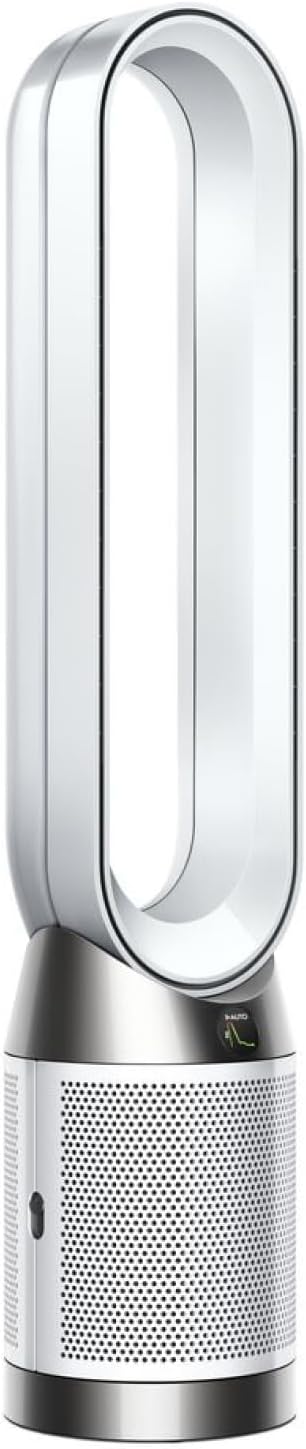
As an Amazon Associate we earn from qualifying purchases.
Official Manufacturer Manual
Dyson provides official product documentation through their online manual rather than downloadable PDF. Access setup guides, troubleshooting steps, and product specifications for your Dyson Purifier Cool.
Source: dyson.com
Need More Help? Dyson Support
Note: The contact information below connects you directly to Dyson's official customer support team, not Trunetto. They can help with warranty claims, device replacements, and advanced technical issues.


