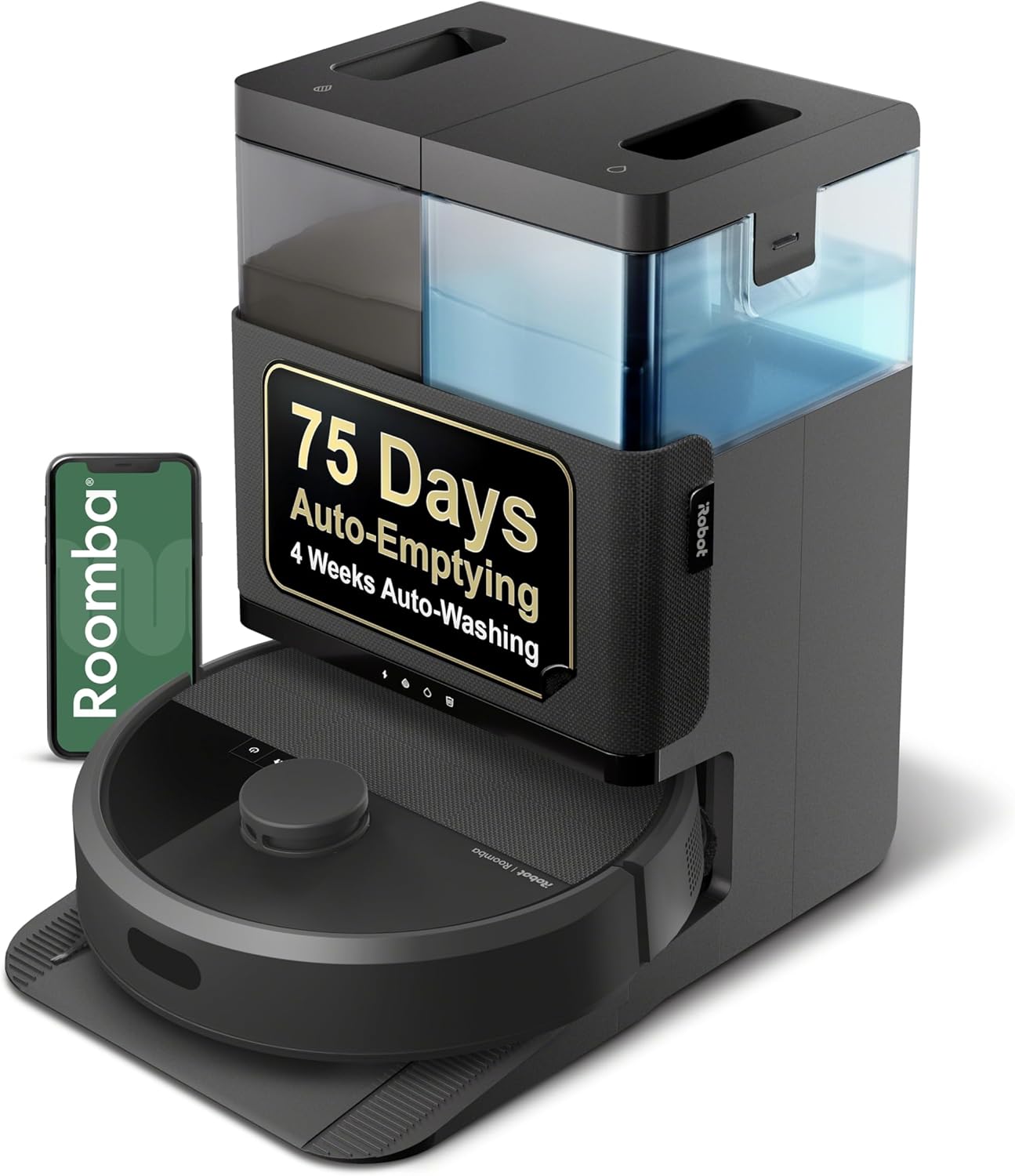
Roomba Error 5: Why Can't a Side Wheel Turn and How Do I Fix It?
- Hair or string wrapped around the drive wheel axle
- Debris jammed inside the wheel well
- The spring-loaded wheel module is stuck up in its housing
Problem Description
Roomba stopped and announced Error 5, meaning one of its two large drive wheels can't turn. This is almost always hair or debris wrapped around the wheel axle, or the spring-loaded wheel module stuck in its housing.
Why This Happens in Real Homes
Error 5 is Roomba telling you one of its two large drive wheels - not the small front caster - has jammed. The number-one cause is hair and thread wrapping the axle where the wheel meets the body, which stays invisible until you flip the robot over and rotate the wheel by hand. Long-haired pets and shag rugs make this a near-weekly problem on some floors.
The fix is almost always mechanical, not electronic: pull the wheel down to test its spring, cut away the wrap, and clear the wheel well of grit. If both wheels then spin freely by hand with equal resistance and Error 5 still fires, the wheel module's internal gearbox is worn and needs a swap - a common repair on robots that are a few years old.
Symptoms
- Roomba announces Error 5
- Roomba says a wheel can't turn
- Robot spins in place or drives in a circle
- One drive wheel doesn't move
- Robot stops shortly after starting
- Grinding or clicking from one wheel
- Wheel feels stiff when pushed by hand
- Error repeats after restarting
Recognize these? Here's what usually causes it.
Common Causes
- Hair or string wrapped around the drive wheel axle
- Debris jammed inside the wheel well
- The spring-loaded wheel module is stuck up in its housing
- Carpet fibers or a rug tassel caught in the wheel
- Dried spill or sticky residue binding the wheel
- A pebble or hard object wedged against the wheel
- Worn wheel gearbox on an older robot
- The robot was lifted or moved while cleaning
Most fixes happen in the first 3 steps.
If one wheel grinds or clicks after cleaning, the wheel module's gearbox is failing and can misjudge movement near stairs. Replace the module or contact iRobot rather than continuing to run the robot near ledges.
Tools & Requirements
These are for the steps in this guide, prioritized by fit, rating, availability, and current value.
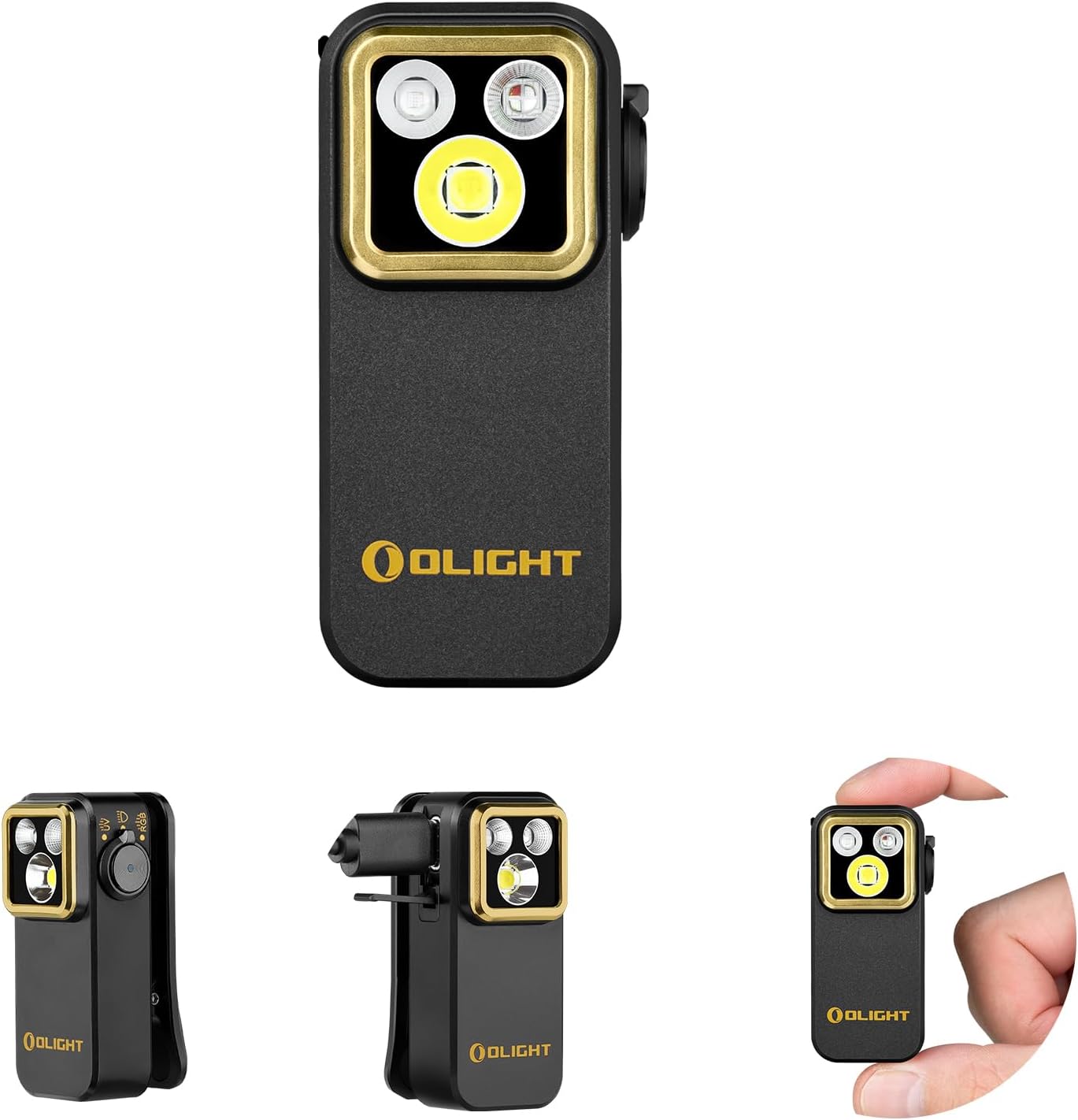
Flashlight
OLIGHT Oclip Pro S EDC Flashlight Clip-on Light, 600...
Tool for this fix
Scissors
Miller KS-1 Yellow Fiber Optic Kevlar Scissors, Easi...
Tool for this fix
Tweezers
Pefei Tweezers Set - Professional Stainless Steel Tw...
Tool for this fixAs an Amazon Associate we earn from qualifying purchases.
Step-by-Step Solution
Identify Which Wheel
Flip Roomba upside down on a soft towel. It has two large rubber drive wheels on the underside, one on the left and one on the right, plus a small swivel caster at the front. Error 5 always points to one of the two large drive wheels, not the front caster.
Push the Wheel Up and Down
Press each drive wheel up into its housing and release it. A healthy spring-loaded module drops back down firmly and evenly. If one wheel stays stuck up in the housing or moves unevenly compared to the other, that's the wheel causing Error 5.
Cut Away Wrapped Hair
Look at the axle where the wheel meets the body. Hair, thread, and rug tassels wrap tightly around this axle where you can't see it. Cut through the wrap with scissors and peel it off, rotating the wheel by hand to expose hidden strands underneath.
Needed for this step
Miller KS-1 Yellow Fiber Optic Kevlar Scissors,...
This helps complete the fix you are currently reading.
$23.37Clear the Wheel Well
Shine a flashlight into the gap around the wheel. Remove pebbles, kibble, or packed dust wedged between the wheel and the housing using tweezers or a dry brush. Even a small hard object can block the wheel enough to trip Error 5.
Needed for this step
OLIGHT Oclip Pro S EDC Flashlight Clip-on Light...
This helps complete the fix you are currently reading.
$39.99Still stuck? Ask Trunetto about this exact issue.
Free a Sticky Wheel
If the robot rolled through a spill, dried residue can glue the tread to the housing. Wipe the wheel tread and axle with a barely-damp cloth, then dry it thoroughly. Spin the wheel afterward to confirm it turns freely.
Spin Both Wheels by Hand
Turn each drive wheel with your finger. Both should spin with the same light resistance. A wheel that grinds, clicks, or refuses to turn even when clean has a failing internal gearbox rather than a blockage.
Restart the Robot
Set Roomba back on the floor away from rugs and cords, on flat hard floor. Press the CLEAN button to clear Error 5 and start a fresh run. Watch that it drives straight instead of circling.
Replace the Wheel Module
If cleaning doesn't help and one wheel is still stiff or noisy, the drive-wheel module has worn out. iRobot sells replacement modules that unclip after removing a few screws on the underside, or you can contact iRobot support for service.
Quick Solutions
Still having issues? This is usually the deeper cause below.
If this comes back after following these steps, check whether a recent app or firmware update reset a default setting — the fix works, but the setting gets reverted silently.
Long-haired pets are the usual cause of Error 5 - check the drive-wheel axles for wrapped hair every few weeks, not just the brushes.
This issue almost always looks more complex than it is — the majority of cases trace back to a single setting, a stale credential, or a default that shipped wrong.
- Hair or string wrapped around the drive wheel axle
- Debris jammed inside the wheel well
- The spring-loaded wheel module is stuck up in its
- Carpet fibers or a rug tassel caught in the
- Dried spill or sticky residue binding the wheel
Before you go — try one of these (they fix most cases).
Official Manufacturer Manual
iRobot provides official product documentation through their online manual rather than downloadable PDF. Access setup guides, troubleshooting steps, and product specifications for your iRobot Roomba.
Source: irobot.com
Need More Help? iRobot Support
Note: The contact information below connects you directly to iRobot's official customer support team, not Trunetto. They can help with warranty claims, device replacements, and advanced technical issues.
How Does iRobot Compare?
Before replacing your iRobot device, see how it stacks up against alternatives in our full comparison guides.
Compatible accessories that support the setup in this guide, not random checkout recommendations.

iRobot® Authentic Replacement Parts- Braava Jet® m Series...
Useful add-on
iRobot® Authentic Replacement Parts - Washable Mop Pads R...
Useful add-onAs an Amazon Associate we earn from qualifying purchases.