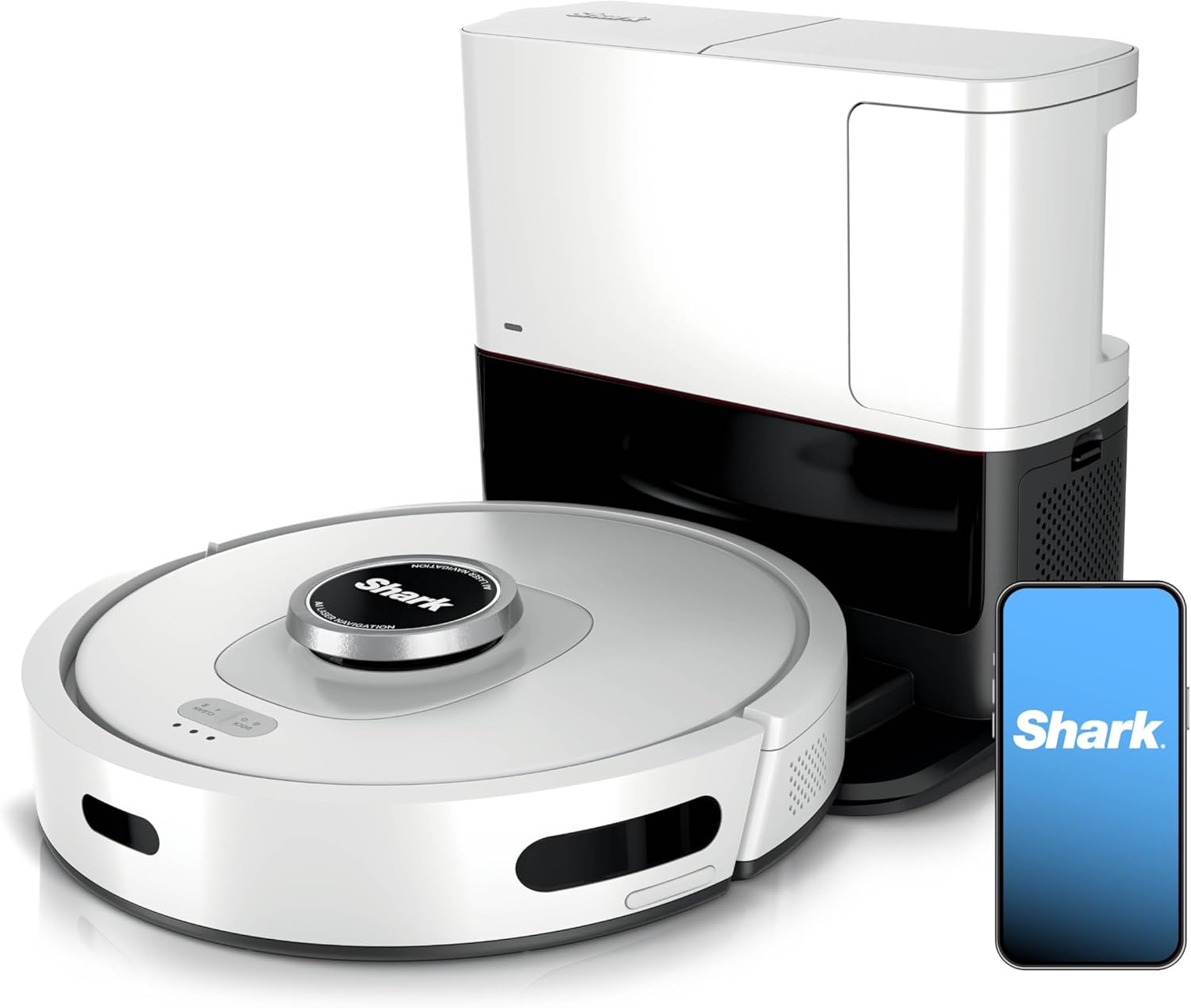
Why Does My Shark AI Ultra Robot Keep Getting Stuck on Floor Transitions?
- Floor transition height exceeds the robot's climb capability
- Wheels spinning without traction
- Side brush catching the transition and backing the robot up
Problem Description
Your Shark AI Ultra robot vacuum gets stuck when transitioning between floor types like tile to carpet or hardwood to rugs. It stops at thresholds, spins in place, or cannot climb onto rugs. The robot handles open floors fine but struggles at every transition point.
Why This Happens in Real Homes
Shark robots climb obstacles up to roughly 0.6 to 0.75 inches depending on model, and they sit lower than some competitors, so a thick rug edge or a tall rubber threshold strip is right at the limit of what the drive wheels can pull up. When it stalls at the same spot every time, it is usually one of three things: not enough wheel traction (hair wound around the axles or worn treads), the approach angle (hitting the lip square-on stalls where a slight angle would climb), or the cliff sensors misreading a dark threshold or dark rug as a drop and stopping the robot for safety. Clean the wheels and the six cliff-sensor windows on the underside first, since that alone fixes a surprising number of transition stalls. For a rug it genuinely cannot manage, a low-profile ramp at the doorway or a no-go zone around the rug is more reliable than fighting the geometry, and dropping suction on carpet keeps it from vacuum-locking onto high pile.
Symptoms
- Robot stops at the tile-to-carpet transition
- Cannot climb onto thick rugs
- Gets stuck at room doorway thresholds
- Spins in place at floor changes
- Climbs up but then reverses off
- Works on some transitions but not others
- High-pile rug swallows the wheels and the robot beaches
- Robot avoids a whole room because it cannot cross the doorway sill
Recognize these? Here's what usually causes it.
Common Causes
- Floor transition height exceeds the robot's climb capability
- Wheels spinning without traction
- Side brush catching the transition and backing the robot up
- Cliff sensors triggered by a dark transition or dark rug
- Rubber threshold strips too tall
- Robot approaching the lip at a bad angle
- Drive wheels or treads worn or packed with hair, cutting grip
- Robot's ground clearance lower than the rug or sill height (Shark robots sit fairly low)
Most fixes happen in the first 3 steps.
Modifying the robot such as removing safety features voids warranty. Work within designed capabilities.
Tools & Requirements
These tools will help you complete this fix.

Measuring tape
10 Pack Bulk Tape Measure 25 FT with Fractions 1/8, ...

Soft cloth
WHOOSH! Pro 16.9 fl oz Refillable TV Screen Cleaner ...
As an Amazon Associate we earn from qualifying purchases.
Step-by-Step Solution
Check Transition Height
Shark AI Ultra can climb transitions up to about 0.7 inches. Measure your problem transitions. If taller than 0.7 inches the robot physically cannot climb them. Add small ramps on each side or replace tall thresholds with lower profile options.
Clean and Check Wheels
Turn robot over and examine the main wheels. Remove any hair or debris wrapped around the axles. Press each wheel to verify it moves freely. Worn or slick wheels lose traction on transitions. Clean with rubbing alcohol for better grip.
Clean Cliff Sensors
Dark floor transitions can trigger cliff sensors making the robot back away thinking it found stairs. Clean the cliff sensors on the bottom of the robot with a soft dry cloth. Dark thresholds may need sensor sensitivity adjustment in app if available.
Needed for this step
WHOOSH! Pro 16.9 fl oz Refillable TV Screen Cle...
This helps complete the fix you are currently reading.
$19.99Check Side Brush Interference
The side brush can catch on raised transitions causing the robot to stop or reverse. Remove the side brush and test the transition. If robot crosses fine the brush is interfering. Trim brush bristles or remove when cleaning rooms with many transitions.
Improve Approach Angle
Robots cross transitions better when approaching straight on rather than at an angle. If furniture forces angled approaches rearrange to create straight paths to problem transitions. The robot can generate more climbing force with direct approach.
Quick Solutions
Still having issues? This is usually the deeper cause below.
If the robot returns to the dock mid-clean, moved furniture may have invalidated its map — a fresh floor scan resolves the majority of navigation failures.
Thick high-pile rugs are the most challenging. Consider a small ramp or accept that the robot may need help with these areas.
This issue almost always looks more complex than it is — the majority of cases trace back to a single setting, a stale credential, or a default that shipped wrong.
- Floor transition height exceeds the robot's climb capability
- Wheels spinning without traction
- Side brush catching the transition and backing the robot
- Cliff sensors triggered by a dark transition or dark
- Rubber threshold strips too tall
Before you go — try one of these (they fix most cases).
Official Manufacturer Manual
Shark provides official product documentation through their online manual rather than downloadable PDF. Access setup guides, troubleshooting steps, and product specifications for your Shark AI Ultra Robot.
Source: sharkclean.com
Need More Help? Shark Support
Note: The contact information below connects you directly to Shark's official customer support team, not Trunetto. They can help with warranty claims, device replacements, and advanced technical issues.
How Does Shark Compare?
Before replacing your Shark device, see how it stacks up against alternatives in our full comparison guides.