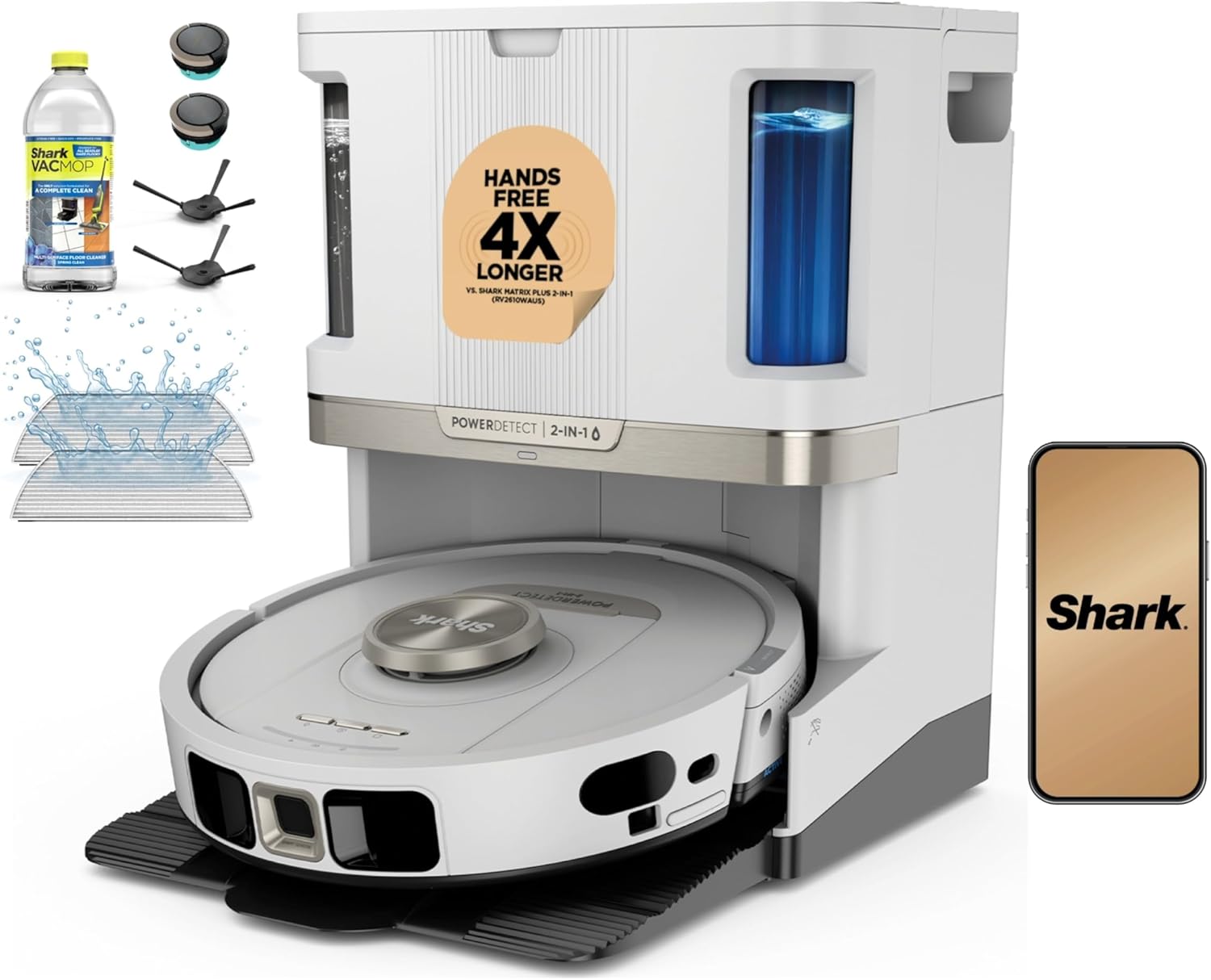
Shark Robot Vacuum Side Brush Not Spinning or Making Grinding Noise
- Hair and thread wrapped around the side-brush shaft
- Side-brush motor gear stripped from a debris jam
- Side-brush post broken or worn down
Problem Description
Your Shark robot vacuum side brush has stopped spinning, makes a loud grinding or clicking noise during cleaning, or detached from the robot during a run. Side brush failures are almost always caused by hair, string, or thread wrapped tightly around the brush shaft — not a motor failure. The fix is physical cleaning rather than replacement in most cases.
Why This Happens in Real Homes
A side brush that stops, grinds, or flies off is almost never a dead motor; it is mechanical, and usually hair. Fine thread and long hair wind around the base of the brush shaft and pack down under the housing until the brush cannot turn or the motor grinds against the jam. Pop the brush off (most are held by a single screw or clip), pull the wrapped hair off the shaft, and clear the debris underneath. While it is off, check the brush itself: the soft arms bend and splay after months of catching furniture legs and rug edges, and a splayed brush drags instead of sweeping, which is why the robot starts leaving a line of debris along walls. Side brushes are inexpensive wear parts, so replace a bent one rather than trying to reshape it. If the brush keeps falling off, the retaining screw has worked loose or gone missing, and if a bare post still will not spin after everything is clean, the gear or motor is stripped and that is a Shark service call.
Symptoms
- Side brush does not rotate when the robot is cleaning
- Grinding or clicking sound from the side-brush area
- Side brush falls off repeatedly during cleaning
- One side brush works but the other does not
- Robot leaves debris along walls and edges the side brush should sweep in
- Side brush spins in reverse or only intermittently
- Side brush bent or splayed so it drags on the floor
- Burning or hot smell from the side-brush motor area
Recognize these? Here's what usually causes it.
Common Causes
- Hair and thread wrapped around the side-brush shaft
- Side-brush motor gear stripped from a debris jam
- Side-brush post broken or worn down
- Side brush not seated properly on the post
- Debris packed under the brush housing, blocking rotation
- Firmware issue causing motor-control problems
- Side-brush retaining screw loose or lost, so the brush works free
- Brush arms bent from catching on furniture or rug edges
Most fixes happen in the first 3 steps.
{"Always power off the robot before working on the side brush to prevent finger injury from sudden motor activation","Do not try to lubricate the side brush motor with oil as it can attract more debris and worsen the problem"}
Tools & Requirements
These tools will help you complete this fix.

Phillips screwdriver if accessing motor
Klein Tools 85076 Screwdriver Set, Made in USA, Slot...

Small scissors
Miller KS-1 Yellow Fiber Optic Kevlar Scissors, Easi...

Tweezers
Pefei Tweezers Set - Professional Stainless Steel Tw...

Cotton swabs
1200 Pcs 2.75 Inch Cotton Swabs Precision Microbladi...
As an Amazon Associate we earn from qualifying purchases.
Step-by-Step Solution
Remove and Clean the Side Brush Shaft
Flip the robot upside down and remove the side brush by unscrewing the single Phillips screw holding it to the underside (some Shark models use a snap-fit instead). Once removed, look at the shaft post it mounts on. Tightly wound hair or thread around the shaft is the most common cause of grinding and stopping. Use scissors to cut through the wrapped material and tweezers or a seam ripper to remove every strand. Cleaning the shaft completely prevents premature motor wear.
Needed for this step
Klein Tools 85076 Screwdriver Set, Made in USA,...
This helps complete the fix you are currently reading.
$49.97Check Side Brush Arm for Debris Clog
After removing the side brush, inspect the recess where the brush arm connects to the robot body. Accumulated dust, debris, and compressed pet hair in this cavity add resistance that prevents the brush from spinning freely. Use a dry toothbrush or compressed air to clear the recess completely. Reinstall the brush and spin it by hand — it should rotate with almost no resistance before the robot powers on.
Inspect Side Brush Bristles for Bending or Breakage
Examine the brush bristles or rubber paddles for visible damage. Side brush bristles curl inward over time from repeated contact with carpet fibers. If the bristles are severely bent, tangled together, or some are missing, the brush creates uneven resistance that causes grinding. Replacement Shark side brushes are available for under $10 on Amazon — replacing them is more effective than attempting to straighten severely deformed bristles.
Reinstall the Side Brush Securely
If the side brush detached during cleaning, the mounting screw or snap mechanism has worn or stripped. Reattach the brush and tighten the screw firmly — do not overtighten, which can crack the brush hub. If the screw hole is stripped, the brush hub needs replacement. Run a cleaning cycle and watch the brush for the first minute to confirm it stays seated and spins continuously without stopping.
Clean the Side Brush Motor Contact
The side brush motor connection is a small set of electrical contacts on the robot underside where the brush mounts. Wipe these contacts with a dry cloth to remove oxidation or debris that causes intermittent contact. Poor electrical contact can cause the brush to spin erratically, stop randomly, or not spin at all even when no physical obstruction is present. After cleaning the contacts, reseat the brush and test immediately.
Needed for this step
Miller KS-1 Yellow Fiber Optic Kevlar Scissors,...
This helps complete the fix you are currently reading.
$23.37Quick Solutions
Still having issues? This is usually the deeper cause below.
If the robot returns to the dock mid-clean, moved furniture may have invalidated its map — a fresh floor scan resolves the majority of navigation failures.
{"Clean the side brush post and remove hair weekly if you have pets or long-haired household members","Keep spare side brushes on hand as they are a consumable part that wears out every 3 to 6 months","The side brush is designed to sweep debris toward the main roller — if it stops working, you will notice much worse edge cleaning","Do not force the brush onto the post if it does not fit. Verify you have the correct replacement part for your model"}
Robot vacuums that 'stop working' are usually fighting a corrupted map from moved furniture — a fresh floor scan fixes the majority of reported failures.
- Hair and thread wrapped around the side-brush shaft
- Side-brush motor gear stripped from a debris jam
- Side-brush post broken or worn down
- Side brush not seated properly on the post
- Debris packed under the brush housing, blocking rotation
Before you go — try one of these (they fix most cases).
Most popular upgrades chosen by Shark AI / IQ Robot Vacuum owners.

As an Amazon Associate we earn from qualifying purchases.
Official Manufacturer Manual
Shark provides official product documentation through their online manual rather than downloadable PDF. Access setup guides, troubleshooting steps, and product specifications for your Shark AI / IQ Robot Vacuum.
Source: sharkclean.com
Need More Help? Shark Support
Note: The contact information below connects you directly to Shark's official customer support team, not Trunetto. They can help with warranty claims, device replacements, and advanced technical issues.
How Does Shark Compare?
Before replacing your Shark device, see how it stacks up against alternatives in our full comparison guides.