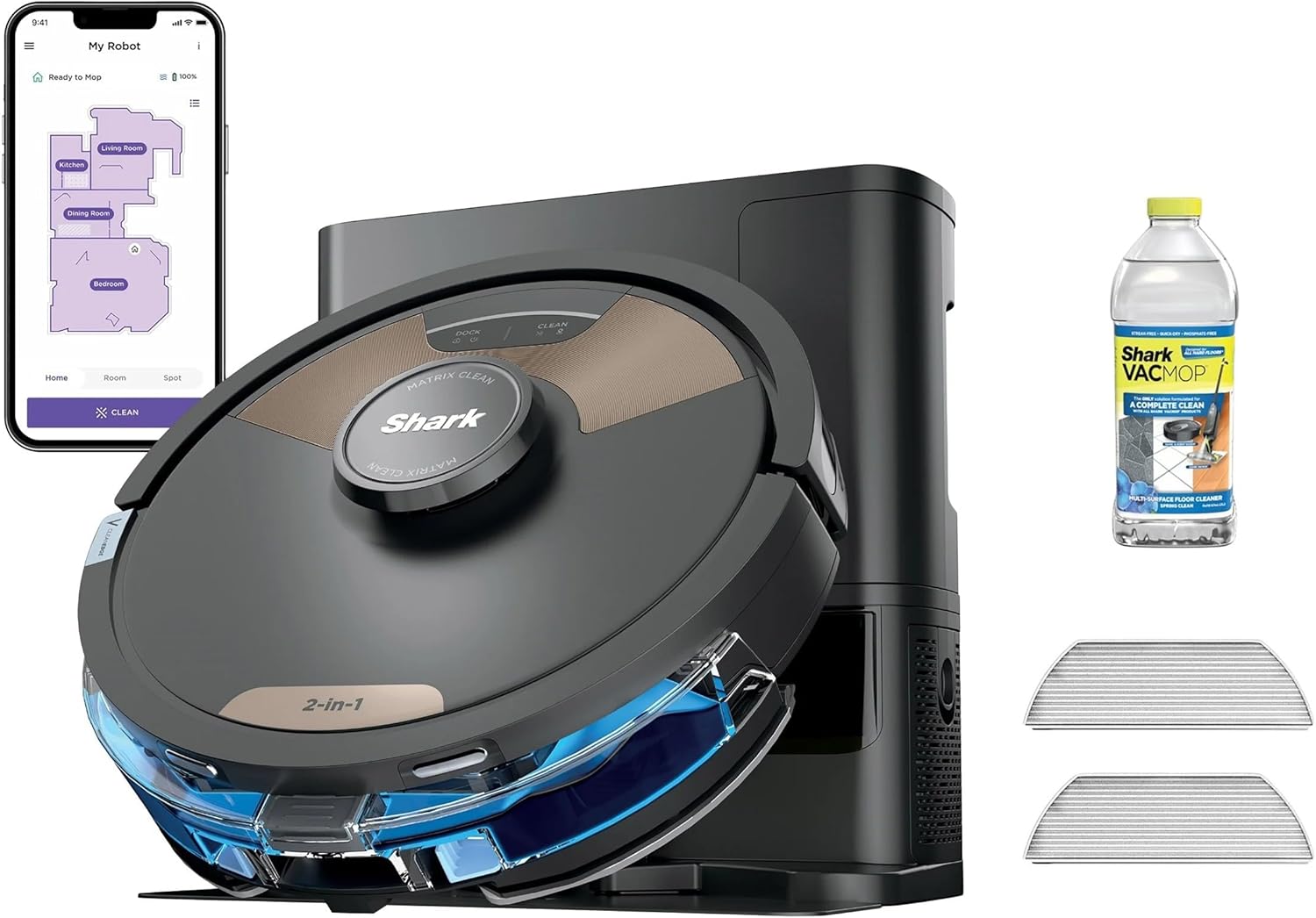
Why Won't My Shark Matrix Self-Empty Base Empty the Dustbin?
- Robot not docked correctly on the base
- Debris clog in the robot's evacuation port
- Bagless base bin full or not seated properly
Problem Description
Your Shark Matrix robot returns to the self-empty base but the dustbin does not empty. The base motor does not run or runs but debris stays in the robot. You have to manually empty the robot dustbin defeating the purpose of the self-empty feature.
Why This Happens in Real Homes
The Matrix base is bagless, so when it will not empty there is no bag to swap; the fix is airflow and alignment. First rule out docking: the empty cycle only runs when the robot is seated squarely and its underside evac port lines up with the base's intake, so a robot that parks a little crooked charges fine but never empties. Wipe the charging contacts on both the robot and base, and reseat the robot so it sits flush. If the base motor does run but debris stays put, the airflow path is blocked: the bagless bin is packed, the base filter is choked with fine dust, or hair is wound around the robot's own empty port on the underside. Empty the bin, clean and fully dry the filter, and flip the robot to clear the port. A whistling base with weak pickup is the classic sign of a clog or a leaky seal rather than a dead motor, so check the gasket where the robot meets the base before assuming the motor failed.
Symptoms
- Robot docks but there is no emptying sound
- Base motor runs but the dustbin stays full
- Partial emptying leaves debris behind
- Emptying worked before but stopped
- Base shows full but the bin has room
- Error light on the base during the empty cycle
- Loud whistling from the base with weak pickup
- Debris pushed back around the robot after docking
Recognize these? Here's what usually causes it.
Common Causes
- Robot not docked correctly on the base
- Debris clog in the robot's evacuation port
- Bagless base bin full or not seated properly
- Base suction motor failed
- Seal between the robot and base not tight
- Base filter clogged, reducing suction
- Charging contacts dirty, so the empty cycle never triggers
- Hair wrapped in the robot's underside empty port blocking flow
Most fixes happen in the first 3 steps.
Never operate the self-empty base without a bag installed. Debris will enter the motor and cause damage.
Tools & Requirements
These tools will help you complete this fix.
As an Amazon Associate we earn from qualifying purchases.
Step-by-Step Solution
Verify Proper Docking
The robot must be seated correctly on the base for evacuation to work. Lift the robot and place it back on the base listening for the connection sound. The robot should sit level with contacts aligned. A misaligned dock prevents the seal needed for suction.
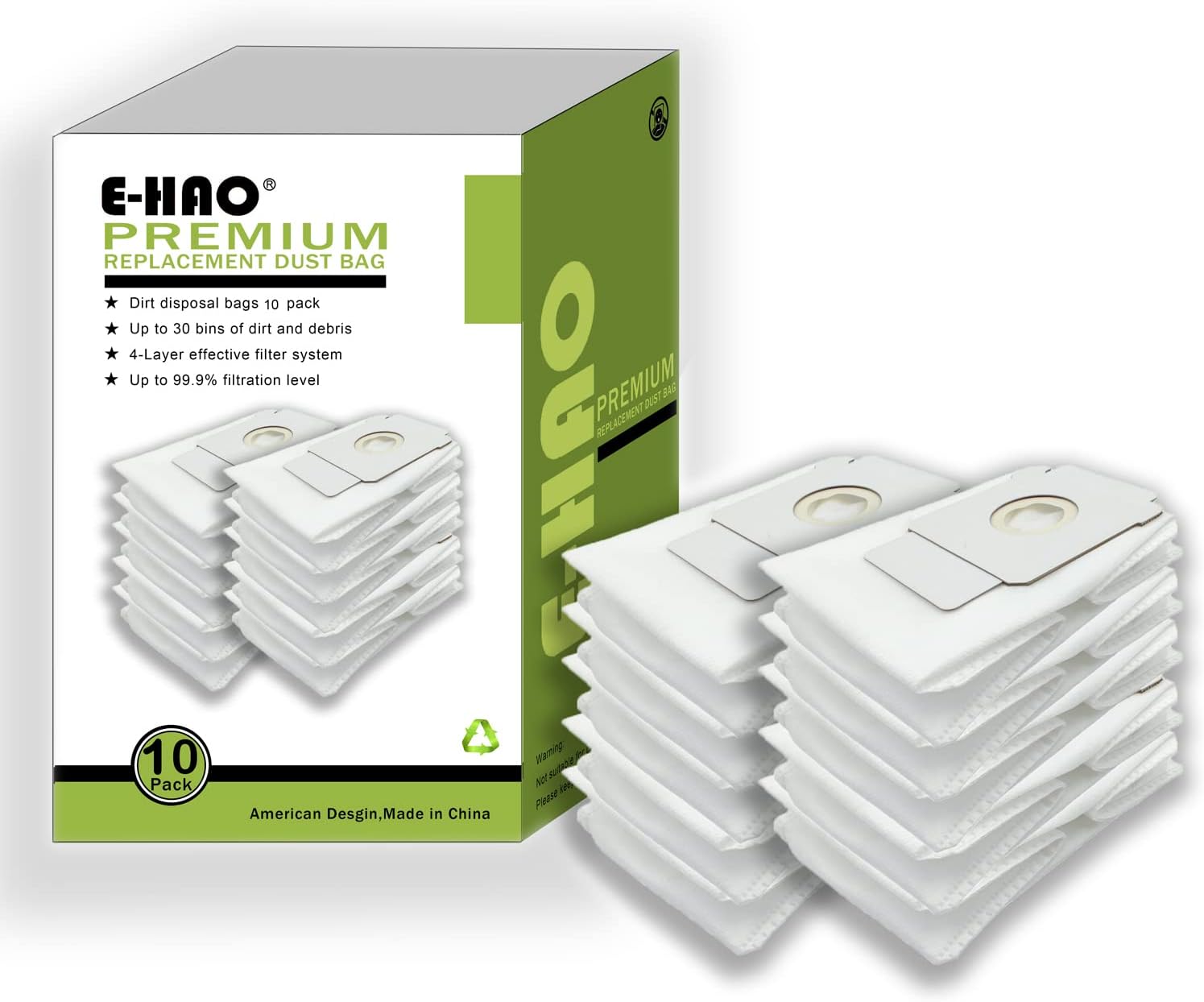
Needed for this step
10 Pack Vacuum Bags Compatible for iRobot Roomb...
This helps complete the fix you are currently reading.
$18.99Clear Evacuation Port
The robot has an evacuation port on the bottom or back that connects to the base. Large debris or clumps can block this port. Remove the dustbin and look for blockages in the evacuation pathway. Clear any visible debris or clogs.
Check Dust Bag
Open the base and check the dust bag. If full the base cannot accept more debris. Replace with a new bag. Make sure the new bag is installed correctly with the collar seated in the slot. A bag not fully seated prevents suction.
Clean Base Filter
The self-empty base has a filter that can clog reducing suction power. Locate the filter usually near the bag compartment. Remove and tap out dust. If heavily clogged wash with water and let dry completely before reinstalling.
Test Motor Operation
When the robot docks you should hear the base motor run for 30-60 seconds. If silent the motor may have failed. Try pressing any manual empty button on the base. If no response contact Shark support for motor replacement.
Quick Solutions
Still having issues? This is usually the deeper cause below.
If this comes back after following these steps, check whether a recent app or firmware update reset a default setting — the fix works, but the setting gets reverted silently.
Only use Shark branded replacement bags. Third party bags may not seal correctly causing suction loss.
This issue almost always looks more complex than it is — the majority of cases trace back to a single setting, a stale credential, or a default that shipped wrong.
- Robot not docked correctly on the base
- Debris clog in the robot's evacuation port
- Bagless base bin full or not seated properly
- Base suction motor failed
- Seal between the robot and base not tight
Before you go — try one of these (they fix most cases).
Most popular upgrades chosen by Shark Matrix Robot owners.

As an Amazon Associate we earn from qualifying purchases.
Official Manufacturer Manual
Shark provides official product documentation through their online manual rather than downloadable PDF. Access setup guides, troubleshooting steps, and product specifications for your Shark Matrix Robot.
Source: sharkclean.com
Need More Help? Shark Support
Note: The contact information below connects you directly to Shark's official customer support team, not Trunetto. They can help with warranty claims, device replacements, and advanced technical issues.
How Does Shark Compare?
Before replacing your Shark device, see how it stacks up against alternatives in our full comparison guides.