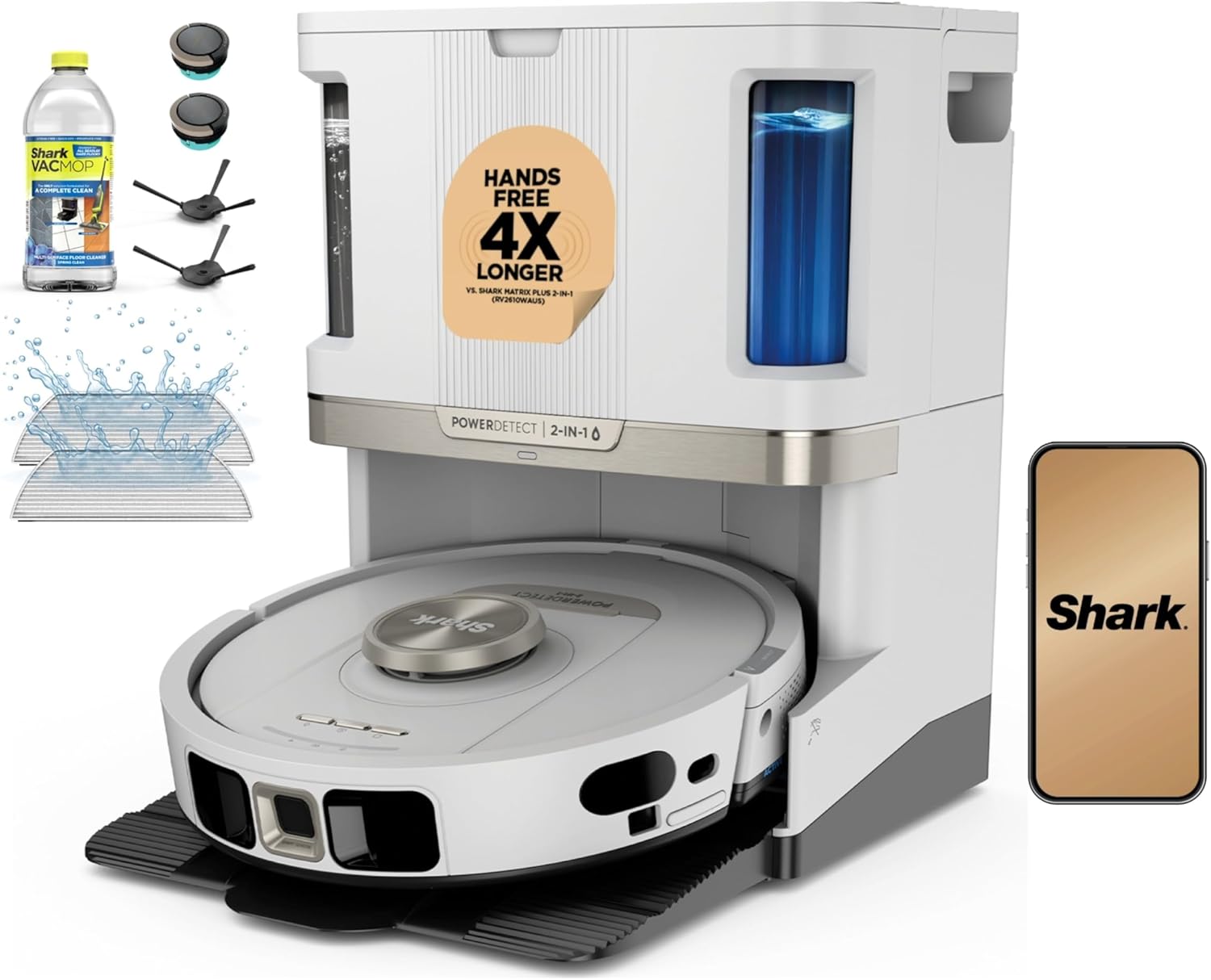
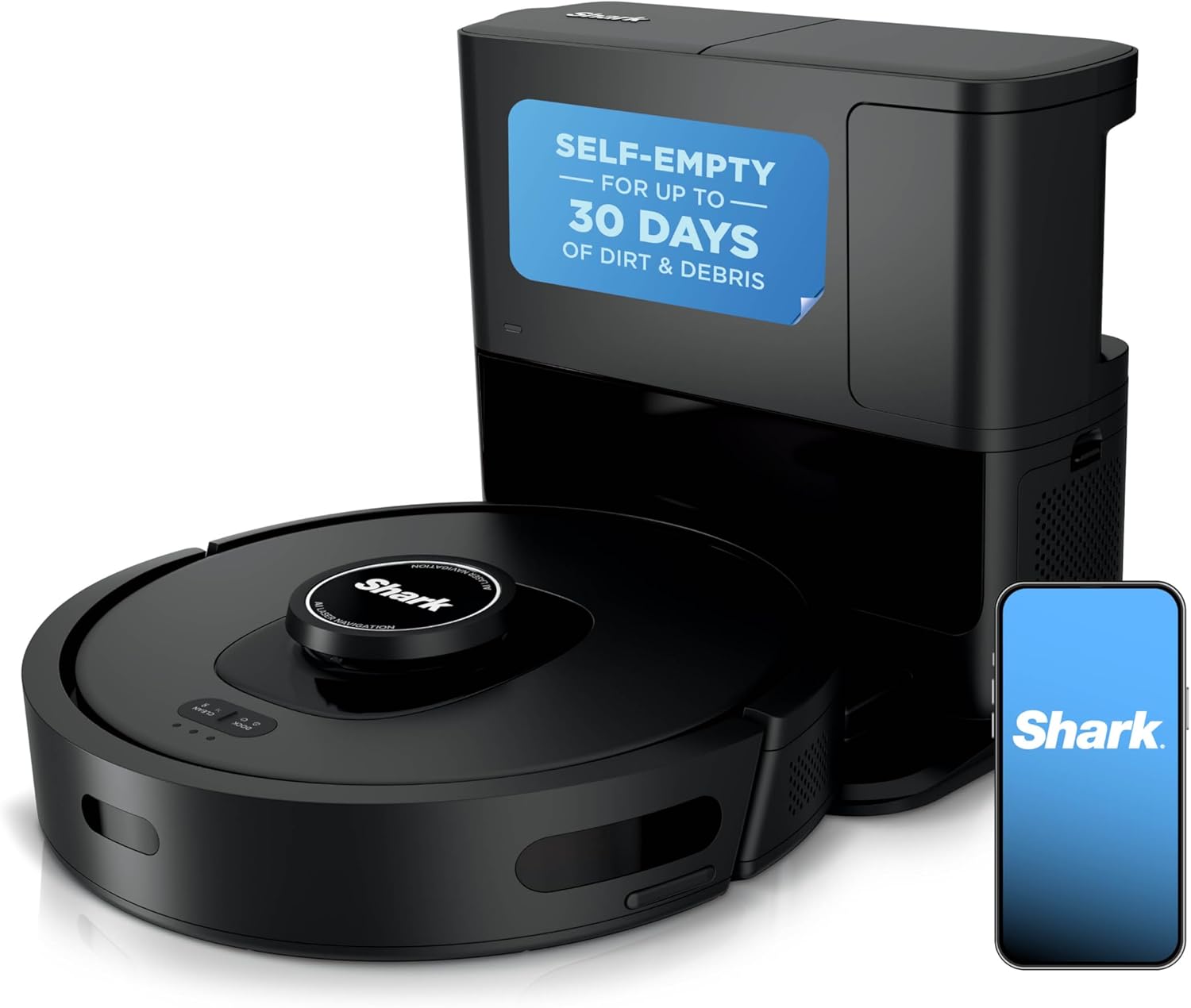
Why Does My Shark Robot Vacuum Bump Into Everything?
- Front bumper sensors covered in dust or debris
- Camera lens on top of the robot dirty or smudged
- Infrared sensors blocked by film or pet hair
Problem Description
Your Shark robot vacuum bumps into furniture walls and objects repeatedly instead of detecting and avoiding them. The robot may ram into chair legs at full speed and leave scuff marks on baseboards. This is not normal for models with AI navigation and indicates the obstacle detection sensors are dirty obstructed or the navigation system has a software issue.
Why This Happens in Real Homes
On Shark's AI-navigation models, obstacle avoidance leans on a front-facing camera and IR sensors, and both are easily fooled by things that have nothing to do with the software. A film of dust on the camera lens or the IR windows, or pet hair packed into the front bumper, makes the robot effectively blind, so it reverts to bump-and-go and starts scuffing baseboards. Clean those first. Two physical checks catch the rest: press the front bumper and make sure it springs all the way back, since a bumper stuck compressed reads as a constant collision, and remember the camera needs light to see, so avoidance that is fine by day and terrible at night points to lighting rather than a fault. Dark and glossy furniture legs are genuinely hard for IR to detect because they absorb the signal, so a chair the robot used to dodge may now get clipped, and a small physical barrier or a no-go zone is more reliable than chasing settings. After a firmware update, a quick restart clears the occasional navigation glitch.
Symptoms
- Robot rams into furniture at full speed instead of slowing
- Scuff marks appearing on baseboards and furniture legs
- Robot gets wedged under low furniture and stuck
- Navigation camera or sensors appear blocked or dirty
- Robot navigates fine in some rooms but bumps in others
- Object avoidance worked previously but suddenly stopped
- Robot clips table and chair legs it used to steer around
- Bumping got noticeably worse in low light or at night
Recognize these? Here's what usually causes it.
Common Causes
- Front bumper sensors covered in dust or debris
- Camera lens on top of the robot dirty or smudged
- Infrared sensors blocked by film or pet hair
- Low furniture below the robot's detection height
- Dark-colored furniture absorbing the IR detection signal
- Software glitch after a firmware update affecting navigation
- Front bumper physically stuck or compressed, not springing back
- Object detection turned off or set low in the app on AI models
Most fixes happen in the first 3 steps.
Do not apply tape or coverings to bumper sensors thinking it will soften impacts. Covering sensors blinds the obstacle detection system making bumping worse.
Tools & Requirements
These tools will help you complete this fix.
As an Amazon Associate we earn from qualifying purchases.
Step-by-Step Solution
Clean Front Bumper IR Sensor Windows
The Shark robot has infrared proximity sensors behind small dark plastic windows embedded in the front bumper face. There are typically 3-4 of these windows spaced across the bumper. Wipe each window with a damp microfiber cloth — dust buildup on these windows blinds the sensors, so the robot cannot detect obstacles until it physically collides with them. Also check underneath the bumper lip for trapped debris.

Needed for this step
MR.SIGA Microfiber Cleaning Cloth,Pack of 12,Si...
This helps complete the fix you are currently reading.
$13.99Clean the Top Navigation Camera
Shark AI models (AI Ultra, AI Robot VacMop, Matrix) have a navigation camera mounted on the top surface of the robot, usually inside a small raised dome or recessed lens near the front edge. Wipe this lens with a soft dry cloth. Fingerprints, dust, or pet hair on the lens degrade obstacle avoidance and room mapping. Do not use glass cleaner — the residue leaves a film that distorts the image.
Check Bumper Spring Movement
Press the front bumper inward at several points along its length. It should depress about 2-3mm and spring back freely. If the bumper is stuck or sluggish at any point, debris may be trapped behind the bumper skirt. Tap around the bumper edges to dislodge trapped hair, crumbs, or small objects. A stuck bumper prevents the physical contact sensor from registering collisions.
Set No-Go Zones for Low Furniture
If the robot consistently wedges under specific furniture, the obstacle is below the bumper sensor detection zone (the sensors look forward, not downward). In the SharkClean app, open your floor map and draw no-go zones around furniture with clearances under 3.5 inches. This prevents the robot from entering areas where it will get stuck.
Restart and Update Firmware
Flip the robot over and locate the power switch on the underside (near the edge, opposite the dustbin). Toggle it off, wait 30 seconds, and toggle it back on. Then open the SharkClean app and check for firmware updates under your robot settings. Shark releases navigation improvements through firmware that increase obstacle detection sensitivity and reduce bumping behavior.
Quick Solutions
Still having issues? This is usually the deeper cause below.
If the robot returns to the dock mid-clean, moved furniture may have invalidated its map — a fresh floor scan resolves the majority of navigation failures.
Run the Shark in a well-lit room during the day for best navigation. The AI camera works significantly better with ambient light than in complete darkness.
Robot vacuums that 'stop working' are usually fighting a corrupted map from moved furniture — a fresh floor scan fixes the majority of reported failures.
- Front bumper sensors covered in dust or debris
- Camera lens on top of the robot dirty or
- Infrared sensors blocked by film or pet hair
- Low furniture below the robot's detection height
- Dark-colored furniture absorbing the IR detection signal
Before you go — try one of these (they fix most cases).
Most popular upgrades chosen by Shark Robot Vacuum owners.
As an Amazon Associate we earn from qualifying purchases.
Official Manufacturer Manual
Shark provides official product documentation through their online manual rather than downloadable PDF. Access setup guides, troubleshooting steps, and product specifications for your Shark Robot Vacuum.
Source: sharkclean.com
Need More Help? Shark Support
Note: The contact information below connects you directly to Shark's official customer support team, not Trunetto. They can help with warranty claims, device replacements, and advanced technical issues.
How Does Shark Compare?
Before replacing your Shark device, see how it stacks up against alternatives in our full comparison guides.