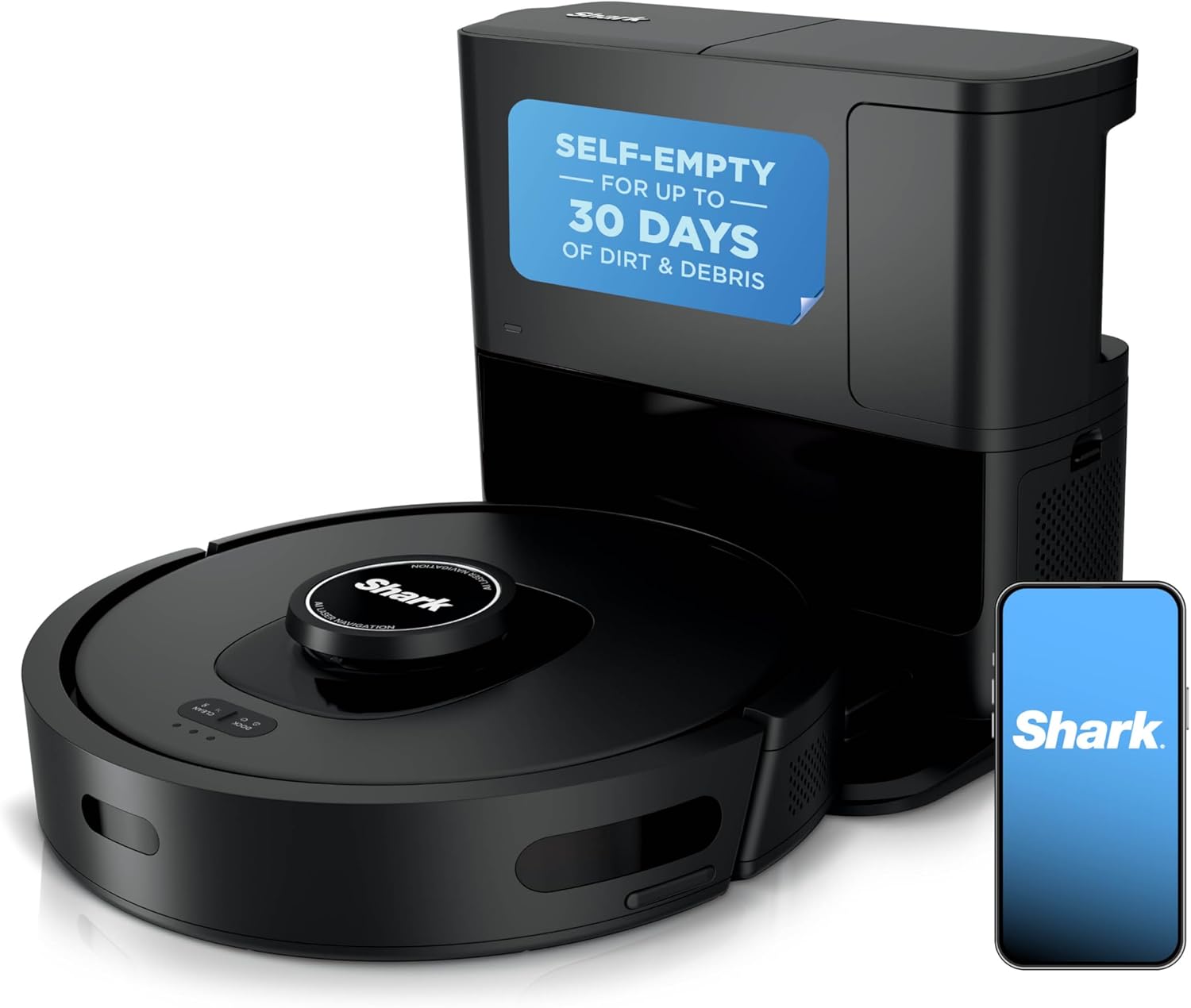
What Does Shark Robot Vacuum Error 7 Mean and How Do I Fix It?
- Dust or film on the cliff sensor windows
- Robot on a very dark or black rug (reads as a drop)
- Shiny or reflective floor confusing the sensors
Problem Description
The SharkClean app shows Error 7 (cliff sensor error). The downward-facing cliff sensors on the underside edge can't get a clean reading, so Shark thinks it is at the top of a stair drop and refuses to drive. Dust on the sensors or a dark floor are the usual triggers.
Why This Happens in Real Homes
Error 7 is your Shark's cliff sensors telling it they can't trust their reading. The downward infrared sensors on the underside front edge look for stairs; a thin coat of dust, a black rug that reads as a hole, or a mirror-shiny floor all make them fire. Dark rugs and freshly-vacuumed dusty rooms are the two classic triggers.
Flip the robot over and wipe each recessed sensor window with a dry cloth, then blow out the dust that packs into the recess. If clean sensors on a normal light-colored floor still throw Error 7, one sensor has failed and needs Shark service. Keep the robot off solid-black rugs and away from real stair edges with a no-go zone or BotBoundary strip.
Symptoms
- SharkClean app shows Error 7
- Voice mentions cliff sensors
- Robot stops and backs away from nothing
- Refuses to cross a dark rug
- Repeated stops near a black floor
- Robot thinks it is at a drop-off
- Error 7 after a dusty run
- Won't drive forward on certain floors
Recognize these? Here's what usually causes it.
Common Causes
- Dust or film on the cliff sensor windows
- Robot on a very dark or black rug (reads as a drop)
- Shiny or reflective floor confusing the sensors
- Smudged sensor lenses
- An actual nearby stair drop
- Bright sunlight interfering with the sensors
- Scratched sensor window
- Sensors dirty from a dusty cleaning run
Most fixes happen in the first 3 steps.
If clean, unscratched sensors on a light floor still error, one cliff sensor has failed. Don't work around it near stairs - contact Shark.
Tools & Requirements
These are for the steps in this guide, prioritized by fit, rating, availability, and current value.

Compressed air
WOLFBOX MegaFlow 50 Compressed Air Duster-110000RPM ...
Tool for this fix
microfiber cloth
BELLEMOND「Samurai Cloth」Japanese Microfiber Cleaning...
Tool for this fixAs an Amazon Associate we earn from qualifying purchases.
Step-by-Step Solution
Locate the Cliff Sensors
Flip the robot over. Along the front edge of the underside are several small recessed windows - the cliff sensors. They shine infrared down at the floor to detect stairs, and a film of dust is enough to blind them.
Wipe Each Sensor
Use a clean, dry microfiber cloth or a melamine eraser to gently wipe each cliff sensor window. Remove dust, smudges, and any sticky film. Don't use water or spray on the windows.
Needed for this step
BELLEMOND「Samurai Cloth」Japanese Microfiber Cle...
This helps complete the fix you are currently reading.
$19.99Blow Out Recessed Dust
Use a puff of compressed air to clear dust packed behind and around each sensor window, since particles inside the recess still interfere with the reading.
Needed for this step
WOLFBOX MegaFlow 50 Compressed Air Duster-11000...
This helps complete the fix you are currently reading.
$39.99Check the Floor Color
Very dark or black rugs read as a hole to infrared cliff sensors, and highly reflective floors confuse them. Run the robot on a lighter floor to confirm the sensors work, then set a no-go zone over problem rugs in the app.
Still stuck? Ask Trunetto about this exact issue.
Look for a Real Drop
Make sure the robot isn't genuinely parked at the top of stairs or a step. If there is a real drop nearby, add a no-go zone or use a BotBoundary strip so it keeps clear.
Reduce Sunlight Glare
Strong direct sunlight across the floor can overwhelm the infrared sensors. Close the blinds in rooms where Error 7 keeps appearing, or schedule cleaning for a different time of day.
Test Each Sensor
With the robot running, briefly cover one cliff sensor at a time with your finger; the robot should immediately stop and back up. A sensor that doesn't react may be faulty.
When to Escalate
If the sensor windows are clean and unscratched on a normal light floor and Error 7 still fires, one cliff sensor has likely failed. Contact Shark support for service.
Quick Solutions
Still having issues? This is usually the deeper cause below.
If the robot returns to the dock mid-clean, moved furniture may have invalidated its map — a fresh floor scan resolves the majority of navigation failures.
Decision point
If the fix does not hold, check the matching replacement before another reset cycle.
This is the most relevant replacement path for this Shark Robot Vacuum guide. Use it only if the steps above failed, the issue returns, or the part cost is too close to replacing the device.
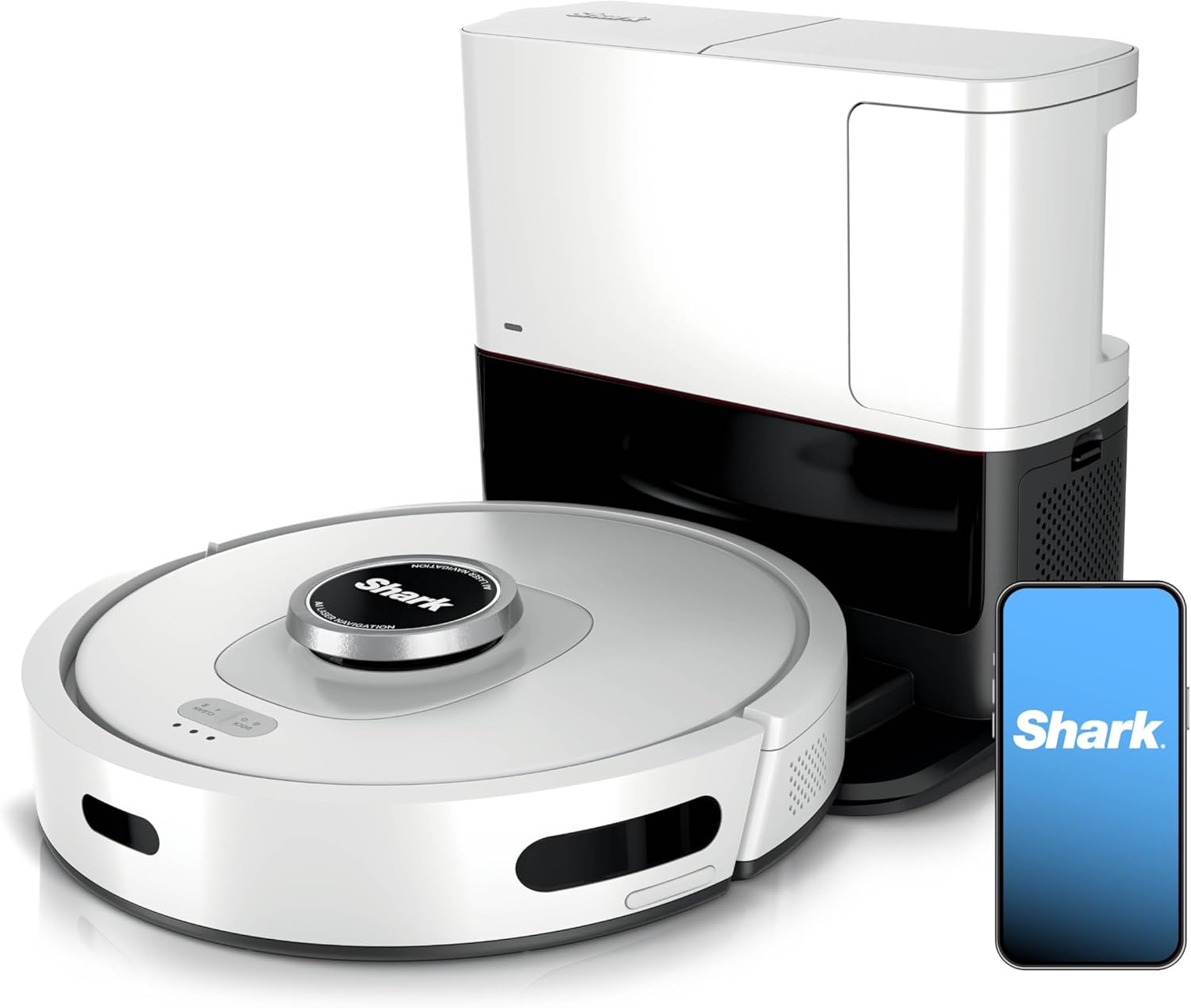
Prime · in stock · standard · 8.3k reviews
Check Replacement PriceDo you work with smart-home systems?
Create a Trunetto business profile, list the brands and services you support, and make it easier for customers to find your business.
List Your BusinessBlack and very dark rugs are read as a drop-off by infrared cliff sensors - fence them off with a no-go zone in the SharkClean app.
Robot vacuums that 'stop working' are usually fighting a corrupted map from moved furniture — a fresh floor scan fixes the majority of reported failures.
- Dust or film on the cliff sensor windows
- Robot on a very dark or black rug (reads
- Shiny or reflective floor confusing the sensors
- Smudged sensor lenses
- An actual nearby stair drop
Before you go — try one of these (they fix most cases).
Most popular upgrades chosen by Shark Robot Vacuum owners.
As an Amazon Associate we earn from qualifying purchases.
Official Manufacturer Manual
Shark provides official product documentation through their online manual rather than downloadable PDF. Access setup guides, troubleshooting steps, and product specifications for your Shark Robot Vacuum.
Source: sharkclean.com
Need More Help? Shark Support
Note: The contact information below connects you directly to Shark's official customer support team, not Trunetto. They can help with warranty claims, device replacements, and advanced technical issues.
How Does Shark Compare?
Before replacing your Shark device, see how it stacks up against alternatives in our full comparison guides.
Compatible accessories that support the setup in this guide, not random checkout recommendations.

As an Amazon Associate we earn from qualifying purchases.