How to Install Wyze Cam OG
- Camera Placement Planning
- Power Connection Setup
- Wyze App Installation
- Wi-Fi Network Configuration
- Basic Feature Setup
- Camera Function Testing
Most users complete this in under 25 minutes
Overview
Wyze Wyze Cam OG setup takes under 15 minutes for most users — if you're stuck, the steps below target the specific points where installs stall.
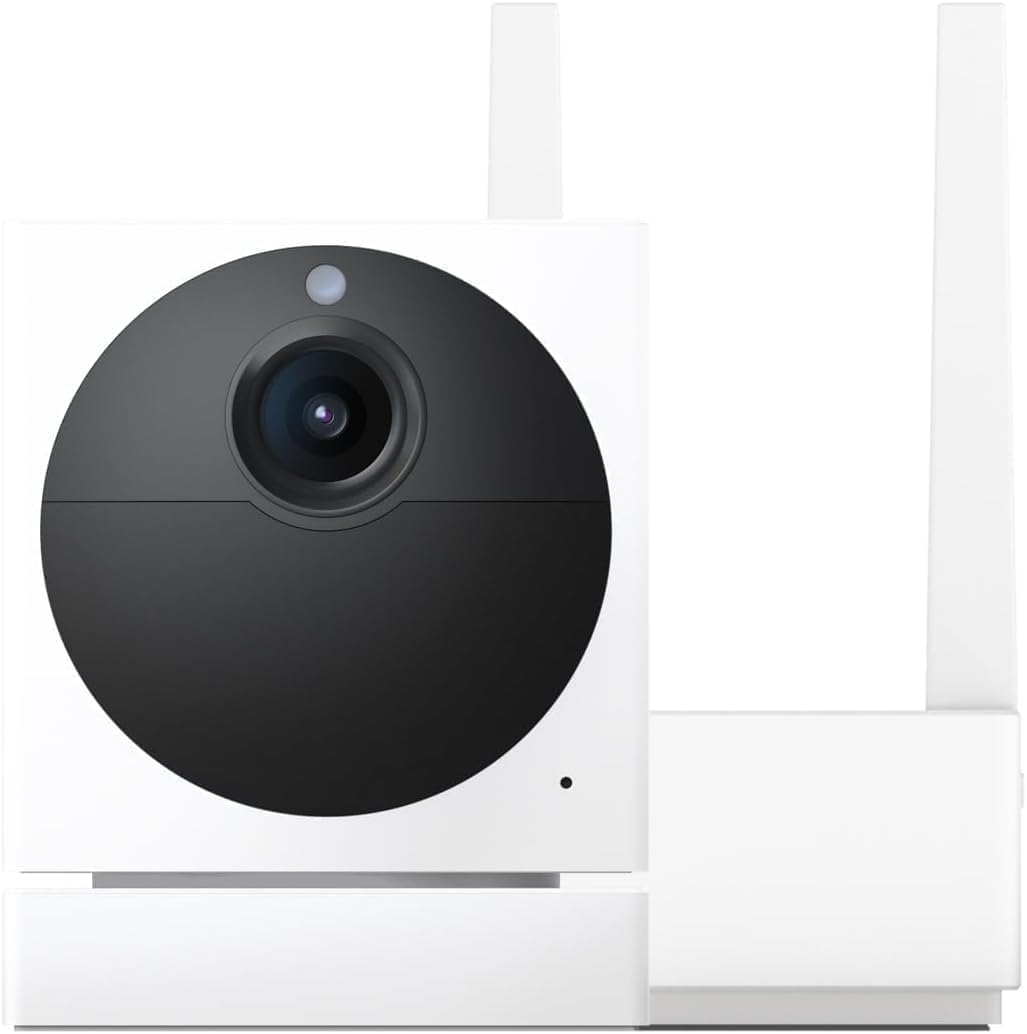
This guide covers the installation of the Wyze Cam OG, a compact outdoor-rated indoor-outdoor security camera with a built-in spotlight and color night vision. Setup includes magnetic or screw mount attachment, Wyze app pairing, spotlight trigger configuration, and optional Wyze Cam Plus subscription for AI person and vehicle detection.
Why This Happens in Real Homes
The Wyze Cam OG is easy to install, but two things decide whether it works reliably: 2.4GHz WiFi strength at the mounting spot and steady power. It has no battery, so it needs a constant USB feed, and like all Wyze cams it won't join a 5GHz network — putting your phone on the 2.4GHz band during setup avoids the most common pairing failure.
Plan the location first: strong signal, a reachable outlet, and a weatherproof cable path if you're mounting it outside. Once it's online, spend a minute aiming the spotlight away from walls and tuning detection zones so you don't get glare or constant false alerts.
What's Included
- Unsure where to place the Cam OG
- Camera will not connect during setup
- Weak WiFi at the chosen spot
- Not sure it needs constant power
- Spotlight or night vision setup unclear
- Motion alerts not configured
- Outdoor mounting questions
- App will not find the camera
Got your materials ready? Here's what to check first.
Before You Start
- Chosen spot has weak 2.4GHz WiFi
- No nearby outlet for constant USB power
- Phone on 5GHz during setup confusing the app
- Outdoor run without a weatherproof cable path
- QR code not scanned cleanly during pairing
- Spotlight aimed to cause glare or false alerts
- Detection zone/sensitivity left at defaults
- Camera mounted where it cannot reach WiFi
Don't skip this step — it breaks everything if you do
Requires constant power connection. 2.4GHz Wi-Fi only. Consider microSD card for local storage backup.
Tools & Requirements
These tools will help you complete this fix.

Drill optional
DEWALT 20V MAX Cordless Drill and Impact Driver, Pow...

Level
9 Inch Torpedo Level Magnetic, Shock-Proof Small Lev...

Screwdriver
STREBITO 155 in 1 Electric Screwdriver Set, Small El...
As an Amazon Associate we earn from qualifying purchases.
Installation Steps
Camera Placement Planning
Choose best location for Wyze Cam OG considering power outlet access, Wi-Fi signal strength, and desired coverage area for monitoring.
Power Connection Setup
Connect Cam OG to power using included USB cable and adapter. Make sure reliable power source as camera requires constant power for operation.
Wyze App Installation
Download Wyze app and create account. Follow in-app setup process to add Cam OG to your Wyze device list for monitoring and control.
Wi-Fi Network Configuration
Connect Cam OG to 2.4GHz Wi-Fi network through app setup process. Camera requires 2.4GHz band and strong signal for reliable streaming.
Basic Feature Setup
Configure motion detection, recording settings, and notification preferences through Wyze app. Set up detection zones and sensitivity for best monitoring.
Camera Function Testing
Test live view, motion alerts, night vision, and two-way audio features. Verify camera responds properly to app commands and settings changes.
Installation Tips
Still stuck? This is usually the deeper cause below.
Cam OG provides affordable 1080p monitoring with basic smart features. Simple setup through Wyze app with cloud and local storage options.
Before you go — these Wyze guides fix most remaining issues.
Most popular upgrades chosen by Wyze Cam OG owners.

Wyze Cam OG Indoor/Outdoor 1080p Wi-Fi Smart Home Securit...

WYZE Cam OG Indoor/Outdoor 1080p Wi-Fi Smart Home Securit...

Wyze Cam OG Indoor/Outdoor 1080p Wi-Fi Smart Home Securit...
As an Amazon Associate we earn from qualifying purchases.
Official Manufacturer Manual
Wyze provides official product documentation through their online manual rather than downloadable PDF. Access setup guides, troubleshooting steps, and product specifications for your Wyze Cam OG.
Source: wyze.com
Need More Help? Wyze Support
Note: The contact information below connects you directly to Wyze's official customer support team, not Trunetto. They can help with warranty claims, device replacements, and advanced technical issues.
How Does Wyze Compare?
Before replacing your Wyze device, see how it stacks up against alternatives in our full comparison guides.