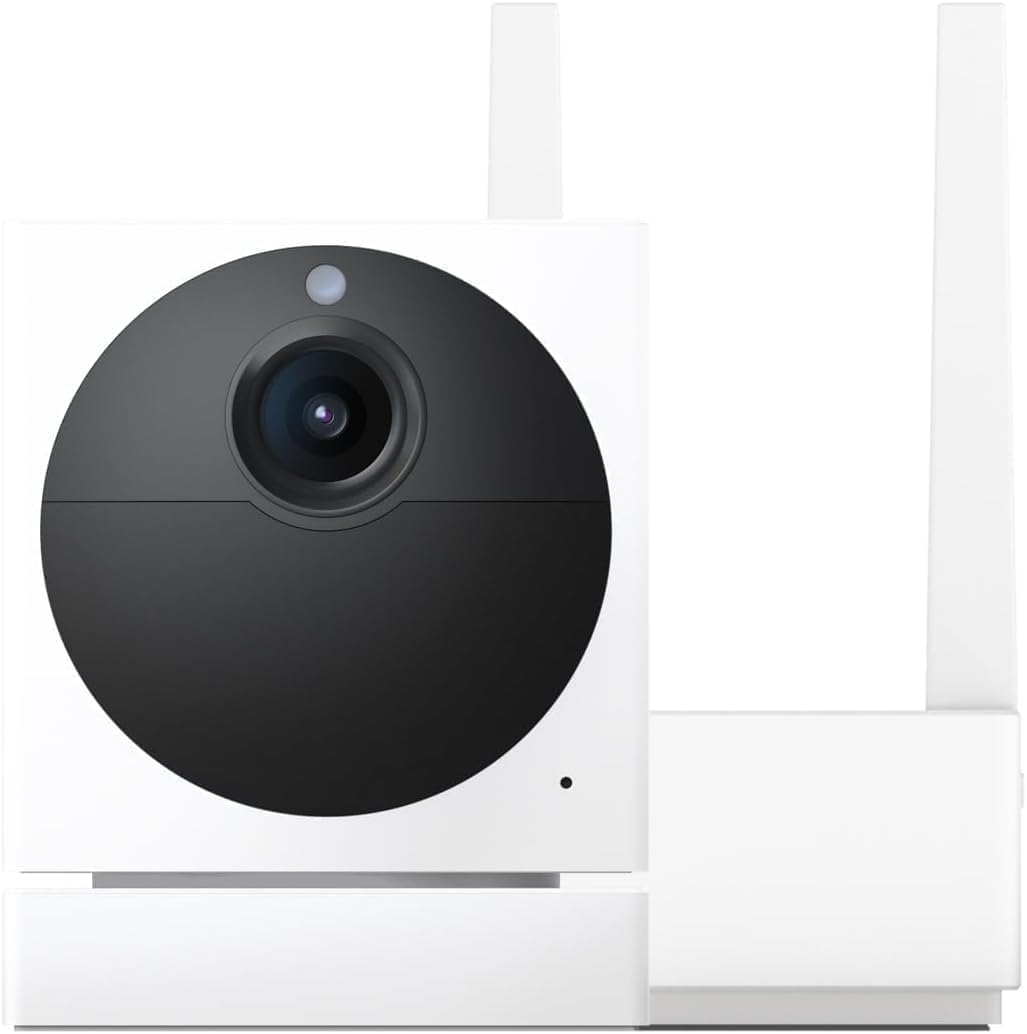
Wyze AI Motion Tagging Creating False Security Alerts
- AI detection sensitivity too high
- Detection zones include problematic areas
- Lighting conditions confusing AI
Problem Description
Your Wyze camera's AI motion tagging is generating false positive security alerts — flagging shadows, changing light from passing clouds, air conditioning vents, or reflections as person or vehicle motion events. Wyze AI detection runs in the cloud and is sensitive to low-contrast motion that resembles human silhouettes or vehicles, particularly in scenes with indirect natural light sources that change throughout the day.
Why This Happens in Real Homes
The AI detection on Wyze runs server-side through Cam Plus, which means there is a 5 to 10 second delay before you get a person or vehicle alert. Without Cam Plus you only get basic PIR motion detection with zero AI filtering — every shadow, headlight sweep, and tree branch triggers an alert. People blame the AI but most of the time they are on the free tier with no AI at all. Even with Cam Plus, shadows and headlights at night generate false person tags. The real fix is shrinking your detection zone to exclude trees and the street, and dropping sensitivity to around 40 for outdoor cams.
Symptoms
- Pets tagged as intruders or strangers
- Shadows triggering person detection alerts
- Normal family activities marked as threats
- AI tagging accuracy getting worse over time
- Too many false positive security notifications
- Real threats missed due to alert fatigue
Recognize these? Here's what usually causes it.
Common Causes
- AI detection sensitivity too high
- Detection zones include problematic areas
- Lighting conditions confusing AI
- Pet detection not properly configured
- AI model needs retraining
- Camera position creating false triggers
Most fixes happen in the first 3 steps.
Reducing detection sensitivity may cause some real security events to be missed. Find balance between false positives and security coverage.
Step-by-Step Solution
Adjust AI Detection Sensitivity Levels
In Wyze app go to camera Settings > Detection Settings > AI Detection. Lower person detection sensitivity and increase confidence threshold to reduce false positives while maintaining security effectiveness.
Optimize Motion Detection Zones
Configure detection zones to exclude areas where pets frequent trees that cast moving shadows and routine family activity areas. Focus detection on entry points and security-critical areas only.
Configure Pet vs Person Detection Properly
Enable Pet Detection in AI settings and make sure your pets are properly categorized. This helps AI distinguish between pets and intruders reducing false security alerts for normal pet movements.
Improve Camera Position and Lighting
Position camera to minimize dramatic shadows and backlighting that confuse AI detection. Add consistent lighting in detection areas to improve AI accuracy in distinguishing objects and people.
Manually Correct AI Detection Errors
When reviewing alerts manually mark incorrect person detections as false positives in the Wyze app. This feedback helps train the AI to be more accurate over time.
Quick Solutions
Still having issues? This is usually the deeper cause below.
If the sensor still misses events after repositioning, check whether a scheduled 'home' or 'away' mode is overriding the sensitivity setting silently.
Wyze AI detection improves with manual feedback and optimal camera positioning. Regular corrections during first month improve long-term accuracy.
Notification delays over 2 minutes are almost never the device's fault — background app restrictions quietly re-enable themselves after every OS update.
- AI detection sensitivity too high
- Detection zones include problematic areas
- Lighting conditions confusing AI
- Pet detection not properly configured
- AI model needs retraining
Before you go — try one of these (they fix most cases).
Most popular upgrades chosen by Wyze Cam owners.

Wyze Cam v3, 1080P HD WiFi Wired Indoor/Outdoor Home Secu...
WYZE Cam v3, 1080P HD WiFi Wired Indoor/Outdoor Home Secu...

WYZE Cam OG Indoor/Outdoor 1080p Wi-Fi Smart Home Securit...
As an Amazon Associate we earn from qualifying purchases.
Official Manufacturer Manual
Wyze provides official product documentation through their online manual rather than downloadable PDF. Access setup guides, troubleshooting steps, and product specifications for your Wyze Cam.
Source: support.wyze.com
Need More Help? Wyze Support
Note: The contact information below connects you directly to Wyze's official customer support team, not Trunetto. They can help with warranty claims, device replacements, and advanced technical issues.
How Does Wyze Compare?
Before replacing your Wyze device, see how it stacks up against alternatives in our full comparison guides.