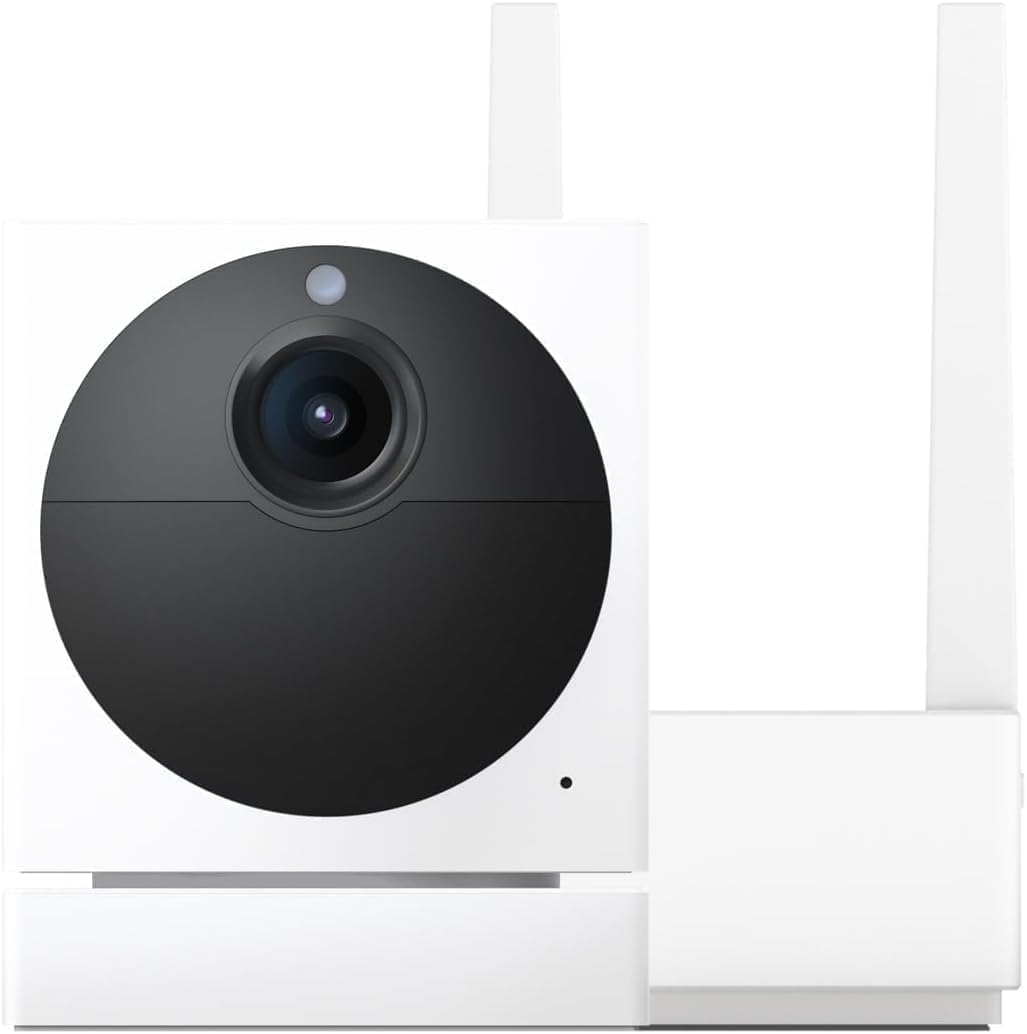
Why Won't My Wyze Cam Pan Track Motion?
- Motion Tracking toggle turned off
- Detection zone excludes the moving area
- Motion detection sensitivity too low
Problem Description
Your Wyze Cam Pan is not panning to follow motion. Verify tracking mode is enabled in the Wyze app — go to the camera live view, tap the gear icon, then Motion Tracking and make sure it's toggled on. If tracking is on but the camera won't move, the pan motor may be obstructed. Check that nothing is blocking the camera's rotation. This guide covers enabling tracking and motor troubleshooting.
Why This Happens in Real Homes
When a Pan cam won't track, it's almost always a setting rather than a motor fault. Motion Tracking is a separate toggle from motion detection — if it's off, the camera sees motion and records but never turns to follow. A detection zone that excludes the area, or sensitivity set too low, produces the same "nothing happens" result.
Start in the camera's settings: enable Motion Tracking, widen the detection zone, and raise sensitivity, then test with Pan Scan turned off so patrol waypoints don't fight the tracking. If it still won't move, restart and update firmware, and make sure nothing is physically blocking the head.
Symptoms
- Camera will not pan to follow motion
- Motion tracking does nothing
- Head stays fixed during a motion event
- Tracking toggle looks on but no movement
- Only manual pan works
- Pans on patrol but will not track
- Tracking stopped after an update
- No tracking at night
Recognize these? Here's what usually causes it.
Common Causes
- Motion Tracking toggle turned off
- Detection zone excludes the moving area
- Motion detection sensitivity too low
- Pan Scan waypoints conflicting with tracking
- Firmware glitch after an update
- Camera obstructed from rotating
- Tracks only one subject at a time
- Detection settings changed by Cam Plus
Most fixes happen in the first 3 steps.
Wyze Cam Pan v3 has faster, quieter motors than earlier versions.
Tools & Requirements
These tools will help you complete this fix.

Clean microfiber cloth
MR.SIGA Microfiber Cleaning Cloth,Pack of 12,Size:12...

Ethernet cable
Jadaol Cat 6 Ethernet Cable 25 ft, 10Gbps Support Ca...

Level
9 Inch Torpedo Level Magnetic, Shock-Proof Small Lev...

Power adapter
JcBlaon Outlet Extender Surge Protector - 6 Outlet S...

Replacement batteries
Duracell Coppertop Double AA Batteries with Power Bo...
As an Amazon Associate we earn from qualifying purchases.
Step-by-Step Solution
Verify tracking mode is enabled in Wyze app settings
Open the camera settings and confirm motion tracking and pan features are explicitly enabled, because firmware updates or profile changes can silently disable these controls.
Check pan motor movement with manual directional test
Use manual pan controls to confirm full left-right movement without resistance, since tracking cannot function if the motor path is blocked or mechanically restricted.
Inspect placement and motion scene geometry
Reposition the camera so targets move across the frame instead of directly toward it, because tracking algorithms perform best when lateral movement is clearly visible.
Update firmware and reboot camera before retest
Apply pending firmware and restart the camera to clear stale tracking state, because old firmware builds often contain pan-tracking regressions.
Run controlled motion test in stable lighting
Trigger movement at a known distance and speed under consistent lighting to confirm tracking lock quality, then escalate with logs if tracking still drops.
Quick Solutions
Still having issues? This is usually the deeper cause below.
If the sensor still misses events after repositioning, check whether a scheduled 'home' or 'away' mode is overriding the sensitivity setting silently.
Set up activity zones to monitor only the areas that matter like your front porch and driveway and exclude the street. This dramatically reduces false alerts while ensuring you never miss an actual event at your property.
This issue almost always looks more complex than it is — the majority of cases trace back to a single setting, a stale credential, or a default that shipped wrong.
- Motion Tracking toggle turned off
- Detection zone excludes the moving area
- Motion detection sensitivity too low
- Pan Scan waypoints conflicting with tracking
- Firmware glitch after an update
Before you go — try one of these (they fix most cases).
Most popular upgrades chosen by Wyze Cam Pan owners.
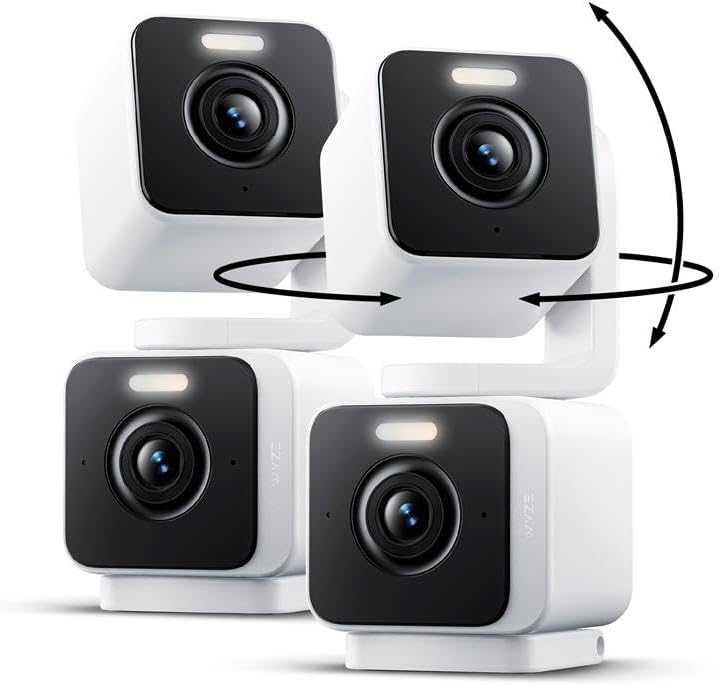
WYZE Duo Cam Pan 2 Pack, Indoor/Outdoor IP65 2K 360° Pan/...
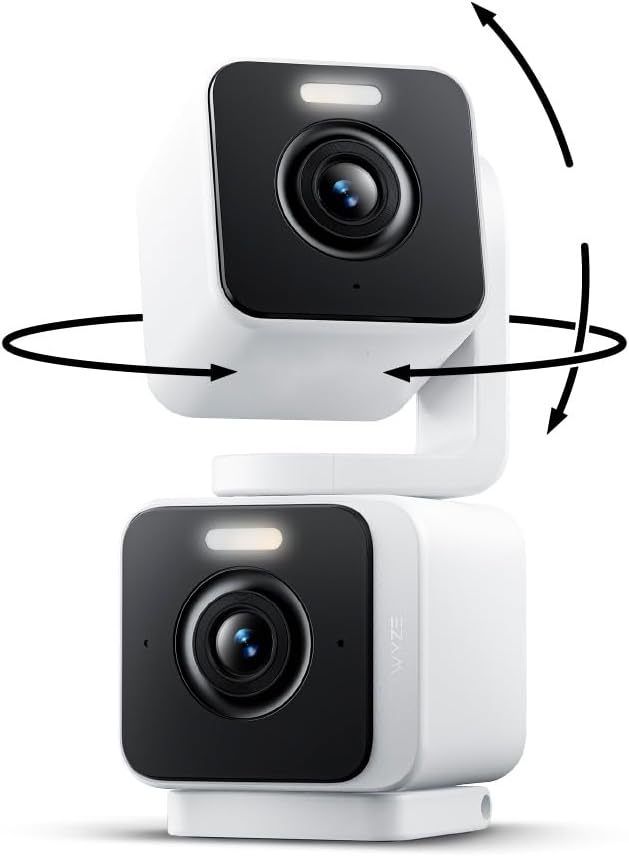
WYZE Duo Cam Pan Indoor/Outdoor IP65 2K 360° Pan/Tilt Sma...

WYZE Cam Pan v3 Indoor/Outdoor IP65 1080P 360° Pan/Tilt/Z...
As an Amazon Associate we earn from qualifying purchases.
Official Manufacturer Manual
Wyze provides official product documentation through their online manual rather than downloadable PDF. Access setup guides, troubleshooting steps, and product specifications for your Wyze Cam Pan.
Source: support.wyze.com
Need More Help? Wyze Support
Note: The contact information below connects you directly to Wyze's official customer support team, not Trunetto. They can help with warranty claims, device replacements, and advanced technical issues.
How Does Wyze Compare?
Before replacing your Wyze device, see how it stacks up against alternatives in our full comparison guides.
Accessories owners commonly pair with Wyze Cam Pan.

SANDISK 64GB Extreme microSDXC UHS-I Memory Card with Ada...

SANDISK 128GB Ultra microSDXC UHS-I Memory Card with Adap...

SANDISK 64GB Ultra microSDXC UHS-I Memory Card with Adapt...
As an Amazon Associate we earn from qualifying purchases.