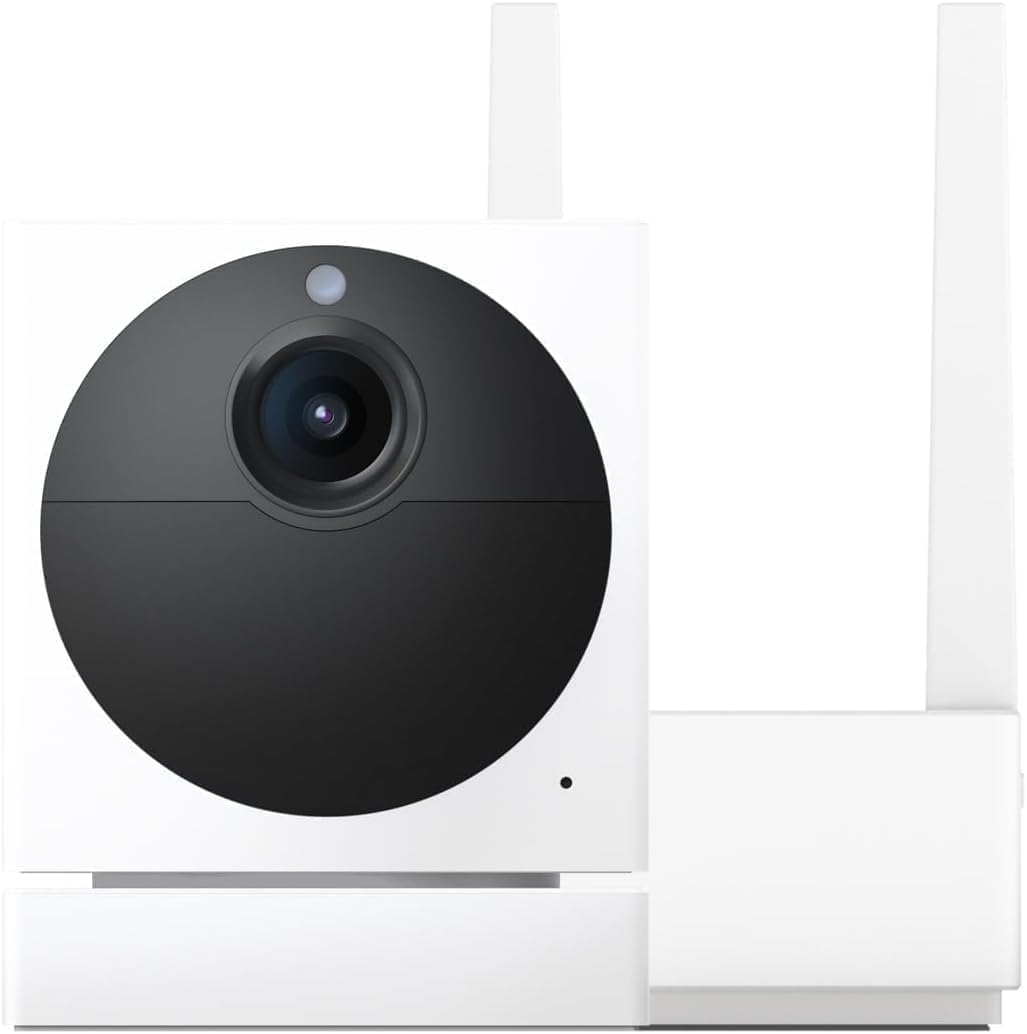
Why Does My Wyze Cam Pan Keep Losing Tracking?
- Pan/tilt calibration drifted
- Subject moved faster than the camera can pan
- Subject left the edge of the detection zone
Problem Description
Your Wyze Cam Pan keeps losing its tracking target and panning to the wrong area. The camera needs recalibration — the pan motor can lose its position reference over time. In the Wyze app, go to the camera settings and tap Motor Controls > Reset. The camera will rotate to its home position and recalibrate. This guide covers motor recalibration and tracking zone configuration.
Why This Happens in Real Homes
A Pan cam that loses its target and ends up staring at a wall has usually lost its position reference — the motor's sense of where "center" is drifts over time, so its idea of where the subject went no longer matches reality. Fast subjects that cross the frame quickly, or that leave the edge of the detection zone, also outrun it.
Start by recalibrating the pan/tilt (Reset Position) so the camera re-establishes its range, and restart it to refresh the motor reference. Turn off Pan Scan waypoints while you test, since they can pull it back to a preset mid-track, and remember it tracks one subject at a time within its physical range.
Symptoms
- Camera loses the tracking target
- Pans to the wrong area
- Returns to center and misses motion
- Tracking drifts off over time
- Ends up pointing at a wall
- Loses fast-moving subjects
- Wrong preset after tracking
- Calibration seems off
Recognize these? Here's what usually causes it.
Common Causes
- Pan/tilt calibration drifted
- Subject moved faster than the camera can pan
- Subject left the edge of the detection zone
- Motor position reference lost
- Pan Scan waypoints pulling it back to a preset
- Obstruction limiting rotation
- Firmware glitch after an update
- Low light losing the subject
Most fixes happen in the first 3 steps.
Security cameras should be installed at least 8 feet high to prevent tampering. Check local laws regarding recording audio and video. Never aim cameras at neighboring private property. Outdoor cameras should be rated IP65 or higher for weather resistance.
Tools & Requirements
Step-by-Step Solution
Recalibrate the camera motor
When the Wyze Cam Pan loses track of its position, it may point in the wrong direction or stop at an unexpected angle. In the Wyze app, go to camera settings and look for a Reset Motor Position or Recalibrate option. The camera rotates to its home position and recalibrates its range of motion. After calibration, reset your preset positions since they reference the calibrated home.
Check for tracking drift
If the camera slowly drifts off target while tracking, the motor feedback mechanism may not be reading position accurately. This happens more on older Cam Pan units where the gear mechanism has worn. Update the firmware — Wyze has adjusted motor control parameters in updates. If drift continues after updating, the hardware is degrading.
Reduce the number of active motion sources
The Cam Pan tracking algorithm picks a single motion source to follow. If multiple moving objects are in the frame simultaneously (a person walking while a pet runs the other direction), the camera can ping-pong between them and eventually lose track of both. Use activity zones to focus on one area (like a doorway) so the camera only follows motion in that zone and ignores competing movement.
Improve lighting conditions
Tracking works by detecting pixel changes in the video feed. In low light, the image is noisy and the camera may interpret sensor noise as motion, causing the tracking to wander aimlessly. Improve lighting in the area the camera monitors. In night vision mode (IR), the camera may track the IR reflection off shiny surfaces instead of actual moving objects. Reduce reflective surfaces in the frame.
Restart the camera if tracking stops responding
If tracking stops working entirely (the camera does not move when motion occurs), the motor control may be stuck. Unplug the camera for 30 seconds and plug it back in. After rebooting, enable tracking and test by walking across the camera view. If the motor does not respond at all after a reboot, the motor or control board may have failed — contact Wyze support.
Quick Solutions
Still having issues? This is usually the deeper cause below.
If this comes back after following these steps, check whether a recent app or firmware update reset a default setting — the fix works, but the setting gets reverted silently.
Set up activity zones to monitor only the areas that matter like your front porch and driveway and exclude the street. This dramatically reduces false alerts while ensuring you never miss an actual event at your property.
This issue almost always looks more complex than it is — the majority of cases trace back to a single setting, a stale credential, or a default that shipped wrong.
- Pan/tilt calibration drifted
- Subject moved faster than the camera can pan
- Subject left the edge of the detection zone
- Motor position reference lost
- Pan Scan waypoints pulling it back to a preset
Before you go — try one of these (they fix most cases).
Most popular upgrades chosen by Wyze Cam Pan owners.
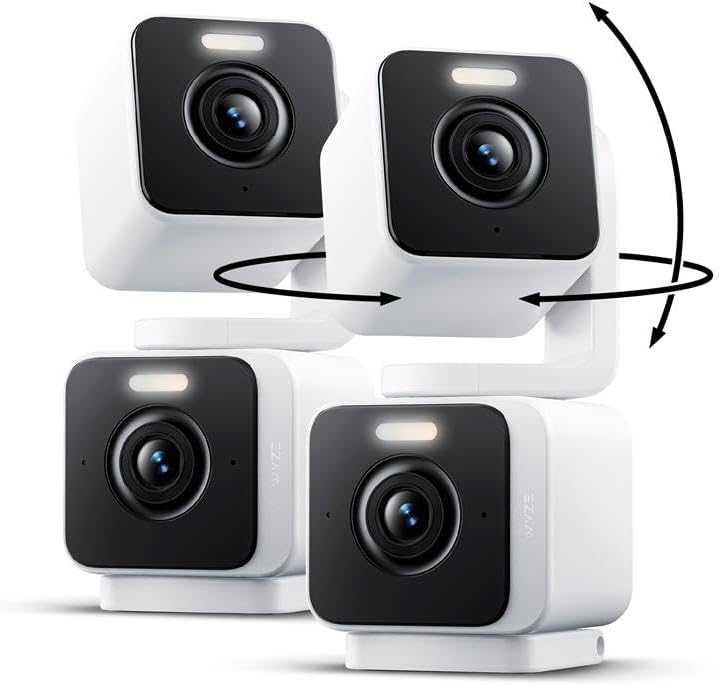
WYZE Duo Cam Pan 2 Pack, Indoor/Outdoor IP65 2K 360° Pan/...
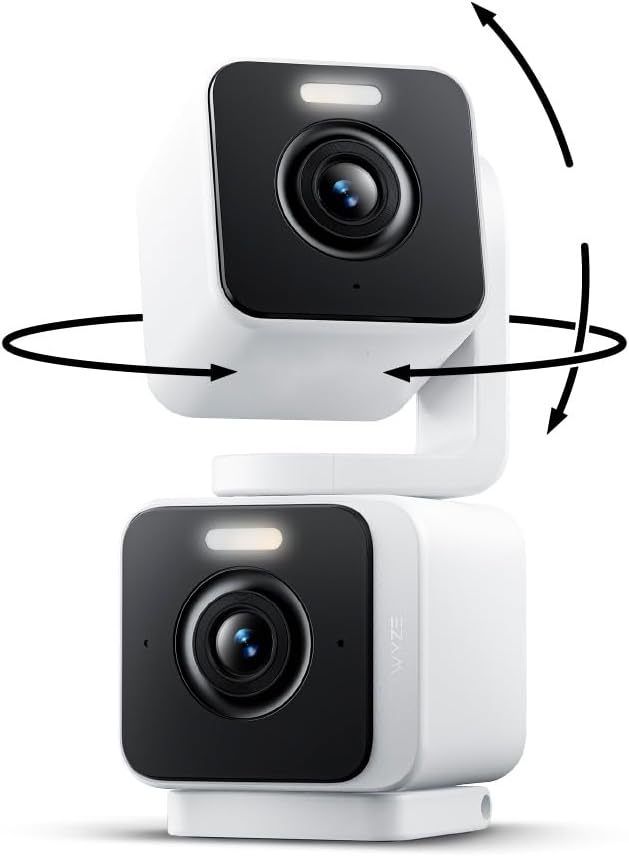
WYZE Duo Cam Pan Indoor/Outdoor IP65 2K 360° Pan/Tilt Sma...

WYZE Cam Pan v3 Indoor/Outdoor IP65 1080P 360° Pan/Tilt/Z...
As an Amazon Associate we earn from qualifying purchases.
Official Manufacturer Manual
Wyze provides official product documentation through their online manual rather than downloadable PDF. Access setup guides, troubleshooting steps, and product specifications for your Wyze Cam Pan.
Source: support.wyze.com
Need More Help? Wyze Support
Note: The contact information below connects you directly to Wyze's official customer support team, not Trunetto. They can help with warranty claims, device replacements, and advanced technical issues.
How Does Wyze Compare?
Before replacing your Wyze device, see how it stacks up against alternatives in our full comparison guides.