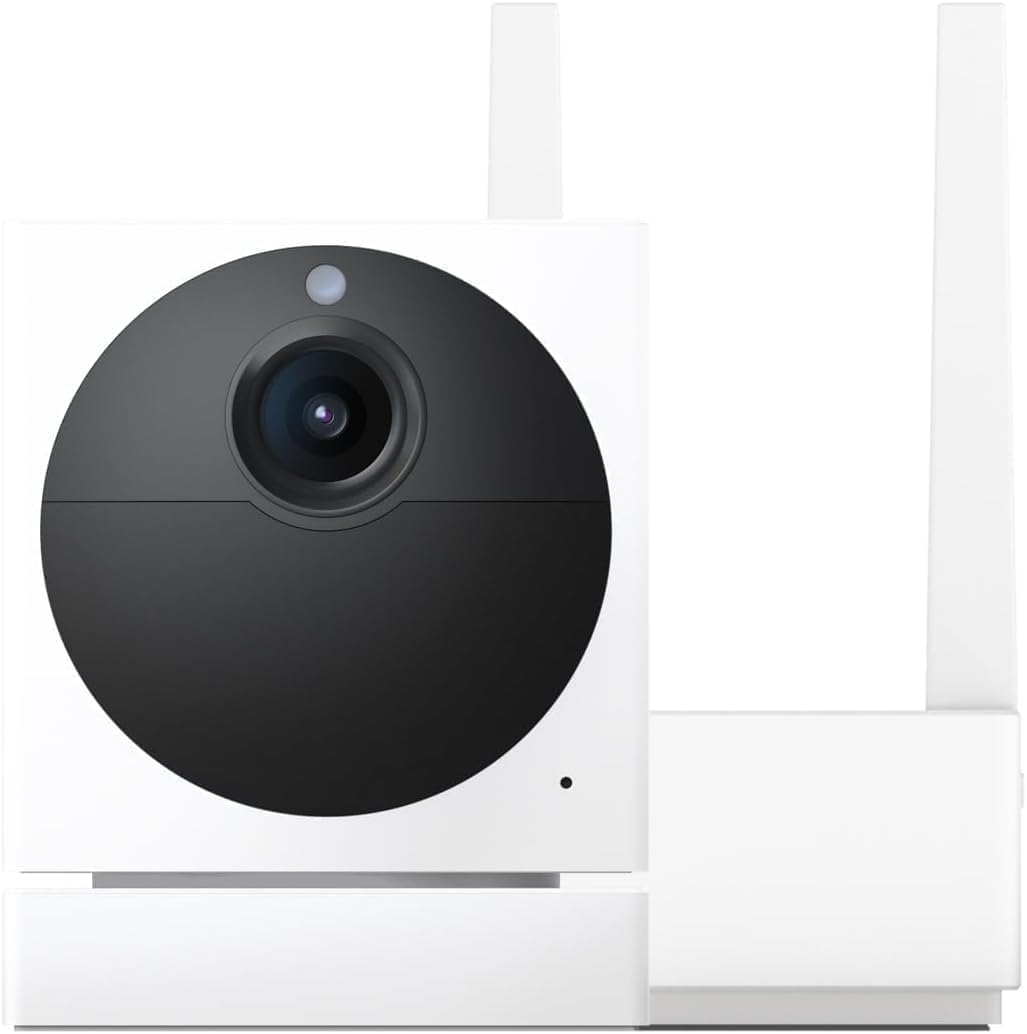
Why Won't My Wyze Cam Pan v3 Track Motion or Follow People?
- Motion tracking toggle disabled in settings
- Detection zone excluding area with motion
- Pan scan waypoints interfering with tracking
Problem Description
Your Wyze Cam Pan v3 has motion tracking but it does not follow people walking through the room. The camera stays stationary even with tracking enabled. You bought this camera specifically for the pan and tilt tracking feature but it acts like a fixed camera. Other users report similar issues on Reddit.
Why This Happens in Real Homes
A Pan v3 that records motion but won't turn to follow it almost always has Motion Tracking switched off — it's a separate toggle from motion detection, so the camera can alert without ever panning. A detection zone that excludes the moving area, or Pan Scan waypoints overriding tracking, cause the same thing.
Start in the camera settings: turn on Motion Tracking, widen the detection zone, and disable Pan Scan while you test. If it still won't follow, restart the camera and update firmware, and make sure the head isn't obstructed from rotating.
Symptoms
- Camera does not pan or tilt when person walks by
- Motion tracking enabled but camera stays still
- Tracking worked before but stopped after update
- Camera pans to wrong direction away from motion
- Tracking follows pets but ignores people
- Camera tracks briefly then stops mid-motion
Recognize these? Here's what usually causes it.
Common Causes
- Motion tracking toggle disabled in settings
- Detection zone excluding area with motion
- Pan scan waypoints interfering with tracking
- Firmware bug affecting tracking algorithm
- Camera mounted at angle confusing tracking logic
- Too much motion in frame overwhelming tracker
Most fixes happen in the first 3 steps.
Motion tracking increases camera movement which may reduce lifespan of the pan/tilt motors over years of heavy use.
Step-by-Step Solution
Enable Motion Tracking
Open the Wyze app and tap your Pan v3 camera. Tap the Settings gear icon then Detection Settings. Find Motion Tracking and make sure it is toggled on. Some users accidentally disable this. The toggle must be green for tracking to work.
Check Detection Zone
In Detection Settings tap Detection Zone. The zone determines where the camera looks for motion. If your zone is only a small area the camera will not track motion outside it. Expand the zone or disable it entirely to allow tracking anywhere the camera can see.
Disable Pan Scan
Pan Scan and Motion Tracking can conflict. Pan Scan moves the camera on a schedule between waypoints. If enabled the camera may be moving to waypoints instead of tracking motion. Disable Pan Scan in settings and test tracking again. You can use one feature or the other but not both reliably.
Update Camera Firmware
Motion tracking algorithms improve with firmware updates. In the Wyze app tap your camera then Settings then Device Info then Firmware Version. If an update is available install it. Restart the camera after update and test tracking again.
Reposition Camera
The camera tracks best when mounted at chest to head height looking straight ahead. If mounted high looking down or at an angle the tracking algorithm struggles. The camera needs to see the person moving horizontally across the frame. Vertical movement like walking toward camera does not trigger panning.
Quick Solutions
Still having issues? This is usually the deeper cause below.
If the sensor still misses events after repositioning, check whether a scheduled 'home' or 'away' mode is overriding the sensitivity setting silently.
Motion tracking works best in good lighting. In very dark conditions the camera may not see motion clearly enough to track.
This issue almost always looks more complex than it is — the majority of cases trace back to a single setting, a stale credential, or a default that shipped wrong.
- Motion tracking toggle disabled in settings
- Detection zone excluding area with motion
- Pan scan waypoints interfering with tracking
- Firmware bug affecting tracking algorithm
- Camera mounted at angle confusing tracking logic
Before you go — try one of these (they fix most cases).
Most popular upgrades chosen by Wyze Cam Pan v3 owners.

WYZE Cam Pan v3 Indoor/Outdoor IP65 1080P 360° Pan/Tilt/Z...

WYZE Cam Pan v3 Indoor/Outdoor IP65 1080P 360° Pan/Tilt/Z...

WYZE Cam Pan v3 Indoor/Outdoor IP65-Rated 1080p Pan/Tilt/...
As an Amazon Associate we earn from qualifying purchases.
Official Manufacturer Manual
Wyze provides official product documentation through their online manual rather than downloadable PDF. Access setup guides, troubleshooting steps, and product specifications for your Wyze Cam Pan v3.
Source: support.wyze.com
Need More Help? Wyze Support
Note: The contact information below connects you directly to Wyze's official customer support team, not Trunetto. They can help with warranty claims, device replacements, and advanced technical issues.
How Does Wyze Compare?
Before replacing your Wyze device, see how it stacks up against alternatives in our full comparison guides.