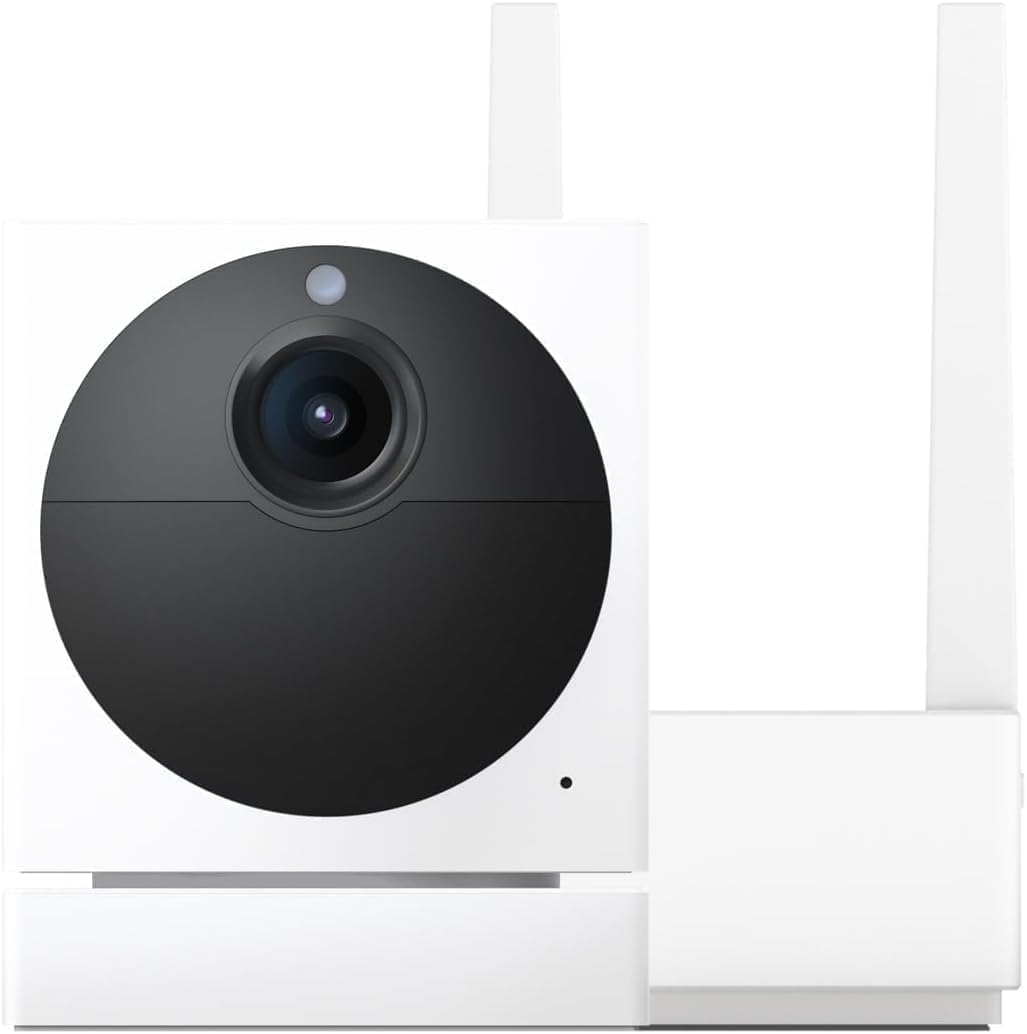
Why Did My Wyze Cam Pan V3 Motion Tracking Stop Working
- Motion tracking disabled in settings
- Detection zone excluding movement area
- Firmware glitch after update
Problem Description
Your Wyze Cam Pan V3 no longer follows motion even though motion tracking is enabled.
Why This Happens in Real Homes
If Pan v3 tracking worked and then stopped, look first at whether Motion Tracking got toggled off (a firmware update or a settings change can do it) and whether the detection zone still covers the area. A firmware glitch after an update is a common trigger, and it usually clears with a restart.
Start by re-enabling Motion Tracking, confirming the detection zone, and restarting the camera; then update firmware if one is pending. If it still won't move, verify the head isn't jammed and run the pan/tilt calibration to restore the motor reference.
Symptoms
- Camera does not pan to follow motion
- Tracking works briefly then stops
- Manual pan/tilt works but not auto
- Tracking icon shows enabled in app
- Camera jerks but does not follow subject
Recognize these? Here's what usually causes it.
Common Causes
- Motion tracking disabled in settings
- Detection zone excluding movement area
- Firmware glitch after update
- Privacy mode or schedule overriding
- Camera motor calibration lost
Most fixes happen in the first 3 steps.
Continuous motion tracking may reduce SD card lifespan.
Step-by-Step Solution
Confirm Motion Tracking Is Enabled
Open the Wyze app, tap on your Pan V3, then tap Settings and Detection Settings.
Check Detection Zone Coverage
In Detection Settings, review the Detection Zone to make sure it covers the movement area.
Power Cycle the Camera
Unplug the camera for 30 seconds then plug it back in.
Check Privacy Mode and Schedules
Privacy mode disables tracking. Check for schedules that disable motion detection.
Recalibrate Motor Position
In camera settings, find Motor Controls and look for a recalibrate option.
Quick Solutions
Still having issues? This is usually the deeper cause below.
If the sensor still misses events after repositioning, check whether a scheduled 'home' or 'away' mode is overriding the sensitivity setting silently.
Motion tracking works best with clear subjects against contrasting backgrounds.
This issue almost always looks more complex than it is — the majority of cases trace back to a single setting, a stale credential, or a default that shipped wrong.
- Motion tracking disabled in settings
- Detection zone excluding movement area
- Firmware glitch after update
- Privacy mode or schedule overriding
- Camera motor calibration lost
Before you go — try one of these (they fix most cases).
Most popular upgrades chosen by Wyze Cam Pan V3 owners.

WYZE Cam Pan v3 Indoor/Outdoor IP65 1080P 360° Pan/Tilt/Z...

WYZE Cam Pan v3 Indoor/Outdoor IP65 1080P 360° Pan/Tilt/Z...

WYZE Cam Pan v3 Indoor/Outdoor IP65-Rated 1080p Pan/Tilt/...
As an Amazon Associate we earn from qualifying purchases.
Official Manufacturer Manual
Wyze provides official product documentation through their online manual rather than downloadable PDF. Access setup guides, troubleshooting steps, and product specifications for your Wyze Cam Pan V3.
Source: support.wyze.com
Need More Help? Wyze Support
Note: The contact information below connects you directly to Wyze's official customer support team, not Trunetto. They can help with warranty claims, device replacements, and advanced technical issues.
How Does Wyze Compare?
Before replacing your Wyze device, see how it stacks up against alternatives in our full comparison guides.