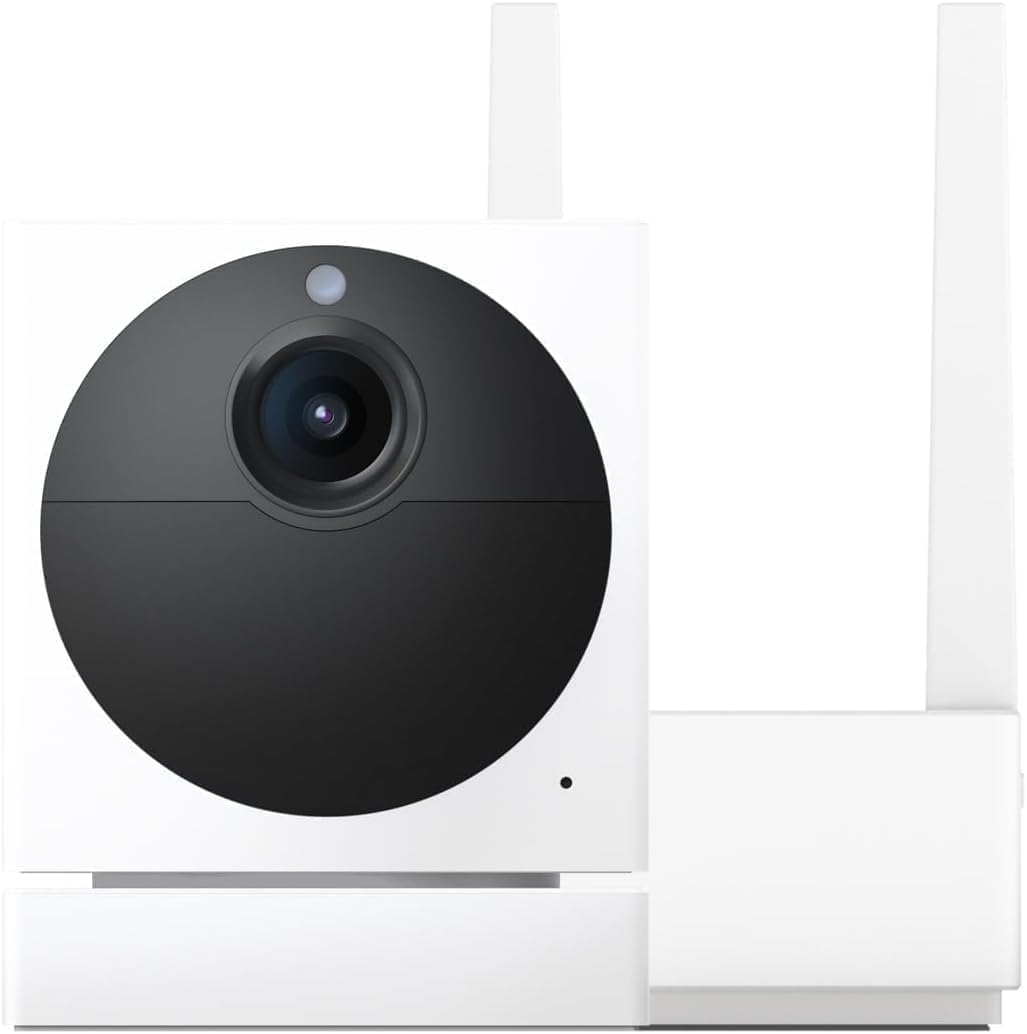
Why Does My Wyze Cam Show Offline but the Blue Light Is Still On
- Camera WiFi connected but lost cloud connection
- Router assigned new IP after DHCP renewal
- Wyze server outage preventing cloud relay
Problem Description
Wyze Cam shows offline in the app but the camera has a solid blue light indicating it thinks it is connected. Live view fails with connection error. The camera appears to be running normally but the app cannot reach it.
Why This Happens in Real Homes
A Wyze cam that shows offline while its blue light stays on is a telling combination: the camera is on WiFi (blue light) but has lost its connection to Wyze's cloud. The usual causes are the router handing the camera a new IP after a DHCP renewal, a brief Wyze server hiccup, or the camera's cloud connection going stale.
Start with a power cycle, which forces the camera to re-establish its cloud link, and check the Wyze status page for an outage. Reserving a fixed IP for the camera in your router prevents the DHCP-renewal version of this from recurring.
Symptoms
- App says offline but camera blue light is solid
- Live view shows connection failed error
- Camera was working earlier today
- Other Wyze devices work fine
- Restarting app does not fix it
- Camera responds to physical button press
Recognize these? Here's what usually causes it.
Common Causes
- Camera WiFi connected but lost cloud connection
- Router assigned new IP after DHCP renewal
- Wyze server outage preventing cloud relay
- Camera firmware crashed but WiFi stayed active
- Router firewall blocking Wyze cloud ports
- Too many devices on network exhausting connections
Most fixes happen in the first 3 steps.
Do not factory reset the camera for an offline issue. Factory reset erases WiFi credentials and all settings requiring full re-setup.
Tools & Requirements
Step-by-Step Solution
Power Cycle Camera
Unplug the camera for 10 seconds then plug back in. The blue light means WiFi is connected but the cloud connection may have dropped. A power cycle forces the camera to re-establish both WiFi and cloud connections from scratch.
Restart Router
If multiple Wyze cameras show offline restart your router. The router may have reassigned IP addresses or hit a connection limit. Unplug router 30 seconds then plug back in. Wait 3 minutes for all devices to reconnect.
Check Wyze Status
Visit status.wyze.com or check the Wyze subreddit for outage reports. If Wyze servers are down all cameras show offline regardless of local connectivity. Nothing to do but wait during server outages.
Force Firmware Update
In Wyze app go to camera settings then Device Info then check for update. Outdated firmware causes cloud connection failures. If camera is offline you may need to use an SD card firmware flash. Download from Wyze support site.
Clear App Cache
On your phone clear the Wyze app cache. On Android go to Settings Apps Wyze Clear Cache. On iPhone delete and reinstall the app. Stale app cache sometimes shows incorrect offline status when camera is actually online.
Quick Solutions
Still having issues? This is usually the deeper cause below.
This usually happens right after a router reboot or ISP change — the device rejoins the network but drops its cloud session silently.
Assign a static IP to each Wyze camera in your router settings. This prevents DHCP renewal from disrupting the camera cloud connection.
Most WiFi drop-offs happen right after a router reboot or ISP swap — the device reconnects to the network but silently loses its cloud registration.
- Camera WiFi connected but lost cloud connection
- Router assigned new IP after DHCP renewal
- Wyze server outage preventing cloud relay
- Camera firmware crashed but WiFi stayed active
- Router firewall blocking Wyze cloud ports
Before you go — try one of these (they fix most cases).
Most popular upgrades chosen by Wyze Cam owners.

Wyze Cam v3, 1080P HD WiFi Wired Indoor/Outdoor Home Secu...
WYZE Cam v3, 1080P HD WiFi Wired Indoor/Outdoor Home Secu...

WYZE Cam OG Indoor/Outdoor 1080p Wi-Fi Smart Home Securit...
As an Amazon Associate we earn from qualifying purchases.
Official Manufacturer Manual
Wyze provides official product documentation through their online manual rather than downloadable PDF. Access setup guides, troubleshooting steps, and product specifications for your Wyze Cam.
Source: support.wyze.com
Need More Help? Wyze Support
Note: The contact information below connects you directly to Wyze's official customer support team, not Trunetto. They can help with warranty claims, device replacements, and advanced technical issues.
How Does Wyze Compare?
Before replacing your Wyze device, see how it stacks up against alternatives in our full comparison guides.