How Does Wyze Cam v3 Color Night Vision Work?
- Color night vision toggle set to off or Auto-IR
- Scene truly too dark for the starlight sensor
- Night vision mode forcing infrared (black and white)
Problem Description
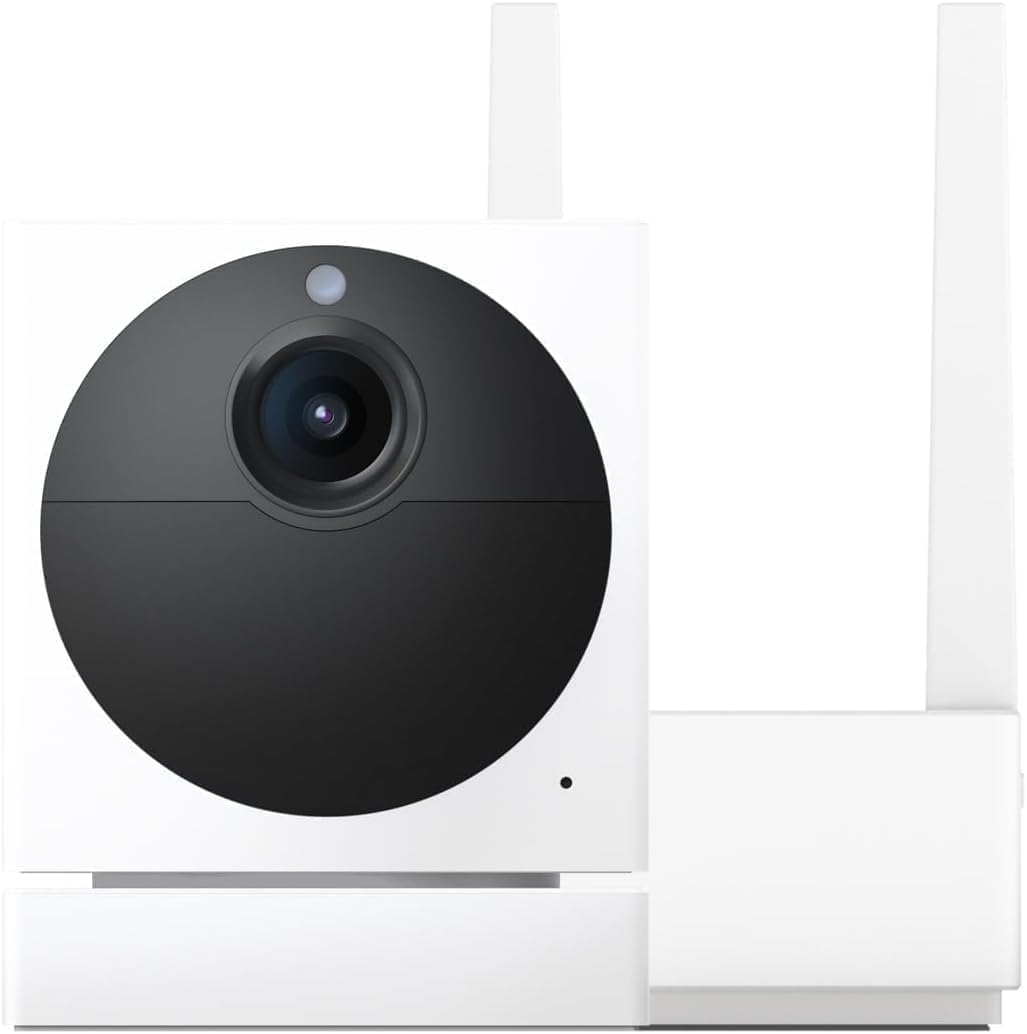
You want to understand how the Wyze Cam v3 produces color night vision without visible spotlights. The Wyze Cam v3 uses a Starlight CMOS sensor with an f/1.6 aperture that captures more light than standard cameras. In low light, it produces usable color images without needing IR LEDs (which produce black and white). In complete darkness, it switches to IR mode automatically.
Why This Happens in Real Homes
The v3's color night vision comes from its Starlight sensor, which is far more light-sensitive than a normal camera — but it still needs a little ambient light (a streetlight, porch light, or moonlight) to produce color. In genuinely pitch-black scenes there's nothing for it to amplify, so you'll want infrared (black-and-white) instead.
If your night video is black-and-white when you expected color, check that Night Vision is set to the color mode rather than Auto/IR, and add even a small light source to the scene. Keeping the lens clean helps too, since the sensor is working with whatever light it can gather.
Symptoms
- Unsure how color night vision works
- Night video is black-and-white, not color
- Color night vision too dark
- When to use color vs IR
- Starlight sensor confusion
- Color mode not turning on
- Grainy color at night
- Spotlight vs color night vision unclear
Recognize these? Here's what usually causes it.
Common Causes
- Color night vision toggle set to off or Auto-IR
- Scene truly too dark for the starlight sensor
- Night vision mode forcing infrared (black and white)
- Very low ambient light with no nearby source
- Firmware out of date
- Expecting color in near-total darkness
- IR lights on, overriding color mode
- Lens dirty, reducing available light
Most fixes happen in the first 3 steps.
Security cameras should be installed at least 8 feet high to prevent tampering. Check local laws regarding recording audio and video. Never aim cameras at neighboring private property. Outdoor cameras should be rated IP65 or higher for weather resistance.
Tools & Requirements
Step-by-Step Solution
Understand how the Wyze Cam v3 does color night vision
The Wyze Cam v3 uses a Starlight sensor — a hardware image sensor designed to capture color images in very low light. Unlike other cameras that need a white spotlight for color night vision, the Cam v3 can produce usable color images with just ambient light (streetlights, porch lights, moonlight). In near-total darkness, it falls back to IR black-and-white.
Enable color night vision in settings
In the Wyze app, go to camera settings, then Night Vision Settings. Set Night Vision to Auto. When ambient light drops, the camera first tries to maintain a color image using its Starlight sensor. If the light is too low for color, it switches to IR. You can also set it to Off to stay in color mode as long as possible (the image will be very dark and noisy in total darkness).
Add ambient light for better color performance
The Starlight sensor is impressive but not magic. It produces the best color images when there is some ambient light — a porch light left on, a nearby streetlight, or landscape lighting. In complete darkness with no light source, the color image is extremely grainy and dim. Adding even a small LED path light or leaving a 5-watt bulb on near the camera dramatically improves color night vision quality.
Adjust between color and IR based on your needs
Color night vision provides better detail for identification (clothing, skin tone, vehicle color) but produces noisier images than IR mode. IR night vision is sharper and cleaner but everything is grayscale. For security cameras where identification matters, color mode with ambient light is better. For cameras where you just need to see movement clearly (backyard, garage), IR mode may give you a cleaner image.
Fix poor color night vision quality
If color night vision looks unusable — extremely dark, heavy grain, or purple-tinted — the issue is almost always insufficient ambient light. The Starlight sensor needs at least some photons to work with. Check that nearby lights are not pointed directly at the camera (causing glare) but rather illuminating the scene. Also clean the lens — a dirty lens scatters what little light is available. Update firmware for improved night mode image processing.
Quick Solutions
Still having issues? This is usually the deeper cause below.
If this comes back after following these steps, check whether a recent app or firmware update reset a default setting — the fix works, but the setting gets reverted silently.
Set up activity zones to monitor only the areas that matter like your front porch and driveway and exclude the street. This dramatically reduces false alerts while ensuring you never miss an actual event at your property.
This issue almost always looks more complex than it is — the majority of cases trace back to a single setting, a stale credential, or a default that shipped wrong.
- Color night vision toggle set to off or Auto-IR
- Scene truly too dark for the starlight sensor
- Night vision mode forcing infrared (black and white)
- Very low ambient light with no nearby source
- Firmware out of date
Before you go — try one of these (they fix most cases).
Most popular upgrades chosen by Wyze Cam v3 owners.

Wyze Cam v3, 1080P HD WiFi Wired Indoor/Outdoor Home Secu...
WYZE Cam v3, 1080P HD WiFi Wired Indoor/Outdoor Home Secu...
As an Amazon Associate we earn from qualifying purchases.
Official Manufacturer Manual
Wyze provides official product documentation through their online manual rather than downloadable PDF. Access setup guides, troubleshooting steps, and product specifications for your Wyze Cam v3.
Source: wyze.com
Need More Help? Wyze Support
Note: The contact information below connects you directly to Wyze's official customer support team, not Trunetto. They can help with warranty claims, device replacements, and advanced technical issues.
How Does Wyze Compare?
Before replacing your Wyze device, see how it stacks up against alternatives in our full comparison guides.