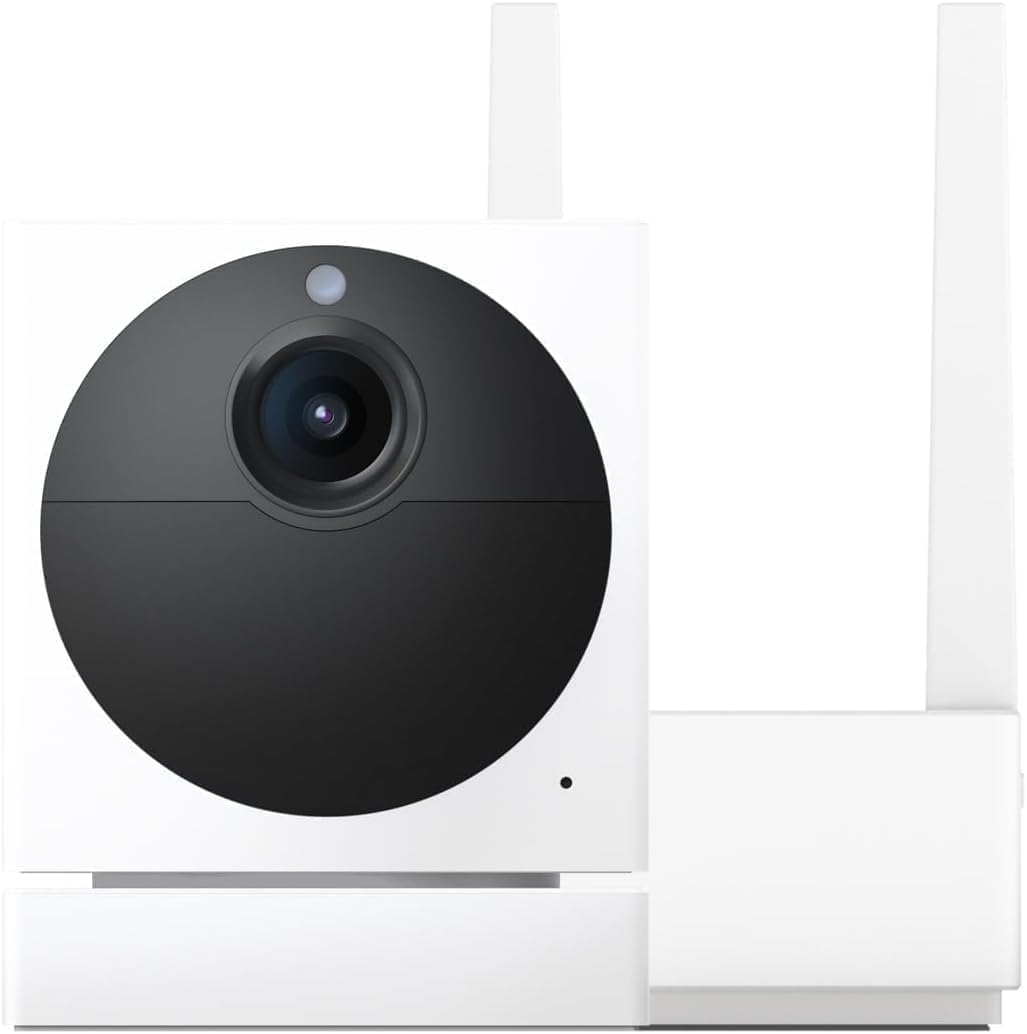
Wyze Cam v3 Won't Power On After Firmware Update
- Firmware update corrupted or failed
- Bootloader damaged during update
- Power supply failure during update
Problem Description
Your Wyze Cam v3 completely stopped working and wont power on after a firmware update. No LED lights no response to power button and camera appears completely dead despite trying different power sources.
Why This Happens in Real Homes
A v3 that won't power on after a firmware update is usually stuck mid-flash — the update was interrupted (a power blip or dropped WiFi) and left the camera unable to boot. It looks bricked but is often recoverable.
Start with a manual firmware flash: format a microSD card to FAT32, put Wyze's firmware file on it named per their instructions, insert it with the camera unplugged, then hold the setup button while powering on until it boots into the update. A stable power source during any update prevents a repeat; if the manual flash fails, contact Wyze support.
Symptoms
- No LED lights at all after update
- Camera completely unresponsive
- Power button does nothing
- Different cables and adapters dont help
- Was working fine before firmware update
- Wyze app cant find camera
Recognize these? Here's what usually causes it.
Common Causes
- Firmware update corrupted or failed
- Bootloader damaged during update
- Power supply failure during update
- Internal flash memory corrupted
- Hardware damage from update process
- Recovery mode not accessible
Most fixes happen in the first 3 steps.
Do not attempt to disassemble camera or force firmware recovery methods not provided by Wyze as this voids warranty coverage.
Tools & Requirements
These tools will help you complete this fix.

Clean cloth
WHOOSH! Pro 16.9 fl oz Refillable TV Screen Cleaner ...

Replacement batteries
Duracell Coppertop Double AA Batteries with Power Bo...

Screwdriver
STREBITO 155 in 1 Electric Screwdriver Set, Small El...
As an Amazon Associate we earn from qualifying purchases.
Step-by-Step Solution
Test Multiple Power Sources
Try different USB cables power adapters and USB ports including computer USB ports. Use original Wyze power adapter if available. Some cameras appear dead due to power supply issues not firmware problems.
Attempt Manual Firmware Recovery
With camera unplugged hold setup button then plug in power while continuing to hold button for 30 seconds. Look for any LED activity that indicates recovery mode. Release button and wait 5 minutes for potential recovery.
Try SD Card Firmware Recovery
Download recovery firmware from Wyze support site format SD card as FAT32 and copy firmware file named demo.bin to card root. Insert SD card power on camera and wait 10 minutes for potential recovery.
Document Firmware Update Details
Note exact firmware version camera was updating to and when update failed. Check Wyze app notification history for update error messages. This information helps Wyze support determine recovery options.
Contact Wyze Support for Replacement
If camera remains completely unresponsive contact Wyze support immediately reporting firmware brick issue. Cameras that fail during firmware updates are typically covered under warranty for replacement.
Needed for this step
Duracell Coppertop Double AA Batteries with Pow...
This helps complete the fix you are currently reading.
$6.96Quick Solutions
Still having issues? This is usually the deeper cause below.
If drain continues after replacing batteries, check the event history — a stuck-open sensor or rapid polling loop burns through batteries in days.
Wyze has had several firmware update issues in 2026. Keep cameras on stable power during updates and avoid interrupting update process.
Firmware updates that wipe settings are more common than brands admit — many devices silently reset to factory defaults on an OTA push with no warning.
- Firmware update corrupted or failed
- Bootloader damaged during update
- Power supply failure during update
- Internal flash memory corrupted
- Hardware damage from update process
Before you go — try one of these (they fix most cases).
Most popular upgrades chosen by Wyze Cam v3 owners.

Wyze Cam v3, 1080P HD WiFi Wired Indoor/Outdoor Home Secu...
WYZE Cam v3, 1080P HD WiFi Wired Indoor/Outdoor Home Secu...
As an Amazon Associate we earn from qualifying purchases.
Official Manufacturer Manual
Wyze provides official product documentation through their online manual rather than downloadable PDF. Access setup guides, troubleshooting steps, and product specifications for your Wyze Cam v3.
Source: wyze.com
Need More Help? Wyze Support
Note: The contact information below connects you directly to Wyze's official customer support team, not Trunetto. They can help with warranty claims, device replacements, and advanced technical issues.
How Does Wyze Compare?
Before replacing your Wyze device, see how it stacks up against alternatives in our full comparison guides.