

Why Won't My eufy Smart Lock Auto-Lock Feature Work Properly
- Auto-lock not enabled/misconfigured
- Door sensor not set up (for lock-on-close)
- Deadbolt binding so it can't throw
Problem Description
Your eufy smart lock auto-lock is not working. The door should lock automatically after a set time period but stays unlocked. You leave the house thinking it locked behind you but come home to find the door unlocked. Auto-lock relies on the lock knowing the door is closed and some eufy models use a sensor that must be properly calibrated.
Why This Happens in Real Homes
eufy smart lock auto-lock relies on the lock being configured to relock — on a timer, or when its door sensor detects the door has closed — and on the deadbolt being able to physically throw. Most failures are the feature not fully set up, or the bolt binding so the motor can't complete the lock.
Enable auto-lock in the eufy Security app and, if you want lock-on-close, set up the door sensor so it only fires when the door is shut. Make sure the deadbolt throws smoothly by hand into an aligned strike, recalibrate the lock, and fit fresh batteries for full motor torque. With the door sensor working and the bolt moving freely, auto-lock engages reliably.
Symptoms
- Auto-lock doesn't engage
- Door stays unlocked
- Locks at the wrong time
- Auto-lock inconsistent
- Timer ignored
- Jams when auto-locking
- Only locks manually
- Auto-lock disabled unexpectedly
Recognize these? Here's what usually causes it.
Common Causes
- Auto-lock not enabled/misconfigured
- Door sensor not set up (for lock-on-close)
- Deadbolt binding so it can't throw
- Calibration off
- Low batteries
- Door not fully closed when it tries to lock
- Firmware out of date
- Conflicting setting/schedule
Most fixes happen in the first 3 steps.
Auto-lock can lock you out if you step outside without your phone or key. Always carry a backup method of entry when relying on auto-lock.
Tools & Requirements
These tools will help you complete this fix.

Door alignment tool
Door Latch Strike Plate, Stainless Steel Door Lock P...

Replacement batteries
Duracell Coppertop Double AA Batteries with Power Bo...

Screwdriver
STREBITO 155 in 1 Electric Screwdriver Set, Small El...
As an Amazon Associate we earn from qualifying purchases.
Step-by-Step Solution
Verify Auto-Lock is Enabled
Open the eufy Security app and tap your lock. Go to Settings then Auto-Lock. Make sure it is toggled on and set your desired delay time. Common options are 15 seconds 30 seconds or 1 minute. If auto-lock was disabled by a firmware update you need to re-enable it manually.
Calibrate Door Sensor
Some eufy locks have a built-in door sensor that detects if the door is open or closed. Auto-lock only triggers when the door is sensed as closed. In lock settings run the door sensor calibration. Close the door fully then follow the app prompts to calibrate. If calibration fails the sensor magnet alignment may need adjustment.
Needed for this step
Door Latch Strike Plate, Stainless Steel Door L...
This helps complete the fix you are currently reading.
$7.49Check Door Alignment
With the door open try locking the deadbolt using the app. If the bolt extends smoothly alignment is fine. If the motor strains or the bolt does not fully extend the strike plate hole is too small or misaligned. File the strike plate opening until the bolt slides in smoothly. A struggling motor may timeout and cancel the auto-lock.
Check Battery Level
Low batteries can cause the lock to skip auto-lock to conserve power. Check battery level in the app. If below 30 percent replace with fresh batteries. The auto-lock motor cycle requires more power than a single manual lock so weak batteries fail auto-lock first.
Needed for this step
Duracell Coppertop Double AA Batteries with Pow...
This helps complete the fix you are currently reading.
$6.96Update Firmware
In eufy Security app go to lock Settings then check for firmware updates. eufy has released fixes for auto-lock timing bugs. Update the firmware and retest. After updating power cycle the lock by removing and reinserting batteries.
Quick Solutions
Still having issues? This is usually the deeper cause below.
If the keypad rejects valid codes, a lockout timer may be running — five failed entries locks most keypads silently for 5–10 minutes.
Set auto-lock to 30 seconds as a balance between convenience and security. Too short like 5 seconds and the lock may engage while you are still moving through the doorway.
Most smart lock failures people label as hardware issues turn out to be a code wiped during a sync, or a setting reset nobody remembers triggering.
- Auto-lock not enabled/misconfigured
- Door sensor not set up (for lock-on-close)
- Deadbolt binding so it can't throw
- Calibration off
- Low batteries
Before you go — try one of these (they fix most cases).
Most popular upgrades chosen by eufy Smart Lock owners.

eufy Security Video Smart Lock E330 Pack with Square Door...
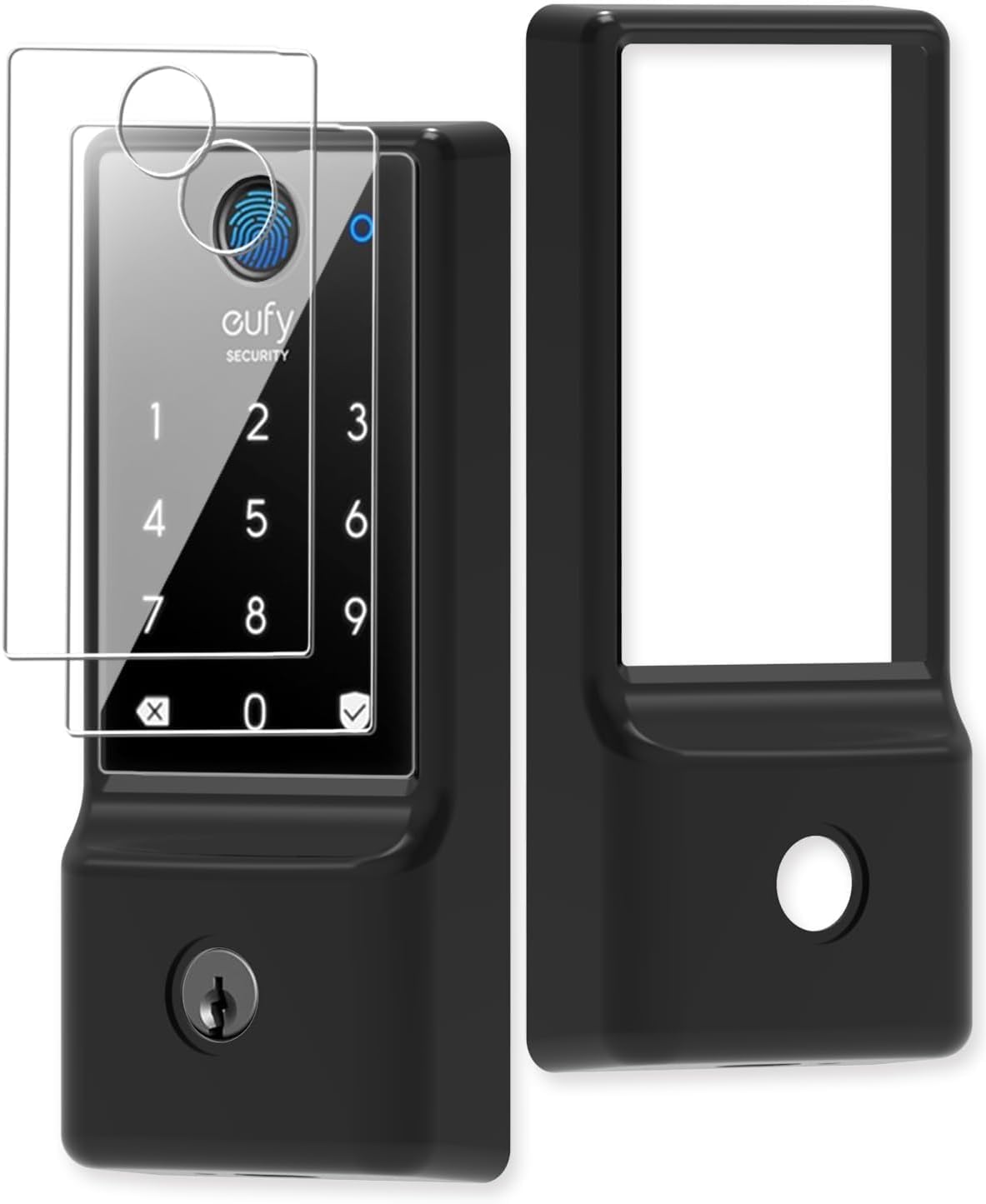
Silicone case for eufy Security Smart Lock C220 Electroni...

eufy Security Smart Lock FamiLock C32, Fingerprint Keyles...
As an Amazon Associate we earn from qualifying purchases.
Official Manufacturer Manual
eufy Security provides official product documentation through their online manual rather than downloadable PDF. Access setup guides, troubleshooting steps, and product specifications for your eufy Smart Lock.
Source: eufy.com
Need More Help? eufy Security Support
Note: The contact information below connects you directly to eufy Security's official customer support team, not Trunetto. They can help with warranty claims, device replacements, and advanced technical issues.
How Does eufy Security Compare?
Before replacing your eufy Security device, see how it stacks up against alternatives in our full comparison guides.
Accessories owners commonly pair with eufy Smart Lock.

Amazon Basics 20-Pack AA Alkaline High-Performance Batter...

Amazon Basics CR2032 3V Lithium Coin Cell Batteries for K...

Duracell Coppertop Double AA Batteries with Power Boost I...
As an Amazon Associate we earn from qualifying purchases.


