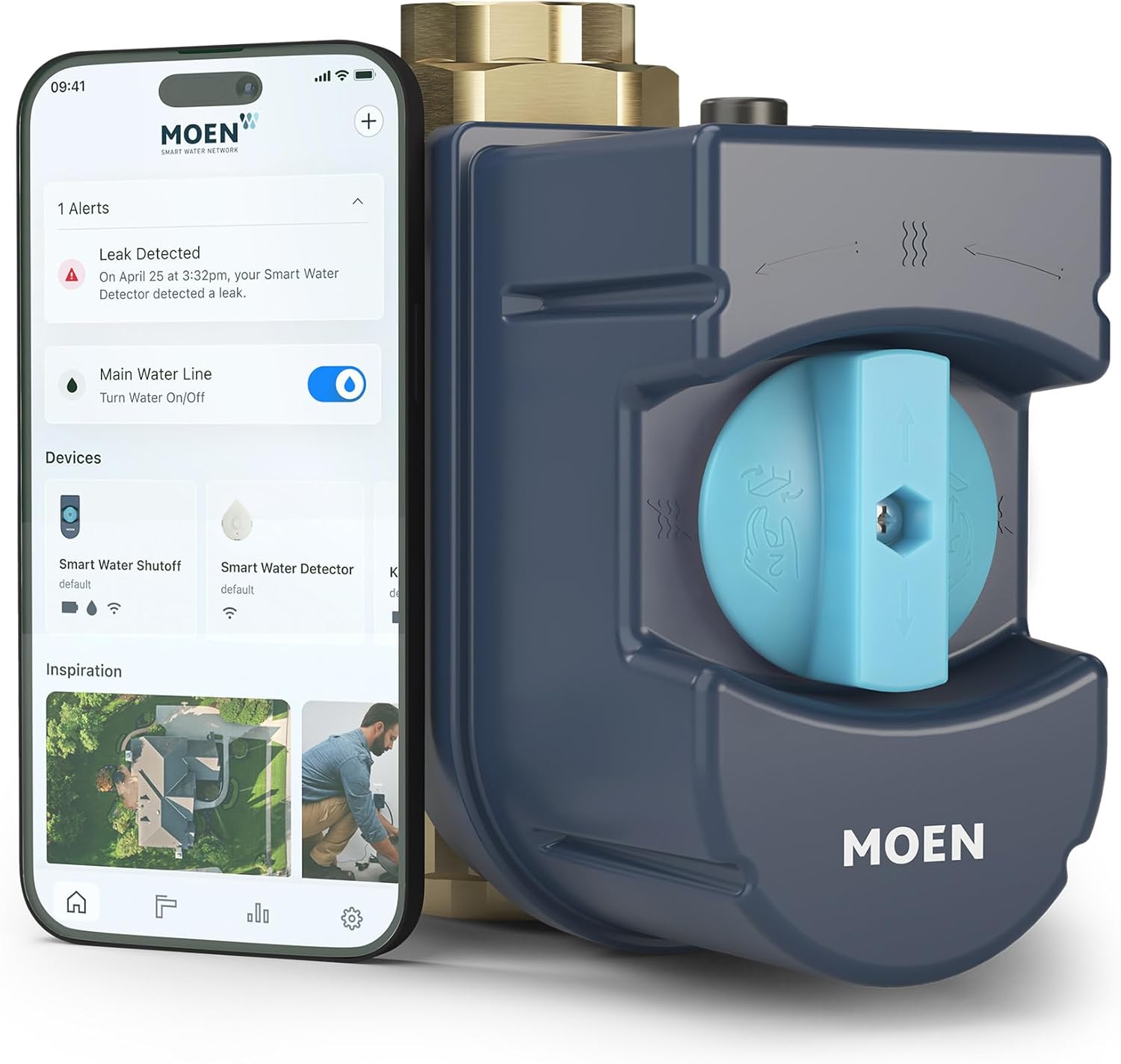
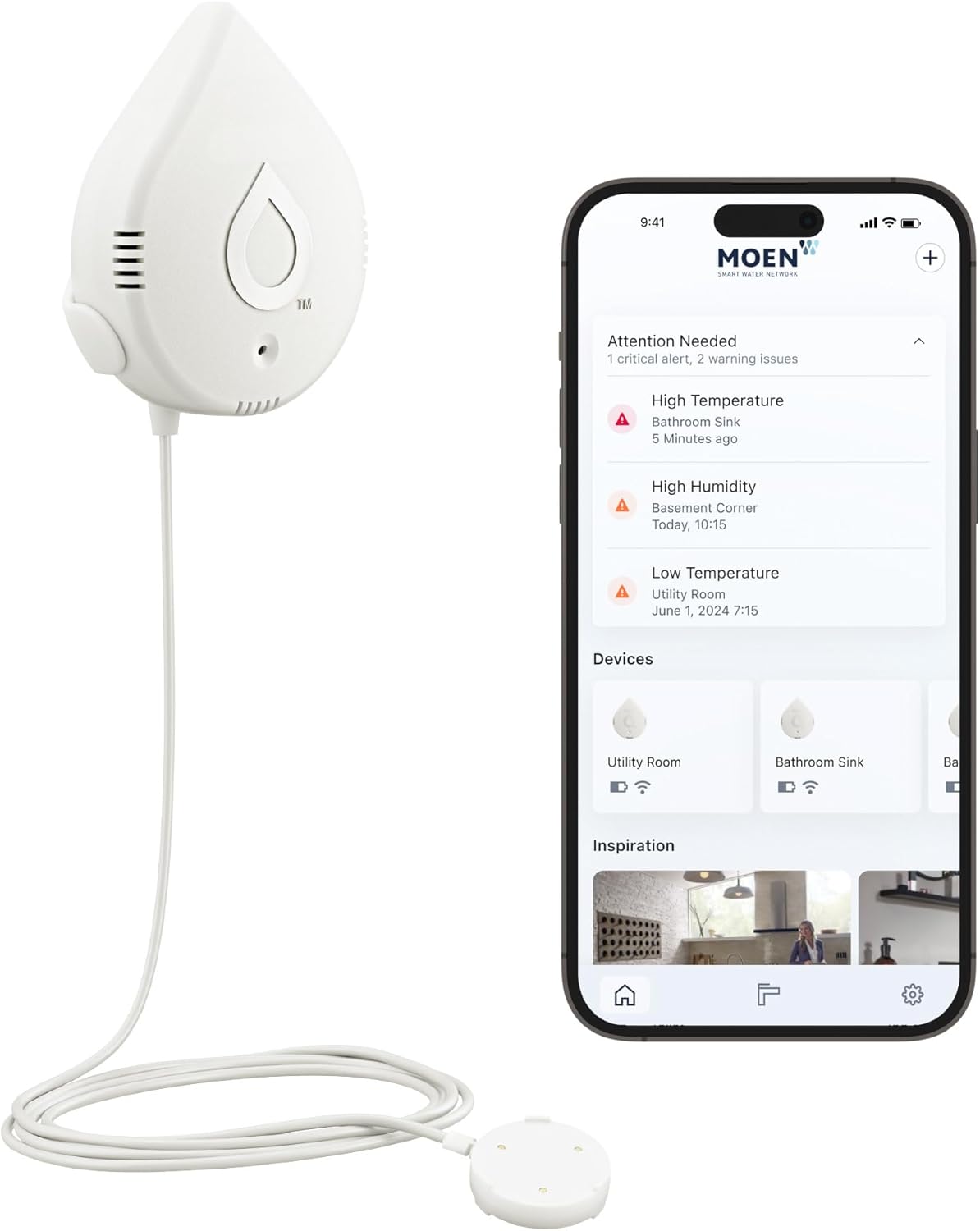
Why Does My Moen Flo Keep Sending False Leak Alerts When I'm Away from Home
- Away Mode uses stricter thresholds
- Legitimate small draws flagged (ice maker, softener, humidifier)
- Irrigation running while away
Problem Description
Your Moen Flo smart water monitor sends leak detection alerts while you are away from home but there is no actual leak when you investigate. The system may even automatically shut off your water based on these false detections. This causes anxiety and may result in you disabling leak protection which defeats the purpose of the device.
Why This Happens in Real Homes
Moen Flo sends more alerts when you're away by design: Away Mode tightens the thresholds, because when the house is empty almost any sustained flow is suspicious. The trouble is that "empty house" flow isn't always a leak — an ice maker cycling, a water softener regenerating, a recirculation pump, or the irrigation system all draw water on their own schedules, and Away Mode's stricter limits flag them where Home Mode would have let them pass.
The fix is to distinguish those benign draws from a real leak rather than to switch protection off. Use the app's usage history during the alert to see what ran and when — if it lines up with your softener, ice maker, or sprinklers, loosen the Away-mode duration and volume limits enough to allow those known cycles, or schedule your away periods around them. Do still confirm there's no genuine slow leak, since Away Mode's sensitivity can be the first thing to catch one. Tuning the thresholds keeps you protected without the nuisance shutoffs.
Symptoms
- False leak alerts while away
- Water shut off while away, no leak found
- Alerts only when you're out
- Away mode triggers shutoffs
- No leak on inspection
- Anxiety over remote alerts
- Tempted to disable protection
- Recurring away-mode alerts
Recognize these? Here's what usually causes it.
Common Causes
- Away Mode uses stricter thresholds
- Legitimate small draws flagged (ice maker, softener, humidifier)
- Irrigation running while away
- Recirculation pump cycling
- A real slow leak only noticeable during away's tight limits
- Away-mode duration/volume limits set too low
- Thermal expansion cycles
- Scheduled appliances not accounted for
Most fixes happen in the first 3 steps.
Do not completely disable leak protection due to false alerts. Instead, reduce sensitivity or extend alert delays. A real leak while protection is disabled can cause catastrophic damage that the Flo was designed to prevent.
Tools & Requirements
Step-by-Step Solution
Recalibrate Home and Away Detection
Open the Moen app and go to your Flo device settings. Find Home/Away Detection and select Recalibrate. The system will relearn your typical water usage patterns over the next 7 days. During this time, use water normally when home and make sure the system knows when you are actually away by manually setting Away mode.
Adjust Leak Detection Sensitivity
In the Moen app, go to Alerts & Notifications, then Leak Detection Settings. If sensitivity is set to High, change it to Medium or Low. High sensitivity can detect very small flows that may be normal for your home such as slow toilet fills, humidifier operation, or water heater expansion.
Check for Actual Small Leaks
Before assuming alerts are false, verify there are no actual small leaks. The Flo is highly sensitive and may detect issues you cannot see. Check all toilets by adding food coloring to tanks and waiting 15 minutes to see if color appears in bowl. Check under all sinks and around water heater for moisture.
Review and Exclude Known Fixtures
Some fixtures have normal intermittent water usage that triggers alerts. In the app, go to Fixture Insights and review what the Flo has detected. You can add fixture profiles for ice makers, irrigation systems, and other known water users. This helps the system distinguish normal operation from leaks.
Enable Extended Learning Mode
If you just installed the Flo or recently changed water usage patterns, enable Learning Mode in settings. This allows the device to build a more accurate baseline over 2-4 weeks without triggering alerts. After learning completes, the system will be better calibrated to your specific home.
Quick Solutions
Still having issues? This is usually the deeper cause below.
Notification delays almost always return after a major iOS or Android update — background app refresh gets reset to restricted on every major OS version.
Temperature changes cause water pressure fluctuations as pipes expand and contract. If you notice more false alerts during seasonal transitions, this is likely the cause and will stabilize as the system learns these patterns.
Notification delays over 2 minutes are almost never the device's fault — background app restrictions quietly re-enable themselves after every OS update.
- Away Mode uses stricter thresholds
- Legitimate small draws flagged (ice maker, softener, humidifier)
- Irrigation running while away
- Recirculation pump cycling
- A real slow leak only noticeable during away's tight
Before you go — try one of these (they fix most cases).
Most popular upgrades chosen by Moen Flo Smart Water Monitor owners.

Moen 7864EVBG Sleek Smart Faucet Touchless Pull Down Spra...

Moen Belfield Chrome Smart Faucet Touchless Pull Down Spr...

Moen Align Chrome Smart Faucet Touchless Kitchen Faucet w...
As an Amazon Associate we earn from qualifying purchases.
Official Manufacturer Manual
Moen provides official product documentation through their online manual rather than downloadable PDF. Access setup guides, troubleshooting steps, and product specifications for your Moen Flo Smart Water Monitor.
Source: moen.com
Need More Help? Moen Support
Note: The contact information below connects you directly to Moen's official customer support team, not Trunetto. They can help with warranty claims, device replacements, and advanced technical issues.
Accessories owners commonly pair with Moen Flo Smart Water Monitor.

Blink Mini - Compact indoor plug-in smart security camera...
Blink Mini - Compact indoor plug-in smart security camera...
Blink Mini - Compact indoor plug-in smart security camera...
As an Amazon Associate we earn from qualifying purchases.