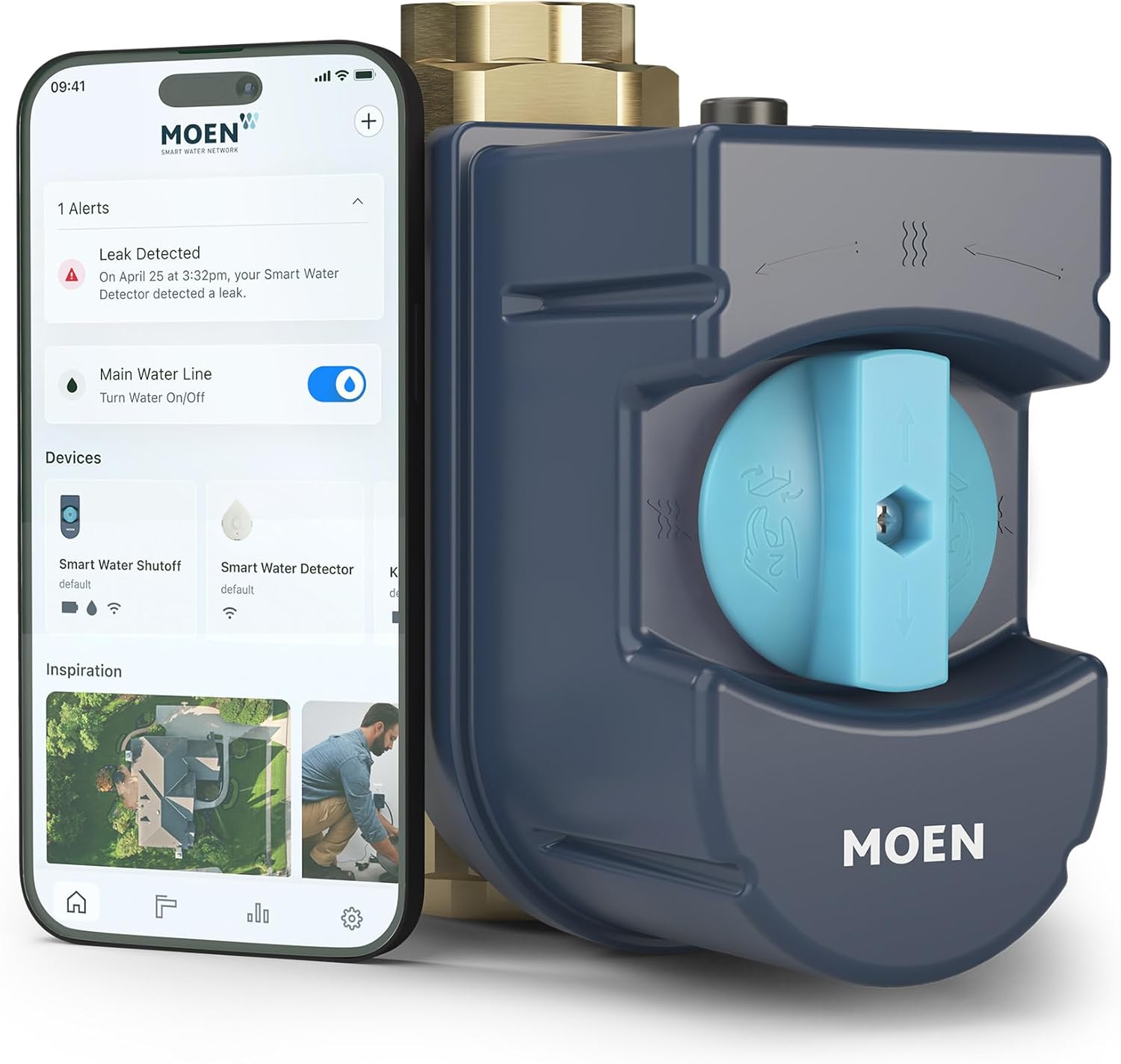
How to Fix Moen Flo Not Connecting to WiFi After Router Change
- Device still holds old WiFi credentials that no longer work
- New router broadcasting only on 5 GHz and Flo requires 2.4 GHz
- New router password contains special characters the Flo cannot handle
Problem Description
After changing your WiFi router, upgrading to a mesh network system, or switching internet service providers, your Moen Flo smart water monitor goes offline and will not reconnect to the new network. The Flo device stores the previous WiFi credentials in memory and requires a manual reconnection process to adopt the new network.
Why This Happens in Real Homes
After changing your WiFi router, upgrading to a mesh network system, or switching internet service providers, your Moen Flo smart water monitor goes offline and will not reconnect to the new network. The Flo device stores the previous WiFi credentials in memor.. In real usage this appears as Flo device LED shows solid red or alternating colors, App shows device offline or unavailable, and Cannot perform remote shutoff or view water usage
The pattern in this case points to Device still holds old WiFi credentials that no longer work, New router broadcasting only on 5 GHz and Flo requires 2.4 GHz, and New router password contains special characters the Flo cannot handle. The repair usually holds when done in order: Use the Moen App to Reconnect to New WiFi, then Ensure 2.4GHz Network Is Available, then Factory Reset the Flo Device if App Reconnection Fails. After applying the fix, validate behavior with repeated command tests and at least one full automation cycle to confirm stability.
Symptoms
- Flo device LED shows solid red or alternating colors
- App shows device offline or unavailable
- Cannot perform remote shutoff or view water usage
- Daily Health Tests stop running
- Flo device not appearing in WiFi network client list
- Setup process fails at the WiFi connection step
Recognize these? Here's what usually causes it.
Common Causes
- Device still holds old WiFi credentials that no longer work
- New router broadcasting only on 5 GHz and Flo requires 2.4 GHz
- New router password contains special characters the Flo cannot handle
- Router MAC filtering enabled and Flo MAC address not whitelisted
- Mesh network steering the Flo to 5 GHz band
- Router firewall or IoT security features blocking the Flo connection
Most fixes happen in the first 3 steps.
{"Factory resetting the Flo does NOT close the water valve — your water supply will remain in its current state","If the Flo device LED does not respond to any button presses, check the wiring connections at the valve as the device may have lost power"}
Tools & Requirements
Step-by-Step Solution
Confirm the new router exposes compatible 2.4GHz settings
Verify SSID, security mode, and isolation policies match Flo requirements, because router replacements often introduce defaults that block legacy IoT onboarding paths.
Stabilize WAN and DHCP before rejoining Flo
Restart modem and router and wait for full internet recovery before reconnecting the valve, since rejoin attempts during unstable DHCP periods frequently fail.
Reset network credentials on Flo and re-add cleanly
Clear old WiFi credentials and run the official reconnect flow, because saved pre-change network tokens commonly prevent successful association to the new router.
Check DNS and firewall restrictions on the new gateway
Make sure outbound DNS and HTTPS traffic required by Flo cloud is not filtered, since strict parental/firewall presets can leave the device locally connected but cloud-offline.
Validate app control and event telemetry after join
Test open-close commands and verify status updates appear promptly in app, so you can confirm both local network and cloud control paths are fully restored.
Quick Solutions
Still having issues? This is usually the deeper cause below.
This usually happens right after a router reboot or ISP change — the device rejoins the network but drops its cloud session silently.
{"The Moen Flo only supports 2.4 GHz WiFi — it will never connect to a 5 GHz only network","Write down your Flo threshold settings before factory resetting so you can restore them quickly","After reconnecting, let the device run for 24 hours before judging if the connection is stable","Set a DHCP reservation for the Flo MAC address in your router to prevent IP conflicts"}
Most WiFi drop-offs happen right after a router reboot or ISP swap — the device reconnects to the network but silently loses its cloud registration.
- Device still holds old WiFi credentials
- New router broadcasting only on 5 GHz and Flo
- New router password contains special characters the Flo cannot
- Router MAC filtering enabled and Flo MAC address not
- Mesh network steering the Flo to 5 GHz band
Before you go — try one of these (they fix most cases).
Most popular upgrades chosen by Moen Flo Smart Water Monitor and Shutoff owners.

Moen 7864EVBG Sleek Smart Faucet Touchless Pull Down Spra...

Moen Belfield Chrome Smart Faucet Touchless Pull Down Spr...

Moen Align Chrome Smart Faucet Touchless Kitchen Faucet w...
As an Amazon Associate we earn from qualifying purchases.
Official Manufacturer Manual
Moen provides official product documentation through their online manual rather than downloadable PDF. Access setup guides, troubleshooting steps, and product specifications for your Moen Flo Smart Water Monitor and Shutoff.
Source: moen.com
Need More Help? Moen Support
Note: The contact information below connects you directly to Moen's official customer support team, not Trunetto. They can help with warranty claims, device replacements, and advanced technical issues.
Accessories owners commonly pair with Moen Flo Smart Water Monitor and Shutoff.

Blink Mini - Compact indoor plug-in smart security camera...
Blink Mini - Compact indoor plug-in smart security camera...

Blink Mini - Compact indoor plug-in smart security camera...
As an Amazon Associate we earn from qualifying purchases.