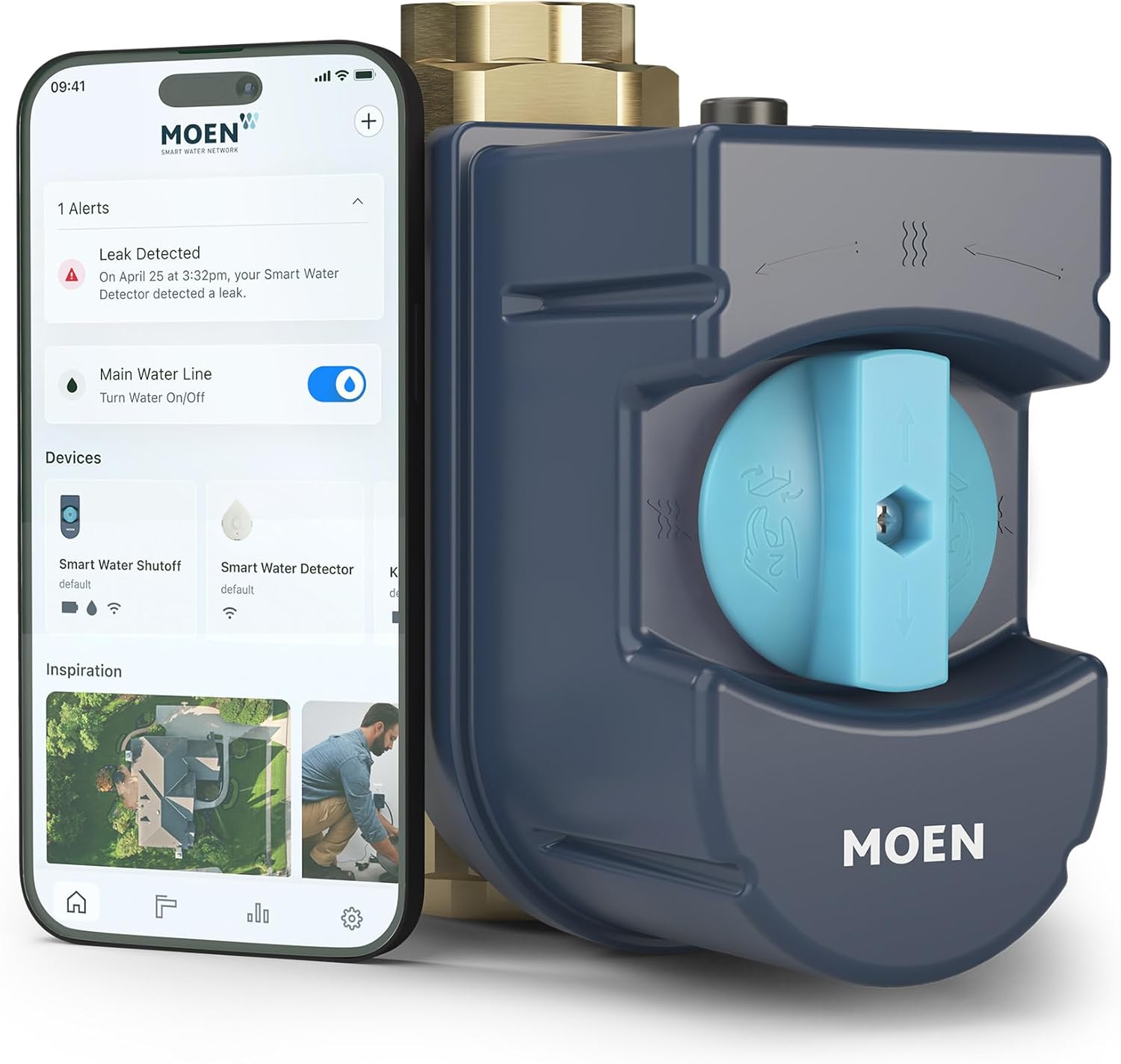
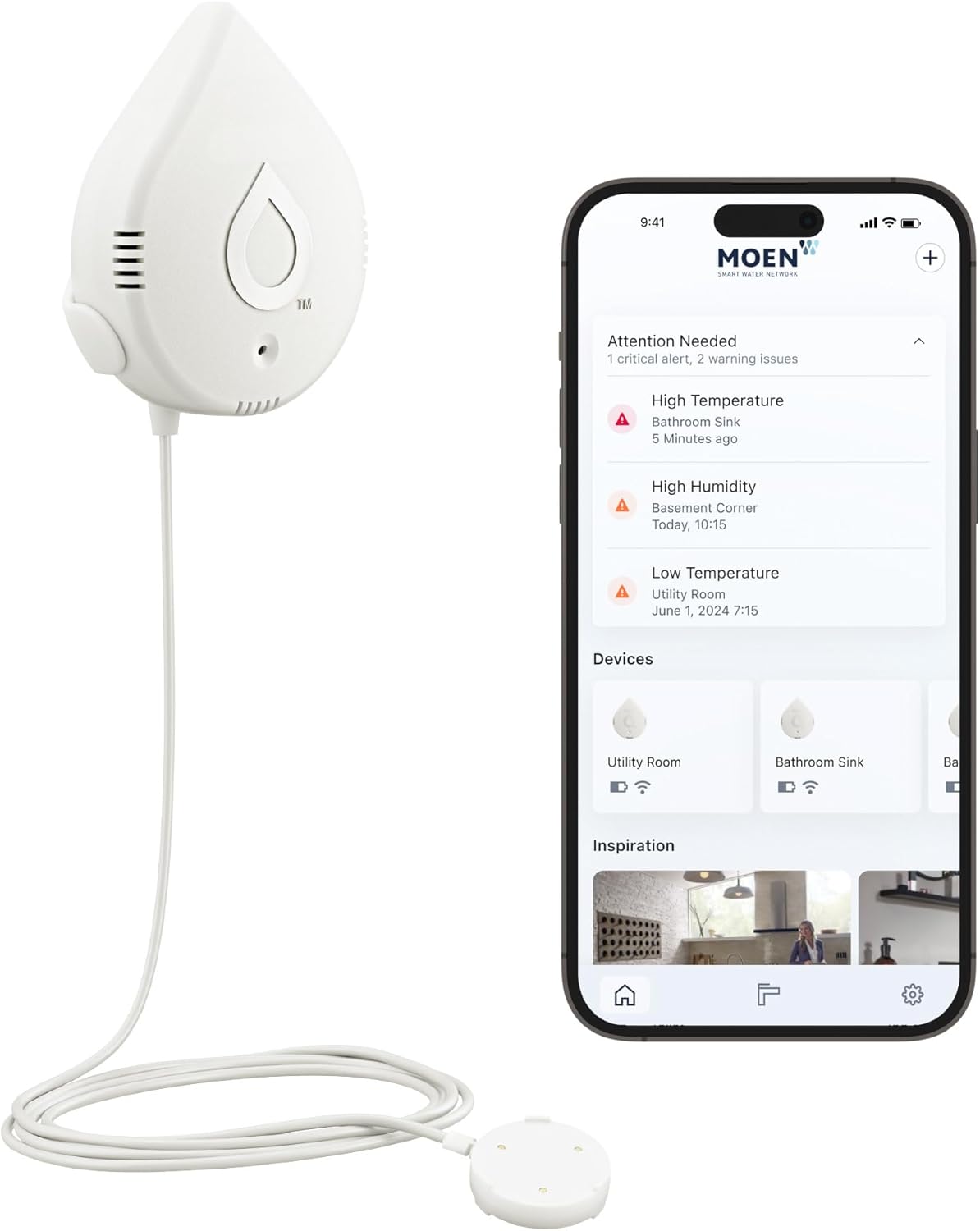
Why Is My Moen Smart Water Shutoff Valve Showing Offline in the Flo App
- Weak 2.4GHz signal at the main (basement/garage/crawlspace)
- Router/network change (SSID/password/band)
- Flo lost its WiFi connection
Problem Description
Your Moen Flo Smart Water Monitor and Shutoff valve is showing as offline in the Flo by Moen app. You cannot view water usage data, receive leak alerts, or control the shutoff valve remotely. The device may have been working normally before but lost its connection to the cloud and will not reconnect.
Why This Happens in Real Homes
A Moen Flo showing offline in the app is usually a WiFi problem driven by where it lives: the main water line is typically in a basement, garage, or crawlspace — exactly the spots with the weakest 2.4GHz coverage. Flo connects on 2.4GHz only, so a marginal signal there, or a router change that altered the SSID, password, or bands, drops it off the cloud. While it's offline you lose remote alerts, usage data, and app control.
It's worth knowing that Flo continues its local leak detection even when offline, but the remote protection people rely on needs it connected. Start by improving 2.4GHz coverage at the main — a nearby mesh node makes a big difference in a basement — then power-cycle the Flo so it re-establishes its connection. Re-enter WiFi credentials if your network changed, reserve a DHCP IP so it isn't dropped on lease renewal, and restart the router. Once it's back on a solid 2.4GHz signal, it reconnects to the cloud and remote alerts and control return.
Symptoms
- Valve shows offline in the Flo app
- No usage data
- No leak alerts arriving
- Can't control the valve remotely
- Was online, now offline
- Won't reconnect to the cloud
- Offline after a router change
- Intermittent offline
Recognize these? Here's what usually causes it.
Common Causes
- Weak 2.4GHz signal at the main (basement/garage/crawlspace)
- Router/network change (SSID/password/band)
- Flo lost its WiFi connection
- DHCP lease/IP issue
- Router or cloud hiccup
- Power interruption to the unit
- Interference/distance from the router
- Firmware needing a restart
Most fixes happen in the first 3 steps.
The Flo device can automatically shut off your entire home water supply when a leak is detected. If the device is offline, this automatic protection is limited to local detection only. Ensure the device stays connected for full remote monitoring and alerts.
Tools & Requirements
These tools will help you complete this fix.
As an Amazon Associate we earn from qualifying purchases.
Step-by-Step Solution
Check valve controller power and LED status
Verify the Flo shutoff unit has stable power and normal indicator state. Power interruptions can leave the valve unavailable in app.
Confirm Wi-Fi path and router uptime
Make sure the valve's network has stable internet connectivity and no isolation policies blocking cloud access. Offline app status usually reflects cloud link failure.
Reboot router then Flo controller
Restart router first and then reboot the Flo controller to force clean reconnect. This clears stale DHCP and DNS state after network disruptions.
Validate app account and device ownership
Confirm the valve is still assigned to the active Flo account and home. Ownership mismatch or account switch can make the device appear offline.
Run manual valve command test
After reconnect, issue open/close commands from app and verify immediate response. Successful command round-trip confirms restored cloud control path.
Quick Solutions
Still having issues? This is usually the deeper cause below.
This usually happens right after a router reboot or ISP change — the device rejoins the network but drops its cloud session silently.
Connect the Flo device power adapter to an uninterruptible power supply to prevent offline events during power outages. The device draws very little power so even a small UPS will provide hours of backup.
Most WiFi drop-offs happen right after a router reboot or ISP swap — the device reconnects to the network but silently loses its cloud registration.
- Weak 2.4GHz signal at the main (basement/garage/crawlspace)
- Router/network change (SSID/password/band)
- Flo lost its WiFi connection
- DHCP lease/IP issue
- Router or cloud hiccup
Before you go — try one of these (they fix most cases).
Most popular upgrades chosen by Moen Flo Smart Water Monitor owners.

Moen 7864EVBG Sleek Smart Faucet Touchless Pull Down Spra...

Moen Belfield Chrome Smart Faucet Touchless Pull Down Spr...

Moen Align Chrome Smart Faucet Touchless Kitchen Faucet w...
As an Amazon Associate we earn from qualifying purchases.
Official Manufacturer Manual
Moen provides official product documentation through their online manual rather than downloadable PDF. Access setup guides, troubleshooting steps, and product specifications for your Moen Flo Smart Water Monitor.
Source: moen.com
Need More Help? Moen Support
Note: The contact information below connects you directly to Moen's official customer support team, not Trunetto. They can help with warranty claims, device replacements, and advanced technical issues.