Why Is My Moen U Smart Shower Temperature Stuck at Maximum Heat
- Hot and cold supply lines reversed at the valve (install error)
- Temperature calibration badly off
- Mixing valve/cartridge fault (won't mix cold)
Problem Description
Your Moen U by Moen Smart Shower displays a temperature setting change on the digital controller, but the water stays at maximum heat regardless of the setting. You adjust the temperature down but the water output remains dangerously hot. The digital display responds but the valve does not actually change the water mix.
Why This Happens in Real Homes
A Moen U Smart Shower stuck at maximum heat is a genuine scald hazard, so the first move is safety: shut off the water and don't use the shower until it's fixed. When the digital display changes but the water stays fully hot, the valve isn't mixing in cold — and the classic cause on a newer install is reversed supply lines, where the hot and cold connections were swapped at the valve, so the controller's "cold" command actually calls for hot. Verifying that hot and cold are on the correct valve ports is the key check.
If the plumbing is correct, the problem is the valve or its calibration. A badly-off temperature calibration can make the valve sit at full hot, so recalibrate it in the U by Moen app against a thermometer. A cold supply that's closed or blocked, or sediment and scale jamming the mixing cartridge, also stops cold from mixing in — confirm the cold stop is fully open and descale or service the valve if needed. Because this is a safety issue, set a maximum temperature limit once it's working again, and if the valve still won't mix despite correct plumbing and calibration, treat it as a valve fault for Moen or a plumber rather than something to keep testing in the shower.
Symptoms
- Water stuck at maximum heat
- Temperature won't come down
- Display changes but water stays hot
- Dangerously hot output
- Adjusting down does nothing
- Full hot regardless of setting
- Valve not mixing cold
- Scalding water
Recognize these? Here's what usually causes it.
Common Causes
- Hot and cold supply lines reversed at the valve (install error)
- Temperature calibration badly off
- Mixing valve/cartridge fault (won't mix cold)
- Cold supply closed or blocked
- Sediment/scale jamming the valve
- Valve not responding to the controller
- No maximum temperature limit set
- Cartridge stuck
Most fixes happen in the first 3 steps.
Water above 120°F causes scalding burns within seconds. Do not use the shower if temperature is stuck at maximum until the issue is resolved. Turn off hot water supply as a safety measure.
Tools & Requirements
These tools will help you complete this fix.
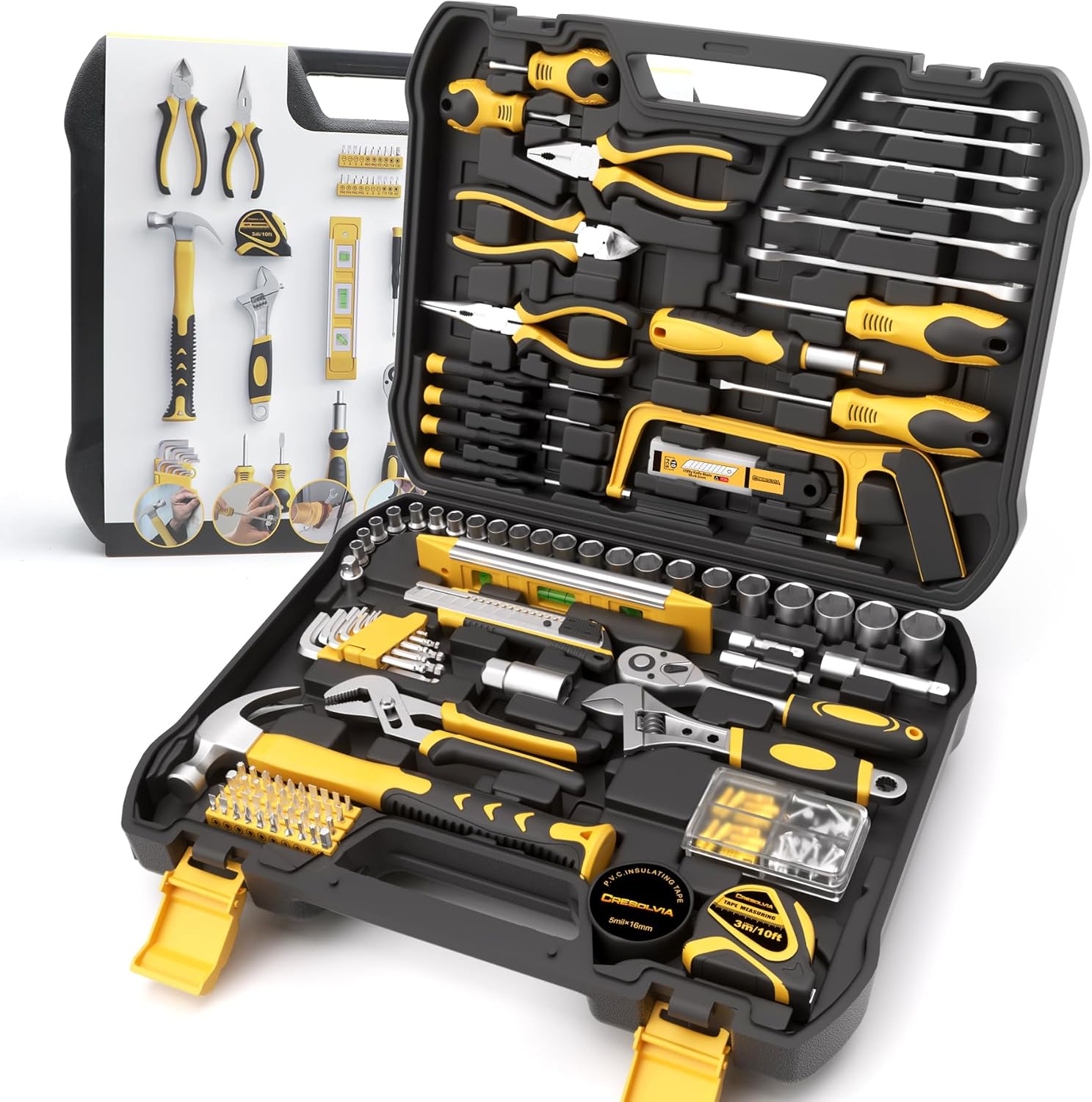
Adjustable wrench
199 Piece Tool Kit for Home,General Household/Auto R...

Screwdriver
STREBITO 155 in 1 Electric Screwdriver Set, Small El...

Voltage tester
Klein Tools 80196 Digital Multimeter Kit with Case, ...
As an Amazon Associate we earn from qualifying purchases.
Step-by-Step Solution
Perform Temperature Calibration
The Moen U controller may have lost its calibration reference. Access the controller settings by pressing and holding the power button for 5 seconds until you see the settings menu. Go to Temperature Calibration and follow the on-screen prompts. The system will ask you to run water and confirm actual temperature matches display. This resyncs the digital control with the valve position.
Check Water Supply Connections
Turn off water supply to the shower. Remove the controller trim plate to access the valve body. Verify the hot water line connects to the H port and cold to the C port. Reversed lines cause the valve to mix water incorrectly, outputting hot when it expects cold. If lines are crossed, shut off main water and swap the connections. This is a common installation error.
Inspect Valve Cartridge Movement
With the controller removed from the valve, manually turn the valve stem by hand. It should rotate smoothly through its full range. If the stem is stiff or stuck, mineral deposits have seized the cartridge. Shut off water, remove the cartridge, and soak it in white vinegar for 2 hours. Scrub deposits with a brush. If still stuck, replace the cartridge with Moen part number specific to your model.
Reset the Digital Controller
Power issues can corrupt the controller memory. Turn off the breaker supplying the shower controller for 60 seconds. Restore power and wait for the controller to boot. Run through the initial setup wizard if prompted. After reset, test temperature control by slowly adjusting from cold to hot. The valve should respond incrementally. If no change occurs, the actuator motor may be faulty.
Test Actuator Motor Function
The actuator motor physically turns the valve based on digital commands. Listen for a faint motor sound when adjusting temperature. If silent, the motor may be disconnected or failed. Check the wire connection between controller and valve actuator. If wiring is secure but motor does not run, the actuator needs replacement. Contact Moen support with your model number for the correct replacement part.
Quick Solutions
Still having issues? This is usually the deeper cause below.
Schedules that skip randomly are usually a daylight-saving holdover — delete and recreate the schedule to clear the corrupted entry.
After any valve work, run cold water for 30 seconds before testing hot to clear sediment that may have dislodged during disassembly.
Thermostat issues that keep returning are often caused by stale backup-battery memory holding old settings across power cycles without the user realising.
- Hot and cold supply lines reversed at the valve
- Temperature calibration badly off
- Mixing valve/cartridge fault (won't mix cold)
- Cold supply closed or blocked
- Sediment/scale jamming the valve
Before you go — try one of these (they fix most cases).
Most popular upgrades chosen by Moen U by Moen Smart Shower owners.

Moen 7864EVBG Sleek Smart Faucet Touchless Pull Down Spra...

Moen Belfield Chrome Smart Faucet Touchless Pull Down Spr...

Moen Align Chrome Smart Faucet Touchless Kitchen Faucet w...
As an Amazon Associate we earn from qualifying purchases.
Official Manufacturer Manual
Moen provides official product documentation through their online manual rather than downloadable PDF. Access setup guides, troubleshooting steps, and product specifications for your Moen U by Moen Smart Shower.
Source: moen.com
Need More Help? Moen Support
Note: The contact information below connects you directly to Moen's official customer support team, not Trunetto. They can help with warranty claims, device replacements, and advanced technical issues.
Accessories owners commonly pair with Moen U by Moen Smart Shower.

Blink Mini - Compact indoor plug-in smart security camera...
Blink Mini - Compact indoor plug-in smart security camera...
Blink Mini - Compact indoor plug-in smart security camera...
As an Amazon Associate we earn from qualifying purchases.