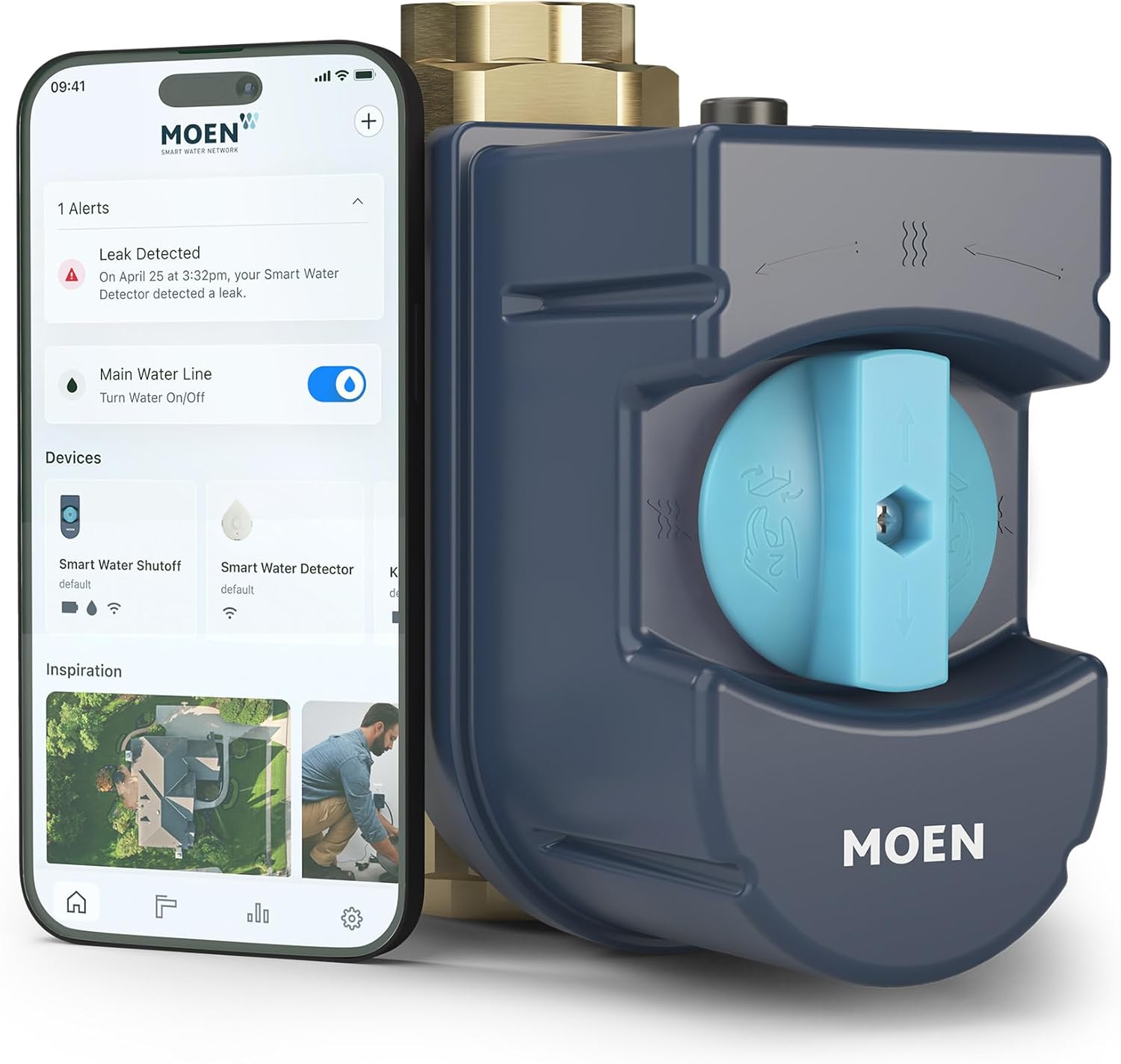
Why Does My Moen Flo Smart Water Monitor Keep Sending False Leak Alerts
- Real small continuous flow Flo is detecting (often correct)
- Running toilet / silent flapper
- Softener regen, ice maker, recirc pump, humidifier
Problem Description
Your Moen Flo sends leak alerts and sometimes shuts off water when no leak exists. The app shows critical alerts and the valve may close stopping all water flow. You check every fixture and find nothing leaking. These false alerts disrupt your household especially when water shuts off while away.
Why This Happens in Real Homes
It's tempting to write off Moen Flo's leak alerts as false when you can't find a leak, but Flo measures real flow through the main, so a "false" alert is usually catching water you can't see or hear — most often a running toilet whose flapper seeps silently, or an appliance cycling on its own schedule. The device errs toward alerting because a missed leak is far more costly than a nuisance one.
So investigate before you dismiss: dye-test the toilets (the classic silent culprit), then check under sinks, behind the washer, and at the water heater, and use the app's usage timeline to see exactly when the flow occurred — that timing usually fingers a softener regeneration, ice maker, recirculation pump, or irrigation cycle. A recent FloSense learning reset can also make Flo temporarily over-alert while it re-learns your patterns. Only once you've confirmed nothing is actually flowing should you loosen the usage or away-mode thresholds — and keep the protection enabled, since these alerts are often right.
Symptoms
- False leak alerts
- Water shuts off with no leak
- Critical alerts, nothing leaking
- Valve closes unexpectedly
- Every fixture checks out dry
- Alerts disrupt the household
- Shutoffs while away
- Repeated false criticals
Recognize these? Here's what usually causes it.
Common Causes
- Real small continuous flow Flo is detecting (often correct)
- Running toilet / silent flapper
- Softener regen, ice maker, recirc pump, humidifier
- FloSense learning period reset
- Usage thresholds set too aggressively
- Away-mode strict limits
- Thermal expansion cycles
- Irrigation or appliance schedules not accounted for
Most fixes happen in the first 3 steps.
If Flo shuts off water do not bypass the valve by disconnecting it. Use the app or manual valve lever to reopen. Disconnecting the Flo under pressure can cause water damage.
Tools & Requirements
Step-by-Step Solution
Run Health Test
In Moen app tap Flo device and select Run Health Test. Turn off all fixtures and appliances first. System pressurizes line and monitors for pressure drop over 5 minutes. If test detects drop you have actual slow leak. Common culprit is toilet flapper leaking silently into bowl.
Check Silent Toilet Leak
Put food coloring in each toilet tank. Wait 15 minutes without flushing. If color appears in bowl the flapper is leaking. This is the top cause of false Flo alerts. Flow is invisible and silent but constant enough to trigger sensor. Replace flapper for about 5 dollars.
Adjust Sensitivity Settings
In Moen app go to device Settings then Alerts. Increase flow threshold for small leak detection. If you have water softener humidifier or recirculation pump these create small constant flows the default sensitivity flags as leaks. Raise threshold to account for normal background flows.
Exclude Irrigation System
Sprinkler schedules create large flow events Flo interprets as burst pipe. In app set irrigation schedule so system expects high flow during those times. Some setups need irrigation line on separate circuit upstream of Flo valve.
Set Alert Only Mode
In Settings change Auto Shutoff to Alert Only for small drip alerts. Keep Auto Shutoff for catastrophic flow only. You get notified without water supply being cut. You can still manually close valve from app if needed.
Quick Solutions
Still having issues? This is usually the deeper cause below.
Notification delays almost always return after a major iOS or Android update — background app refresh gets reset to restricted on every major OS version.
Schedule Flo health test to run every night at 3 AM when no water runs. Gives most accurate readings and catches real slow leaks early before damage.
Notification delays over 2 minutes are almost never the device's fault — background app restrictions quietly re-enable themselves after every OS update.
- Real small continuous flow Flo is detecting (often correct)
- Running toilet / silent flapper
- Softener regen, ice maker, recirc pump, humidifier
- FloSense learning period reset
- Usage thresholds set too aggressively
Before you go — try one of these (they fix most cases).
Most popular upgrades chosen by Moen Flo Smart Water Monitor owners.

Moen 7864EVBG Sleek Smart Faucet Touchless Pull Down Spra...

Moen Belfield Chrome Smart Faucet Touchless Pull Down Spr...

Moen Align Chrome Smart Faucet Touchless Kitchen Faucet w...
As an Amazon Associate we earn from qualifying purchases.
Official Manufacturer Manual
Moen provides official product documentation through their online manual rather than downloadable PDF. Access setup guides, troubleshooting steps, and product specifications for your Moen Flo Smart Water Monitor.
Source: moen.com
Need More Help? Moen Support
Note: The contact information below connects you directly to Moen's official customer support team, not Trunetto. They can help with warranty claims, device replacements, and advanced technical issues.
Accessories owners commonly pair with Moen Flo Smart Water Monitor.

Blink Mini - Compact indoor plug-in smart security camera...
Blink Mini - Compact indoor plug-in smart security camera...

Blink Mini - Compact indoor plug-in smart security camera...
As an Amazon Associate we earn from qualifying purchases.