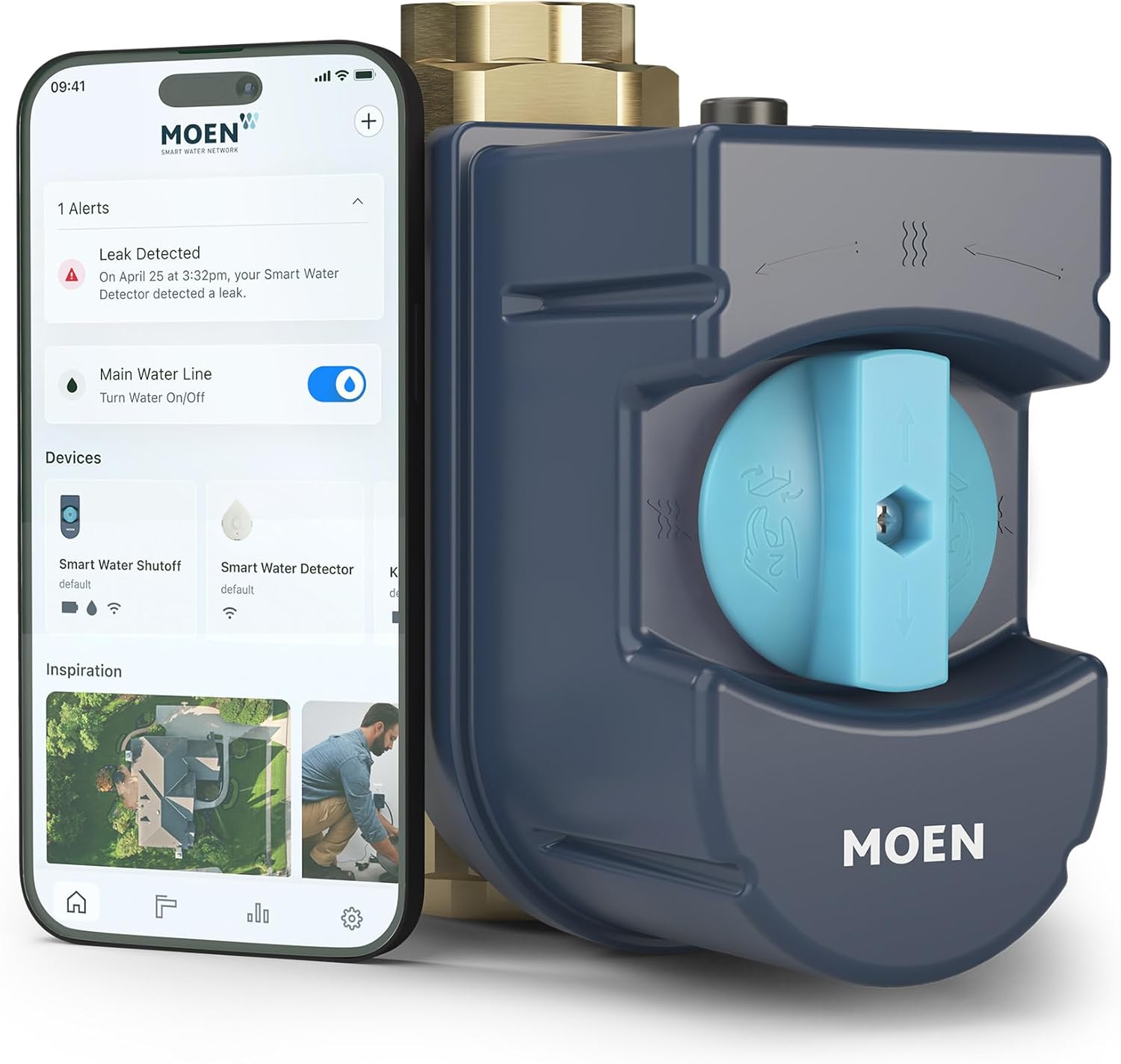
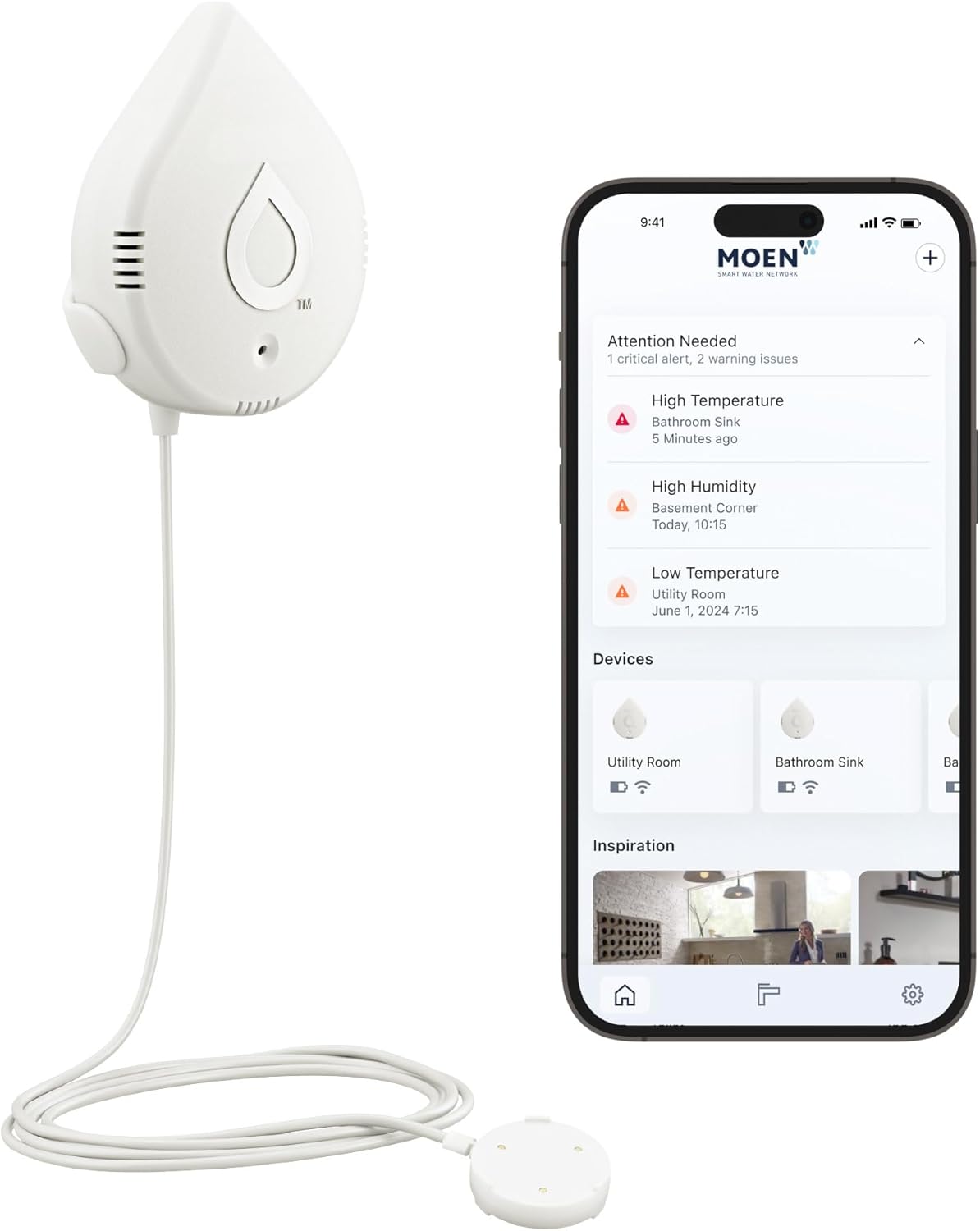
Why Does My Moen Flo Keep Shutting Off Water Unexpectedly?
- High flow-rate threshold exceeded (big legitimate draw)
- Long-duration threshold exceeded (long shower/fill)
- High-volume threshold exceeded (pool/tub fill, irrigation)
Problem Description
Your Moen Flo smart water shutoff valve is closing automatically and cutting water to the entire house when no leak is actually present. The Flo uses pressure monitoring and flow analysis to detect anomalies — and false shutoffs typically mean the system is interpreting normal household usage as a leak event. This happens most often after a FloSense learning period resets, when unusual appliances run overnight, or when system sensitivity is set too aggressively.
Why This Happens in Real Homes
Moen Flo shutting off the whole house when there's no leak is almost always a threshold trip: Flo watches flow rate, duration, and total volume, and closes the valve when a household draw crosses one of those limits. Filling a bathtub or pool, running a long shower, or a lengthy irrigation cycle can all look like a leak to those rules — a lot of water, for a long time, at a steady rate — even though it's completely intentional.
Check the app to see which threshold tripped and what was happening at the time. If it was a legitimate big draw, raise the corresponding limit (flow rate, duration, or volume) so normal events like a tub fill or irrigation don't trigger a shutoff, and when you know you're about to run a large draw, you can keep the water on from the app. A recent FloSense learning reset also makes Flo more trigger-happy until it re-learns your patterns, so give it time. Always rule out a genuine slow leak or a failed HealthTest first — but if usage is normal, the fix is tuning the thresholds, not disabling protection.
Symptoms
- Valve closes and cuts water to the house
- Unexpected shutoffs with no leak
- Water off when filling a tub/pool
- Shutoff during long showers
- Shutoffs after a learning reset
- Whole-house water cut
- Repeated automatic closures
- Shutoff while irrigating
Recognize these? Here's what usually causes it.
Common Causes
- High flow-rate threshold exceeded (big legitimate draw)
- Long-duration threshold exceeded (long shower/fill)
- High-volume threshold exceeded (pool/tub fill, irrigation)
- FloSense learning period reset
- Unusual overnight appliance run
- Sensitivity set too aggressively
- A genuine slow leak or failed HealthTest
- Away-mode strict limits
Most fixes happen in the first 3 steps.
Do not disable the Flo shutoff feature entirely as a workaround. If a real leak occurs while the shutoff is disabled, the Flo cannot protect your home. Use Manual Overrides and sensitivity adjustments instead. If the valve motor sounds strained or the device gets hot to the touch, contact Moen for a replacement immediately.
Tools & Requirements
Step-by-Step Solution
Check the Flo app event log for the specific shutoff reason
Open the Moen Smart Water app (or Flo by Moen app) and go to the device event history. Every shutoff has a logged reason: Small Leak Detected, High Flow, Usage Exceeded, or Pressure Drop. The reason tells you what the Flo interpreted as a problem. Most false shutoffs are logged as high flow or usage alerts — meaning the Flo saw water running longer or faster than its learned baseline and assumed a leak.
Set up Manual Override for irrigation schedules
If you have a sprinkler or irrigation system downstream of the Flo, it will trigger shutoffs because irrigation uses a lot of water for extended periods — exactly what a leak looks like to the Flo. In the app, go to Device Settings, then FloSense, then tap the + to Add a Manual Override. Set the override window to match your irrigation schedule (e.g., midnight to 6 AM if sprinklers run overnight). During the override window, the Flo monitors but does not auto-shutoff. Over time, FloSense learns from these manual overrides and adjusts its sensitivity for those periods.
Use Sleep Mode to learn your irrigation flow rate
If you are not sure what flow rate your irrigation uses, put the Flo in Sleep mode for 24 or 72 hours. During Sleep mode, the Flo monitors and logs flow data but does not trigger shutoffs. Run your irrigation system normally during this period. After Sleep mode ends, check the flow rate trends in the app. Use those numbers to set your Manual Override flow rate limits so the Flo knows what to expect during irrigation.
Consider installing the Flo before the irrigation takeoff
The ideal Flo installation is between your water main and the point where your irrigation line branches off from the house supply. If the Flo is installed after the branch point, it only monitors indoor plumbing and never sees irrigation flow. If the Flo is installed before the branch point (on the main line), it sees all water usage including irrigation, which is why it triggers on sprinkler events. If you are renovating or your plumbing layout allows it, moving the Flo downstream of the irrigation branch permanently eliminates irrigation false shutoffs.
Adjust FloSense sensitivity and flow limits
In the app, go to Device Settings, then FloSense. You can adjust: Flow Rate Limit (gallons per minute — increase this if irrigation draws more than the default), Water Usage Limit (total gallons per event — increase if irrigation runs a long cycle), and Duration Limit (how long water can flow before triggering — increase for long irrigation cycles). Set these higher than your irrigation peak usage. If you are unsure of the right values, the Sleep Mode data from the previous step gives you the actual numbers.
Do not disable the Flo entirely — use targeted overrides
Some users disable the Flo completely after repeated false shutoffs from irrigation. This removes your leak protection entirely, which defeats the purpose of the device. Instead, use Manual Overrides for irrigation windows and adjust FloSense sensitivity. This way, the Flo still protects against real leaks 24/7 but stops reacting to irrigation. If the false shutoffs continue after overrides and sensitivity adjustments, contact Moen support — they can access the faucet logs remotely and fine-tune the detection algorithm for your specific usage pattern.
Quick Solutions
Still having issues? This is usually the deeper cause below.
If this comes back after following these steps, check whether a recent app or firmware update reset a default setting — the fix works, but the setting gets reverted silently.
The most common cause of Moen Flo false shutoffs is an irrigation or sprinkler system on the same water line. Set up Manual Overrides in the app for your irrigation schedule. Also check for silently running toilets — a toilet flapper that leaks even slightly creates constant low flow that the Flo detects as a real leak. If you just installed the Flo, give FloSense at least two weeks of normal usage data before judging its accuracy — it learns your household patterns over time.
This issue almost always looks more complex than it is — the majority of cases trace back to a single setting, a stale credential, or a default that shipped wrong.
- High flow-rate threshold exceeded (big legitimate draw)
- Long-duration threshold exceeded (long shower/fill)
- High-volume threshold exceeded (pool/tub fill, irrigation)
- FloSense learning period reset
- Unusual overnight appliance run
Before you go — try one of these (they fix most cases).
Most popular upgrades chosen by Moen Flo Smart Water Monitor and Shutoff owners.

Moen 7864EVBG Sleek Smart Faucet Touchless Pull Down Spra...

Moen Belfield Chrome Smart Faucet Touchless Pull Down Spr...

Moen Align Chrome Smart Faucet Touchless Kitchen Faucet w...
As an Amazon Associate we earn from qualifying purchases.
Official Manufacturer Manual
Moen provides official product documentation through their online manual rather than downloadable PDF. Access setup guides, troubleshooting steps, and product specifications for your Moen Flo Smart Water Monitor and Shutoff.
Source: moen.com
Need More Help? Moen Support
Note: The contact information below connects you directly to Moen's official customer support team, not Trunetto. They can help with warranty claims, device replacements, and advanced technical issues.
Guide Improvements
- Updated June 19, 2026
Added irrigation/sprinkler false shutoff fix with Manual Override and FloSense tuning
What changed:- Added Manual Override scheduling step for irrigation windows
- Added Sleep Mode step for learning irrigation flow rates
- Added installation placement guidance — install Flo downstream of irrigation branch
- Added specific FloSense sensitivity adjustments for flow rate, usage, and duration limits
Source: User Feedback