

Why Will My Leviton Decora Smart Switch Not Connect to WiFi
- 2.4GHz disabled
- Phone on different SSID
- Weak signal in wall box
Problem Description
Decora smart switches fail to connect when the network is 5GHz only or the phone is on a different SSID. This guide reconnects the switch to 2.4GHz and resets WiFi.
Why This Happens in Real Homes
Decora smart switches fail to connect when the network is 5GHz only or the phone is on a different SSID. This guide reconnects the switch to 2.4GHz and resets WiFi. In day-to-day use, this usually looks like Switch flashing green; App cannot find the switch; Router uses dual-band.
Most cases trace back to 2.4GHz disabled; Phone on different SSID; Weak signal in wall box. The fix works best when you go step by step instead of changing multiple settings at once.
A practical order for this issue is: Confirm 2.4GHz -> Reset the Switch -> Check Signal -> Start App Setup. After each step, test the exact behavior that was failing so you can confirm what actually solved it.
Symptoms
- Switch flashing green
- App cannot find the switch
- Router uses dual-band
- Phone on 5GHz
- WiFi password correct
- Switch recently installed
Recognize these? Here's what usually causes it.
Common Causes
- 2.4GHz disabled
- Phone on different SSID
- Weak signal in wall box
- Switch not reset
- Router using WPA3 only
- App permissions blocked
Most fixes happen in the first 3 steps.
Do not wire the switch without a neutral if the model requires it. It will not power on.
Tools & Requirements
These tools will help you complete this fix.

Non-contact voltage tester
Neoteck Non-Contact AC Voltage Tester Pen, AC 12-100...

my leviton app
Leviton Decora Smart No-Neutral Dimmer & Wi-Fi Bridg...
As an Amazon Associate we earn from qualifying purchases.
Step-by-Step Solution
Confirm 2.4GHz
Leviton switches require 2.4GHz. Enable it on the router and connect the phone to that SSID.
Needed for this step
Leviton Decora Smart No-Neutral Dimmer & Wi-Fi ...
This helps complete the fix you are currently reading.
$51.68Reset the Switch
Hold the paddle until the LED blinks amber, then release to enter setup mode.
Check Signal
If the box is far from the router, move a mesh node closer or use a WiFi extender.
Start App Setup
In the My Leviton app, add a device and follow prompts until the switch joins WiFi.
Verify Control
Toggle the switch in the app and confirm on-off response within a second.
Quick Solutions
Still having issues? This is usually the deeper cause below.
This usually happens right after a router reboot or ISP change — the device rejoins the network but drops its cloud session silently.
Name the 2.4GHz SSID without special characters to avoid setup failures.
Most WiFi drop-offs happen right after a router reboot or ISP swap — the device reconnects to the network but silently loses its cloud registration.
- 2.4GHz disabled
- Phone on different SSID
- Weak signal in wall box
- Switch not reset
- Router using WPA3 only
Before you go — try one of these (they fix most cases).
Most popular upgrades chosen by Leviton Decora Smart Switch owners.

Leviton Decora Digital/Decora Smart Switch Color Change K...

Leviton Decora Digital/Decora Smart Switch Color Change K...

Leviton Decora Smart Switch Z-Wave 800 Series, ZW15S-1RW
As an Amazon Associate we earn from qualifying purchases.
Official Manufacturer Manual
Leviton provides official product documentation through their online manual rather than downloadable PDF. Access setup guides, troubleshooting steps, and product specifications for your Leviton Decora Smart Switch.
Source: leviton.com
Need More Help? Leviton Support
Note: The contact information below connects you directly to Leviton's official customer support team, not Trunetto. They can help with warranty claims, device replacements, and advanced technical issues.
Accessories owners commonly pair with Leviton Decora Smart Switch.
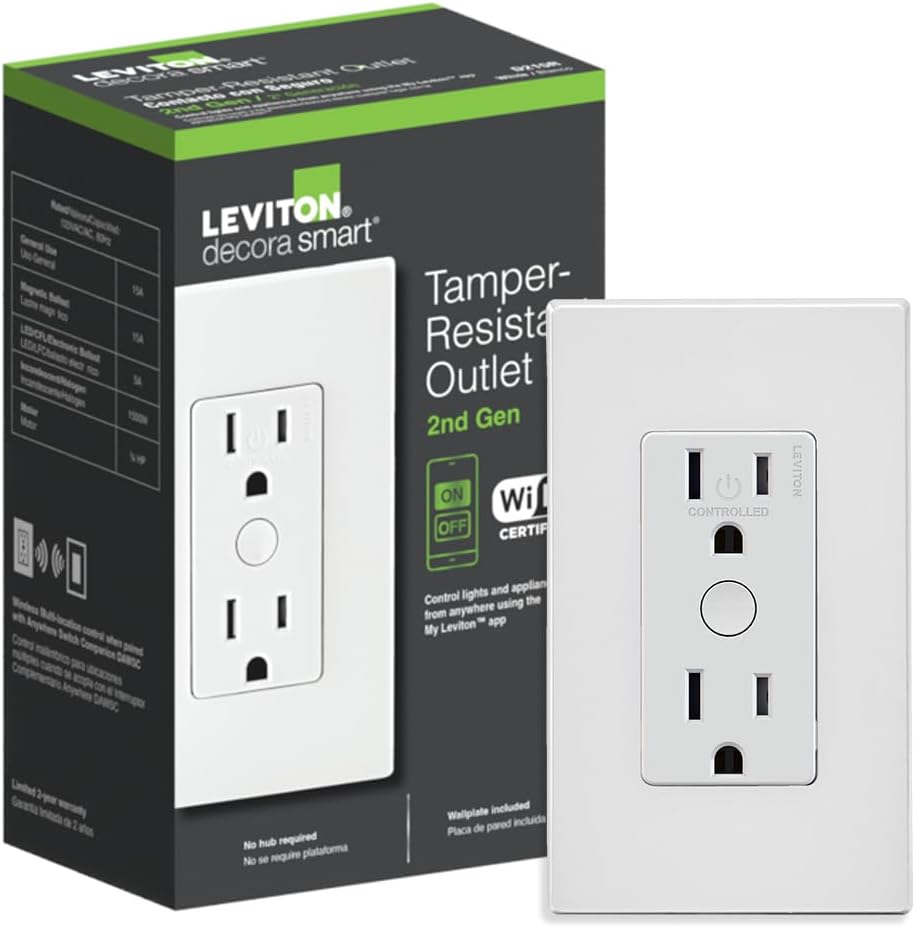
Leviton Decora Smart Outlet, Tamper-Resistant 15A, Wi-Fi ...

Leviton Decora Smart Plug, Wi-Fi 2nd Gen, Works with Matt...

Leviton Decora Smart Fan Speed Controller, Wi-Fi 2nd Gen,...
As an Amazon Associate we earn from qualifying purchases.


