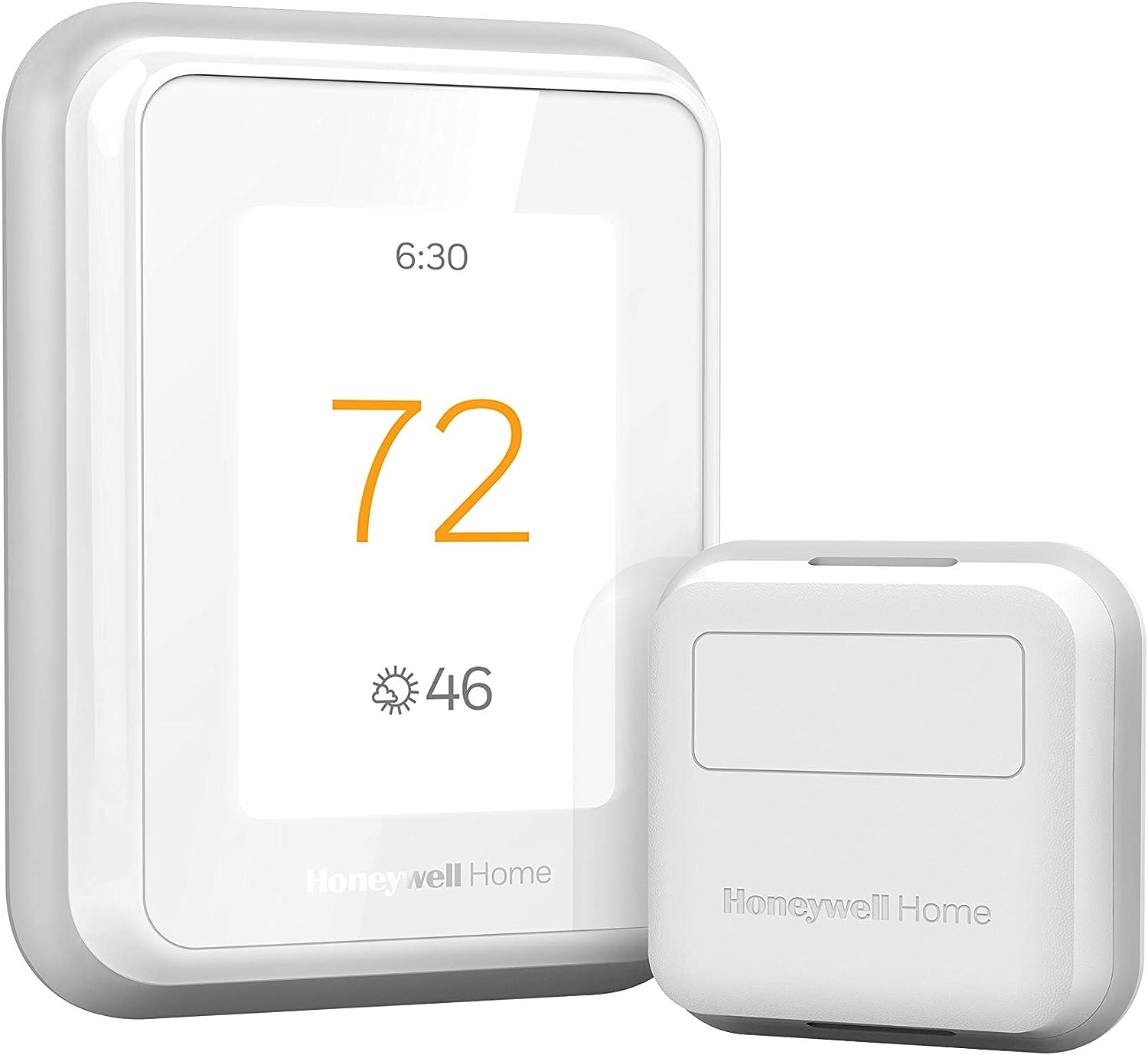
What Is Recovery Mode on My Honeywell Thermostat?
- Smart Response / Adaptive Intelligent Recovery is enabled (normal)
- Thermostat pre-conditioning ahead of a scheduled period
- Learning how long the system takes to reach setpoint
Problem Description
Your Honeywell thermostat shows "Recovery" on the screen and you're wondering what it means. Recovery is a normal, built-in feature — also called Smart Response or Adaptive Intelligent Recovery — where the thermostat starts heating or cooling early so the room reaches your next scheduled temperature exactly at the scheduled time, instead of only starting to change at that time. The thermostat learns how long your system takes and pre-conditions ahead of the schedule. This guide explains the behavior and how to turn it off if you'd rather it didn't run early.
Why This Happens in Real Homes
"Recovery" on a Honeywell thermostat is a feature, not a fault — it's the Smart Response (Adaptive Intelligent Recovery) function starting your heating or cooling early so the room actually reaches the next scheduled temperature at the scheduled time. Without it, a thermostat set to reach 70 at 6am wouldn't start warming until 6am and you'd be cold for the first half hour; with it, the thermostat learns how long your system takes and begins ahead of time, showing "Recovery" during that pre-conditioning window.
So seeing Recovery before a schedule period, with the system running "early," is exactly right. The bigger the scheduled temperature change, the earlier it starts. If you'd rather the system only run at the scheduled time (and accept reaching comfort a bit later), you can turn Smart Response / Adaptive Recovery off in the thermostat's settings or the Resideo app. Nothing about Recovery indicates a problem — it's the thermostat optimizing comfort around your schedule.
Symptoms
- Recovery showing on the screen
- System runs before the scheduled time
- Heating/cooling starts early
- Not sure what Recovery means
- Reaches temperature at the scheduled time
- Recovery appears before a schedule period
- Wondering if Recovery is a fault
- Want to disable early start
Recognize these? Here's what usually causes it.
Common Causes
- Smart Response / Adaptive Intelligent Recovery is enabled (normal)
- Thermostat pre-conditioning ahead of a scheduled period
- Learning how long the system takes to reach setpoint
- Large scheduled temperature change requiring an early start
- Recovery mistaken for a fault
- Feature left on by default
- Bigger setpoint jumps causing longer recovery
- Desire to have the room ready at the scheduled time
Most fixes happen in the first 3 steps.
Always turn off your HVAC system at the breaker before removing the thermostat or touching wires. Incorrect wiring can damage both the thermostat and your HVAC equipment resulting in expensive repairs. If unsure about wiring consult an HVAC technician.
Tools & Requirements
These tools will help you complete this fix.

As an Amazon Associate we earn from qualifying purchases.
Step-by-Step Solution
Understand what Recovery mode means
When a Honeywell thermostat displays Recovery, it means the thermostat has started the HVAC system early to reach the scheduled temperature by the scheduled time. This is not an error — it is a feature called Adaptive Intelligent Recovery. Example: your schedule says 72°F at 6:00 AM but the house cooled to 65°F overnight. The thermostat learns that your system takes 45 minutes to warm up 7 degrees, so it starts heating at 5:15 AM. Recovery appears on the screen during this pre-heating period.
Check if Recovery runs for too long
Normal Recovery periods last 30-90 minutes depending on how much heating/cooling is needed and your system capacity. If Recovery runs for 3+ hours and never reaches the target temperature, the HVAC system may be undersized for the temperature difference. For example, if you set the Away temperature to 60°F and the Home temperature to 72°F, a 12-degree swing can take hours on a cold day. Consider reducing the temperature difference between Away and Home to 5-7 degrees.
Disable Recovery if you prefer immediate scheduling
If you want the thermostat to start heating or cooling at the exact scheduled time (not early), you can turn off Adaptive Intelligent Recovery. On the T6 Pro: go to Menu > Preferences > Adaptive Recovery > Off. On the T9/T10: this setting is in the Resideo app under the thermostat settings > Schedule > Adaptive Recovery. With Recovery off, the thermostat sends the heat/cool signal at the scheduled time — your home will not be at the target temperature until the system catches up.
Optimize schedule to reduce Recovery time
If Recovery starts too early (waking you at 4 AM with the furnace running): reduce the temperature gap between your Sleep and Wake setpoints. Instead of Sleep at 62°F and Wake at 72°F, try Sleep at 66°F and Wake at 70°F. The smaller gap means less Recovery time needed. You save slightly less energy but avoid the long noisy pre-heat period. Also make sure your air filter is clean — a dirty filter reduces system capacity and makes Recovery take longer.
Check for a malfunctioning temperature sensor
If Recovery runs constantly and the thermostat never reports reaching the target temperature, the temperature sensor in the thermostat may be reading incorrectly. Place a separate thermometer next to the thermostat and compare readings after 15 minutes. If the thermostat reads 3+ degrees lower than the actual room temperature, the sensor is faulty. On the T6 Pro and T10 Pro, there is a temperature offset setting in Installer Settings that can compensate for minor discrepancies. For larger errors, the thermostat needs replacement.
Quick Solutions
Still having issues? This is usually the deeper cause below.
Schedules that skip randomly are usually a daylight-saving holdover — delete and recreate the schedule to clear the corrupted entry.
Use the thermostat energy reports to find patterns in your heating and cooling usage. Setting back the temperature just 3 degrees when you leave for work can save 5 to 10 percent on your annual energy bill without any comfort sacrifice.
Thermostat issues that keep returning are often caused by stale backup-battery memory holding old settings across power cycles without the user realising.
- Smart Response / Adaptive Intelligent Recovery is enabled (normal)
- Thermostat pre-conditioning ahead of a scheduled period
- Learning how long the system takes to reach setpoint
- Large scheduled temperature change requiring an early start
- Recovery mistaken for a fault
Before you go — try one of these (they fix most cases).
Most popular upgrades chosen by Honeywell Thermostat owners.

Honeywell Home RCHT9510WF T9 Smart Thermostat + Wall Plate

Honeywell Home X7B Smart Thermostat with Humidity Monitor...

Honeywell Home X7S Smart Thermostat with Advanced Occupan...
As an Amazon Associate we earn from qualifying purchases.
Official Manufacturer Manual
Honeywell Home provides official product documentation through their online manual rather than downloadable PDF. Access setup guides, troubleshooting steps, and product specifications for your Honeywell Thermostat.
Source: honeywellhome.com
Need More Help? Honeywell Home Support
Note: The contact information below connects you directly to Honeywell Home's official customer support team, not Trunetto. They can help with warranty claims, device replacements, and advanced technical issues.
How Does Honeywell Home Compare?
Before replacing your Honeywell Home device, see how it stacks up against alternatives in our full comparison guides.
Accessories owners commonly pair with Honeywell Thermostat.

As an Amazon Associate we earn from qualifying purchases.
Guide Improvements
- Updated July 9, 2026
Corrected the explanation of "Recovery" mode. The guide previously described it as the thermostat "not responding to commands" (a fault). Recovery is actually a normal feature — Smart Response / Adaptive Intelligent Recovery — where the thermostat starts heating or cooling early so the room reaches the next scheduled temperature at the scheduled time.
What changed:- Rewrote the problem description to define Recovery as Smart Response / Adaptive Intelligent Recovery, not a fault
- Corrected common causes to normal pre-conditioning ahead of a scheduled period and larger setpoint jumps
- Rewrote solutions to explain the behavior and how to disable early start via Smart Response/Adaptive Recovery settings
- Clarified that seeing Recovery before a schedule period is expected, not a malfunction
Source: Editorial Accuracy Review