

Why Is the Audio Out of Sync With Video on My Roku?
- TV/soundbar audio processing delay
- Audio mode mismatch (passthrough vs PCM)
- Receiver/soundbar in the chain adding delay
Problem Description
Audio on your Roku is noticeably ahead of or behind the video. Lips move before or after the matching dialogue is heard, and the lag worsens the longer you watch without pausing. This is caused by Dolby Atmos passthrough latency with a soundbar, TV motion processing adding video delay, or the Roku audio buffer falling behind during high-bitrate streams.
Why This Happens in Real Homes
Roku audio-sync problems usually come from the audio path rather than the Roku's video — a TV, soundbar, or AV receiver adds processing delay, or a mismatch between the Roku's audio format (Dolby passthrough vs PCM) and what the equipment handles cleanly. That's why sync can be fine on one app or setup and off on another.
Start with a restart of the Roku and the app, then in Settings > Audio try switching the audio mode (for example, from Dolby/passthrough to Stereo or PCM) to see if the drift clears. If a soundbar or receiver is in the chain, use its audio-delay/lip-sync adjustment, or test the TV speakers directly to isolate it. Reducing the TV's picture processing (a game or low-latency mode) also helps. Update the Roku software last.
Symptoms
- Audio ahead of or behind video
- Lip-sync off
- Sound doesn't match the picture
- Sync drifts over time
- Out of sync on some apps
- Sync off via receiver/soundbar
- Delay after switching apps
- Sync worse on certain content
Recognize these? Here's what usually causes it.
Common Causes
- TV/soundbar audio processing delay
- Audio mode mismatch (passthrough vs PCM)
- Receiver/soundbar in the chain adding delay
- Bitstream vs stereo setting
- App-specific sync issue
- TV picture processing latency
- Firmware/software glitch
- HDMI-ARC/optical timing
Most fixes happen in the first 3 steps.
Do not adjust soundbar delay during speech-heavy content. Use a scene with obvious physical impacts like clapping to accurately judge when audio and video are aligned.
Tools & Requirements
These tools will help you complete this fix.

Power adapter
JcBlaon Outlet Extender Surge Protector - 6 Outlet S...
As an Amazon Associate we earn from qualifying purchases.
Step-by-Step Solution
Disable Dolby Atmos and Test PCM
Go to Roku Settings then Audio then Audio Mode and change from Dolby Atmos or Auto to PCM Stereo. Dolby Atmos passthrough adds variable latency in the soundbar object-audio processor. PCM bypasses this for consistent fixed latency. If sync improves with PCM the issue is in the Atmos chain and you can adjust audio delay on the soundbar to compensate.
Adjust Soundbar Audio Delay
Open your soundbar settings and look for Audio Sync, A/V Sync, or Lip Sync Delay. Increase the delay in 10ms increments until audio aligns with video. Most TV and soundbar combinations with Roku need 50 to 150ms of compensation. Note the value once correct so you can restore it after any future reset.
Disable TV Motion Smoothing
Motion smoothing features like Auto Motion Plus or TruMotion add 50 to 100ms of video latency making audio appear early. Go to TV picture settings and disable all motion improvement and frame interpolation features. Retest Roku sync before adjusting any soundbar delay settings so you are not compensating twice.
Clear Roku Cache
On the Roku remote press Home 5 times then Up once then Rewind twice then Fast Forward twice. This initiates a full memory clear and cache flush. For persistent sync issues unplug the Roku power adapter for 30 seconds rather than restarting to fully reset the audio processor to its initial clean state.
Needed for this step
JcBlaon Outlet Extender Surge Protector - 6 Out...
This helps complete the fix you are currently reading.
$9.99Update Roku Firmware
Go to Settings then System then System Update and install any available updates. Several past Roku firmware versions had known audio sync bugs affecting Dolby Digital Plus on Netflix and Prime Video. After updating a firmware release retest the specific apps that had the worst sync issues as app-specific fixes are often included.
Quick Solutions
Still having issues? This is usually the deeper cause below.
If pairing fails after multiple attempts, the device may still be registered to a previous account — factory-reset it before trying to add it to a new one.
If using HDMI ARC try switching to optical audio output from TV to soundbar. Optical has lower and more consistent latency than HDMI ARC on many TV models.
Pairing failures almost always come down to distance during the initial handshake — manufacturers seriously understate how close you actually need to be.
- TV/soundbar audio processing delay
- Audio mode mismatch (passthrough vs PCM)
- Receiver/soundbar in the chain adding delay
- Bitstream vs stereo setting
- App-specific sync issue
Before you go — try one of these (they fix most cases).
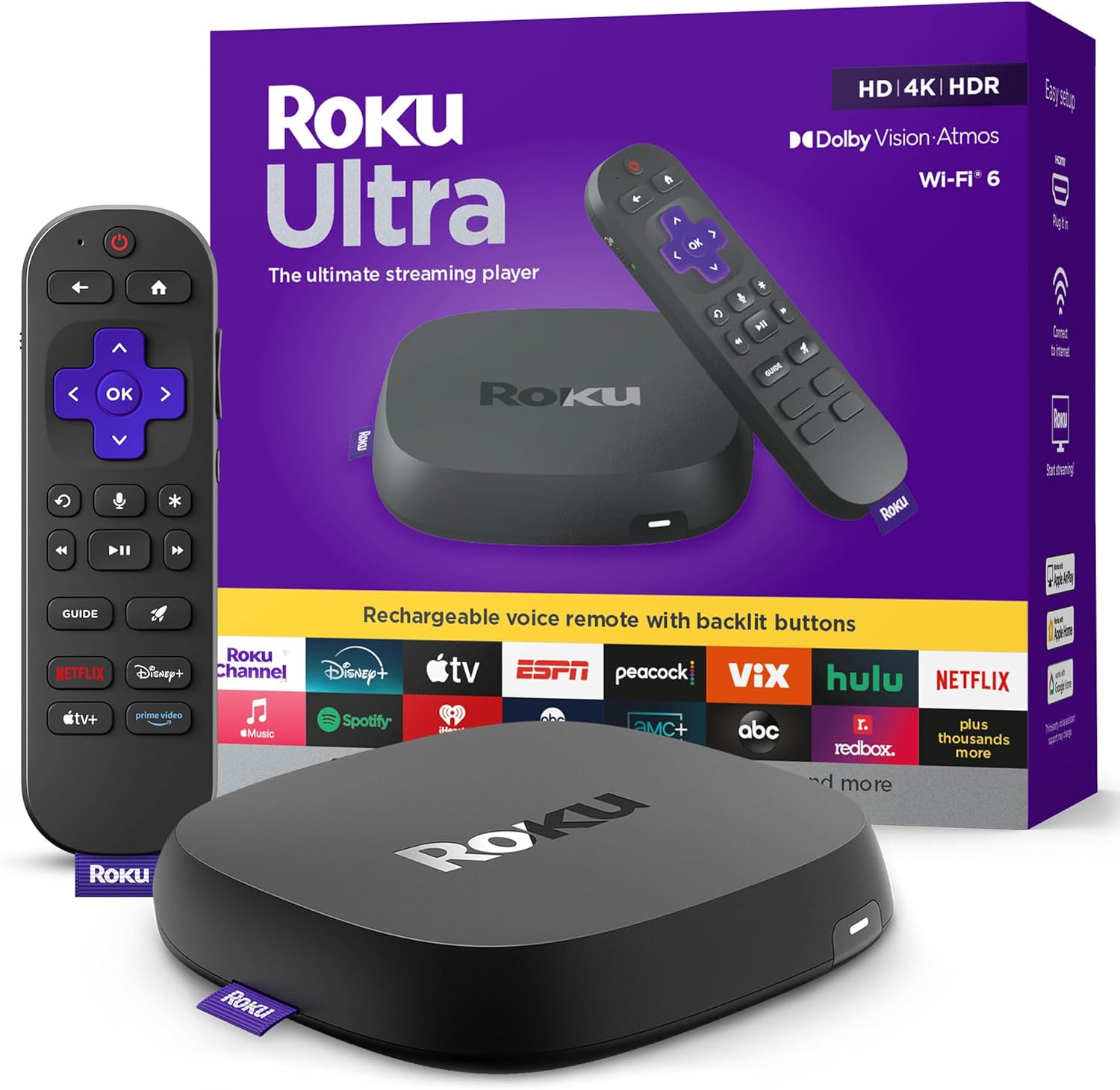
Most popular upgrades chosen by Roku Streaming Player owners.
As an Amazon Associate we earn from qualifying purchases.
Official Manufacturer Manual
Roku provides official product documentation through their online manual rather than downloadable PDF. Access setup guides, troubleshooting steps, and product specifications for your Roku Streaming Player.
Source: support.roku.com
Need More Help? Roku Support
Note: The contact information below connects you directly to Roku's official customer support team, not Trunetto. They can help with warranty claims, device replacements, and advanced technical issues.


