

What Does Roku Error 022 Mean and How Do I Fix Wireless Receiver Not Detected?
- USB wireless receiver not seated
- Receiver dongle loose or removed
- Receiver hardware fault
Problem Description
Roku Error 022 means the long-range wireless receiver cable is missing, replaced with a generic USB cable, or not seated correctly. The stick powers on but cannot use the intended receiver path. This is a hardware-connection issue, not a channel or account problem.
Why This Happens in Real Homes
Roku Error 022 means the device can't detect its long-range wireless receiver — the small USB dongle some Roku models use for accessories like the wireless remote or private-listening receiver. So it's usually a physical connection issue: the dongle isn't seated, or the receiver hardware has failed.
Reseat the wireless receiver firmly in its USB port (and try another port if the device has one), then restart the Roku. Update the software to rule out a firmware glitch, and inspect the dongle for damage. If a properly seated, undamaged receiver still isn't detected after a restart, the receiver hardware is likely faulty and Roku support can help with a replacement.
Symptoms
- Error 022: wireless receiver not detected
- Long-range receiver missing
- Remote/accessory not detected
- 022 on startup
- Receiver dongle issue
- Private-listening dongle not found
- Receiver hardware error
- Accessory not recognized
Recognize these? Here's what usually causes it.
Common Causes
- USB wireless receiver not seated
- Receiver dongle loose or removed
- Receiver hardware fault
- USB port issue on the device
- Firmware glitch
- Damaged receiver
- Setup step missed
- Power/connection issue
Most fixes happen in the first 3 steps.
Do not spend time resetting Roku if a generic USB cable is attached because the receiver hardware path will remain missing.
Tools & Requirements
Step-by-Step Solution
Verify cable type and model compatibility
Confirm you are using the Roku USB cable with the built-in long-range wireless receiver, not a generic power-only USB cable. Error 022 is specifically tied to missing receiver hardware path. Cable type is the first and most important check.
Reconnect receiver cable and power path
Unplug the stick and receiver cable, inspect for bent pins or wear, then reconnect firmly. Attach the other end to a stable power source and boot again. Loose seating is a common cause when wiring was recently moved or cleaned behind the TV.
Remove unsupported third-party accessories
If a third-party splitter, extender, or non-OEM USB cable is in the path, remove it during testing. Some accessories can power the stick but do not carry the wireless receiver function needed to clear Error 022 and restore network setup.
Test with OEM replacement if needed
If the original cable is lost or damaged, use a compatible Roku replacement receiver cable. Generic USB cables will not resolve this error. After replacing, restart the device and proceed through network setup again.
Validate setup completion and signal
Once Error 022 is cleared, run full network setup and verify channel launch works normally. If network still fails after proper receiver cable install, continue with standard Wi-Fi troubleshooting, but treat cable path as resolved.
Quick Solutions
Still having issues? This is usually the deeper cause below.
If the sensor still misses events after repositioning, check whether a scheduled 'home' or 'away' mode is overriding the sensitivity setting silently.
For Error 022, always verify the original long-range wireless receiver cable before any software troubleshooting.
This issue almost always looks more complex than it is — the majority of cases trace back to a single setting, a stale credential, or a default that shipped wrong.
- USB wireless receiver not seated
- Receiver dongle loose or removed
- Receiver hardware fault
- USB port issue on the device
- Firmware glitch
Before you go — try one of these (they fix most cases).
Most popular upgrades chosen by Roku Streaming Stick Wireless Receiver Cable owners.
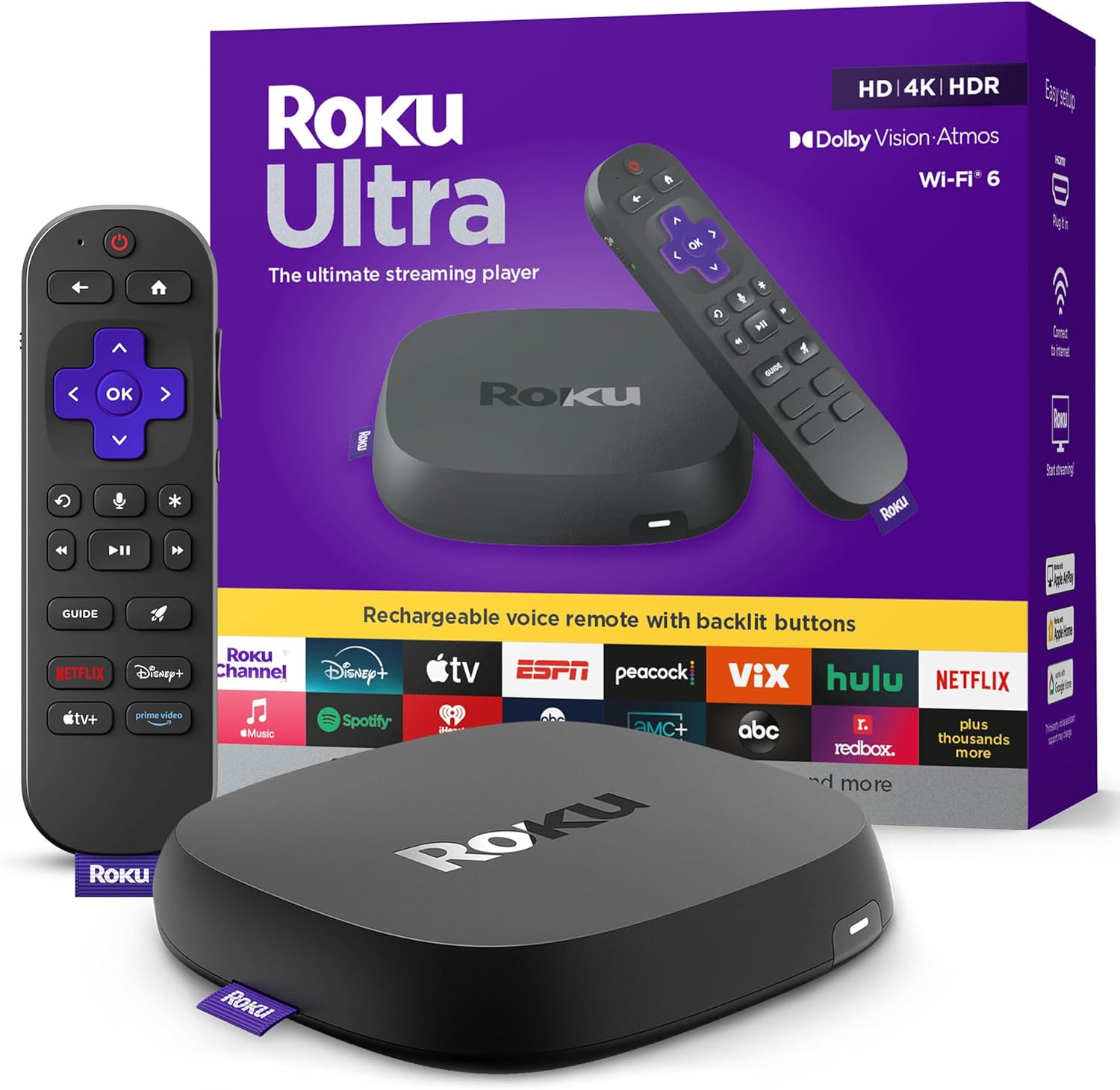
Roku Ultra - Ultimate Streaming Player - 4K Streaming Dev...

Roku Streaming Stick 4K - HDR & D. Vision Roku Streaming ...
As an Amazon Associate we earn from qualifying purchases.
Official Manufacturer Manual
Roku provides official product documentation through their online manual rather than downloadable PDF. Access setup guides, troubleshooting steps, and product specifications for your Roku Streaming Stick Wireless Receiver Cable.
Source: support.roku.com
Need More Help? Roku Support
Note: The contact information below connects you directly to Roku's official customer support team, not Trunetto. They can help with warranty claims, device replacements, and advanced technical issues.
Accessories owners commonly pair with Roku Streaming Stick Wireless Receiver Cable.

SANDISK 64GB Extreme microSDXC UHS-I Memory Card with Ada...

SANDISK 32GB (Pack of 2) Ultra microSDHC UHS-I Memory Car...

SANDISK 128GB Ultra microSDXC UHS-I Memory Card with Adap...
As an Amazon Associate we earn from qualifying purchases.


