

Why Won't My Roborock Dock Wash the Mop Pad Properly?
- Dirty water tank full and needs emptying
- Clean water tank empty and needs refilling
- Dock washing plate dirty with dried mud or debris
Problem Description
Your Roborock auto-wash dock station is not properly cleaning the mop pad when the robot returns. The pad comes out of the wash cycle still dirty stained or smelling bad. The dock may run through washing motion but the pad is no cleaner. Dirty water may not drain properly or fresh water is not dispensed. This means the robot spreads dirty water across floors on subsequent passes instead of cleaning with a fresh pad.
Symptoms
- Mop pad still dirty and stained after dock washing cycle
- Dock makes washing sounds but pad unchanged
- Dirty water tank fills up abnormally fast
- Clean water tank not emptying during wash cycles
- Foul odor coming from dock station
- Dock error light indicating water system problem
Recognize these? Here's what usually causes it.
Common Causes
- Dirty water tank full and needs emptying
- Clean water tank empty and needs refilling
- Dock washing plate dirty with dried mud or debris
- Mop pad too old and stains are permanently set
- Water inlet or outlet channels clogged
- Dock brush or scrubbing mechanism jammed
Most fixes happen in the first 3 steps.
Never add bleach vinegar or concentrated cleaning solutions to the dock water tank. Chemical cleaners damage internal rubber seals and pump mechanisms voiding your warranty.
Tools & Requirements
These tools will help you complete this fix.
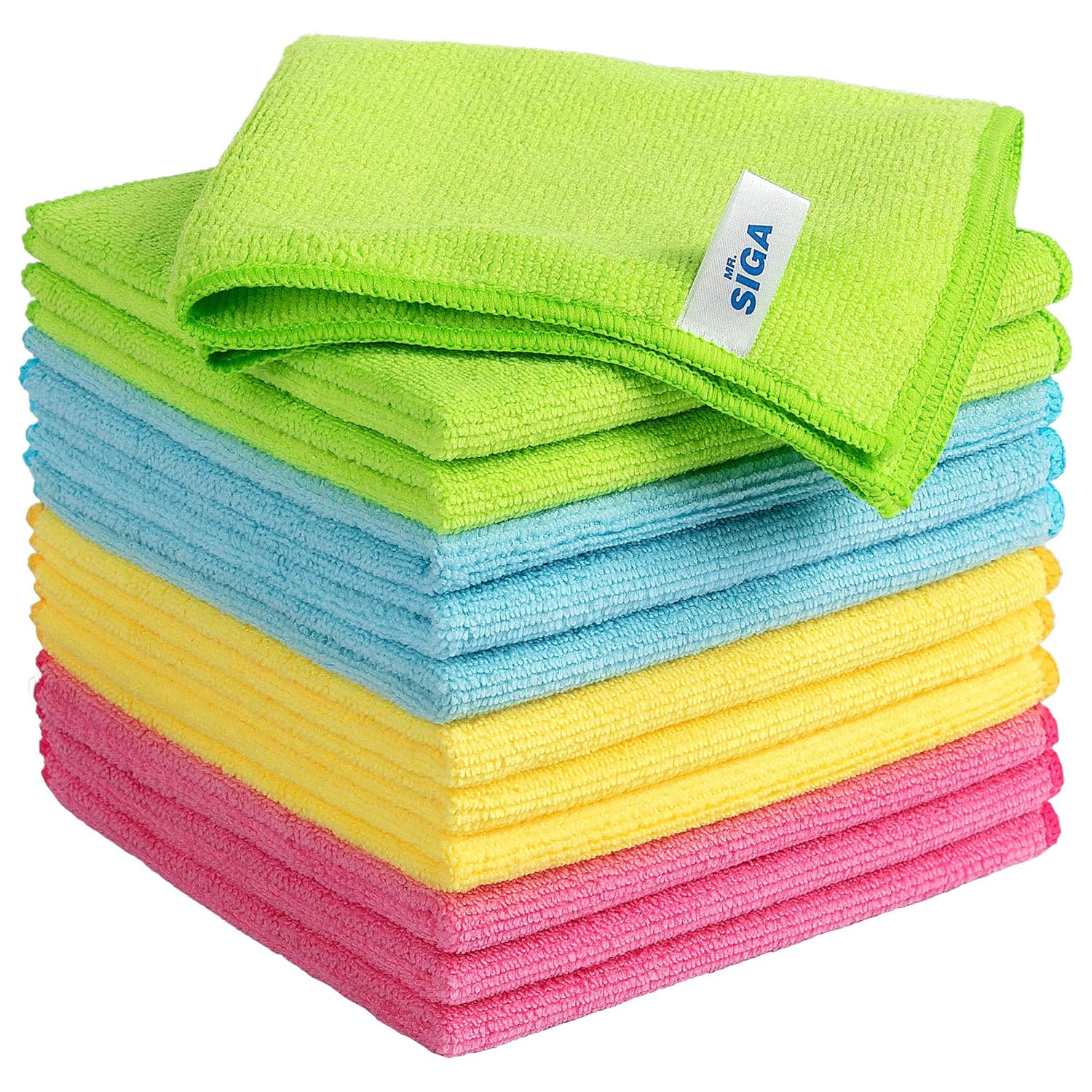
Clean microfiber cloth
MR.SIGA Microfiber Cleaning Cloth,Pack of 12,Size:12...

Cleaning brush
OXO Grips Electronics Cleaning Brush
As an Amazon Associate we earn from qualifying purchases.
Step-by-Step Solution
Check dock water tanks and seating
Confirm clean-water and dirty-water tanks are filled/emptied correctly and seated firmly. Improper tank seating is a common cause of failed mop-wash cycles.
Needed for this step
MR.SIGA Microfiber Cleaning Cloth,Pack of 12,Si...
$13.99Inspect wash tray and drain path
Clean debris, hair, and sludge from the wash tray and drainage path. Blocked flow prevents proper wash circulation and leaves pads uncleaned.
Verify dock cleaning schedule settings
Review Roborock app settings for mop wash frequency and dock behavior during jobs. Incorrect cycle configuration can make normal operation appear like dock failure.
Needed for this step
OXO Grips Electronics Cleaning Brush
$9.99Run manual dock wash test
Trigger a manual mop wash from the app and observe water intake/output behavior. Direct testing isolates dock function independently from full cleaning workflows.
Update firmware and service persistent pump faults
Apply firmware updates to robot and dock, then retest manual wash. If no circulation occurs after maintenance, the dock pump or valve assembly may need service.
Quick Solutions
Still having issues? This is usually the deeper cause below.
If the robot returns to the dock mid-clean, moved furniture may have invalidated its map — a fresh floor scan resolves the majority of navigation failures.
Run the dock self-cleaning maintenance cycle from the Roborock app weekly. This flushes internal water channels and scrubs the wash plate preventing buildup that degrades mop washing.
Robot vacuums that 'stop working' are usually fighting a corrupted map from moved furniture — a fresh floor scan fixes the majority of reported failures.
- Dirty water tank full and needs emptying
- Clean water tank empty and needs refilling
- Dock washing plate dirty with dried mud or debris
- Mop pad too old and stains are permanently set
- Water inlet or outlet channels clogged
Before you go — try one of these (they fix most cases).
Official Manufacturer Manual
Roborock provides official product documentation through their online manual rather than downloadable PDF. Access setup guides, troubleshooting steps, and product specifications for your Roborock Dock Station.
Source: roborock.com
Need More Help? Roborock Support
Note: The contact information below connects you directly to Roborock's official customer support team, not Trunetto. They can help with warranty claims, device replacements, and advanced technical issues.
How Does Roborock Compare?
Before replacing your Roborock device, see how it stacks up against alternatives in our full comparison guides.


