

Why Does My Roborock Mop Leave Streaks and Not Clean Properly
- Mop pad is dirty — either not washed between uses or dock not washing effectively
- Too much cleaning solution in the water tank causing sticky residue streaks
- Water flow set too high for the floor type creating pooling and drag marks
Problem Description
Your Roborock mop leaves visible streaks, water marks, or dirty lines on hard floors instead of cleaning them. This is the most common mopping complaint across all Roborock models with mop functionality: S7, S7 MaxV, S7 Max Ultra, S8, S8 Pro Ultra, S8 MaxV Ultra, Q Revo, and Q Revo Pro. The Roborock mop system uses a vibrating or rotating mop pad that scrubs the floor while a water tank dispenses solution. Streaks happen when the pad is dirty, the water flow is wrong, or the mop pad is not making proper contact with the floor. Models with auto-mop washing docks (S7 MaxV Ultra, S8 Pro Ultra, Q Revo) can develop streaks when the dock itself is not washing the pad effectively between rooms.
Why This Happens in Real Homes
Mop streaks are the most searched Roborock mopping issue. The two primary causes — dirty pad and too much cleaner — account for roughly 80% of cases. Users with auto-wash docks often assume the dock keeps the pad clean indefinitely, but the dock water tank needs regular emptying and the base tray needs manual washing. Users switching from manual mopping to a robot are often surprised that less cleaning solution gives better results because the robot does not rinse the floor after application.
Symptoms
- Visible wet streaks left behind after mopping — floor looks worse than before
- Mop leaves dirty brown or grey water lines on light-colored floors
- Floor is streaky near walls and edges but clean in the middle of rooms
- Mop pad dries out mid-clean and drags dry dirt across the floor
- Floors feel sticky or have a film after Roborock mops
- Streaks only appear on certain floor types like sealed hardwood or porcelain tile
- Mop starts clean but streaks get worse as the robot cleans more rooms
- Auto-mop wash dock leaves pad dirty and streaks transfer to the next room
Recognize these? Here's what usually causes it.
Common Causes
- Mop pad is dirty — either not washed between uses or dock not washing effectively
- Too much cleaning solution in the water tank causing sticky residue streaks
- Water flow set too high for the floor type creating pooling and drag marks
- Mop pad worn out — microfiber has lost absorption and scrubbing ability after 3-6 months
- Robot vacuumed and mopped simultaneously but heavy debris smeared under the wet pad
- Auto-mop dock water tank dirty — washing the pad with dirty water
- Mop pad not seated properly on the mounting plate causing uneven pressure
- Floor has old wax or sealant buildup that the mop redistributes into visible streaks
Most fixes happen in the first 3 steps.
Do not use bleach, ammonia, or oil-based cleaners in the Roborock water tank. These chemicals can damage the water pump, degrade the tubing, and leave residue that is extremely difficult to remove from the tank. Stick to water, vinegar (diluted), or Roborock branded floor cleaning solution.
Tools & Requirements
These tools will help you complete this fix.
As an Amazon Associate we earn from qualifying purchases.
Step-by-Step Solution
Start with a clean mop pad — wash or replace it
The single most common cause of mop streaks is a dirty pad. If you do not have an auto-wash dock, remove the mop pad after every use and machine wash it with warm water — no fabric softener, which coats the fibers and reduces absorption. If you have an auto-wash dock (S7 MaxV Ultra, S8 Pro Ultra, Q Revo), check that the dock is actually washing the pad: after a cleaning run, remove the pad and inspect it. If it is still visibly dirty, the dock wash function is not working properly — more on this in step 5. Replace mop pads every 3-6 months. Worn microfiber pads lose their scrubbing texture and just push water around instead of lifting dirt. New pads are inexpensive — Roborock sells 2-packs for about $15.

Needed for this step
MR.SIGA Microfiber Cleaning Cloth,Pack of 12,Si...
This helps complete the fix you are currently reading.
$13.99Reduce cleaning solution to almost nothing
The number two cause of streaks is too much cleaning solution. Most floor cleaners leave a residue when used in excess — and the Roborock mop water tank is small, so even a few drops of concentrated cleaner is too much. Try mopping with plain water first. If streaks disappear with plain water, the cleaner was the problem. If you want to add a cleaner, use Roborock official floor cleaning solution (designed for low-residue) or add literally 1-2 drops of dish soap or vinegar per full tank. Never fill the tank with pre-mixed floor cleaner at full concentration — the Roborock does not rinse after mopping, so any residue stays on the floor and dries into visible film.
Adjust water flow for your floor type
In the Roborock app, set the mop water flow level. For sealed hardwood, bamboo, or laminate: use Low. These floors show water marks easily and excess moisture can damage the sealant over time. For porcelain tile, stone, or vinyl: use Medium to High. These floors need more water to dissolve dried-on grime. For the S7 and S8 series with sonic vibration mopping, Low water with high vibration gives the best streak-free result on hardwood. For the Q Revo with dual rotating pads, Medium water is usually best. Test one room at each setting and check for streaks after the floor dries — streaks are often invisible when wet and only appear after 5-10 minutes of drying.
Vacuum first, then mop as a separate pass
Running vacuum and mop simultaneously is convenient but causes streaks on dirty floors. The vacuum picks up most loose debris, but fine dust and small particles get pushed into the wet mop pad and smeared across the floor. For the cleanest result, run a vacuum-only pass first, then follow with a mop-only pass. In the Roborock app, you can set up custom cleaning routines that vacuum first and mop second. For the S8 Pro Ultra and Q Revo, the mop can auto-lift during vacuum mode and auto-lower for mopping — enable this feature so the mop pad stays clean during the vacuum pass. On models without mop lift (S7, S5 Max), remove the mop module for the vacuum pass.
Clean the auto-wash dock to prevent dirty pad recycling
If you have an auto-mop washing dock and streaks are getting worse over time, the dock water is dirty. The dock washes the mop pad in a small basin with clean water, but that water gets dirty quickly. Empty the dirty water tank after every 2-3 cleaning sessions. Refill the clean water tank with fresh water. Remove the dock base tray and wash it in the sink — grime builds up on the wash rollers and tray surface, and the pad absorbs this grime during washing and then transfers it to your floors. On the S8 Pro Ultra dock, also clean the pad-drying vent — if the pad is not dried properly between uses, bacteria grow and cause an odor that transfers to the floor along with streaks.
Check mop pad attachment and pressure
The mop pad must be fully seated on the mounting plate for even floor contact. On the S7 and S8 with the sonic vibration mop, the pad attaches via a hook-and-loop (Velcro) surface on the vibrating plate. Peel the pad off and reattach it, pressing firmly across the entire surface. If the Velcro on the plate is worn and the pad slides or bunches during mopping, replace the mounting plate. On the Q Revo with dual spinning pads, check that both pads are snapped onto their spindles firmly — a loose pad creates uneven pressure and streaks on one side. If only one pad streaks, that pad or spindle has an attachment issue.
Deep clean the floor to remove old residue
If you have been mopping with too much cleaner for weeks or months, there may be a residue layer on the floor that the Roborock is redistributing into streaks. No amount of Roborock mopping will fix this — you need to deep clean the floor once by hand. Mix a solution of 1 cup white vinegar per gallon of warm water. Mop the floor by hand with this solution, then follow with a clean water rinse. Let it dry completely. After this deep clean, the Roborock should mop streak-free with plain water. Going forward, use minimal or no cleaning solution in the Roborock tank.
Quick Solutions
Still having issues? This is usually the deeper cause below.
If the robot returns to the dock mid-clean, moved furniture may have invalidated its map — a fresh floor scan resolves the majority of navigation failures.
For the absolute best results on hardwood floors, use the Roborock on Low water with a fresh pad, and mop the same direction as the wood grain by setting up room-specific cleaning paths in the app. Microfiber pads work better than disposable pads for streak-free mopping. If you mop daily, you can get away with plain water most of the time — daily mopping prevents the dirt buildup that makes cleaning solution necessary.
Over-saturation complaints spike in humid conditions — ambient humidity causes the mop pad to hold more water, compounding the pump output on the same flow setting.
- Mop pad is dirty — either not washed between
- Too much cleaning solution in the water tank
- Water flow set too high for the floor type
- Mop pad worn out — microfiber has lost absorption
- Robot vacuumed and mopped simultaneously but heavy debris smeared
Before you go — try one of these (they fix most cases).
Most popular upgrades chosen by Roborock Robot Vacuum owners.

roborock 2 Pack Microfiber Mop Cloths for Q7 M5, Q7 M5+, ...
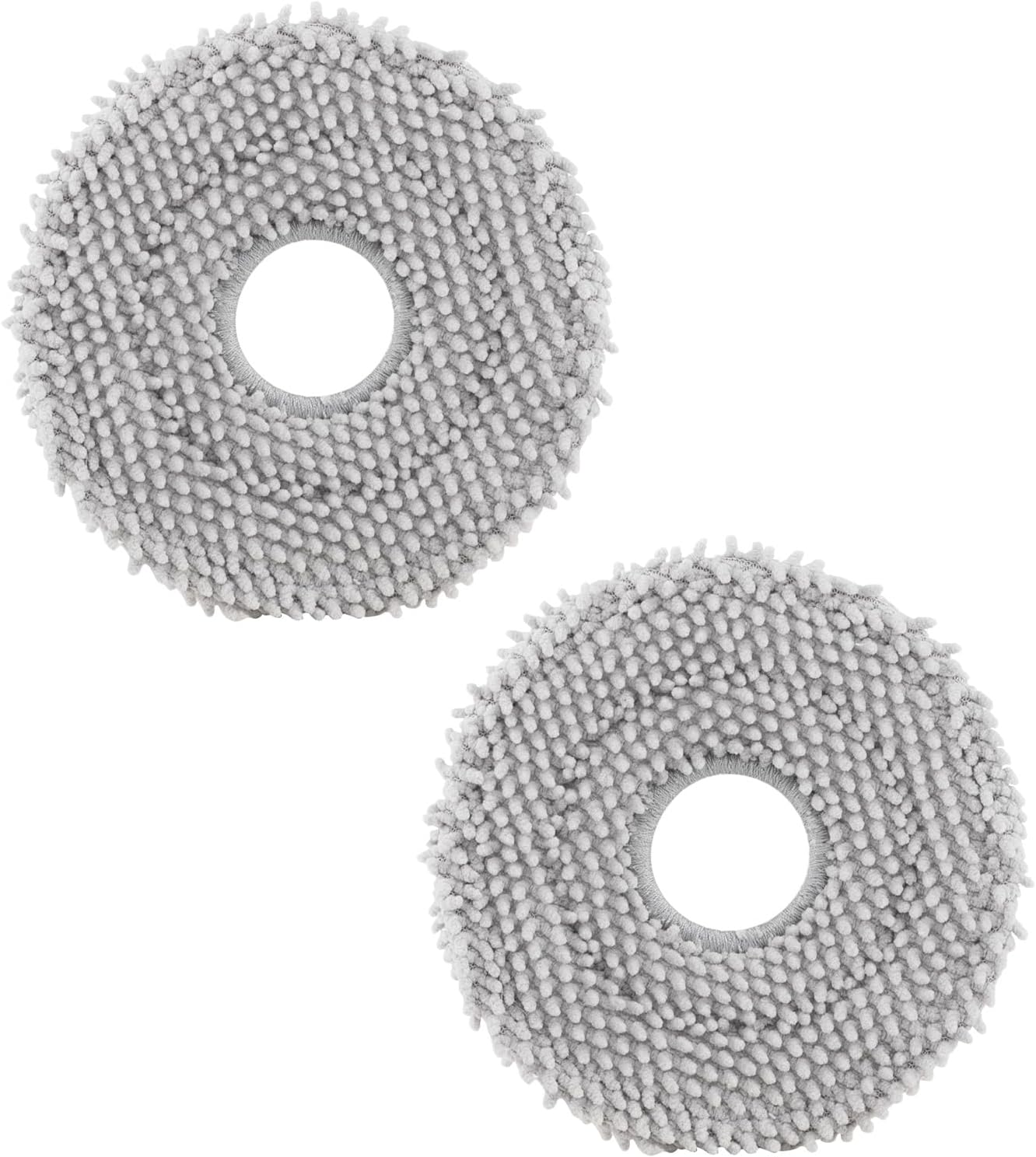
roborock 4 Pack Microfiber Mop Cloths for Q Revo, Qrevo M...

roborock 4 Pack Microfiber Mop Cloths for QV 35A/QV 35S/Q...
As an Amazon Associate we earn from qualifying purchases.
Official Manufacturer Manual
Roborock provides official product documentation through their online manual rather than downloadable PDF. Access setup guides, troubleshooting steps, and product specifications for your Roborock Robot Vacuum.
Source: support.roborock.com
Need More Help? Roborock Support
Note: The contact information below connects you directly to Roborock's official customer support team, not Trunetto. They can help with warranty claims, device replacements, and advanced technical issues.
How Does Roborock Compare?
Before replacing your Roborock device, see how it stacks up against alternatives in our full comparison guides.
Guide Improvements
- Updated June 18, 2026
Expanded to comprehensive streaks guide with model-specific content for S7, S8, and Q Revo — covers auto-wash dock maintenance, cleaning solution guidelines, and floor-type-specific settings
Source: Internal review update


